Add Text to Photos - Typorama

Add Text to Photos - Typorama


Download on App Store
Logo of Add Text to Photos - Typorama

Add Text to Photos - Typorama: Create Professional Social Media Content in Seconds

Elevate your brand with stunning typography, 3D effects, and instant presets for Instagram, YouTube, and LinkedIn—perfect results without the design degree.

Publisher

CONTENT ARCADE DUBAI LTD FZE

Category

Photo & Video

Downloads

184K+

User Rating

4.5/5

Total Ratings

1K+

Locales

34

Visuals That Speak

Discover the interface used by 184K+ users.
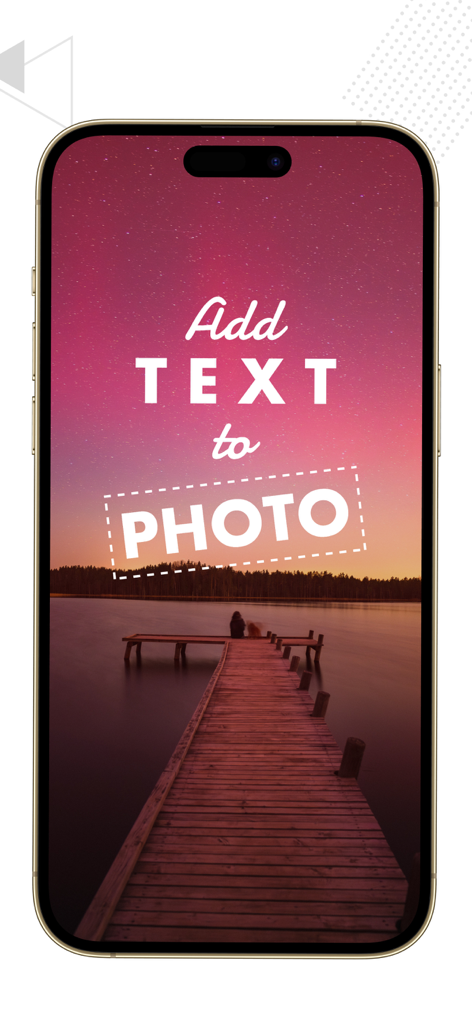
iPhone screen showing stylized text overlays on a scenic sunset photo

iPhone screen showing stylized text overlays on a scenic sunset photo

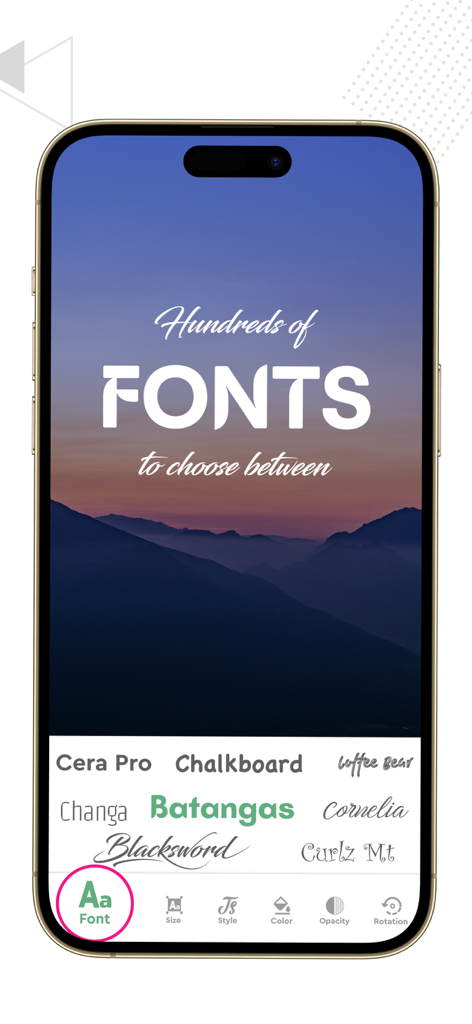
Interface of the Typorama app showing a variety of fonts to choose from over a mountain background image

Interface of the Typorama app showing a variety of fonts to choose from over a mountain background image

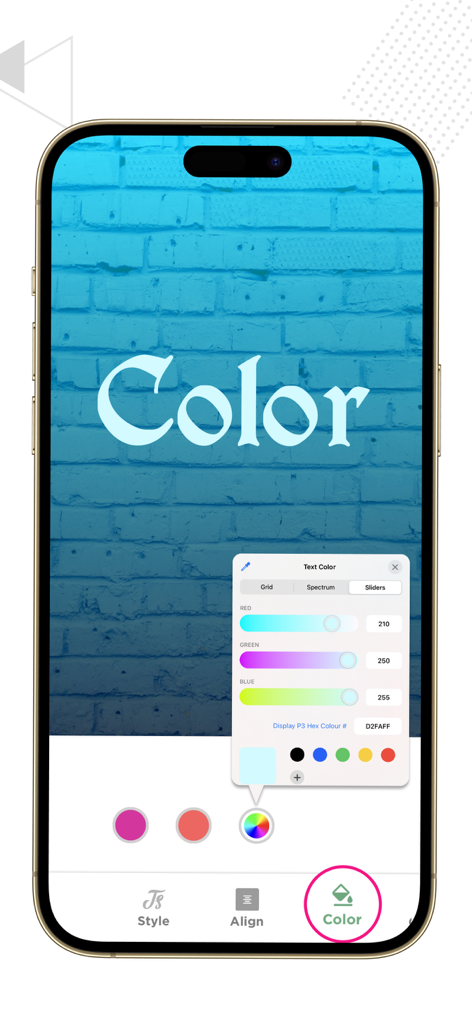
Smartphone screen showing the Typorama app color editor with RGB sliders and a color palette to customize text on a blue brick background.

Smartphone screen showing the Typorama app color editor with RGB sliders and a color palette to customize text on a blue brick background.

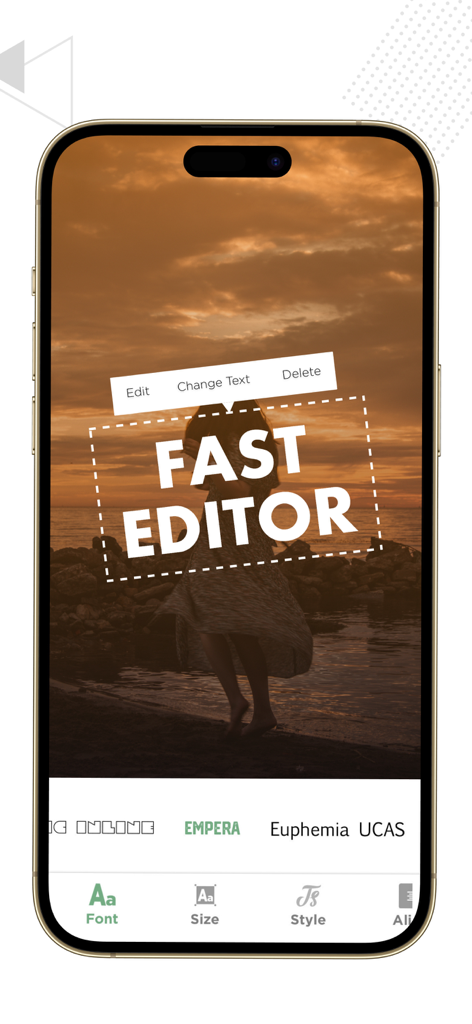
Mobile app interface for adding bold text overlays to a sunset photo using Typorama.

Mobile app interface for adding bold text overlays to a sunset photo using Typorama.

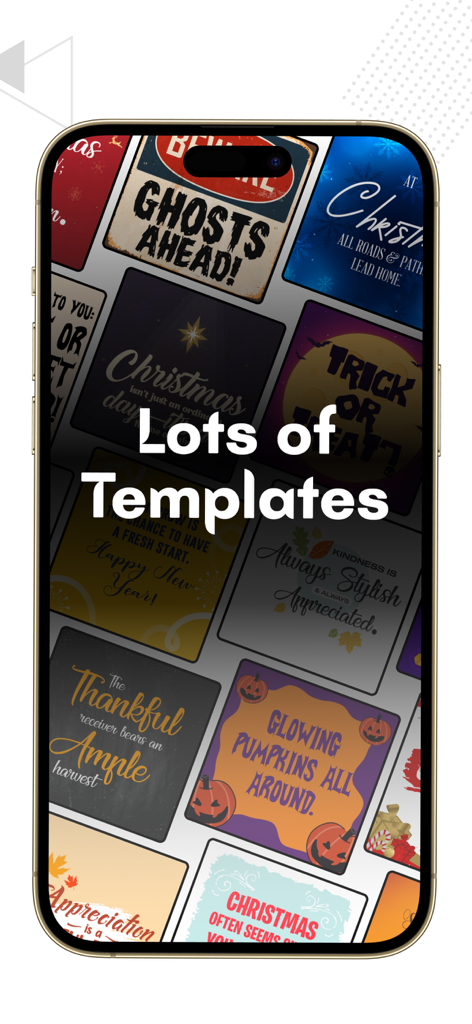
A variety of colorful text design templates for social media posts shown on a smartphone screen

A variety of colorful text design templates for social media posts shown on a smartphone screen

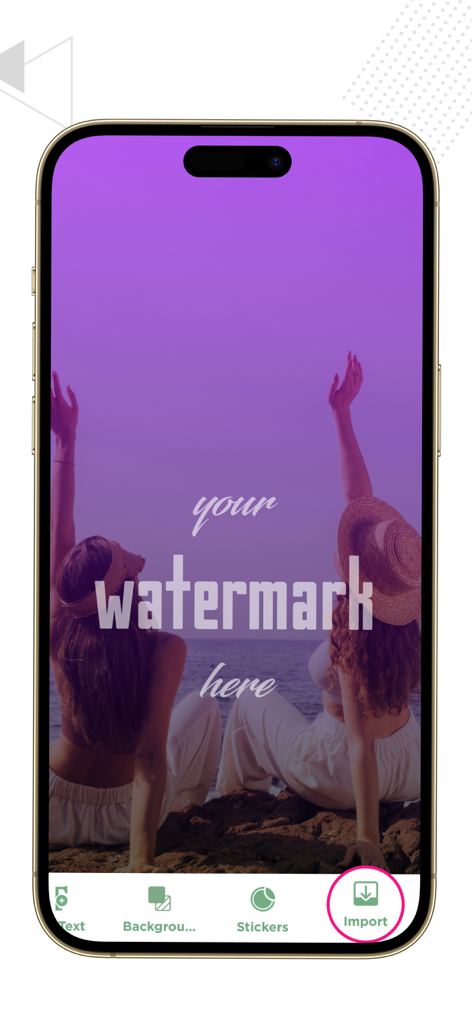
iPhone screenshot of Typorama app showing a custom watermark overlay on a purple tinted photo of two women at the beach

iPhone screenshot of Typorama app showing a custom watermark overlay on a purple tinted photo of two women at the beach

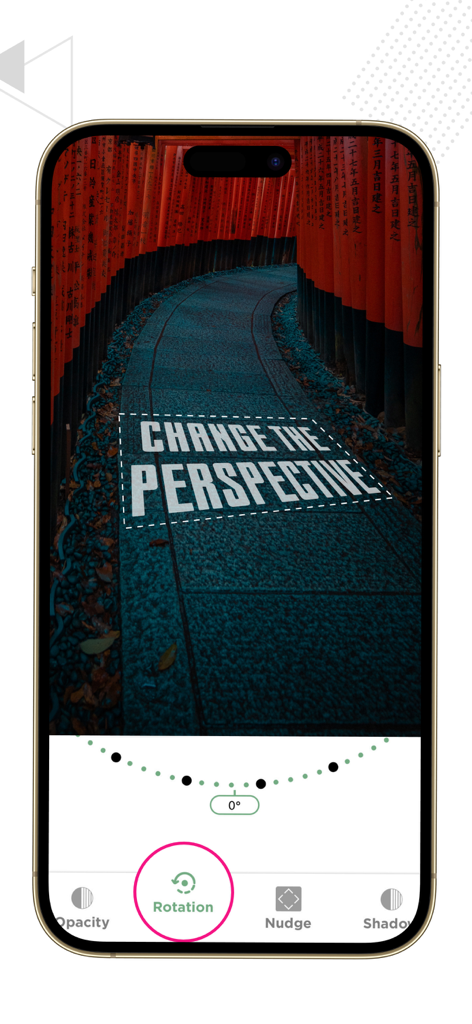
iPhone screen displaying the 3D text rotation and perspective editing feature in the Typorama app

iPhone screen displaying the 3D text rotation and perspective editing feature in the Typorama app

Transform Your Photos Into Professional Content

The tools that make this app stand out, trusted by 184K+ users.

📱

One-Tap Platform Scaling

Instantly resize your designs for Instagram Stories, YouTube Thumbnails, or LinkedIn Covers with perfectly pre-loaded ratios tailored for every social network.

✍️

Designer-Curated Typography

Access stunning, ready-to-use text styles. Just double-tap to edit and generate professional-grade layouts without needing any graphic design training.

✨

Advanced Creative Control

Elevate your brand aesthetic with 3D rotation, shadow enhancement, and premium filters to create a polished, high-end look that stands out from the crowd.

About the app

Everything you need to know about Add Text to Photos - Typorama.

Description

Texture Art gives you various options to modify an image before uploading it on social networks. Organized several filters, text styles, and background effects to assist you in creating an eye-catching post for Instagram, Facebook, and Twitter. The ratios for images are preloaded when you get into the editing phase after choosing a photo from your album or capturing one directly from the app. The following options can be seen when you select an image: - Facebook Post - Instagram Post - Instagram Story - LinkedIn Cover - Twitter Post - YouTube Thumbnail - Or Four different ratios You can pick from the already saved text styles or write in your particular way by double tapping the image in the style menu. You can add more than one text layers, move them around and fix them accordingly. There is also an option found in the “Presets” menu to directly get into an empty page and create text in your unique style without any background. Amongst these features you can add filters to your photos to give an extra refined appearance and work on their details with these options: - Color Adjustments - Shadow Enhancement - Gradient/overlays - 3D Rotation and Layers handler In the Background menu, you can change the pictures, add extra overlays, choose the right filters, and make any necessary adjustments before sharing or saving the image directly from Texture Art application. Note: Payment will be charged to your iTunes account at confirmation of purchase. Your subscription will automatically renew unless auto-renew is turned off at least 24-hours before the end of the current subscription period. Your account will be charged for renewal within 24-hours prior to the end of the current subscription period. Automatic renewals will cost the same price you were originally charged for the subscription. You can manage your subscriptions and turn off auto-renewal by going to your Account Settings on the App Store after purchase. Read our terms of service and Privacy Policy for more information. Privacy Policy: https://www.contentarcade.com/privacy Terms of Use: https://www.contentarcade.com/texture-art-term-of-use

Latest Version

13.0

Size

134.7 MB

First Released

Jun 23, 2019

Ready to Turn Your Photos into Professional Content?

Join 184,000+ creators and small business owners who use Typorama to build their brand on the go. Download now and start designing stunning visuals for every platform in seconds.

Download on App Store

App information, icons, screenshots, and descriptions displayed on this page are sourced from the Apple App Store and are the property of their respective developers. Download estimates and rankings are based on MWM's proprietary models and may not reflect actual figures. This page is provided for informational and analytical purposes only.

Believe this page infringes your intellectual property? File a dispute