
This page is not an official page of the app or its developer, but an independent editorial publication created for informational and commentary purposes. Unless expressly stated otherwise, neither the app nor its developer is affiliated with, endorsed by, sponsored by, authorized by, or otherwise officially connected with MWM, Apple, Google Play, the app publisher, or the app's developer, and nothing on this page implies that the app was developed using MWM's services. Any trademarks, logos, screenshots, and other content remain the property of their respective owners.


AgeLapse
Transform years of photos into smooth, professional-grade videos. From tracking your child’s growth to your own fitness journey, experience perfect eye-alignment and 100% on-device privacy.
Downloads
0User Rating
Total Ratings
0Publisher
Category
Photo & VideoLocales
1Latest Version
1.5.1Size
128.0 MBFirst Released
Jul 25, 2024Relive Your Most Meaningful Transformations
The only app designed to turn your collection of photos into a smooth, professional face time-lapse through advanced eye-tracking technology.
Perfect Eye Stabilization
Eliminate the shake. Our smart tech automatically aligns every photo to the eyes for a cinematic, jitter-free video every time.
Privacy You Can Trust
Your face stays on your phone. All image processing happens locally on your device, ensuring your personal memories remain 100% private.
The following screenshots and description are sourced directly from the app's official store listing and are the property of the app developer.
App Store
Screenshots
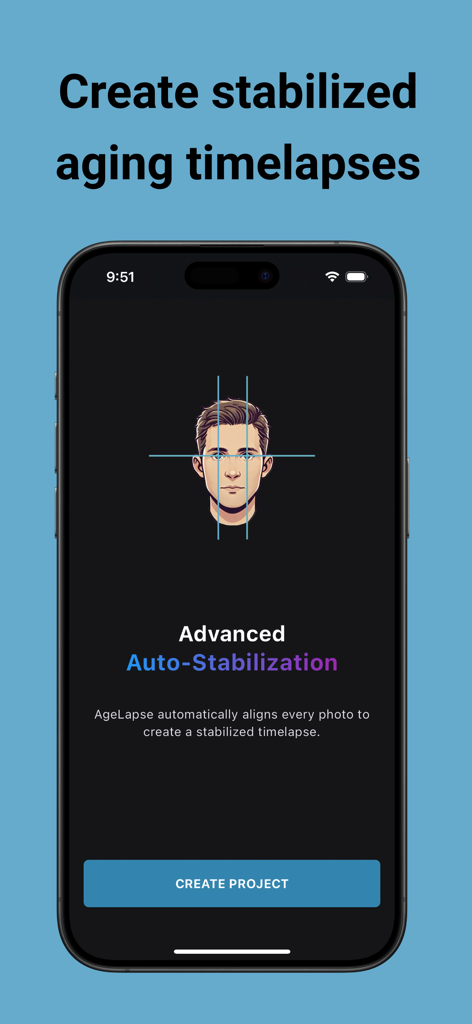
AgeLapse app screen showing advanced auto stabilization for face time lapse videos
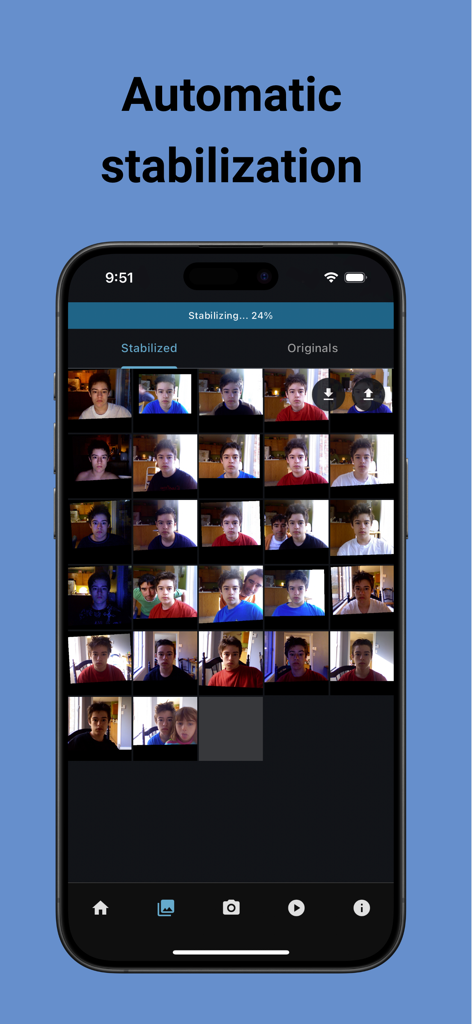
AgeLapse app interface showing automatic stabilization of a photo grid for a face time-lapse
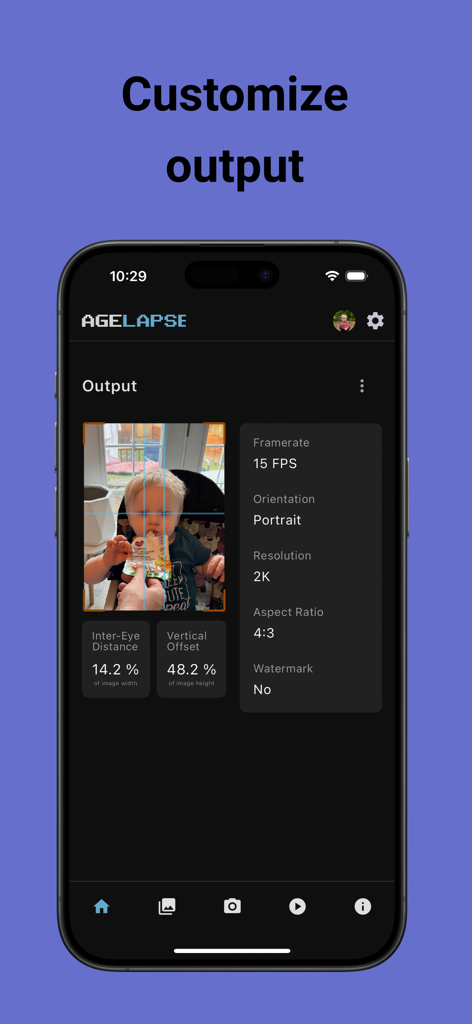
AgeLapse app interface showing video output customization settings including framerate and resolution for a childs time-lapse video
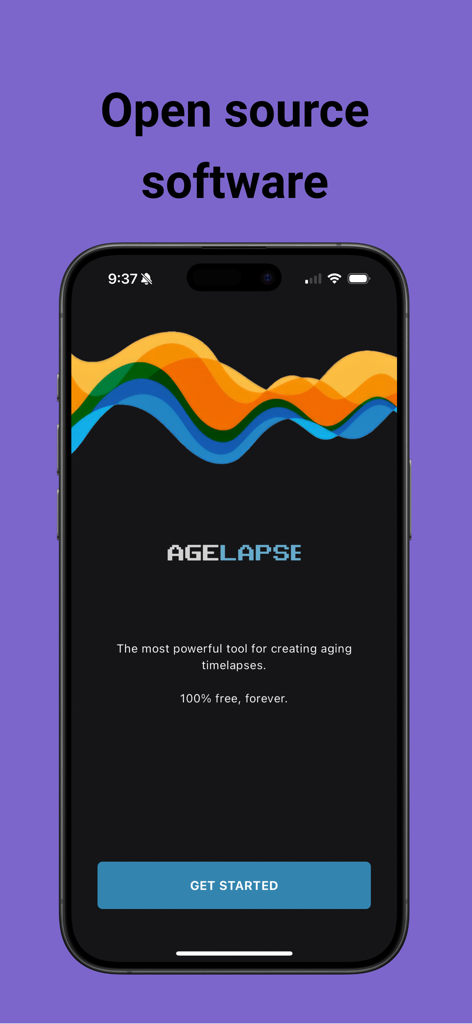
Welcome screen of the AgeLapse app on an iPhone highlighting its free open source aging timelapse software
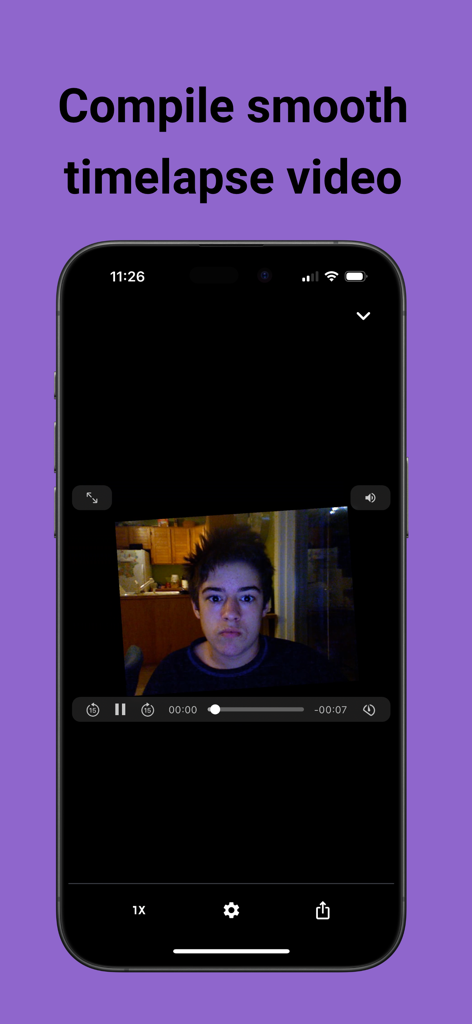
Screenshot of AgeLapse app showing a stabilized face time-lapse video preview
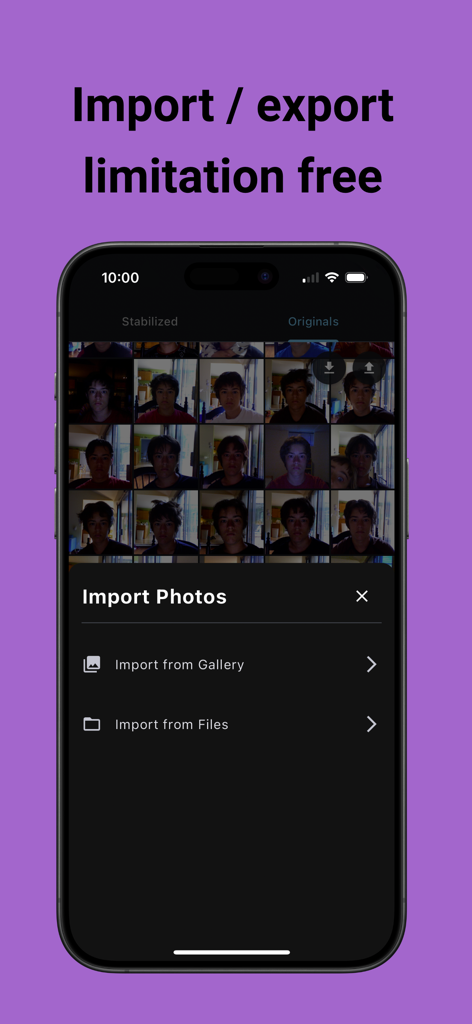
Screenshot of AgeLapse app showing options to import photos from gallery or files
Description
Download
More Like This
Top-ranked apps in the same category

CapCut: Photo & Video Editor
BYTEDANCE PTE. LTD.

Instagram, Inc.

YouTube
Google LLC

Canva: AI Video & Photo Editor
Canva Pty Ltd

Snapchat
Snap, Inc.

Edits: Video Editor
Instagram, Inc.

快手
Beijing Kwai Technology Co., Ltd.

Meta AI - Vibes & AI Glasses
Meta Platforms, Inc.

Google Photos: Backup & Edit
Google LLC
This page is not an official page of the app or its developer, but an independent editorial publication created for informational and commentary purposes. Unless expressly stated otherwise, neither the app nor its developer is affiliated with, endorsed by, sponsored by, authorized by, or otherwise officially connected with MWM, Apple, Google Play, the app publisher, or the app's developer, and nothing on this page implies that the app was developed using MWM's services. Any trademarks, logos, screenshots, and other content remain the property of their respective owners.