AI Document Scanner

AI Document Scanner

Download on App Store
Logo of AI Document Scanner

AI Document Scanner: Professional-Grade Productivity in Your Pocket

Transform your iPhone into a high-powered AI scanner. Effortlessly digitize documents, extract text with OCR, and sign contracts on the go with unmatched precision and clarity.

Download on App Store

Publisher

sunn Saubert

Category

Productivity

Downloads

19K+

User Rating

4.3/5

Total Ratings

300

Locales

10

Experience the Clarity

Discover the interface used by 19K+ users.
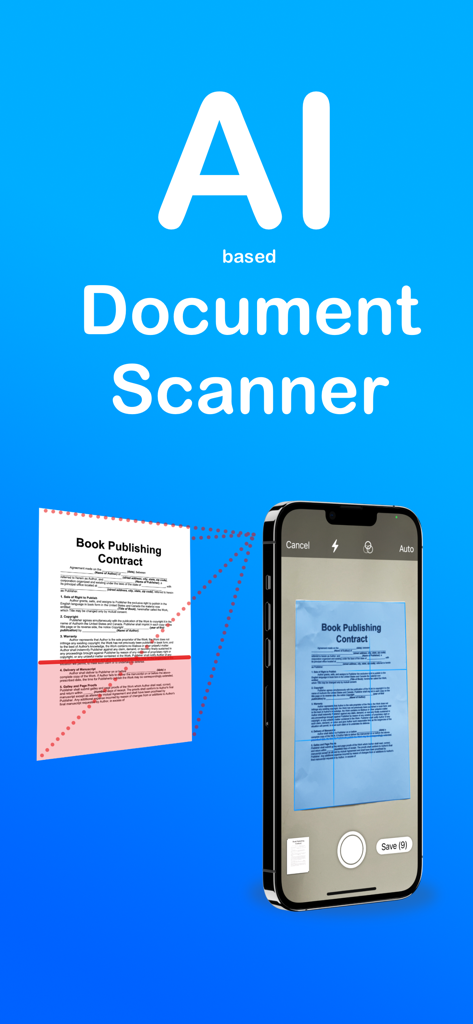
AI Document Scanner app interface scanning a paper contract on an iPhone

AI Document Scanner app interface scanning a paper contract on an iPhone

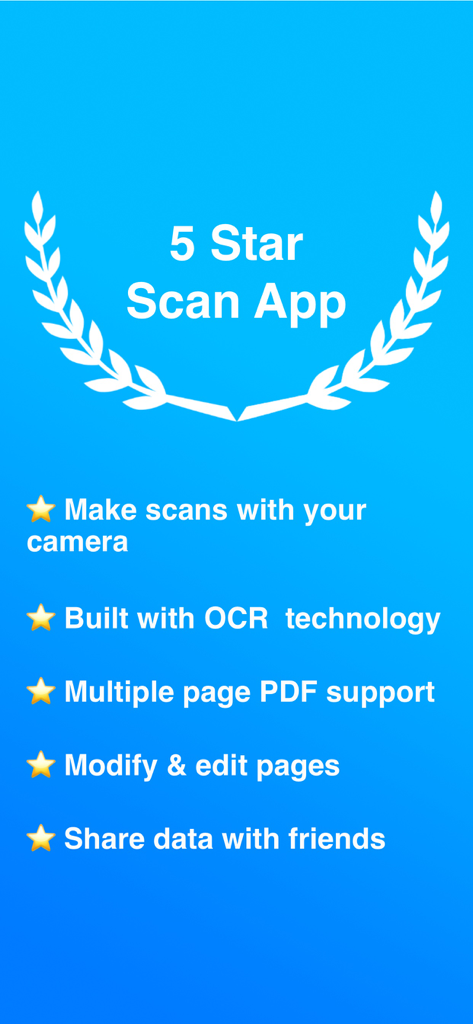
AI Document Scanner features list including OCR and multi page PDF support

AI Document Scanner features list including OCR and multi page PDF support

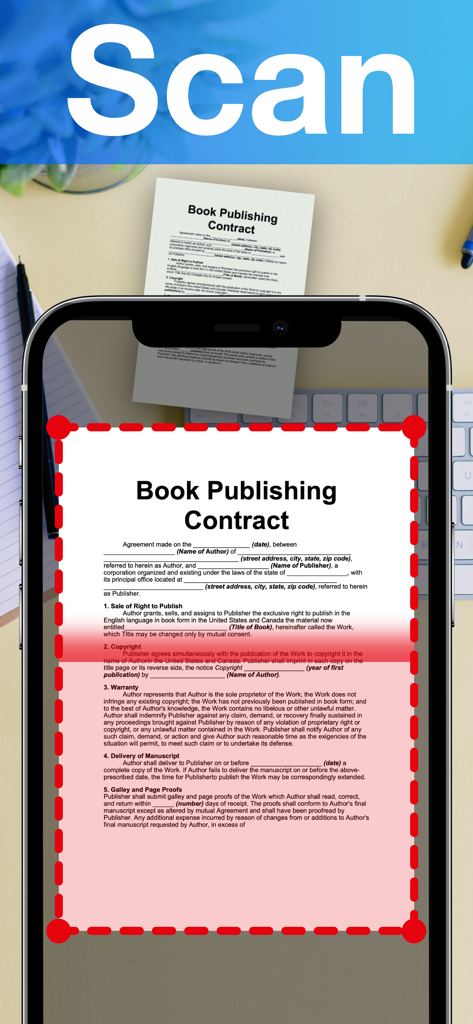
AI Document Scanner app scanning a professional contract on an iPhone using automatic edge detection.

AI Document Scanner app scanning a professional contract on an iPhone using automatic edge detection.

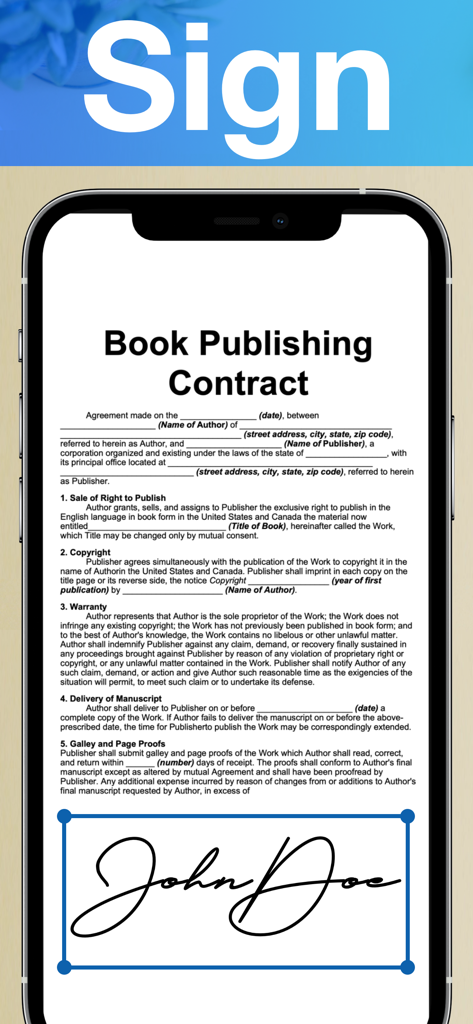
A smartphone screen displaying the AI Document Scanner app with a digital signature being applied to a book publishing contract.

A smartphone screen displaying the AI Document Scanner app with a digital signature being applied to a book publishing contract.

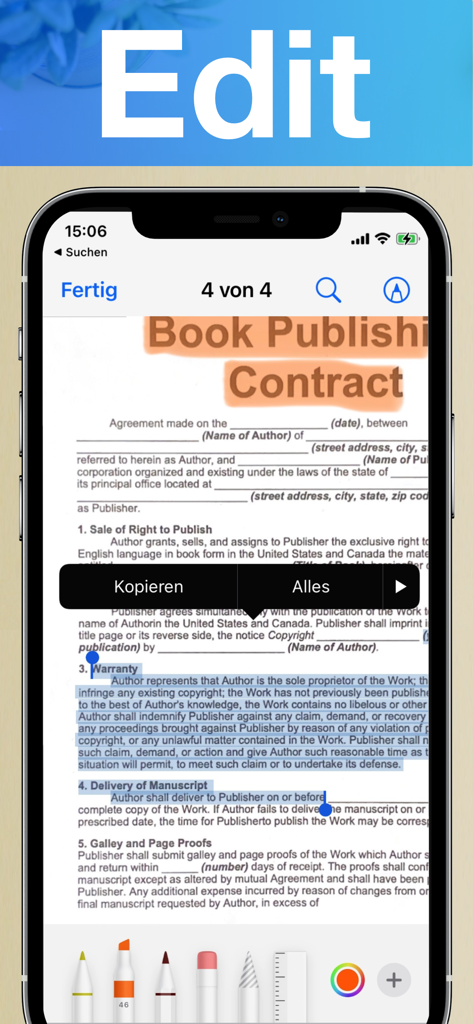
iPhone screen showing the edit and annotation features of AI Document Scanner on a scanned contract

iPhone screen showing the edit and annotation features of AI Document Scanner on a scanned contract

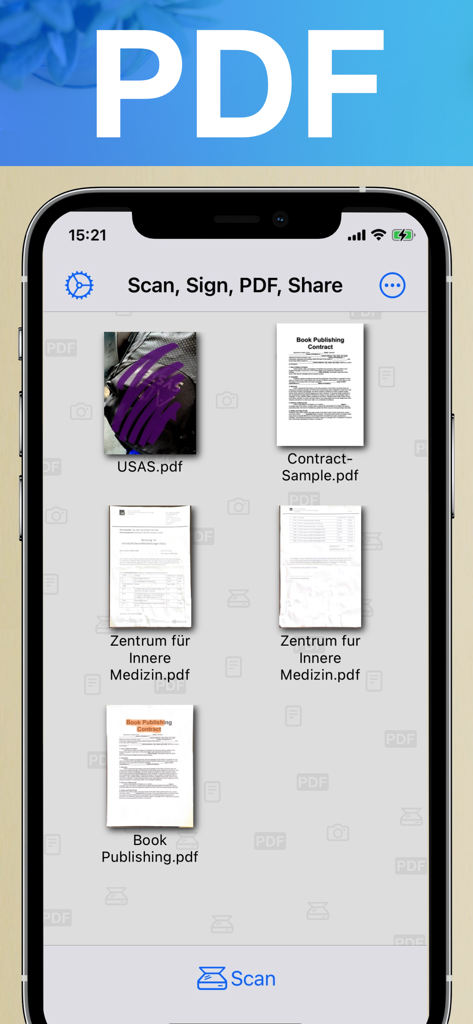
Interface of the AI Document Scanner app showing a collection of scanned PDF documents and contracts organized on an iPhone screen.

Interface of the AI Document Scanner app showing a collection of scanned PDF documents and contracts organized on an iPhone screen.

Transform Your Workflow with AI-Powered Precision

The tools that make this app stand out, trusted by 19K+ users.

🤖

Crystal-Clear AI Intelligence

Automatically remove shadows and enhance text. Our OCR technology turns physical scans into editable, searchable digital text in seconds.

✍️

Sign & Annotate Anywhere

Finalize contracts and add highlights directly from your screen. Stay professional and move faster without ever needing a printer or a pen.

📁

Smart Automated Organization

Let AI categorize and tag your files automatically. Find exactly what you need instantly with intelligent folders that keep your business clutter-free.

About the app

Everything you need to know about AI Document Scanner.

Description

Features available for subscribers: Introducing AI Document Scanner, the cutting-edge app designed to revolutionize how you handle documents on your iPhone. Whether you're a professional needing efficient document management or someone looking to streamline your daily tasks, AI Document Scanner offers a suite of powerful features to enhance your productivity and convenience. Here’s how you can benefit: Advanced AI-Powered Scanning: Experience the next level of document scanning with AI technology. AI Document Scanner automatically detects and enhances text, graphics, and images, ensuring crystal-clear and high-quality scans every time. The AI algorithms adjust lighting, remove shadows, and correct distortions for professional-grade results. Optical Character Recognition (OCR): Convert scanned images into editable and searchable text with built-in OCR technology. AI Document Scanner accurately extracts text from documents, allowing you to edit, copy, and search content with ease. Perfect for transforming printed materials into digital text for editing or referencing. Multi-Page Scanning: Easily scan multi-page documents into a single file. Organize and handle large documents, reports, or manuals without the hassle of managing separate files. AI Document Scanner ensures smooth navigation through multiple pages for seamless document management. Annotation and Editing Tools: Annotate your scanned documents with ease. Add notes, highlights, and signatures directly within the app. AI Document Scanner provides a suite of editing tools to mark up your documents, making it easy to add important details, comments, or personal signatures on the go. Automatic Document Detection: Simplify the scanning process with automatic edge detection and cropping. AI Document Scanner identifies the edges of your document and crops it precisely, ensuring you capture only what you need. This feature saves you time and delivers clean, perfectly framed scans every time. Intelligent Document Organization: Organize your documents effortlessly with smart folders and tagging features. AI Document Scanner categorizes and tags your documents automatically based on content, making it easier to search and find what you need. This intelligent organization streamlines your workflow and enhances efficiency. Share and Export: Easily share your scanned documents via email, messaging apps, or by generating a shareable link. Export your scans in various formats, including PDF and JPEG, to ensure compatibility with different platforms and software. User-Friendly Interface: Enjoy an intuitive and user-friendly interface designed for all skill levels. AI Document Scanner offers a seamless experience with simple navigation, making it easy to scan, edit, and manage documents without any technical hassle. Transform the way you handle documents with AI Document Scanner. Download the app today and unlock a world of possibilities for scanning, editing, and managing your documents directly from your iPhone. Say goodbye to traditional scanners and enjoy the convenience of a powerful document solution in your pocket. --- Terms of Use: https://www.apple.com/legal/internet-services/itunes/dev/stdeula/

Latest Version

4.80

Size

12.2 MB

First Released

Apr 21, 2016

Ready to Go Paperless with AI?

Join thousands of professionals who save hours every week. Download AI Document Scanner today and experience professional-grade scanning, OCR, and smart organization right in your pocket.

Download on App Store

App information, icons, screenshots, and descriptions displayed on this page are sourced from the Apple App Store and are the property of their respective developers. Download estimates and rankings are based on MWM's proprietary models and may not reflect actual figures. This page is provided for informational and analytical purposes only.

Believe this page infringes your intellectual property? File a dispute