
This page is not an official page of the app or its developer, but an independent editorial publication created for informational and commentary purposes. Unless expressly stated otherwise, neither the app nor its developer is affiliated with, endorsed by, sponsored by, authorized by, or otherwise officially connected with MWM, Apple, Google Play, the app publisher, or the app's developer, and nothing on this page implies that the app was developed using MWM's services. Any trademarks, logos, screenshots, and other content remain the property of their respective owners.


AI Video: Image to Video Maker
Unleash your creativity with professional-grade AI animation. Turn any image into a high-quality video for TikTok, Reels, and YouTube in seconds—no editing skills required.
Downloads
400User Rating
Total Ratings
0Publisher
Category
Photo & VideoLocales
33Latest Version
1.2Size
21.5 MBFirst Released
Jun 2, 2025Elevate Your Content with AI Magic
Turn static photos into cinematic videos in seconds. Designed for creators who want professional results without the complexity of traditional editing.
Viral-Ready Exports
Instantly generate high-resolution videos perfectly sized for TikTok, Reels, and YouTube Shorts to boost your social media engagement.
One-Tap Animation
Skip the learning curve. Our advanced neural networks handle the complex motion, turning any static image into a fluid, cinematic masterpiece.
Frequently Asked Questions
Everything you need to know about AI Video: Image to Video Maker
What is AI Video: Image to Video Maker?
AI Video: Image to Video Maker is an AI Video Generator that transforms static photos into cinematic videos. It animates images using advanced AI technology, making video creation effortless without professional editing skills.
How does AI Video: Image to Video Maker create videos from photos?
AI Video: Image to Video Maker uses powerful neural networks to handle complex animation processes. Users upload an image, and the app's AI predicts natural movement, generating high-quality MP4 videos from JPEG or PNG files.
Can I add music to videos created with AI Video: Image to Video Maker?
Yes, AI Video: Image to Video Maker allows users to add audio and music to their creations. This feature helps create an immersive experience or can be omitted for sleek, silent animations.
What image formats does AI Video: Image to Video Maker support for conversion?
AI Video: Image to Video Maker accepts JPEG or PNG image files. It converts these static images into dynamic, high-quality MP4 videos through its advanced AI animation process.
Does AI Video: Image to Video Maker provide different animation styles?
Yes, AI Video: Image to Video Maker offers multiple styles. Users can choose from various AI styles to match the specific mood or aesthetic of their video project.
How do I create a video using the AI Video: Image to Video Maker app?
To use AI Video: Image to Video Maker, select a photo, choose an animation style and motion intensity, optionally add a soundtrack, then hit 'Generate.' The AI builds the video for you to save and share.
Is a subscription necessary for unlimited use of AI Video: Image to Video Maker?
Yes, a subscription is required for unlimited access to AI Video: Image to Video Maker. App usage is limited without an active subscription.
What subscription options are available for AI Video: Image to Video Maker?
AI Video: Image to Video Maker offers weekly and yearly subscription lengths. These options provide users with unlimited access to the app's features.
Does AI Video: Image to Video Maker include a free trial period?
Yes, AI Video: Image to Video Maker may offer a free trial. If provided, the free trial automatically converts to a paid subscription unless canceled before its expiration.
How do I manage my AI Video: Image to Video Maker subscription?
To manage your AI Video: Image to Video Maker subscription, including turning off auto-renewal, navigate to your Account Settings on the Apple App Store.
Does the AI Video: Image to Video Maker subscription auto-renew?
Yes, your AI Video: Image to Video Maker subscription automatically renews. It renews unless you cancel it at least 24 hours before the end of the current billing period.
What social media platforms are compatible with AI Video: Image to Video Maker exports?
AI Video: Image to Video Maker enables high-resolution exports optimized for social media. Users can save and share directly to platforms like Instagram Reels, TikTok, and YouTube Shorts.
Does AI Video: Image to Video Maker show credit usage?
Yes, AI Video: Image to Video Maker displays your current credit balance. This information is visible within the app interface, indicating available video generation capacity.
Where can I find the privacy policy for AI Video: Image to Video Maker?
The privacy policy for AI Video: Image to Video Maker is available at https://whitebg.net/privacy-policy. It outlines how the app handles user data and privacy.
Can I select the video quality in AI Video: Image to Video Maker?
Yes, AI Video: Image to Video Maker allows users to choose their desired video quality. Options include low, medium, and high quality settings for generated videos.
The following screenshots and description are sourced directly from the app's official store listing and are the property of the app developer.
App Store
Screenshots
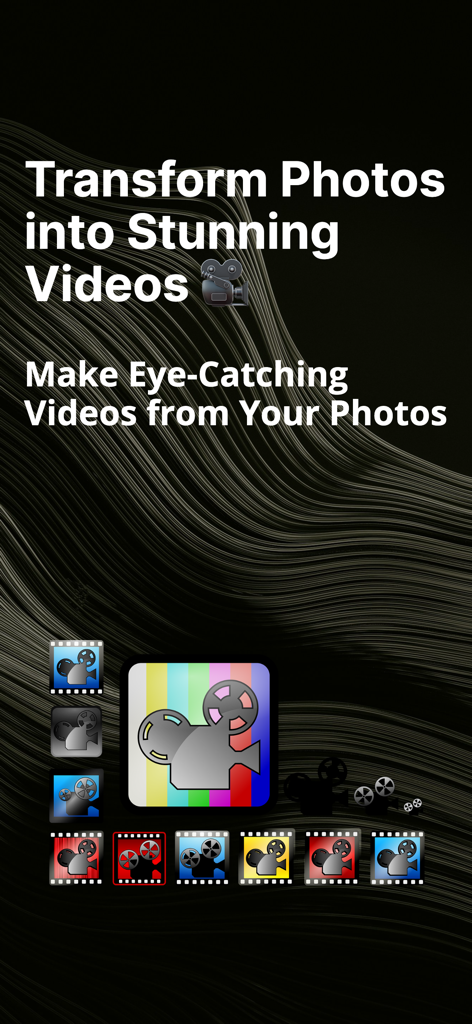
AI Video app screen showing text about transforming photos into stunning videos with multiple style icon options
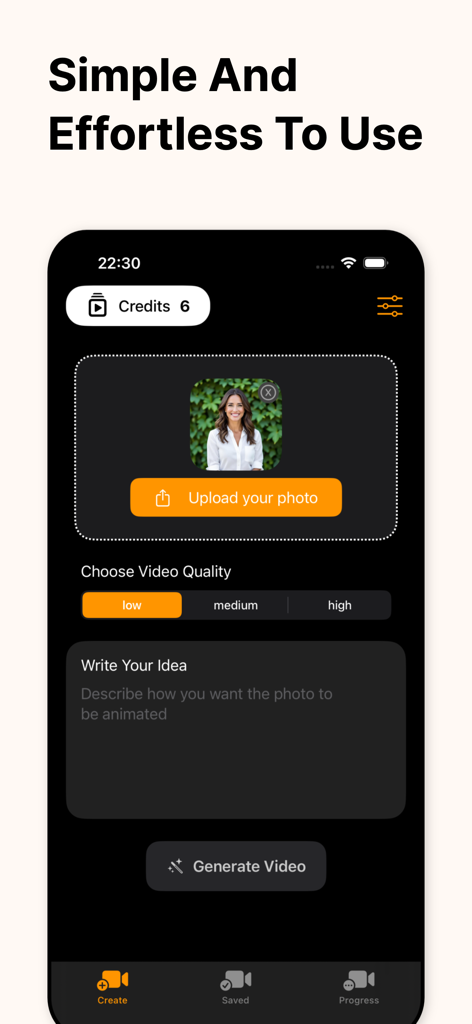
User interface of the AI Video app showing the image upload screen and video generation options
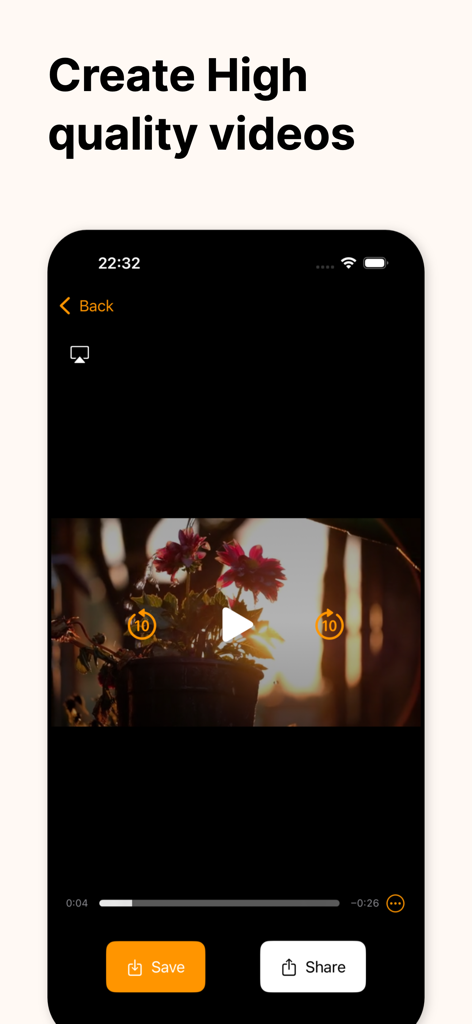
Interface showing an AI generated video of flowers with save and share options
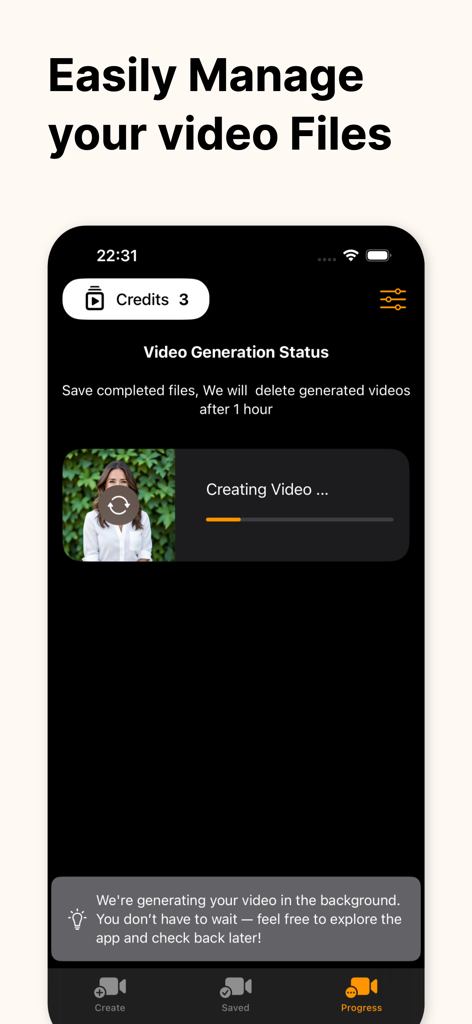
Mobile app interface showing AI video generation progress with background processing notification.
Description
Download
More Like This
Top-ranked apps in the same category

CapCut: Photo & Video Editor
BYTEDANCE PTE. LTD.

Instagram, Inc.

YouTube
Google LLC

Canva: AI Photo & Video Editor
Canva Pty Ltd

快手
Beijing Kwai Technology Co., Ltd.

Snapchat
Snap, Inc.

Edits: Video Editor
Instagram, Inc.

Google Photos: Backup & Edit
Google LLC

Meta AI - Vibes & AI Glasses
Meta Platforms, Inc.
This page is not an official page of the app or its developer, but an independent editorial publication created for informational and commentary purposes. Unless expressly stated otherwise, neither the app nor its developer is affiliated with, endorsed by, sponsored by, authorized by, or otherwise officially connected with MWM, Apple, Google Play, the app publisher, or the app's developer, and nothing on this page implies that the app was developed using MWM's services. Any trademarks, logos, screenshots, and other content remain the property of their respective owners.