AIClean: Photo Storage Cleaner

This page is not an official page of the app or its developer, but an independent editorial publication created for informational and commentary purposes. Unless expressly stated otherwise, neither the app nor its developer is affiliated with, endorsed by, sponsored by, authorized by, or otherwise officially connected with MWM, Apple, Google Play, the app publisher, or the app's developer, and nothing on this page implies that the app was developed using MWM's services. Any trademarks, logos, screenshots, and other content remain the property of their respective owners.

Logo of AIClean: Photo Storage Cleaner

AIClean: Photo Storage Cleaner

The ultimate digital detox for busy professionals and parents. Effortlessly swipe away duplicates, compress large videos, and secure your private memories in one powerful app.

Key Figures

Downloads

0

User Rating

1.0/5

Total Ratings

0

Publisher

DST SOLUTION JOINT STOCK COMPANY

Category

Photo & Video

Locales

9

Latest Version

1.0

Size

68.4 MB

First Released

Feb 13, 2026
Features

Stop the 'Storage Full' Stress

AIClean turns hours of manual sorting into minutes of easy organization, helping you reclaim your iPhone's space while keeping your favorite memories safe.

Smart AI Cleanup

Instantly identify blurry shots, duplicate photos, and hidden clutter. Clear out gigabytes of wasted space in just one tap.

Gamified Swipe Cleaning

Turn decluttering into a breeze. Use intuitive swipe gestures to review your gallery on the go, making phone maintenance fast and satisfying.

The following screenshots and description are sourced directly from the app's official store listing and are the property of the app developer.

App Store

Screenshots
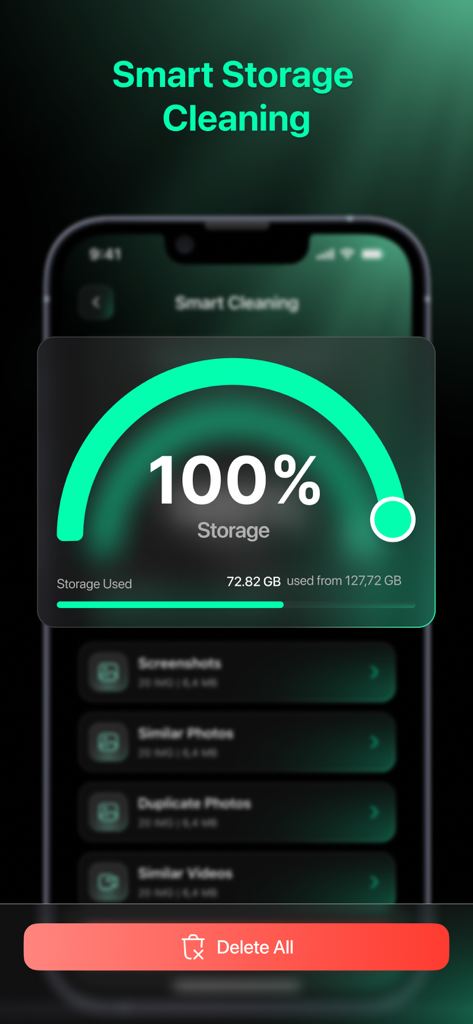
AIClean: Photo Storage Cleaner - AIClean app interface showing the smart storage cleaning dashboard and phone memory status
AIClean app interface showing the smart storage cleaning dashboard and phone memory status

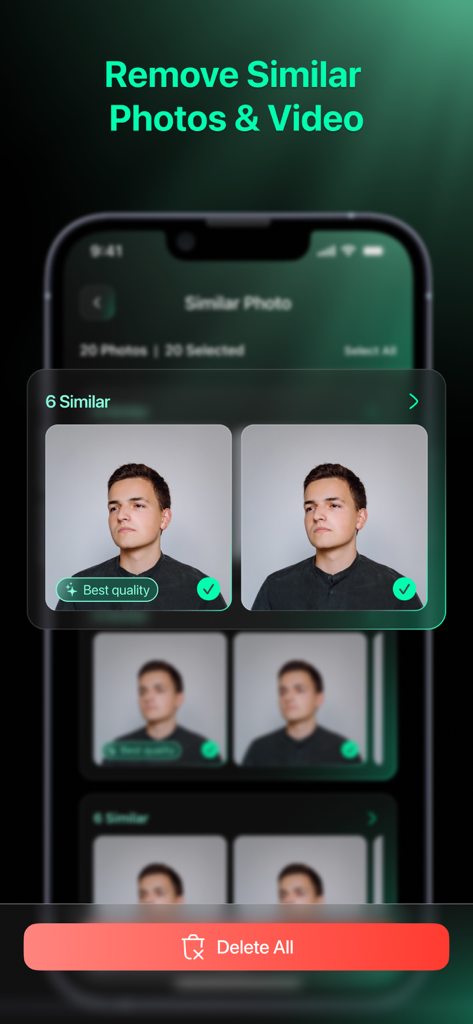
AIClean: Photo Storage Cleaner - AIClean app interface showing similar photos selected for deletion with a best quality label and a delete all button
AIClean app interface showing similar photos selected for deletion with a best quality label and a delete all button

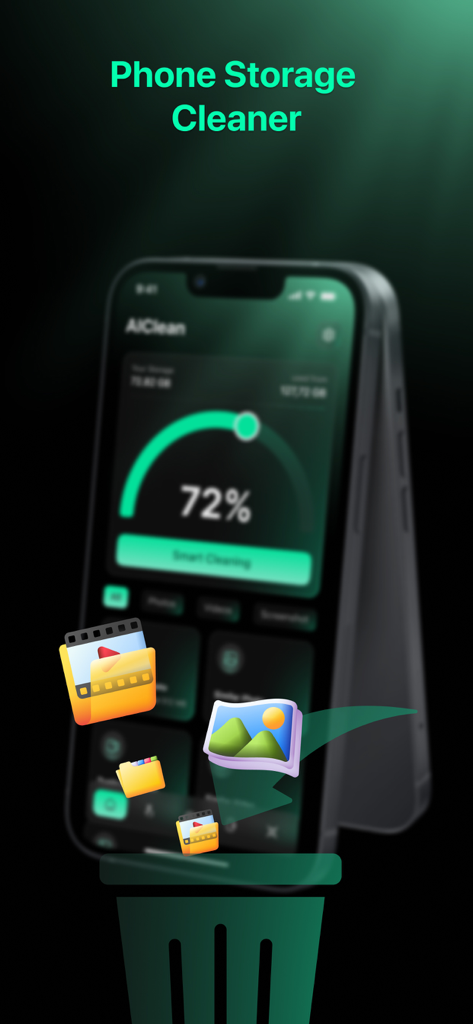
AIClean: Photo Storage Cleaner - AIClean app interface showing storage usage and icons representing photo and video cleaning
AIClean app interface showing storage usage and icons representing photo and video cleaning

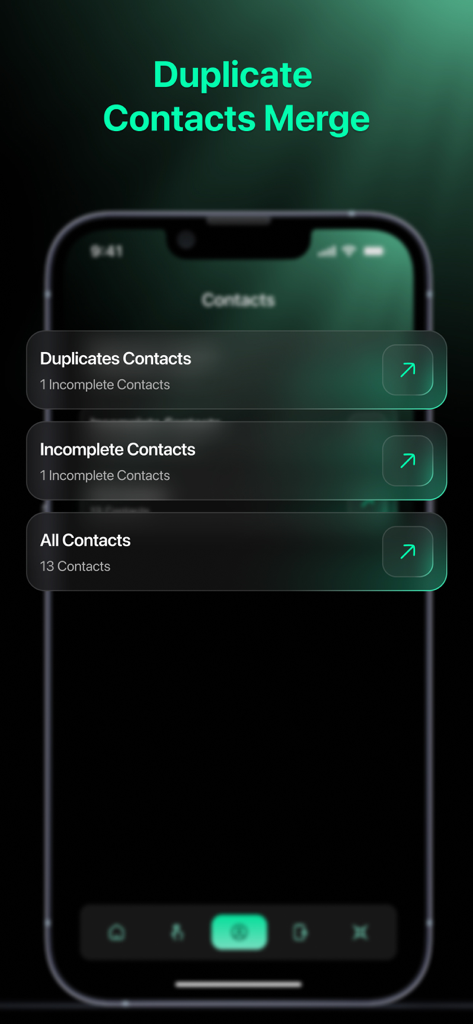
AIClean: Photo Storage Cleaner - AIClean app screen showing duplicate and incomplete contact management features
AIClean app screen showing duplicate and incomplete contact management features

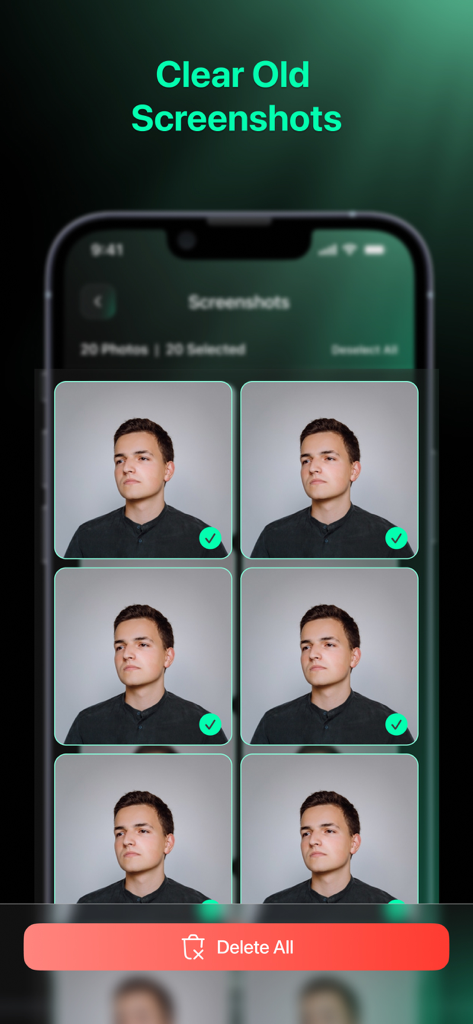
AIClean: Photo Storage Cleaner - Interface of the AIClean app showing multiple screenshots selected for deletion with a red delete all button
Interface of the AIClean app showing multiple screenshots selected for deletion with a red delete all button

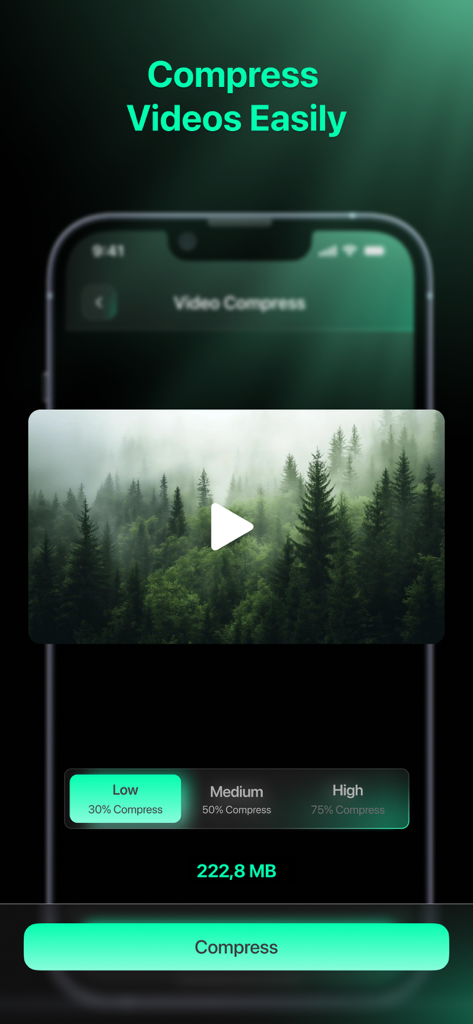
AIClean: Photo Storage Cleaner - Screenshot of AIClean app showing video compression settings with low medium and high options to save storage space
Screenshot of AIClean app showing video compression settings with low medium and high options to save storage space

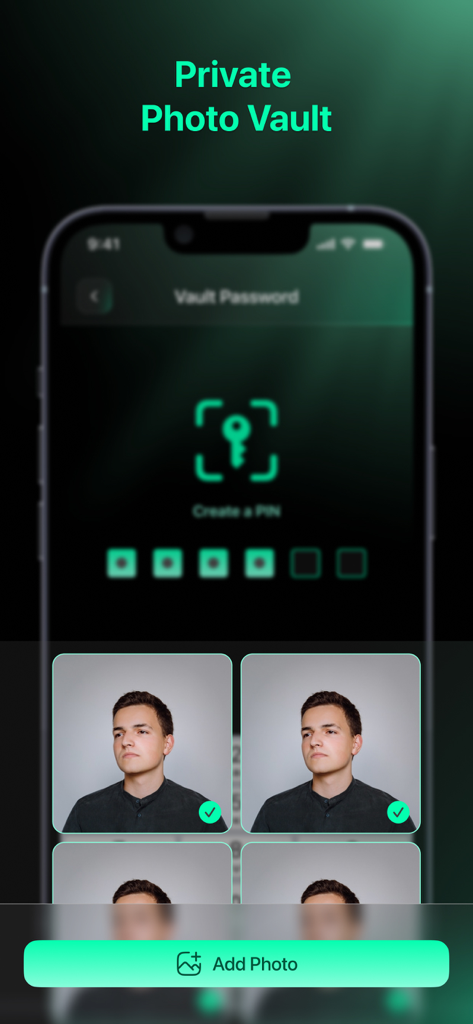
AIClean: Photo Storage Cleaner - AIClean app private photo vault screen with PIN protection and selected photos

AIClean app private photo vault screen with PIN protection and selected photos

Description

AIClean: Photo Storage Cleaner is an app that helps organize photos, videos, and contacts stored on your device. Over time, duplicate photos, similar images, screenshots, and unused videos can take up storage space and make the gallery harder to manage. AIClean brings these items together so users can review and clean storage in a clear way. The app focuses on photo cleaning, video cleaning, and storage organization through a simple interface. Each feature is designed to help users see what is stored on their device and decide what to keep or remove. Key Features of this Photo Storage Cleaner App: - AIClean scans the photo library to group duplicate photos and similar photos in one place. Users can preview images and select items manually before deleting them, helping keep control over personal photos. - Screenshots are separated from other photos for easier review. This allows users to remove screenshots that are no longer needed without browsing the entire gallery. - The app also finds similar videos and duplicate videos stored on the device. Videos are shown with size information, making it easier to review and remove large files that are no longer used. - Smart Cleaning provides an overview of storage usage and available items for cleanup. Users can review categories such as duplicate photos, similar photos, screenshots, and videos before taking action. - AIClean includes a video compression feature to help reduce video file size. Different compression levels are available so users can choose how much space they want to save. - The photo delete swipe feature allows users to review photos one by one. Swiping left or right helps decide whether to keep or delete photos in a simple and visual way. - For contact management, AIClean detects duplicate contacts and incomplete contacts. Users can merge duplicate entries and review missing information to keep the contact list organized. - The app also offers a private vault for photos and videos. Selected files can be protected with a PIN to keep personal content separate from the main gallery. AIClean: Photo Storage Cleaner combines a photo cleaner, duplicate photos cleaner, video cleaner, and storage management tools in one application. It helps users organize media files, clean unnecessary items, and manage storage more clearly. Download AIClean: Photo Storage Cleaner to start organizing photos, cleaning duplicate images, and managing storage space on your device. If the app meets your needs, you can leave a rating or review to share your experience.

Download

This page is not an official page of the app or its developer, but an independent editorial publication created for informational and commentary purposes. Unless expressly stated otherwise, neither the app nor its developer is affiliated with, endorsed by, sponsored by, authorized by, or otherwise officially connected with MWM, Apple, Google Play, the app publisher, or the app's developer, and nothing on this page implies that the app was developed using MWM's services. Any trademarks, logos, screenshots, and other content remain the property of their respective owners.