
This page is not an official page of the app or its developer, but an independent editorial publication created for informational and commentary purposes. Unless expressly stated otherwise, neither the app nor its developer is affiliated with, endorsed by, sponsored by, authorized by, or otherwise officially connected with MWM, Apple, Google Play, the app publisher, or the app's developer, and nothing on this page implies that the app was developed using MWM's services. Any trademarks, logos, screenshots, and other content remain the property of their respective owners.

AirDroid Cast-screen mirroring
Experience true cross-platform freedom. Mirror your iPhone to Windows or Mac, control your mobile apps with a mouse, and share up to five screens simultaneously for seamless presentations and remote collaboration.
Downloads
3M+User Rating
Total Ratings
10K+Publisher
Category
UtilitiesLocales
10Latest Version
1.4.3Size
67.5 MBFirst Released
Jan 27, 2021Empower Your Hybrid Workflow
AirDroid Cast breaks down device barriers, allowing you to mirror, control, and collaborate effortlessly across iOS, Windows, and Mac environments.
iOS to Windows Seamlessly
Bypass ecosystem limits by mirroring your iPhone or iPad directly to your Windows PC or any web browser with zero lag and no complex setup.
Desktop-Level Mobile Control
Maximize productivity by using your computer’s mouse and keyboard to interact with your phone apps without ever picking up your device.
Frequently Asked Questions
Everything you need to know about AirDroid Cast-screen mirroring
What is AirDroid Cast used for?
AirDroid Cast is a cross-platform screen mirroring app for iOS, Windows, and Mac. It offers seamless screen mirroring via USB, AirPlay, or wireless connections, supporting up to 5 simultaneous screens and remote mobile control.
How does AirDroid Cast connect devices for screen mirroring?
AirDroid Cast connects devices wirelessly, via AirPlay, or through a USB cable. These distinct connection options allow users to choose the best method for their screen mirroring needs across various systems.
Can I control my mobile device from my computer with AirDroid Cast?
Yes, AirDroid Cast features a Control function. This allows users to fully control their iOS device (iPhone/iPad) screen directly from a connected laptop or computer, enhancing productivity and convenience.
Is AirDroid Cast compatible with different operating systems?
Yes, AirDroid Cast is cross-platform compatible. It supports screen mirroring for iPhone, Windows, and Mac devices, enabling casting between these systems without hassle.
How many devices can AirDroid Cast mirror at the same time?
AirDroid Cast supports casting a maximum of five devices onto a single screen simultaneously. This feature is ideal for business meetings, presentations, or educational scenarios requiring multiple displays.
Does AirDroid Cast support remote screen mirroring?
Yes, AirDroid Cast works seamlessly in remote networks. It enables users to effortlessly share their screen with colleagues from afar, making it easier to collaborate on projects and provide feedback.
Is there a web version of AirDroid Cast?
Yes, AirDroid Cast has a web version available at webcast.airdroid.com. This allows screen sharing to any browser without requiring software installation on the receiving device.
How do I manage my AirDroid Cast subscription?
Users manage AirDroid Cast subscriptions and turn off auto-renewal by accessing their iTunes Account Settings after purchase. This process allows full control over subscription preferences.
When is my AirDroid Cast subscription renewed?
AirDroid Cast subscriptions automatically renew unless auto-renew is turned off at least 24 hours before the current period ends. The account is charged for renewal within 24 hours before the end of this period.
Can AirDroid Cast be used for online classes and education?
Yes, AirDroid Cast is suitable for online classes and education. It enables users to show dynamic materials, facilitating remote teaching and improving engagement in virtual learning environments.
The following screenshots and description are sourced directly from the app's official store listing and are the property of the app developer.
App Store
Screenshots
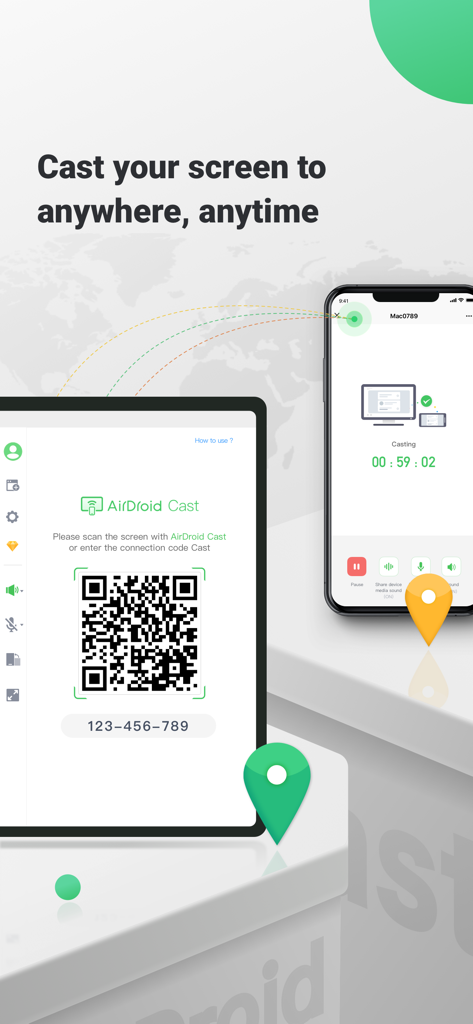
AirDroid Cast screen mirroring interface showing connection between a smartphone and a tablet via QR code
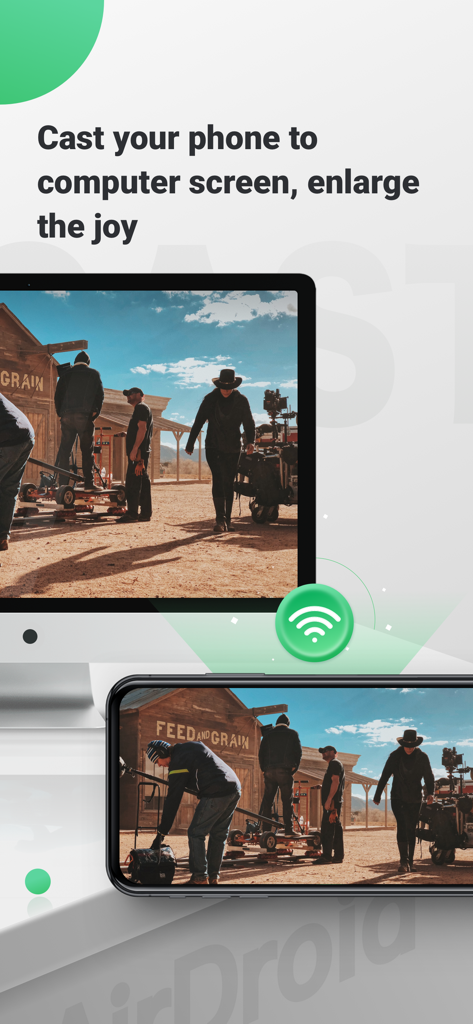
Smartphone screen mirrored to a computer monitor using AirDroid Cast for larger display viewing.
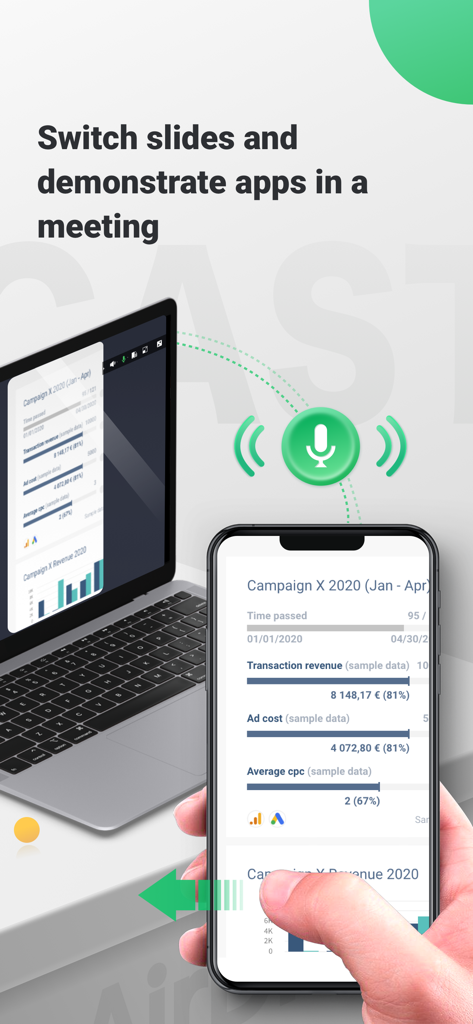
AirDroid Cast mirroring an iPhone screen to a laptop during a business presentation
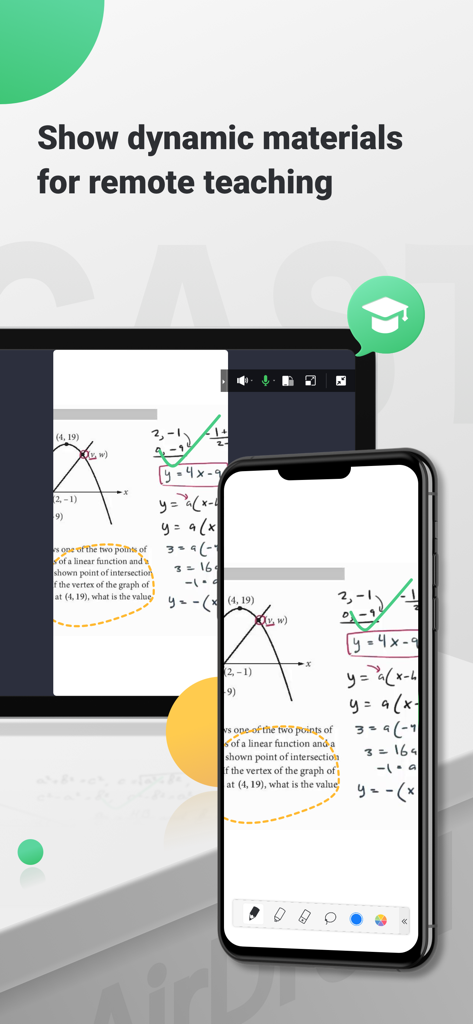
Smartphone screen mirroring math lessons and graphs to a computer for remote teaching
Description
Download
More Like This
Apps with similar features and user experience

Web Video Cast | Browser to TV
InstantBits Inc

PigeonCast:Send by Google Cast
Sichuan FalconAI Technology Co., Ltd.

Screen Mirroring • Smart TV
Mihkel Pikk

Screen Mirroring | Cast to TV
Ozuna Limited

Screen Mirroring・Smart View TV
TOGGLE APPS SP Z O O

UbeCast: Music Streamer & PiP
AER SOFTWARE COMPANY LIMITED

Miracast: Screen Mirroring TV
Hainan Delta Software Co., Ltd

Screen Mirroring・Air Cast TV
Dalma Innovation Solutions d.o.o.

投屏助手-手机投屏电视&睿宸手机快速投屏助手
梦 孟
This page is not an official page of the app or its developer, but an independent editorial publication created for informational and commentary purposes. Unless expressly stated otherwise, neither the app nor its developer is affiliated with, endorsed by, sponsored by, authorized by, or otherwise officially connected with MWM, Apple, Google Play, the app publisher, or the app's developer, and nothing on this page implies that the app was developed using MWM's services. Any trademarks, logos, screenshots, and other content remain the property of their respective owners.