
This page is not an official page of the app or its developer, but an independent editorial publication created for informational and commentary purposes. Unless expressly stated otherwise, neither the app nor its developer is affiliated with, endorsed by, sponsored by, authorized by, or otherwise officially connected with MWM, Apple, Google Play, the app publisher, or the app's developer, and nothing on this page implies that the app was developed using MWM's services. Any trademarks, logos, screenshots, and other content remain the property of their respective owners.

Screen Mirroring | Cast to TV
Wirelessly connect your iPhone to any Smart TV or streaming device. Enjoy lag-free mirroring, web video casting, and live TV in high definition with one simple tap.
Downloads
4M+User Rating
Total Ratings
24K+Publisher
Category
UtilitiesLocales
9Latest Version
1.34Size
211.0 MBFirst Released
Oct 11, 2024One App for Every Screen in Your Home
Connect your iPhone to any Smart TV or streaming device in seconds. From blockbuster movies to family memories, enjoy everything you love on the big screen with zero lag.
Universal Compatibility
No Apple TV? No problem. Seamlessly cast to Roku, Samsung, LG, Fire TV, Vizio, and Chromecast with a single tap, bridging the gap between your iPhone and your home hardware.
Unlimited Web & IPTV Casting
Break free from small screens. Stream web videos, YouTube, or live IPTV channels directly to your TV. Use our AI Movie Advisor to find your next favorite show instantly.
Frequently Asked Questions
Everything you need to know about Screen Mirroring | Cast to TV
How to connect iPhone to TV using Screen Mirroring | Cast to TV?
The app requires both your iPhone and smart TV to be on the same Wi-Fi network with VPNs disabled. Open the app, tap 'Connect TV', allow local network access, select your TV from the list, and confirm the connection.
What devices does Screen Mirroring | Cast to TV support?
Screen Mirroring | Cast to TV supports Roku, LG, Chromecast, Fire TV, Samsung Smart TVs, and Vizio. It is compatible with iPhone mirroring, AirPlay, Miracast, Smart View, and DLNA.
Does Screen Mirroring | Cast to TV offer full screen mirroring?
Yes, Screen Mirroring | Cast to TV provides full screen mirroring for gaming, presentations, or enhanced browsing. It offers seamless functionality on a larger display.
Can I cast web videos and YouTube with Screen Mirroring | Cast to TV?
Yes, Screen Mirroring | Cast to TV allows streaming videos from YouTube and the web. It uses web video cast and web casting tools for high-quality playback on your TV.
Is Screen Mirroring | Cast to TV ad-free?
Yes, Screen Mirroring | Cast to TV offers ad-free streaming. This feature is highlighted for an uninterrupted viewing experience.
Does Screen Mirroring | Cast to TV include an AI Movie Advisor?
Yes, Screen Mirroring | Cast to TV includes an AI Movie Advisor. This feature provides a personalized list of movies and series tailored to your tastes.
Can I watch live TV channels with Screen Mirroring | Cast to TV?
Yes, Screen Mirroring | Cast to TV provides access to IPTV streams. It allows users to stream a variety of channels through live television with over 1000 channels.
How many users worldwide use Screen Mirroring | Cast to TV?
Over 10 million users worldwide use Screen Mirroring | Cast to TV. This indicates its broad adoption and popularity.
How does subscription work for Screen Mirroring | Cast to TV?
Subscriptions for Screen Mirroring | Cast to TV are billed to your iTunes Account upon purchase. Auto-renewal continues unless disabled 24 hours before the billing cycle ends, manageable in Account Settings.
Does Screen Mirroring | Cast to TV support live camera streaming?
Yes, Screen Mirroring | Cast to TV offers a Live Camera feature. It allows users to turn their device into a video nanny, stream presentations, or share events in real-time.
Is Screen Mirroring | Cast to TV compatible with iPhones?
Yes, Screen Mirroring | Cast to TV is compatible with iPhones. The app description specifically mentions iPhone mirroring and provides instructions on how to connect an iPhone to a TV.
The following screenshots and description are sourced directly from the app's official store listing and are the property of the app developer.
App Store
Screenshots
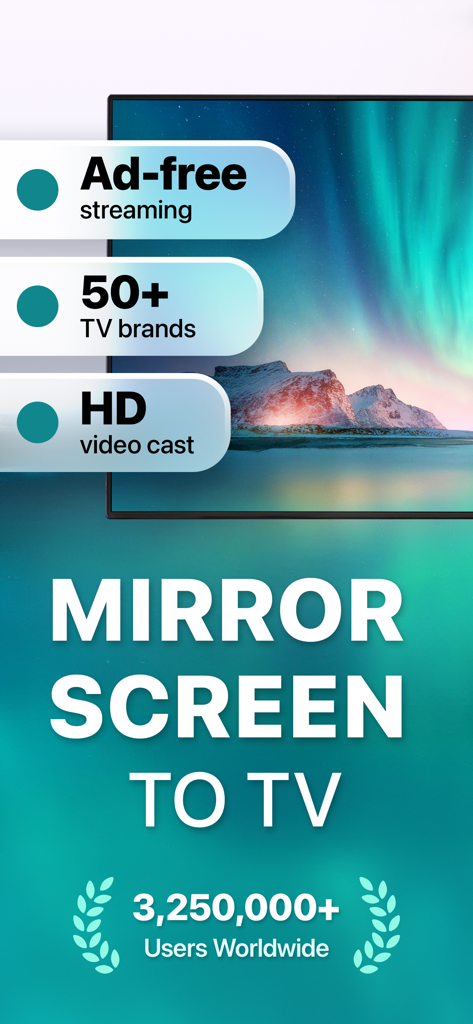
Promotional screen for Screen Mirroring app highlighting HD video casting and compatibility with over 50 TV brands
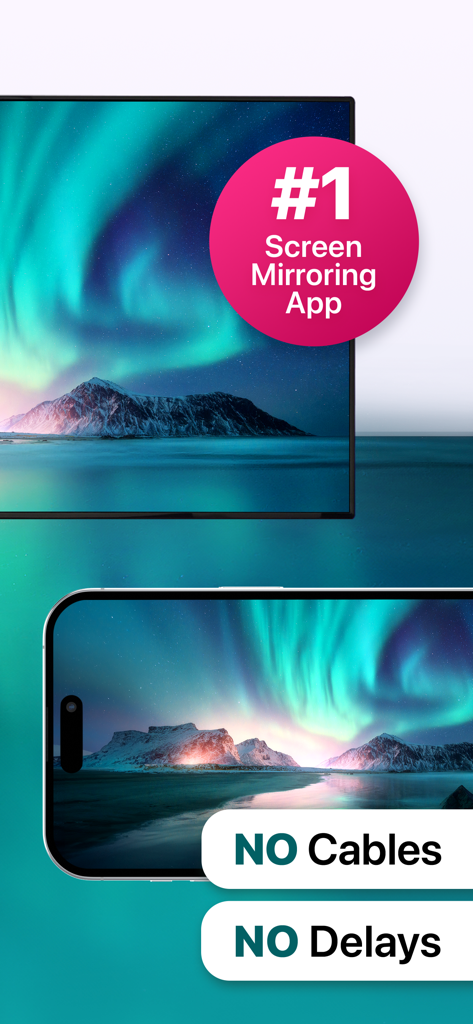
iPhone mirroring a northern lights landscape to a TV screen with no cables or delays
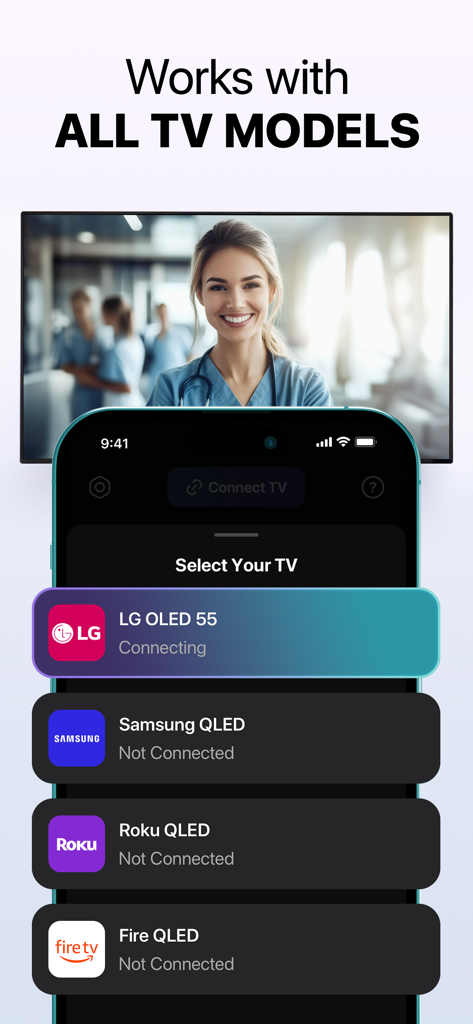
iPhone screen showing connection options for LG Samsung Roku and Fire TV brands.
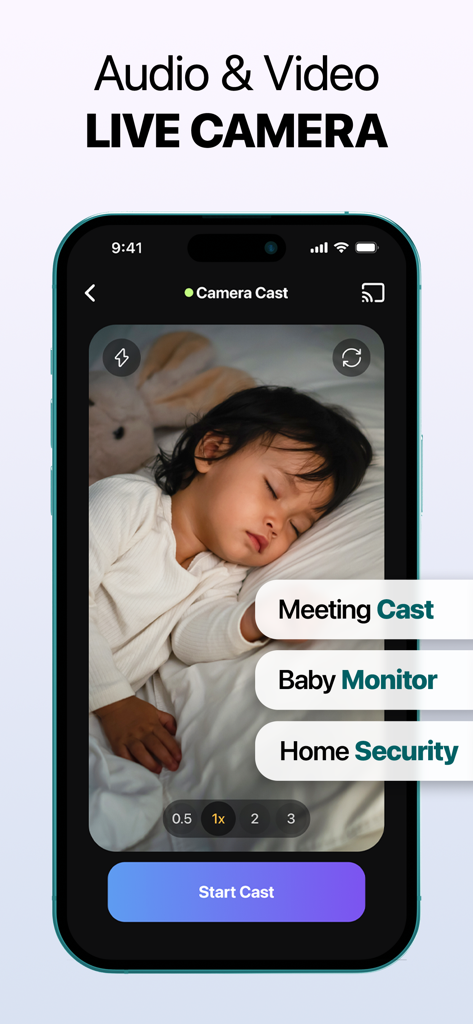
iPhone screen showing a live camera feed of a sleeping baby with labels for meeting cast and home security.
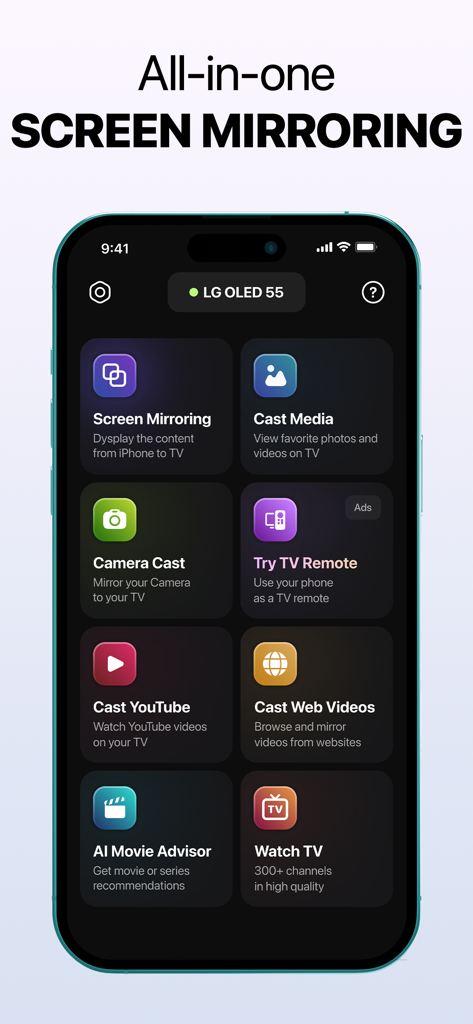
All in one screen mirroring app interface on iPhone showing various casting and mirroring options
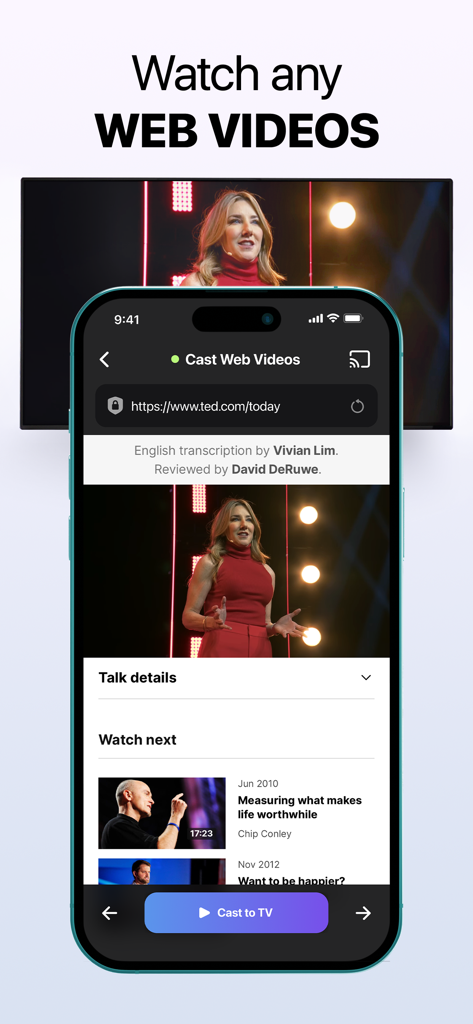
iPhone app interface showing a web video being cast from a mobile browser to a television screen
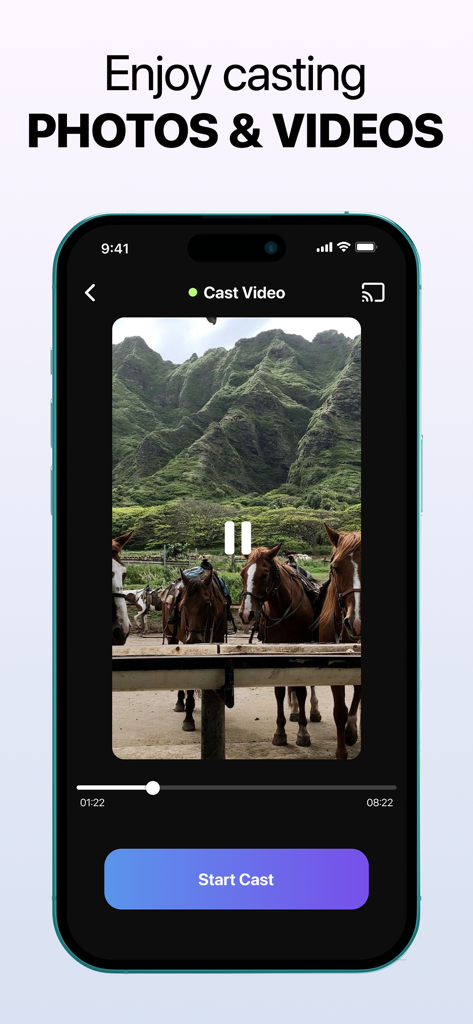
iPhone interface showing the cast video feature with a video of horses in front of green mountains and a Start Cast button
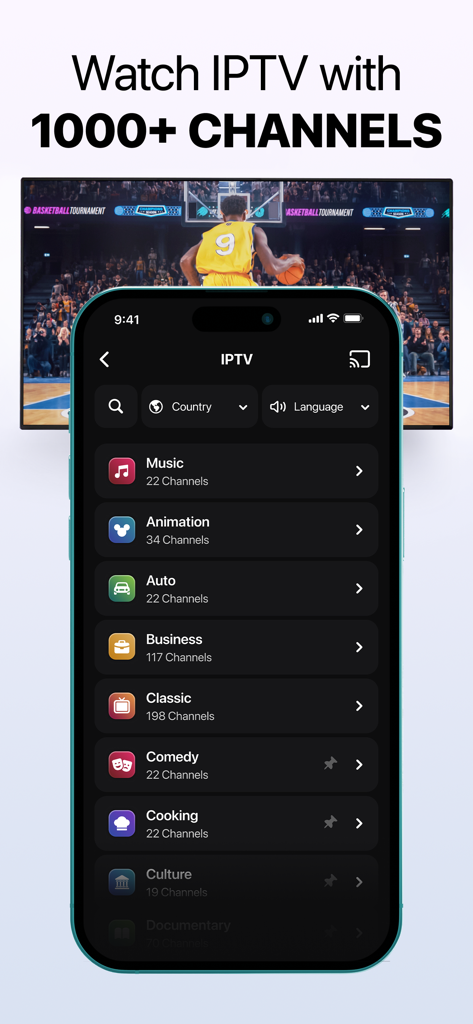
Screen Mirroring app showing IPTV channel categories and a basketball game being cast to a television
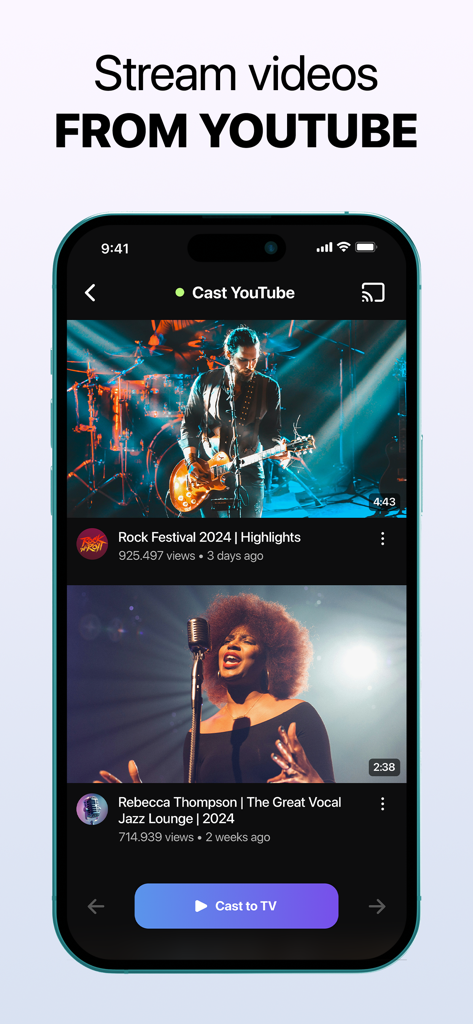
Interface of an iPhone app for casting YouTube videos to a smart TV
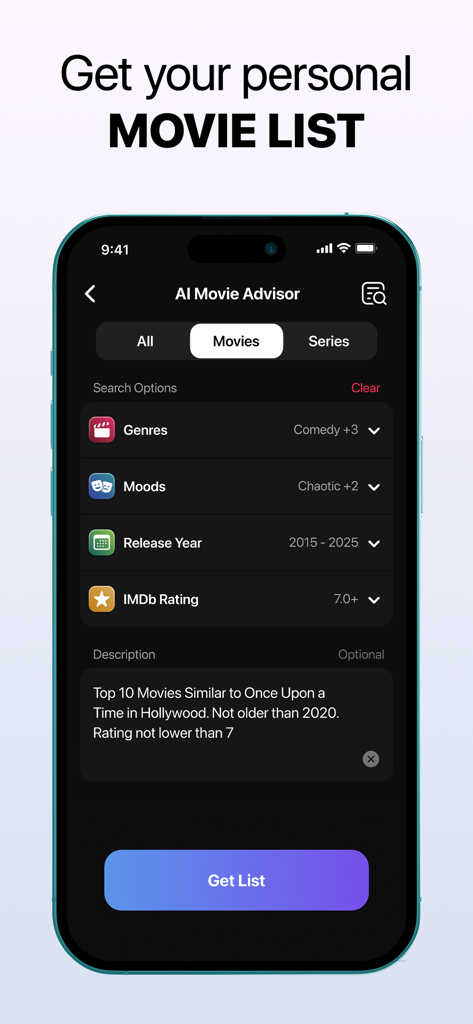
AI Movie Advisor screen showing personalized movie search and recommendation options
Description
Download
More Like This
Apps with similar features and user experience

Web Video Cast | Browser to TV
InstantBits Inc

PigeonCast:Send by Google Cast
Sichuan FalconAI Technology Co., Ltd.

Screen Mirroring • Smart TV
Mihkel Pikk

Screen Mirroring・Smart View TV
TOGGLE APPS SP Z O O

UbeCast: Music Streamer & PiP
AER SOFTWARE COMPANY LIMITED

AirDroid Cast-screen mirroring
SAND STUDIO CORPORATION LIMITED

Miracast: Screen Mirroring TV
Hainan Delta Software Co., Ltd

Screen Mirroring・Air Cast TV
Dalma Innovation Solutions d.o.o.

投屏助手-手机投屏电视&睿宸手机快速投屏助手
梦 孟
This page is not an official page of the app or its developer, but an independent editorial publication created for informational and commentary purposes. Unless expressly stated otherwise, neither the app nor its developer is affiliated with, endorsed by, sponsored by, authorized by, or otherwise officially connected with MWM, Apple, Google Play, the app publisher, or the app's developer, and nothing on this page implies that the app was developed using MWM's services. Any trademarks, logos, screenshots, and other content remain the property of their respective owners.