
This page is not an official page of the app or its developer, but an independent editorial publication created for informational and commentary purposes. Unless expressly stated otherwise, neither the app nor its developer is affiliated with, endorsed by, sponsored by, authorized by, or otherwise officially connected with MWM, Apple, Google Play, the app publisher, or the app's developer, and nothing on this page implies that the app was developed using MWM's services. Any trademarks, logos, screenshots, and other content remain the property of their respective owners.

Screen Mirroring・Smart View TV
The digital divide vanishes. This app empowers users to instantly project their phone's world, commanding any TV without complication.
Downloads
12.5M+User Rating
Total Ratings
236.1KPublisher
Category
UtilitiesLocales
7Latest Version
2.5.9Size
168.6 MBFirst Released
Feb 17, 2021Software Evaluation: Screen Mirroring・Smart View TV
An Analytical Review of Core Capabilities and User Value
Universal Screen Mirroring
The app provides seamless mirroring of the entire phone screen to a larger display, enabling users to share any content, from apps to games, directly on their TV.
Broad Media Casting
It allows users to effortlessly cast photos and videos from their device's library or directly from the web onto their smart TV, perfect for sharing memories or enjoying digital content.
Wide Device Compatibility
This tool features support for all major Smart TVs and streaming devices, ensuring a broad range of users can connect their mobile devices without compatibility concerns.
Effortless Setup
The app provides a streamlined connection process, requiring no additional hardware or software, making it exceptionally user-friendly for non-technical individuals.
High-Performance Mirroring
It offers high-quality screen mirroring with minimal delays, ensuring a smooth and enjoyable viewing or sharing experience for dynamic content like games or video calls.
Integrated IPTV Player
This tool features an easy-to-use IPTV player, allowing users to conveniently watch their favorite internet protocol television channels directly through the app on their big screen.
Frequently Asked Questions
Everything you need to know about Screen Mirroring・Smart View TV
How do I mirror my phone screen to TV using Screen Mirroring・Smart View TV?
To mirror your phone screen, connect your phone and TV to the same WiFi. Open the Screen Mirroring・Smart View TV app, select your TV, and choose the screen mirroring feature.
Which Smart TVs and streaming devices are compatible with Screen Mirroring・Smart View TV?
Screen Mirroring・Smart View TV supports all major Smart TVs and streaming devices. Examples include LG webOS, Samsung, Xiaomi, Chromecast, and Fire TV Stick.
Does the Screen Mirroring・Smart View TV app require extra hardware or software?
No, the Screen Mirroring・Smart View TV app does not require any additional hardware or software. It functions with your existing smart TV or streaming device.
Can I cast photos and videos from my phone using Screen Mirroring・Smart View TV?
Yes, Screen Mirroring・Smart View TV allows casting photos and videos. You can cast media from your Photo Library and also from the web directly to your TV.
What is the connection process for Screen Mirroring・Smart View TV?
Connect both your phone and TV to the same WiFi network. Open the Screen Mirroring・Smart View TV app, then select your desired TV from the displayed list to initiate connection.
What subscription options are available for Screen Mirroring・Smart View TV?
Screen Mirroring・Smart View TV offers 1-week, 1-month, and 12-month subscription plans. A lifetime access purchase option is also available for users.
What kind of content can Screen Mirroring・Smart View TV stream to my TV?
Screen Mirroring・Smart View TV streams movies, TV shows, and series. It also supports playing games, sharing presentations, documents, and making video calls on a large screen.
Does Screen Mirroring・Smart View TV support streaming from YouTube?
Yes, Screen Mirroring・Smart View TV includes a direct feature for streaming content from YouTube. This option is available on the app's home screen.
Why is my Screen Mirroring・Smart View TV app not connecting to my television?
Your phone must not have proxies or VPNs active to connect. Also, ensure both your phone and TV are connected to the identical WiFi network for successful pairing.
The following screenshots and description are sourced directly from the app's official store listing and are the property of the app developer.
App Store
Screenshots
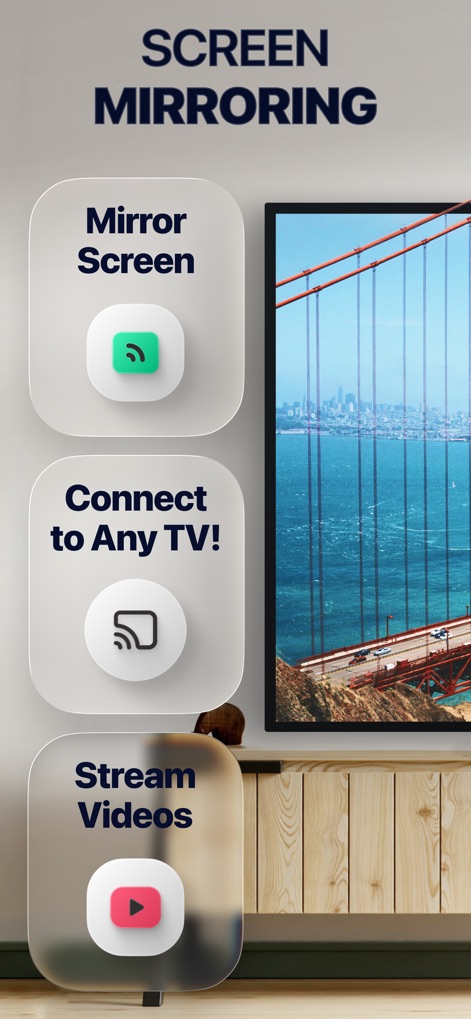
Effortless Media Casting
This tool highlights its core functionalities, from the 'Mirror Screen' option for real-time display to the versatile 'Connect to Any TV!' feature.
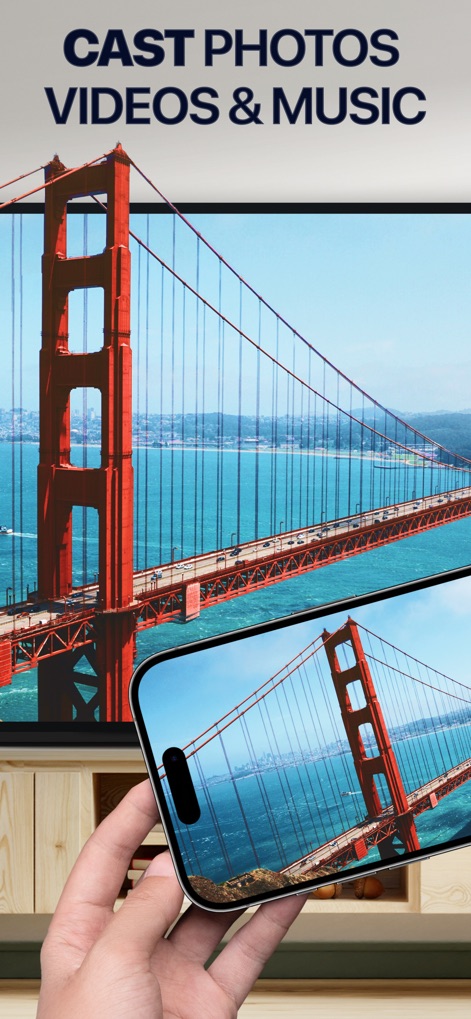
Seamless Content Sharing
Users can instantly cast mobile content, as demonstrated by the phone displaying an image seamlessly appearing on the larger TV screen.
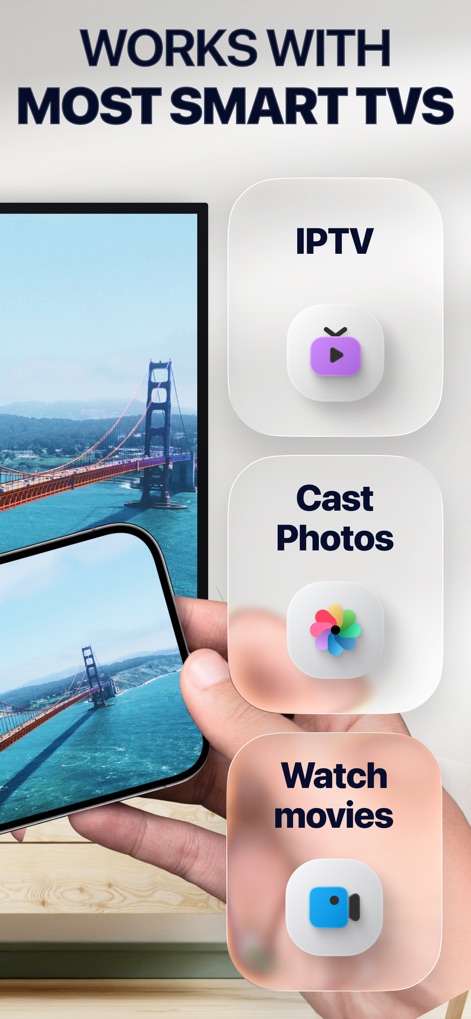
Versatile Casting Options
The app confirms broad compatibility with most smart TVs, offering quick access to features like the 'IPTV' player and dedicated 'Cast Photos' functionality.
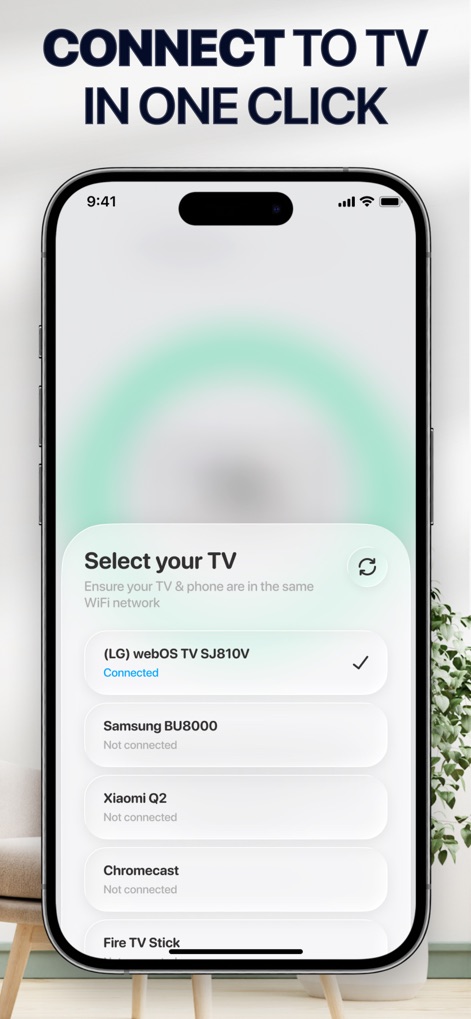
Instant TV Connection
This screenshot illustrates the straightforward 'Select your TV' interface, enabling users to 'Connect to TV in One Click' from a list of discovered devices.
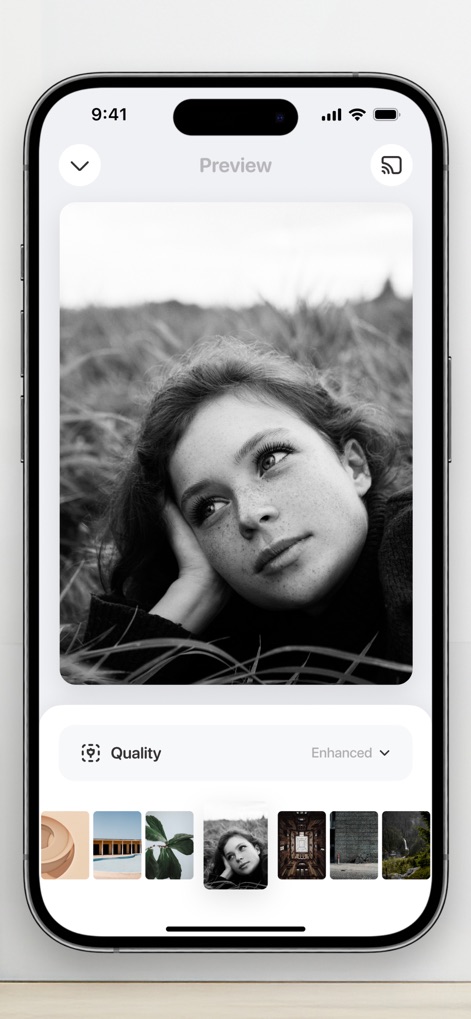
Photo Preview Controls
The app provides detailed photo preview capabilities, including a 'Quality' setting to optimize display and a scrollable row of thumbnail images for easy selection.
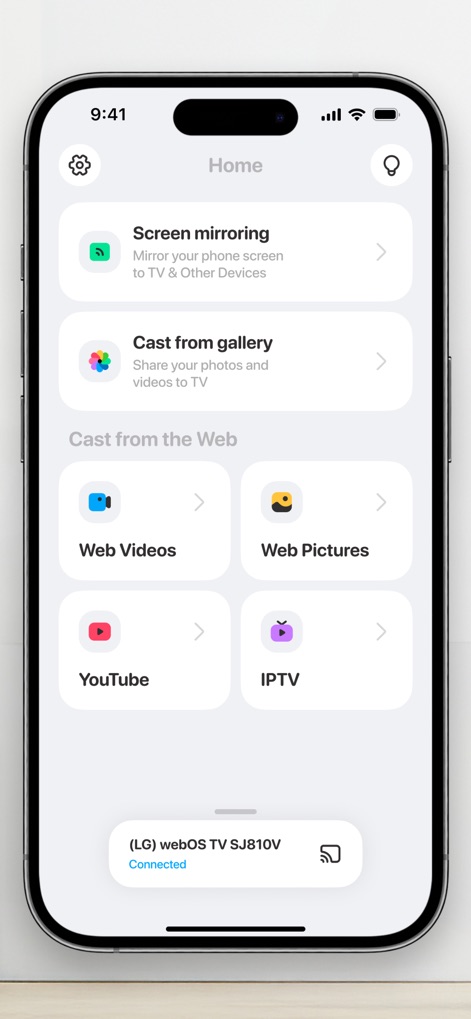
Intuitive Home Interface
The home screen presents a clear dashboard of functionalities, featuring prominent options like 'Screen mirroring' and 'Cast from gallery' for diverse content sharing.
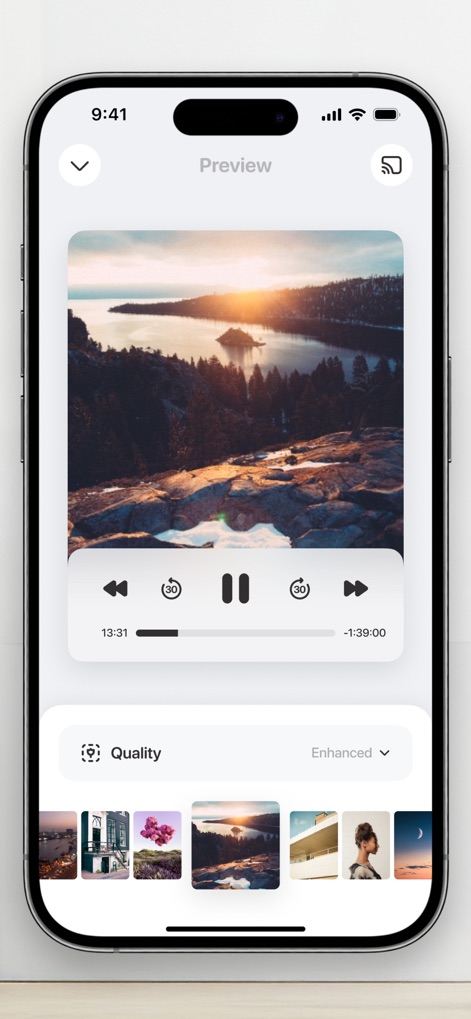
Video Playback Control
Users benefit from comprehensive video playback controls, such as play/pause and skip buttons, alongside a 'Quality' setting for an optimized viewing experience.
Description
Download
More Like This
Apps with similar features and user experience

Web Video Cast | Browser to TV
InstantBits Inc

PigeonCast:Send by Google Cast
Sichuan FalconAI Technology Co., Ltd.

Screen Mirroring • Smart TV
Mihkel Pikk

Screen Mirroring | Cast to TV
Ozuna Limited

UbeCast: Music Streamer & PiP
AER SOFTWARE COMPANY LIMITED

AirDroid Cast-screen mirroring
SAND STUDIO CORPORATION LIMITED

Miracast: Screen Mirroring TV
Hainan Delta Software Co., Ltd

Screen Mirroring・Air Cast TV
Dalma Innovation Solutions d.o.o.

投屏助手-手机投屏电视&睿宸手机快速投屏助手
梦 孟
This page is not an official page of the app or its developer, but an independent editorial publication created for informational and commentary purposes. Unless expressly stated otherwise, neither the app nor its developer is affiliated with, endorsed by, sponsored by, authorized by, or otherwise officially connected with MWM, Apple, Google Play, the app publisher, or the app's developer, and nothing on this page implies that the app was developed using MWM's services. Any trademarks, logos, screenshots, and other content remain the property of their respective owners.