
This page is not an official page of the app or its developer, but an independent editorial publication created for informational and commentary purposes. Unless expressly stated otherwise, neither the app nor its developer is affiliated with, endorsed by, sponsored by, authorized by, or otherwise officially connected with MWM, Apple, Google Play, the app publisher, or the app's developer, and nothing on this page implies that the app was developed using MWM's services. Any trademarks, logos, screenshots, and other content remain the property of their respective owners.


AirVid-AI Quality Enhancer Pro
Elevate your content with pro-level upscaling, flawless body retouching, and makeup filters designed for the perfect social media aesthetic.
Downloads
817K+User Rating
Total Ratings
900Publisher
Category
Photo & VideoLocales
9Latest Version
1.6.5Size
329.4 MBFirst Released
Sep 18, 2023Master the Art of the Video Glow-Up
Stop settling for grainy clips. AirVid uses pro-grade AI to upscale resolution and retouch your videos so you look flawless in every frame.
Crystal Clear 4K Upscaling
Turn low-res footage into high-definition masterpieces. Sharpen details and increase resolution with a single tap for a professional look.
Seamless Body & Face Sculpting
Go beyond static filters. Reshape your silhouette and retouch facial features with intelligent AI that tracks your movement perfectly.
Frequently Asked Questions
Everything you need to know about AirVid-AI Quality Enhancer Pro
What is AirVid-AI Quality Enhancer Pro?
AirVid-AI Quality Enhancer Pro is an AI-powered video editing companion. It is the official extension app of Airbrush AI Photo Editor, designed to enhance video content.
Does AirVid enhance video quality?
Yes, AirVid enhances video quality by increasing resolution, enhancing details, and brightening features like eyes and hair. It uses AI technology for optimal results.
Can AirVid remove watermarks from videos?
Yes, AirVid offers a feature to remove watermarks from videos. Users can process their video content to eliminate unwanted watermarks.
What body reshaping tools does AirVid-AI Quality Enhancer Pro offer?
AirVid offers body reshaping tools including options to enlarge or shrink heads, waists, and shoulders. Users can also stretch and compress to adjust height and magnify specific areas.
Does AirVid-AI Quality Enhancer Pro include makeup filters?
Yes, AirVid includes various makeup filters to enhance videos. Users can apply different makeup styles to their video subjects.
Can AirVid refine imperfections like acne?
Yes, AirVid can refine imperfections such as acne. The app provides tools like "Acne" to smooth skin and improve complexions in videos.
Where can I find the Terms of Service for AirVid?
The Terms of Service for AirVid are available at https://airbrush.io/tools/legal/terms-of-service. This link is provided within the app's description.
Is it possible to remove the background of a video using AirVid?
Yes, AirVid allows users to remove the background from their videos. This feature helps isolate subjects for creative editing purposes.
What social media platforms is AirVid present on?
AirVid maintains a presence on Instagram, Facebook, and Twitter. Users can find official accounts via the provided links in the app description.
Does AirVid offer object removal from videos?
Yes, AirVid offers an "Erase Object" feature. This tool enables users to remove unwanted objects from their video content.
Does AirVid-AI Quality Enhancer Pro provide 3D product animation features?
Yes, AirVid includes 3D Product Animation capabilities. This feature allows users to create animated presentations of products within the app.
How does AirVid enhance video details?
AirVid enhances video details through its AI-powered technology. It sharpens visual elements and can brighten specific features like eyes and hair for improved clarity.
Can users adjust facial features with AirVid's tools?
Yes, AirVid offers "Face Tune" features. Users can adjust facial aspects like slimness, width, length, and forehead size for precise edits.
The following screenshots and description are sourced directly from the app's official store listing and are the property of the app developer.
App Store
Screenshots
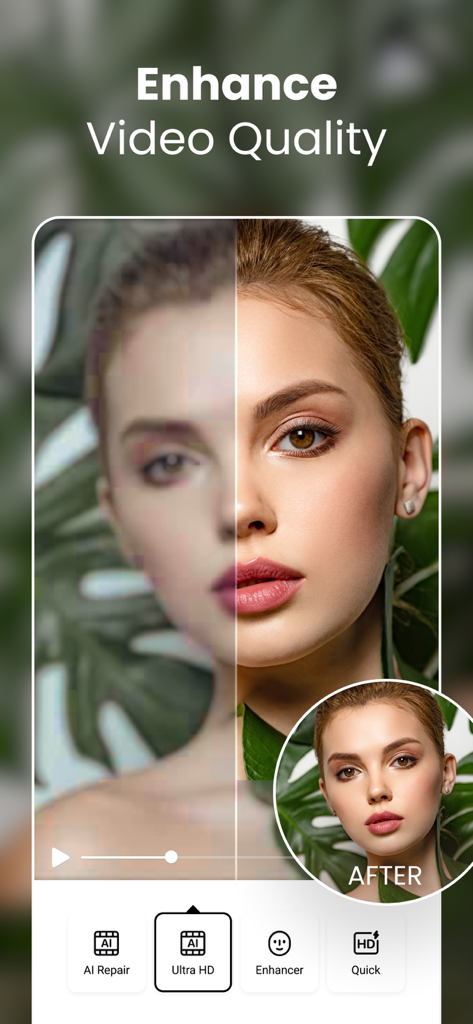
Split screen showing blurry video before and sharp Ultra HD quality after AI enhancement
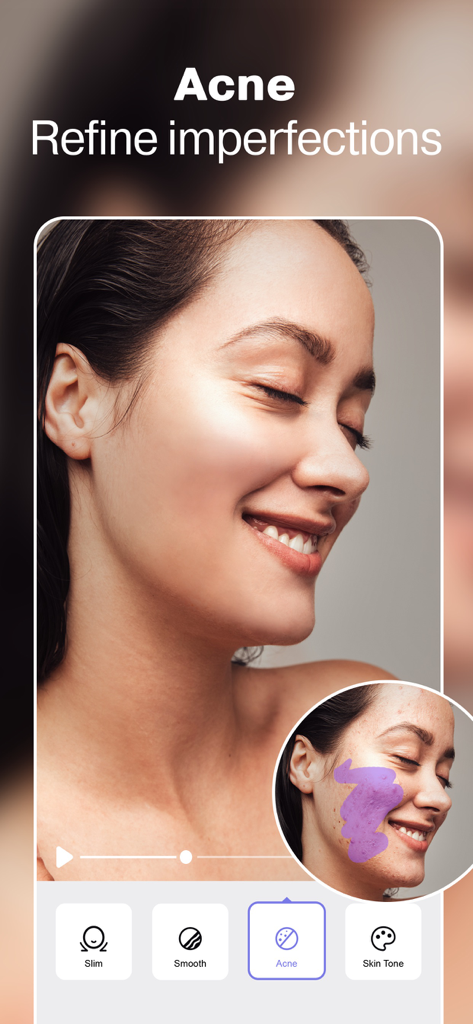
AirVid AI tool removing acne and refining skin imperfections in a video
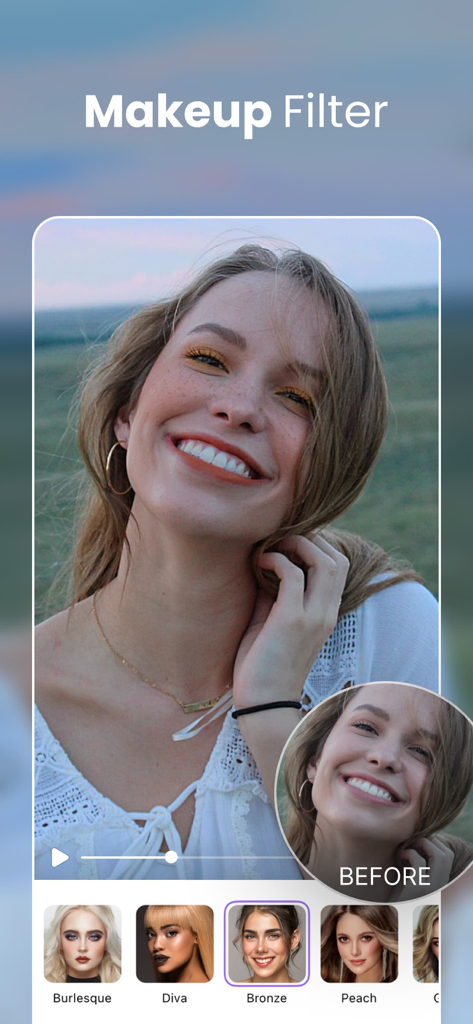
A woman showcasing a makeup filter effect with a before and after comparison in the AirVid video editor
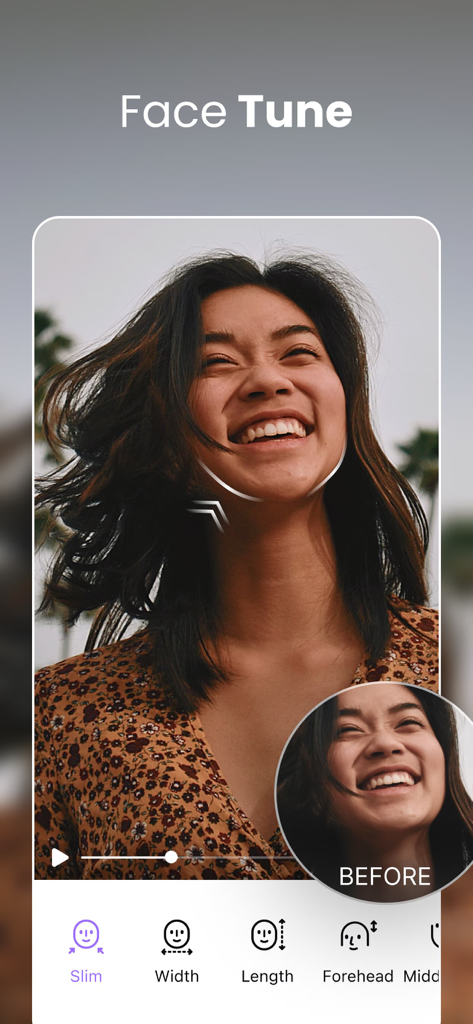
AirVid app interface showing the Face Tune tool with options to slim and reshape a face in a video
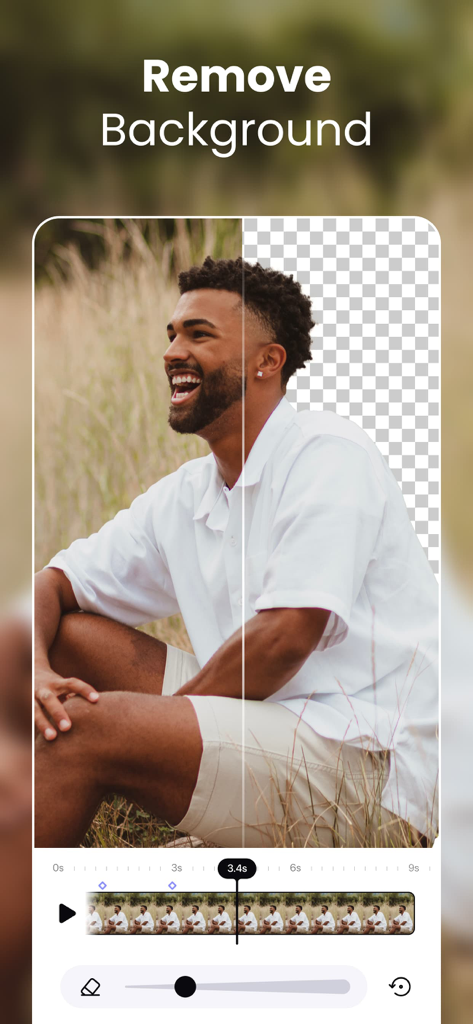
AirVid app interface showing a split-screen comparison of a video with its background removed by AI.
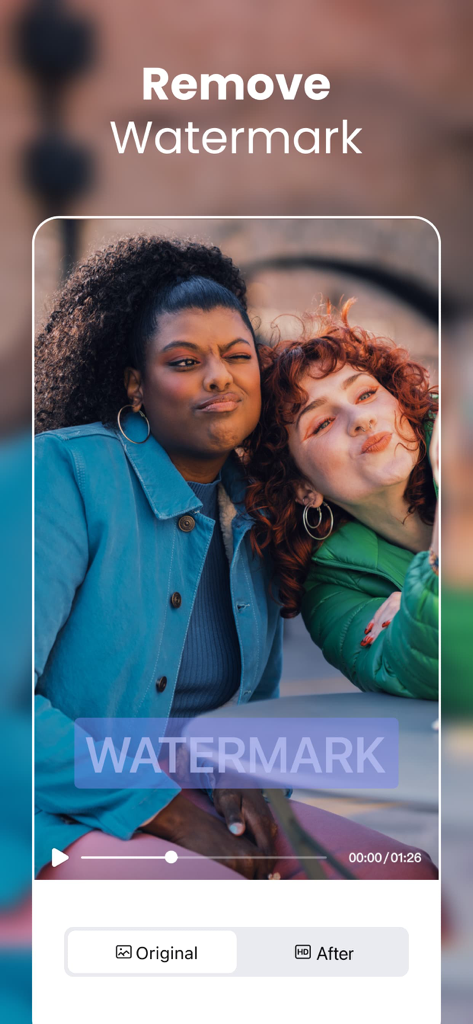
AirVid app interface showing two women in a video with a watermark removal feature
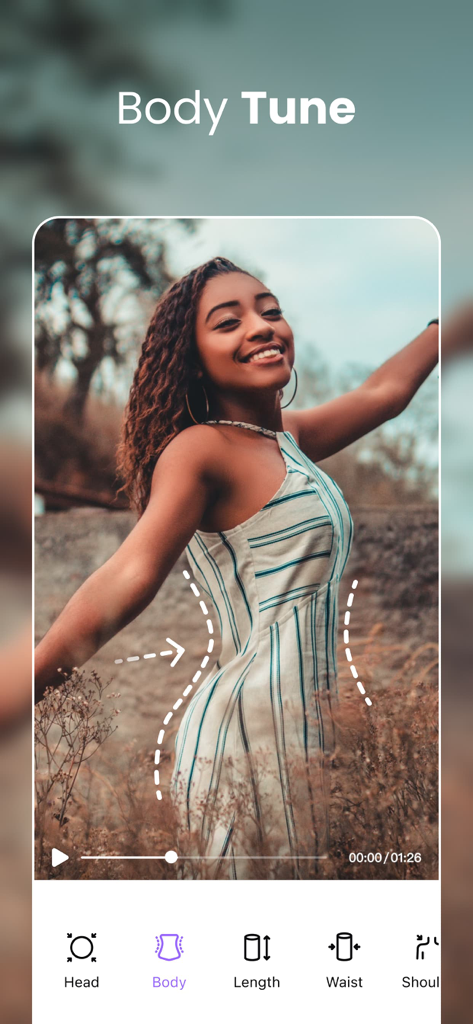
AirVid app interface showing Body Tune feature for video reshaping
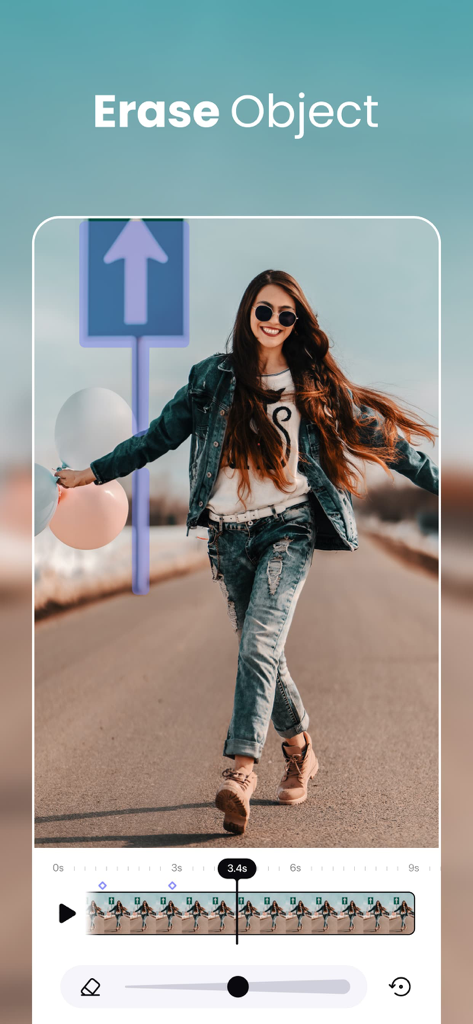
A video editing interface showing the AI object removal tool erasing a road sign from a clip
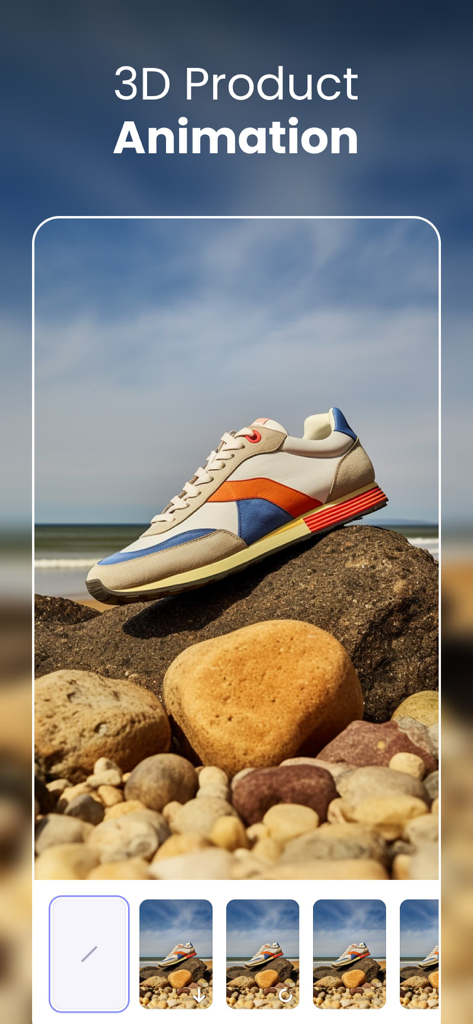
AirVid app interface demonstrating a 3D product animation feature with a sneaker on a rock at the beach
Description
Download
More Like This
Apps with similar features and user experience

Meitu- AI Photo & Video Editor
Xiamen Meitu Technology Co., Ltd.

BeautyCam-AI Photo Editor
Xiamen Meitu Technology Co., Ltd.

BeautyPlus-Selfie Photo Editor
PIXOCIAL TECHNOLOGY (SINGAPORE) PTE. LTD.

Peachy - AI Face & Body Editor
SHANTANU PTE. LTD.

Airbrush: Face Photo Editor
PIXOCIAL TECHNOLOGY (SINGAPORE) PTE. LTD.

YouCam Perfect AI Photo Editor
PERFECT MOBILE CORP.

Persona: AI Beauty Editor
TICKET TO THE MOON, INC.

Wuta Camera - Nice Shot Always
Shanghai Benqumark Network Tech Co., Ltd.

Perfect365 Makeup Photo Editor
Perfect365, Inc.
This page is not an official page of the app or its developer, but an independent editorial publication created for informational and commentary purposes. Unless expressly stated otherwise, neither the app nor its developer is affiliated with, endorsed by, sponsored by, authorized by, or otherwise officially connected with MWM, Apple, Google Play, the app publisher, or the app's developer, and nothing on this page implies that the app was developed using MWM's services. Any trademarks, logos, screenshots, and other content remain the property of their respective owners.