
This page is not an official page of the app or its developer, but an independent editorial publication created for informational and commentary purposes. Unless expressly stated otherwise, neither the app nor its developer is affiliated with, endorsed by, sponsored by, authorized by, or otherwise officially connected with MWM, Apple, Google Play, the app publisher, or the app's developer, and nothing on this page implies that the app was developed using MWM's services. Any trademarks, logos, screenshots, and other content remain the property of their respective owners.

AnamorphicDesqueezer
Turn your iPhone into a professional production monitor. Real-time desqueeze, advanced exposure tools, and 10-bit ProRes export for a seamless 2.39:1 CinemaScope workflow.
Downloads
0User Rating
Total Ratings
0Publisher
Category
Photo & VideoLocales
1Latest Version
1.21Size
7.0 MBFirst Released
Jan 7, 2026Elevate Your Mobile Cinematography
A dedicated suite of professional tools designed for filmmakers who demand manual precision and high-fidelity anamorphic workflows.
Live Anamorphic Monitoring
Instantly preview your 2.39:1 CinemaScope frame with real-time desqueeze support for 1.33x to 2.0x anamorphic lenses.
Precision Exposure Tools
Dial in the perfect shot using pro-grade Waveform, False Color, and Zebras to ensure technical perfection in every frame.
The following screenshots and description are sourced directly from the app's official store listing and are the property of the app developer.
App Store
Screenshots
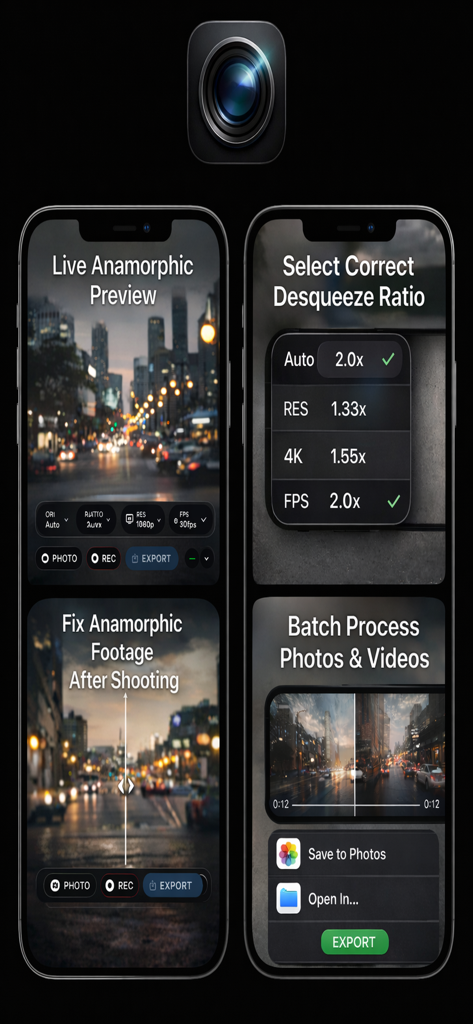
Interface of AnamorphicDesqueezer app showing live preview and desqueeze ratio selection for anamorphic cinematography
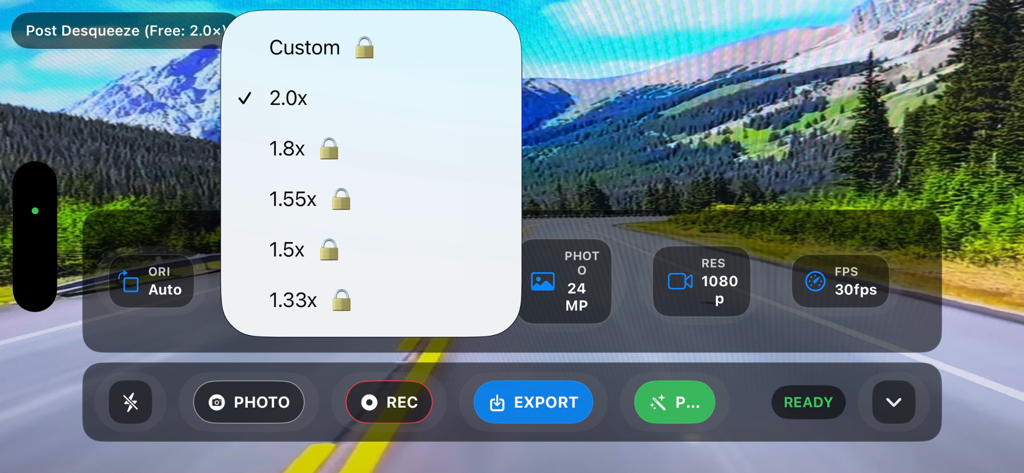
AnamorphicDesqueezer app interface showing the selection of anamorphic desqueeze ratios from 1.33x to 2.0x over a landscape camera preview.
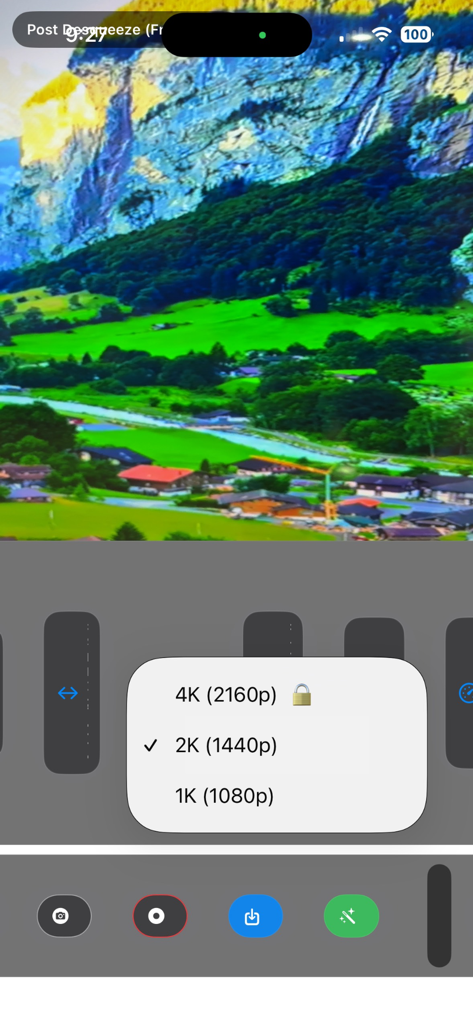
AnamorphicDesqueezer interface showing video resolution settings including 4K 2K and 1K options
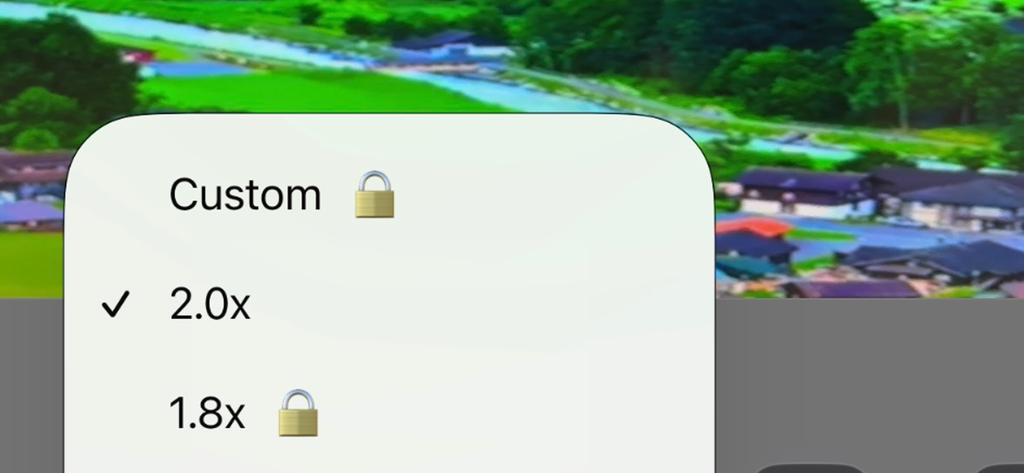
A close-up of the AnamorphicDesqueezer app interface showing a selection menu for anamorphic desqueeze ratios including 2.0x and 1.8x.
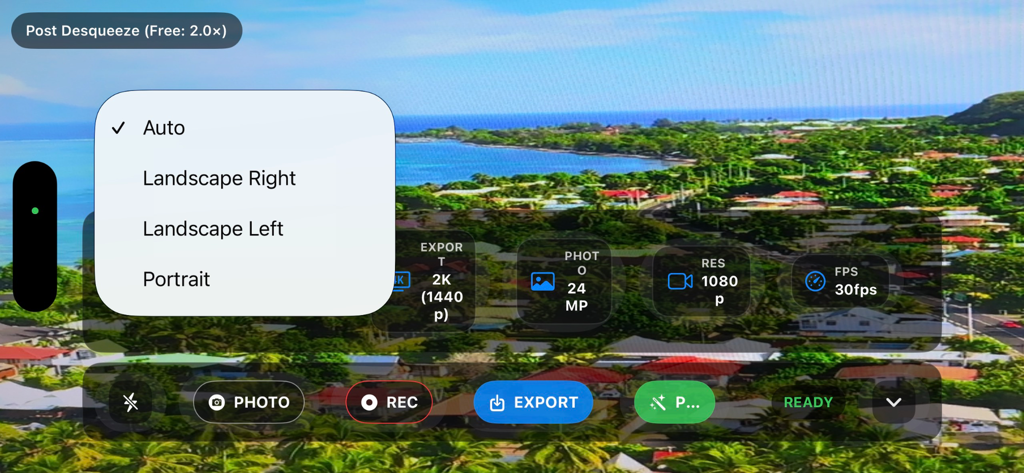
AnamorphicDesqueezer app interface showing orientation settings menu and filming metadata over a coastal landscape view
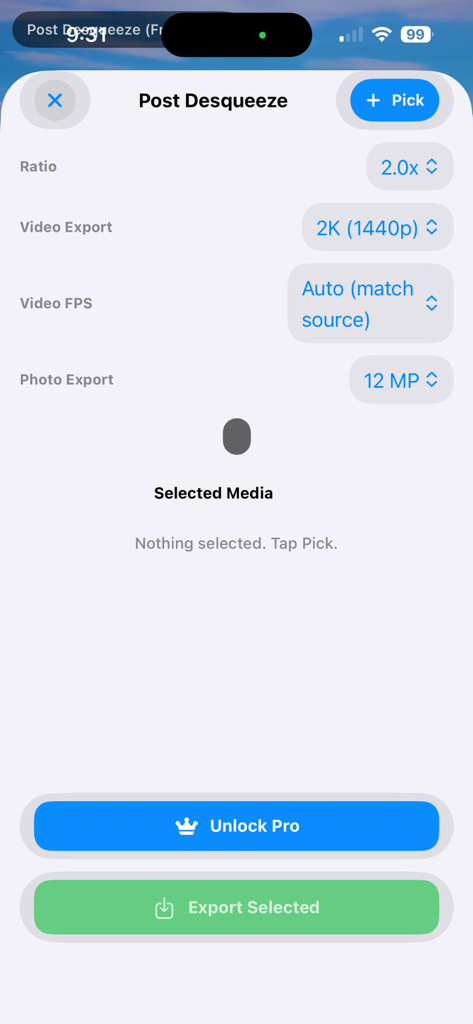
Interface of the AnamorphicDesqueezer app showing post-production export settings for anamorphic video and photo.
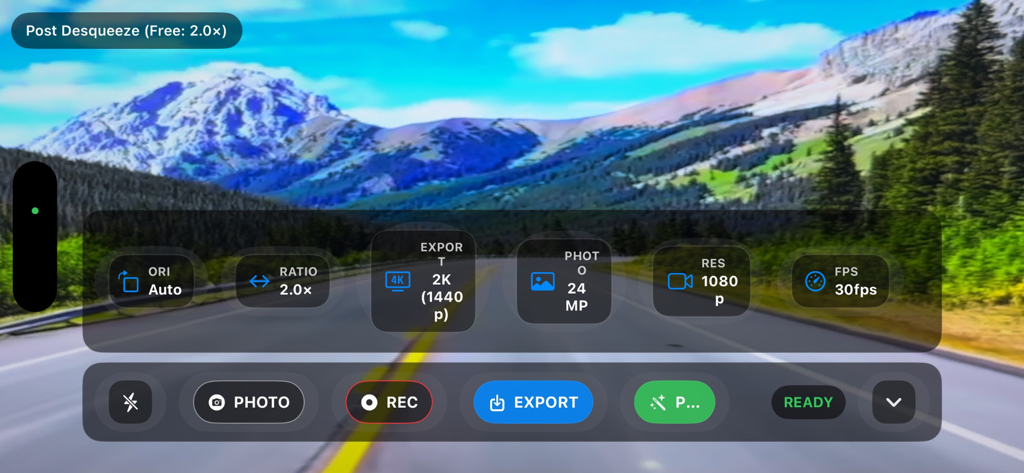
AnamorphicDesqueezer app interface with manual camera settings and video export options over a landscape background
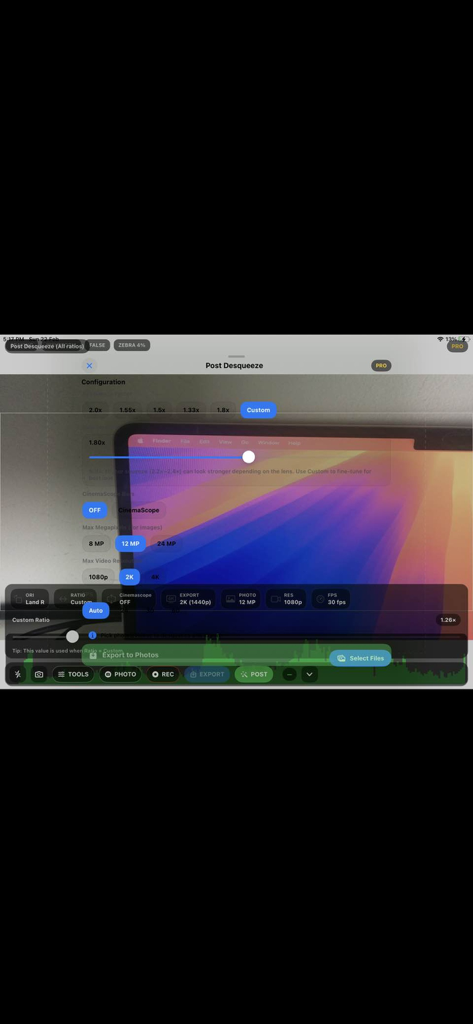
AnamorphicDesqueezer app interface for post-production desqueezing with custom ratio and resolution settings.
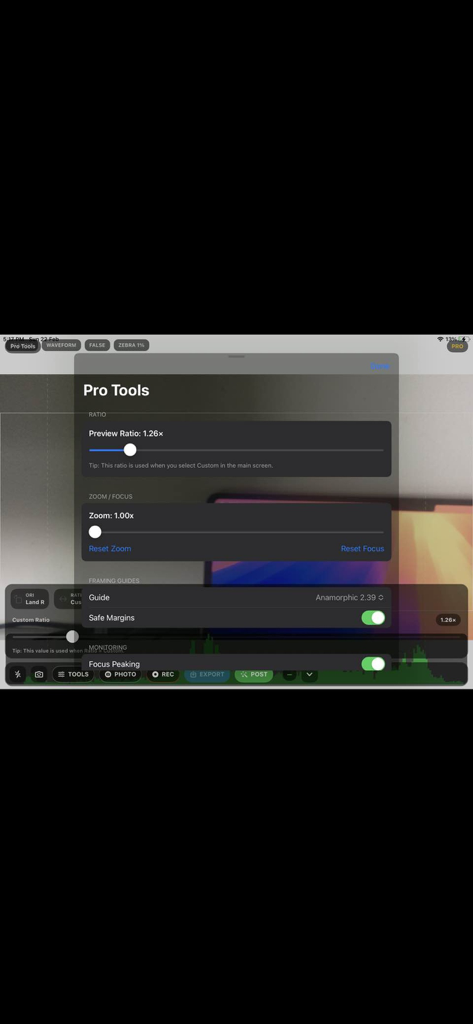
Pro Tools menu in the AnamorphicDesqueezer app showing custom ratio and framing guide settings
Description
Download
More Like This
Top-ranked apps in the same category

CapCut: Photo & Video Editor
BYTEDANCE PTE. LTD.

Instagram, Inc.

YouTube
Google LLC

Canva: AI Video & Photo Editor
Canva Pty Ltd

Meta AI - Vibes & AI Glasses
Meta Platforms, Inc.

Snapchat
Snap, Inc.

快手
Beijing Kwai Technology Co., Ltd.

Edits: Video Editor
Instagram, Inc.

Meitu- AI Photo & Video Editor
Xiamen Meitu Technology Co., Ltd.
This page is not an official page of the app or its developer, but an independent editorial publication created for informational and commentary purposes. Unless expressly stated otherwise, neither the app nor its developer is affiliated with, endorsed by, sponsored by, authorized by, or otherwise officially connected with MWM, Apple, Google Play, the app publisher, or the app's developer, and nothing on this page implies that the app was developed using MWM's services. Any trademarks, logos, screenshots, and other content remain the property of their respective owners.