
ApowerMirror- Screen Mirroring



Bridge the gap between iOS and Windows. Stream high-quality mobile gameplay, manage apps with your mouse and keyboard, and share screens across different networks with ease.
Publisher
Category
UtilitiesDownloads
16M+User Rating
Total Ratings
11K+Locales
18Discover the interface used by 16M+ users.
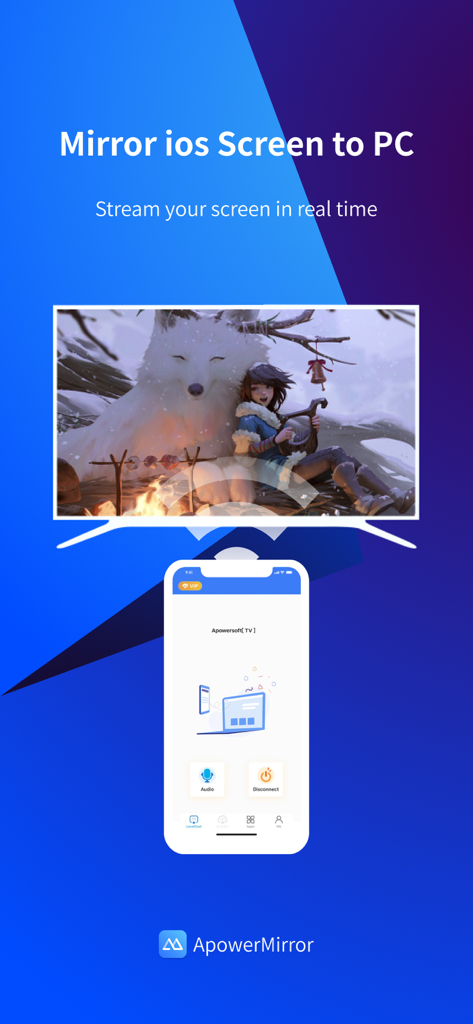
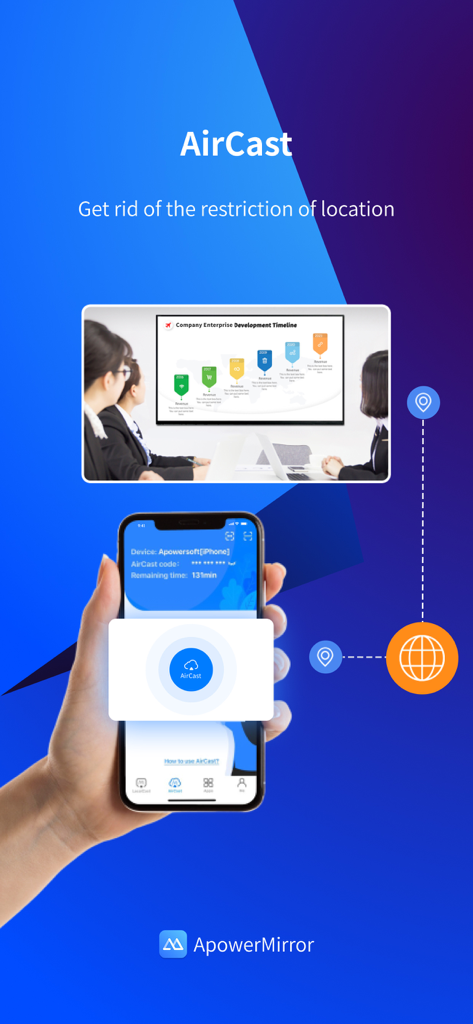
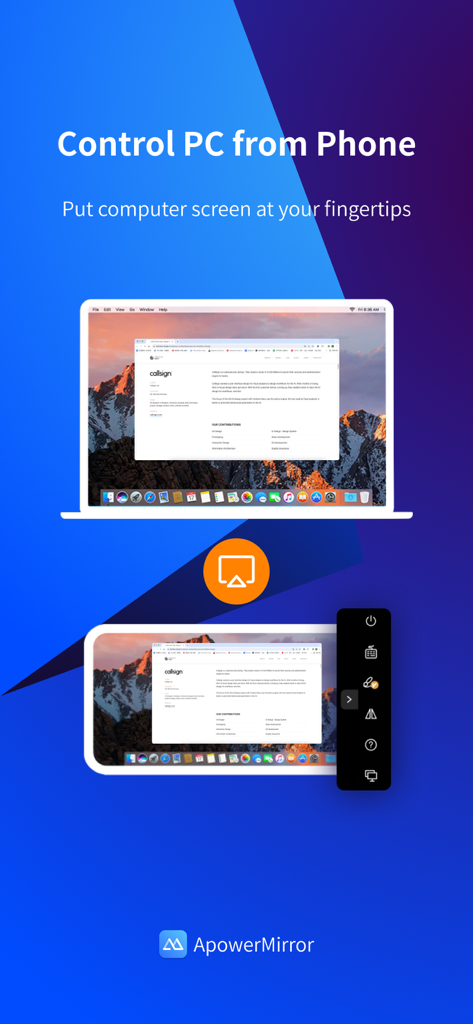
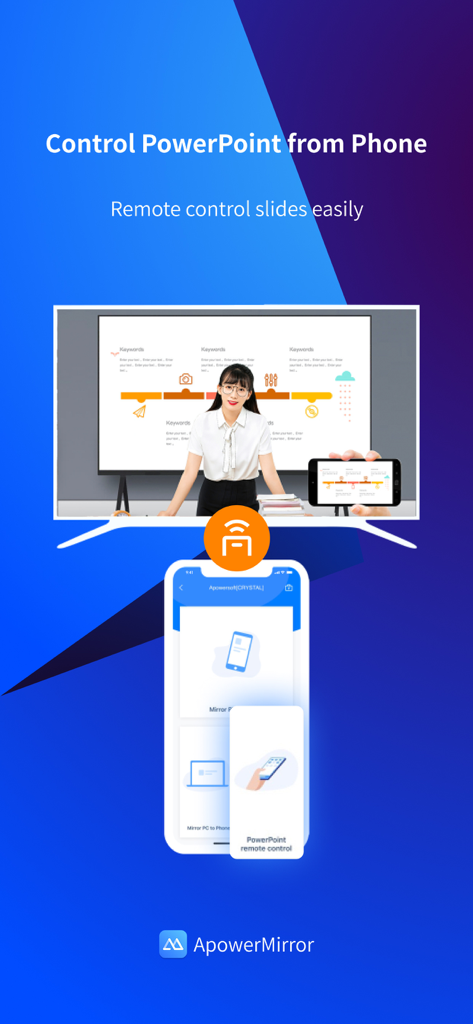
The tools that make this app stand out, trusted by 16M+ users.
Ditch the small screen and control your iPhone or iPad directly from your PC or Mac using your mouse and keyboard for maximum productivity.
Cast high-intensity mobile gameplay to your monitor with zero lag to level up your streaming setup on Twitch, Discord, or YouTube.
Break the limits of local Wi-Fi and share your screen across different networks, making remote collaboration and tech support easier than ever.
Everything you need to know about ApowerMirror- Screen Mirroring.
Description
Latest Version
1.6.0
Size
123.1 MB
First Released
Jun 28, 2017
Join over 16 million users and take full control of your iPhone from your PC or TV. Download ApowerMirror today to start mirroring, gaming, and streaming with zero lag.
Everything you need to know about ApowerMirror- Screen Mirroring
ApowerMirror is a screen mirroring app that casts phone to computer or Smart TV with audio. It also allows mirroring and control between phones, and controlling iPhones/iPads from a computer.
Yes, ApowerMirror can stream up to four devices simultaneously without any delay. This feature enhances sharing and collaboration across different screens for various uses.
Yes, ApowerMirror features AirCast, which enables screen mirroring between devices not connected to the same network. This works for phone to phone, phone to PC, and PC to phone streaming.
Yes, ApowerMirror allows users to remotely control an iPhone or iPad from a computer using a mouse and keyboard. This functionality operates wirelessly, connecting via Bluetooth.
Yes, ApowerMirror enables users to control a PC from a phone. This functionality is useful for tasks such as managing presentations or navigating your computer remotely.
ApowerMirror supports Windows, Mac, iPhone, iPad, and various Smart TVs including Sony, Sharp, Philips, Hisense, Skyworth, Xiaomi, and LG. It also works with DLNA/AirPlay devices, projectors, and car screens.
Yes, ApowerMirror is ideal for sharing gameplay of mobile games like PUBG Mobile, Call of Duty Mobile, and Free Fire. Users can mirror these games to a larger screen during live streaming sessions.
First, connect both devices to the same WiFi network and install ApowerMirror on both. On iPhone, open Control Center, tap "Screen Mirroring," and select "Apowersoft + your device."
Apps with similar features and user experience

InstantBits Inc

Sichuan FalconAI Technology Co., Ltd.

Mihkel Pikk

Ozuna Limited

TOGGLE APPS SP Z O O

AER SOFTWARE COMPANY LIMITED

SAND STUDIO CORPORATION LIMITED

Hainan Delta Software Co., Ltd

Dalma Innovation Solutions d.o.o.
App information, icons, screenshots, and descriptions displayed on this page are sourced from the Apple App Store and are the property of their respective developers. Download estimates and rankings are based on MWM's proprietary models and may not reflect actual figures. This page is provided for informational and analytical purposes only.
Believe this page infringes your intellectual property? File a dispute

