
This page is not an official page of the app or its developer, but an independent editorial publication created for informational and commentary purposes. Unless expressly stated otherwise, neither the app nor its developer is affiliated with, endorsed by, sponsored by, authorized by, or otherwise officially connected with MWM, Apple, Google Play, the app publisher, or the app's developer, and nothing on this page implies that the app was developed using MWM's services. Any trademarks, logos, screenshots, and other content remain the property of their respective owners.

AR Drawing - TraceCam
Experience the magic of tracing, sketching, and coloring in one app. Use your camera to bring any image to life on paper and master the art of drawing with confidence.
Downloads
0User Rating
Total Ratings
0Publisher
Category
Graphics & DesignLocales
1Latest Version
1.1.2Size
22.6 MBFirst Released
May 14, 2025Master the Art of Drawing
Bridge the gap between inspiration and creation with AR technology designed to help you sketch, trace, and color with total confidence.
AR-Powered Tracing
Turn your iPhone into a professional guide. Project any image onto paper through your camera to build muscle memory and perfect your sketching skills.
Personalized Creations
Import your own photos to create custom line art. From pet portraits to aesthetic sketches, transform your memories into hand-drawn masterpieces.
The following screenshots and description are sourced directly from the app's official store listing and are the property of the app developer.
App Store
Screenshots
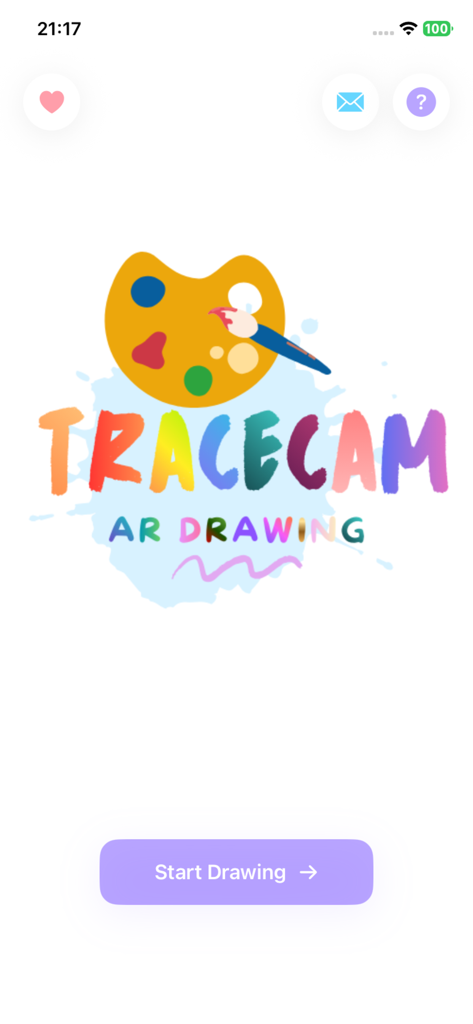
AR Drawing TraceCam app home screen featuring a colorful logo with a paint palette and a Start Drawing button.

The feedback screen of the AR Drawing TraceCam app featuring categories like Suggestion and Bug Report with a message field.
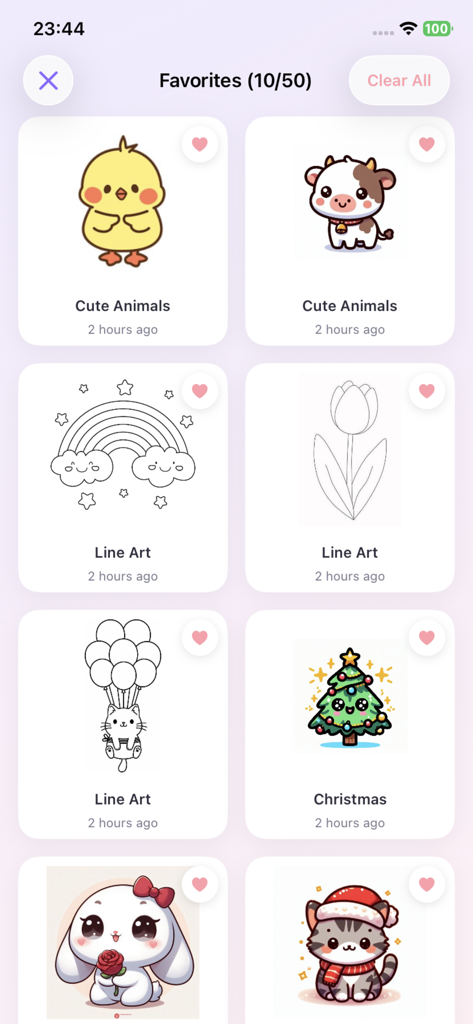
The favorites screen of the AR Drawing TraceCam app displaying a collection of cute animal and line art drawing templates.
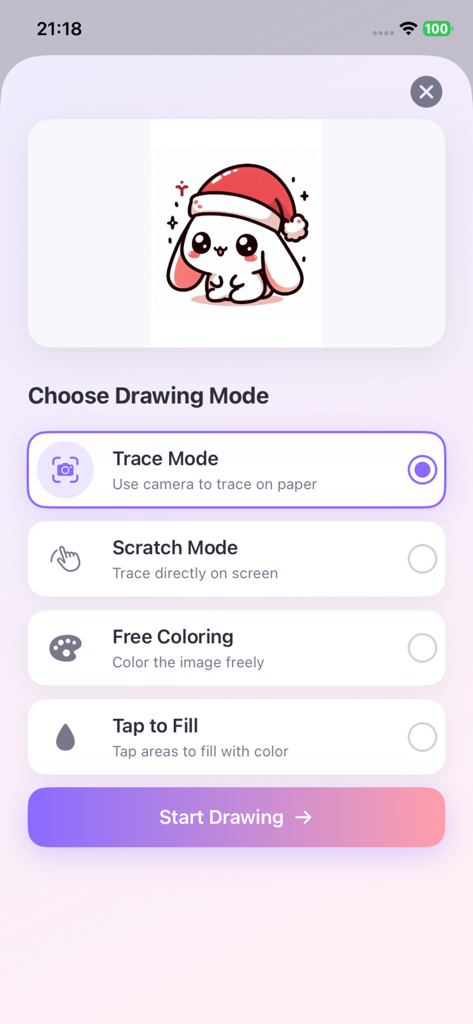
The drawing mode selection screen in the AR Drawing TraceCam app showing options for Trace Mode Scratch Mode Free Coloring and Tap to Fill.
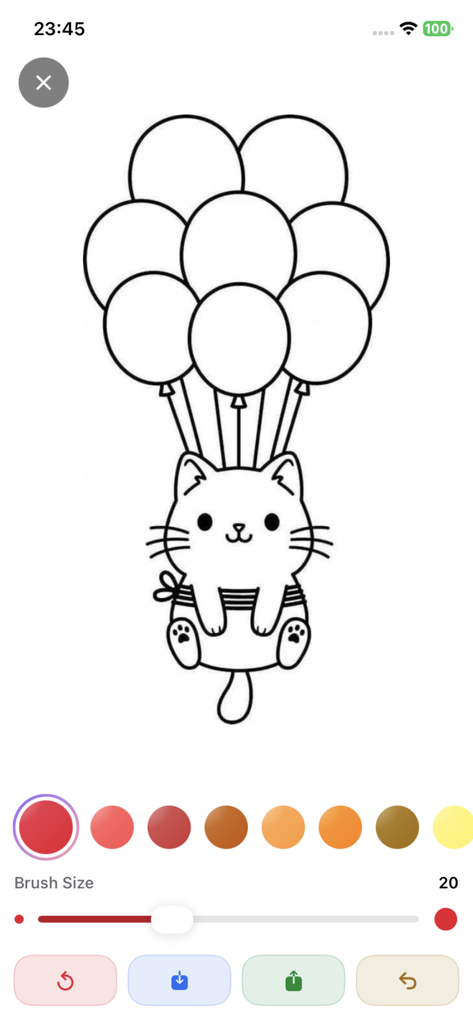
Digital coloring interface in TraceCam app featuring a cute cat with balloons and art tools.

A cute cartoon hamster wearing a Santa hat drawing template in the TraceCam app
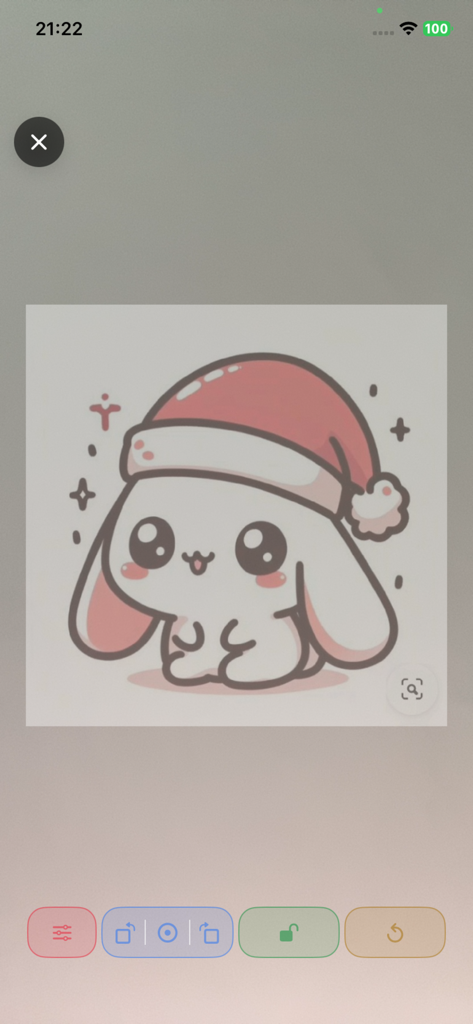
TraceCam app interface showing a cute cartoon bunny in a Santa hat ready for AR tracing
Description
Download
More Like This
Top-ranked apps in the same category

iScreen - Widgets & Wallpaper
Xiamen ShenZhuo Information Technology Co., Ltd.

Kling AI: AI Image&Video Maker
LOHAS GAMES PTE. LTD.

Home AI - AI Interior Design
HUBX YAZILIM HIZMETLERI ANONIM SIRKETI

ibis Paint X
ibis inc.

ThemeKit: Widget & Icon Themes
Woohoo Tech. Ltd.

AR Drawing: Sketch & Paint
Digital Solutions Technologies Limited

Sketchbook®
Sketchbook, Inc.

Adobe Express: Create Anything
Adobe Inc.

Layout - Photo Collage Maker
Fitness Labs SRL
This page is not an official page of the app or its developer, but an independent editorial publication created for informational and commentary purposes. Unless expressly stated otherwise, neither the app nor its developer is affiliated with, endorsed by, sponsored by, authorized by, or otherwise officially connected with MWM, Apple, Google Play, the app publisher, or the app's developer, and nothing on this page implies that the app was developed using MWM's services. Any trademarks, logos, screenshots, and other content remain the property of their respective owners.