
This page is not an official page of the app or its developer, but an independent editorial publication created for informational and commentary purposes. Unless expressly stated otherwise, neither the app nor its developer is affiliated with, endorsed by, sponsored by, authorized by, or otherwise officially connected with MWM, Apple, Google Play, the app publisher, or the app's developer, and nothing on this page implies that the app was developed using MWM's services. Any trademarks, logos, screenshots, and other content remain the property of their respective owners.


Art Word: Add Text to Photos
Elevate your social media presence with beautiful typography, artistic stamps, and custom filters. Whether you're building a brand or sharing a memory, create high-impact visuals in just a few taps.
Downloads
3M+User Rating
Total Ratings
102K+Publisher
Category
Graphics & DesignLocales
30Latest Version
1.7.3Size
126.7 MBFirst Released
Sep 27, 2016Design Like a Pro, Anywhere
Everything you need to transform your photos into high-impact digital art for your personal brand, side-hustle, or social feed.
Premium Artistic Tools
Stand out with designer-vetted stamps, banners, and frames that give your photos a professional, curated look in seconds.
One-Tap Customization
Adjust colors, blur, and effects instantly with an intuitive interface designed for your busy, mobile-first lifestyle.
Frequently Asked Questions
Everything you need to know about Art Word: Add Text to Photos
What is ArtWord: Add Text to Photos?
ArtWord is an app that allows users to transform pictures into digital art. It enables adding text, stamps, photo effects, and filters to images, facilitating the creation of memes, cards, and decorated photos.
Does ArtWord allow users to customize text?
Yes, ArtWord allows users to customize text. Users can select typography, choose from stylish fonts, adjust colors, spacing, and add shadows to their text within the app.
What background options are available in ArtWord?
ArtWord offers multiple background options. Users can choose from included wallpapers, solid colors, gradients, photos from their gallery, or stock images to use as backgrounds for their designs.
How much does ArtWord Pro cost?
ArtWord Pro costs $29.99 per year. This auto-renewing subscription provides users with unlimited file conversions within the application.
Can users share their creations from ArtWord?
Yes, users can share their creations from ArtWord. The app supports sharing to social media platforms like Facebook, Twitter, and Instagram, or saving to the gallery for sharing via Email or iMessage.
Does the ArtWord Pro subscription auto-renew?
Yes, the ArtWord Pro subscription automatically renews. It renews annually unless auto-renew is turned off at least 24-hours before the current period ends, as stated in the app description.
How do I add text to photos using ArtWord?
To add text with ArtWord, select a typography, then type your desired text on a chosen background. You can use images from your camera, gallery, or the app's included wallpapers.
How many typography designs does ArtWord offer?
ArtWord offers over 40 typography designs. Users can select from these designs to transform their pictures into digital art with various stylistic texts.
The following screenshots and description are sourced directly from the app's official store listing and are the property of the app developer.
App Store
Screenshots
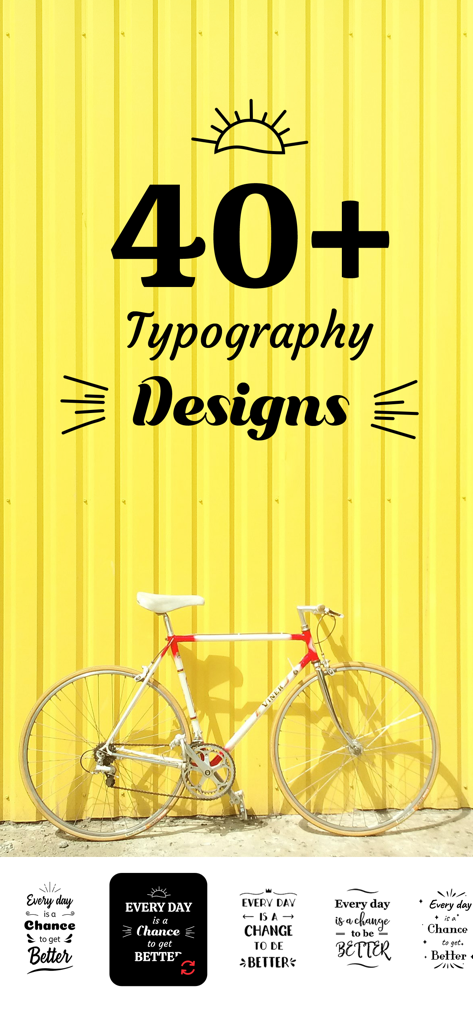
Art Word app showcasing over 40 typography design styles for photos
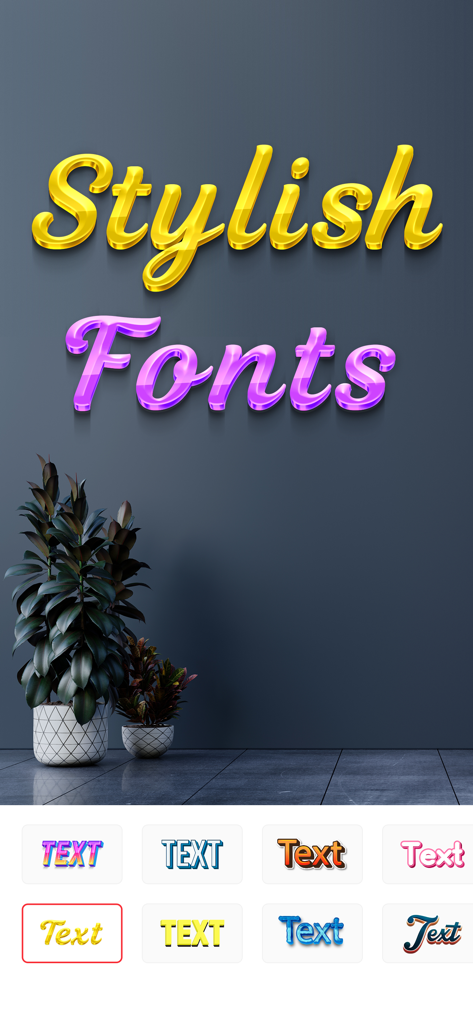
Art Word app interface displaying various stylish and 3D font options for adding text to images
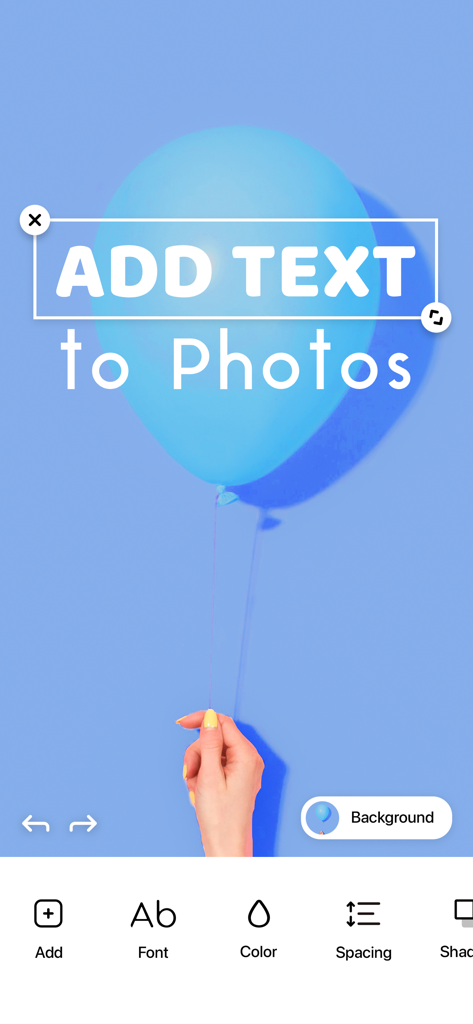
User interface of Art Word app adding custom text to a photo of a blue balloon.
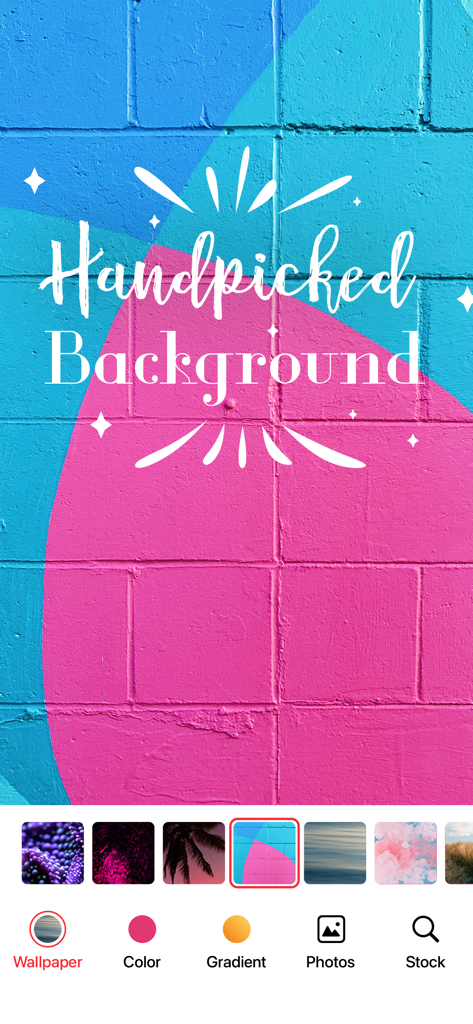
Art Word app interface showing handpicked colorful brick backgrounds with stylish text overlays.
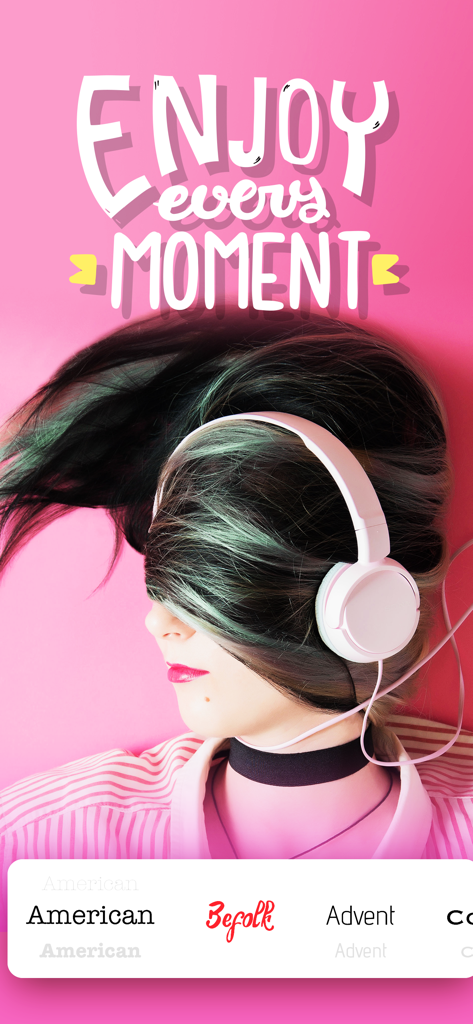
Stylized typography reading Enjoy every moment overlaid on a photo of a woman wearing headphones
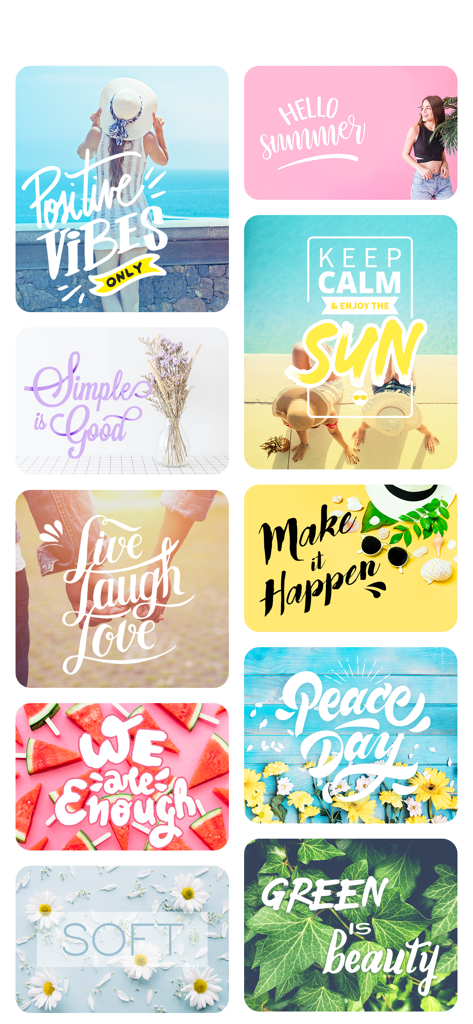
A collage of aesthetic photos with creative typography overlays including motivational quotes and seasonal greetings
Description
Download
More Like This
Apps with similar features and user experience

Phonto - Text on Photos
Yusuke Horie
排版小动物 - tinytype 你的文字排版助手
Kairutu Technology (Shanghai) Co., Ltd.
LOOMY: Fonts & Aesthetic Text
Anton Havrylenko
Fonting: Font Editor for IG
SPARKLECT CO.,LTD.

微商文案-模拟聊天对话电影制作
庆 李
txt: Add Text To Photo & Video
Ancle Apps LTD
StoryFont for Instagram Story
Alireza Namazian

Typorama: Text on Photo Editor
App Business Ventures LLC

ColadaPic – Aesthetic Stickers
NEX INNOVATION PTE. LTD
This page is not an official page of the app or its developer, but an independent editorial publication created for informational and commentary purposes. Unless expressly stated otherwise, neither the app nor its developer is affiliated with, endorsed by, sponsored by, authorized by, or otherwise officially connected with MWM, Apple, Google Play, the app publisher, or the app's developer, and nothing on this page implies that the app was developed using MWM's services. Any trademarks, logos, screenshots, and other content remain the property of their respective owners.