Audacity Audio Record

Audacity Audio Record

Logo of Audacity Audio Record

Audacity Audio Record: The All-in-One Mobile Studio for Professionals and Creators

Capture high-quality audio, transcribe recordings to text instantly, and edit with precision. Streamline your workflow from lecture to transcript, or meeting to media, all in one powerful app.

Publisher

LINH ANH SERVICES AND INVESTMENT TRADE COMPANY LIMITED

Category

Productivity

Downloads

1K+

User Rating

2.0/5

Total Ratings

0

Locales

1

Precision in Action

Discover the interface used by 1K+ users.
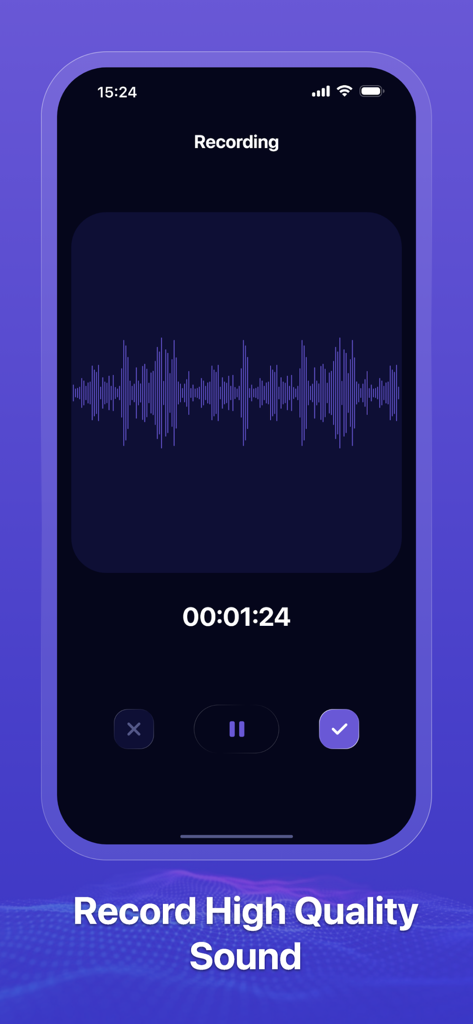
iPhone screenshot showing the Audacity Audio Record app recording interface with a sound waveform and timer

iPhone screenshot showing the Audacity Audio Record app recording interface with a sound waveform and timer

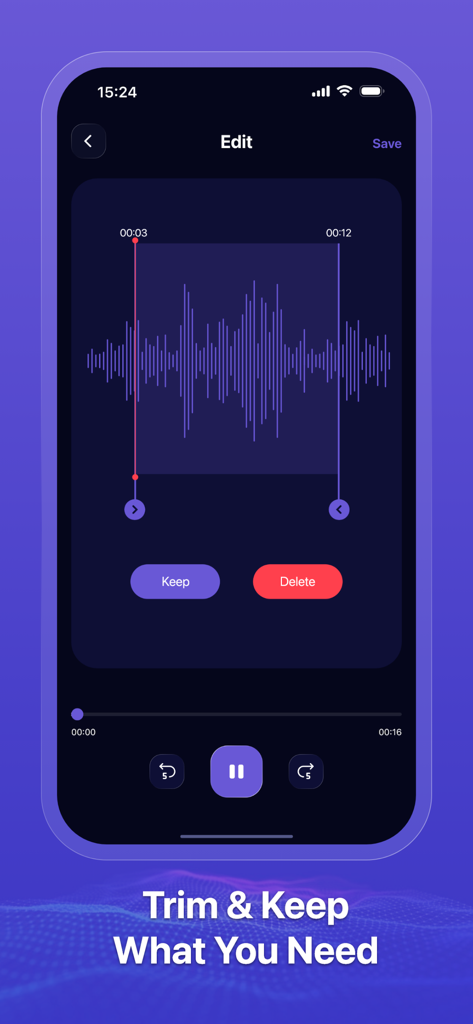
Audacity Audio Record app interface showing the trim and edit feature with an audio waveform selection.

Audacity Audio Record app interface showing the trim and edit feature with an audio waveform selection.

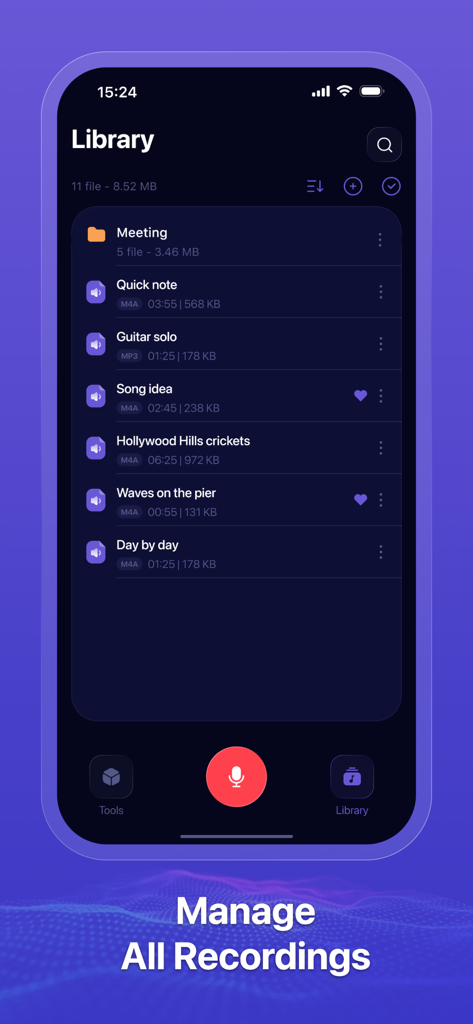
Library interface of Audacity Audio Record app displaying a list of audio files and folders.

Library interface of Audacity Audio Record app displaying a list of audio files and folders.

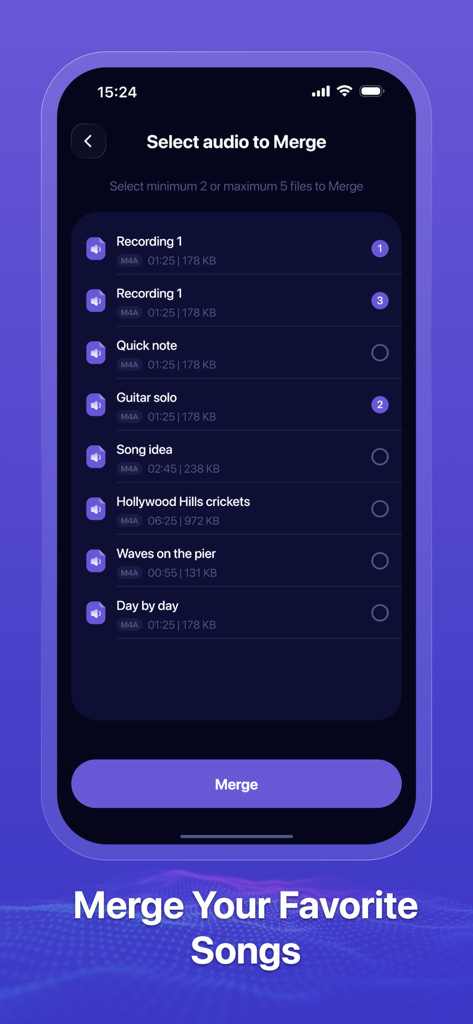
Select and merge multiple audio recordings in the Audacity Audio Record app

Select and merge multiple audio recordings in the Audacity Audio Record app

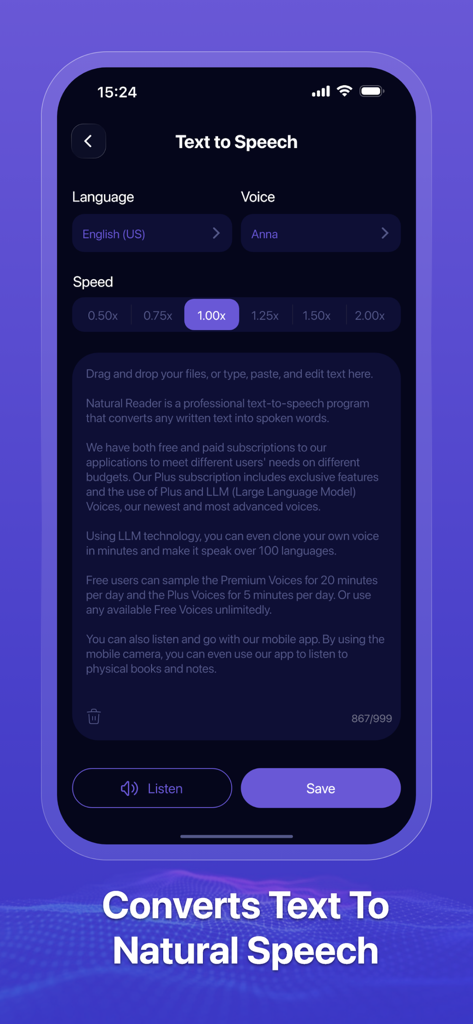
Audacity Audio Record mobile app interface showing text to speech conversion feature with voice and speed settings

Audacity Audio Record mobile app interface showing text to speech conversion feature with voice and speed settings

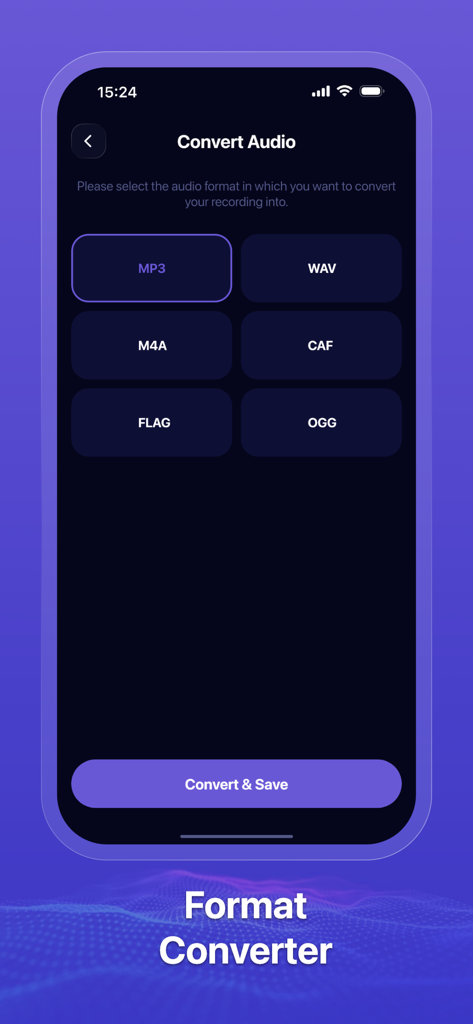
Audacity Audio Record app screen showing audio conversion options for MP3 WAV and M4A formats

Audacity Audio Record app screen showing audio conversion options for MP3 WAV and M4A formats

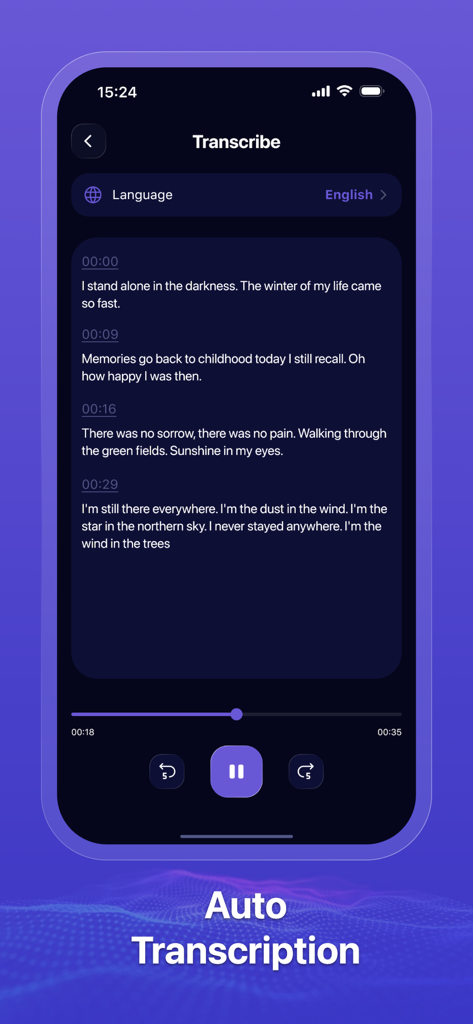
Mobile app interface showing the auto transcription feature with text and timestamps

Mobile app interface showing the auto transcription feature with text and timestamps

Power Your Productivity with Professional Audio Tools

The tools that make this app stand out, trusted by 1K+ users.

📝

Smart AI Transcription

Turn lectures, interviews, and meetings into editable text instantly to streamline your notes and research.

✂️

Precision Editing & Merging

Trim unwanted segments and combine multiple audio files into a polished final product without leaving the app.

🔄

Universal Export & Conversion

Easily convert files to MP3, WAV, or AAC for seamless sharing across social media and professional platforms.

About the app

Everything you need to know about Audacity Audio Record.

Description

Audacity Audio Record Designed with simplicity and performance in mind, it offers a rich set of features that allow users to easily capture, manage, and process audio files. - Record: High-quality audio recording with background and screen-off support. - Audio to Text: Automatically transcribe your recordings into editable text. - Trim & Edit: Cut unwanted parts and fine-tune your recordings precisely. - Text to Speech: Convert text into natural-sounding speech and export as audio. - Merge Audio: Seamlessly combine multiple audio files into one. Convert Audio Format - Need your audio in a different format? Easily convert between popular audio formats like MP3, WAV, AAC, and more. - Audio Management: Organize your recordings effortlessly. Rename, delete, sort, and search through your audio library with ease • Subscription: Renewing and Cancellation Subscription with a free trial period will automatically renew to a paid subscription unless auto-renewal is turn off. Payment will be charged to your iTunes Account at confirmation of purchase. Subscription automatically renews unless auto-renew is turned off at least 24-hours before the end of the current period. Account will be charged for renewal within 24-hour prior to the end of the current period. The cost of the renewal will match the initial subscription price. Your auto-renew subscription can be managed or turned off by going to your Account Settings after purchase. No cancellation of the current subscription is allowed during your active subscription period. Any unused portion of a free trial period, if offered, will be forfeited when purchasing a subscription during the free trial period. If your subscription expires – you will need to purchase a new subscription to access all premium features. Terms of Use: https://sites.google.com/view/tonica-audio-to-text Privacy Policy: https://sites.google.com/view/tonica-audiototext

Latest Version

1.0.2

Size

12.7 MB

First Released

Nov 7, 2025

Ready to Transform How You Handle Audio?

From instant transcriptions to professional edits, get the all-in-one tool designed for efficiency seekers and creators. Download Audacity Audio Record now and start producing better content in less time.

App information, icons, screenshots, and descriptions displayed on this page are sourced from the Apple App Store and are the property of their respective developers. Download estimates and rankings are based on MWM's proprietary models and may not reflect actual figures. This page is provided for informational and analytical purposes only.

Believe this page infringes your intellectual property? File a dispute