Authenticator - 2FA/MFA: Secure, Organized, and Always in Sync
The ultimate security companion for your social media, crypto, and government accounts. Experience seamless iCloud backup, Face ID protection, and effortless multi-device access.
Publisher
园 周
Category
Productivity
Downloads
300
User Rating
1.0/5
Total Ratings
0
Locales
1
Security at a Glance
Discover the interface used by 300 users.
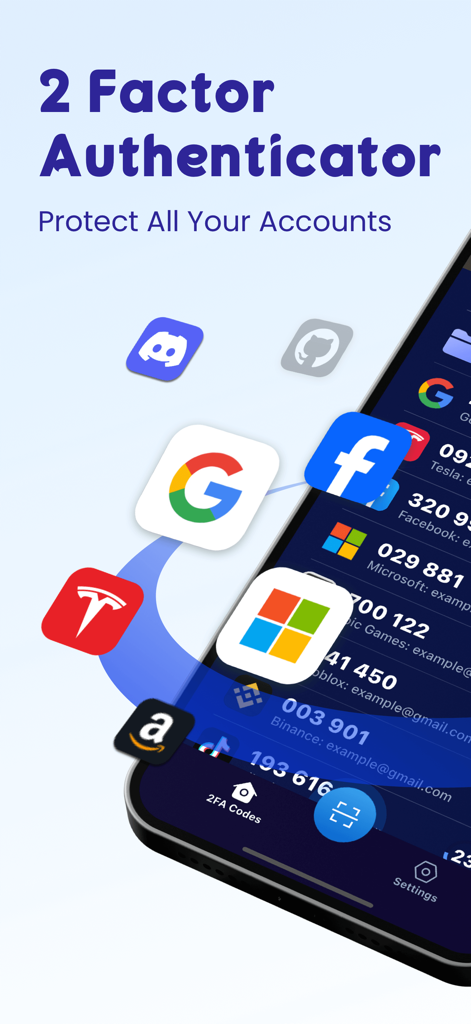
Authenticator app screen showing security codes for various online accounts
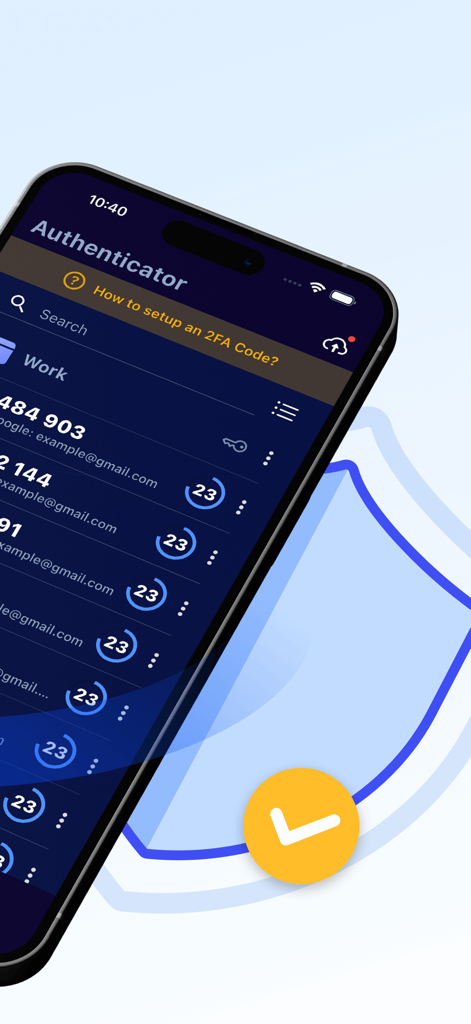
A smartphone screen displaying the Authenticator app with various 2FA security codes and account timers.
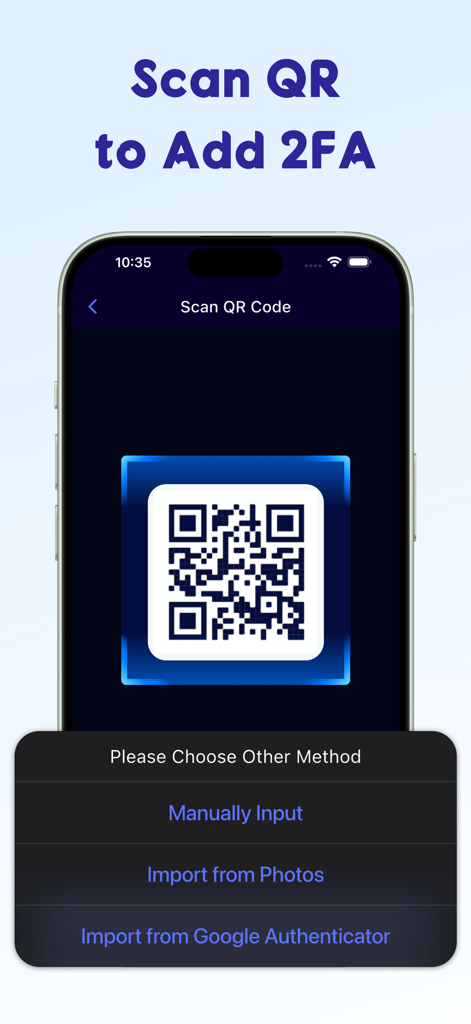
Interface of the Authenticator app showing a QR code scanner and import options for 2FA setup.
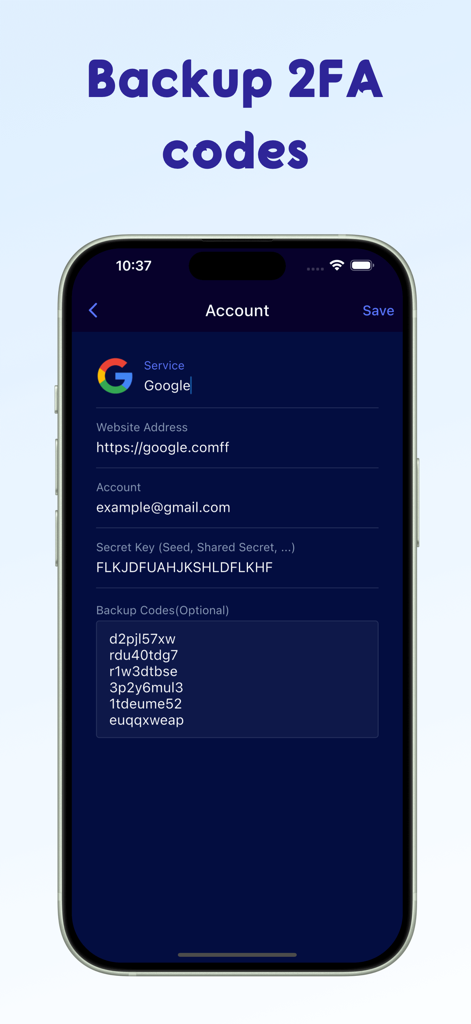
Interface of the Authenticator app showing setup and backup codes for a Google account
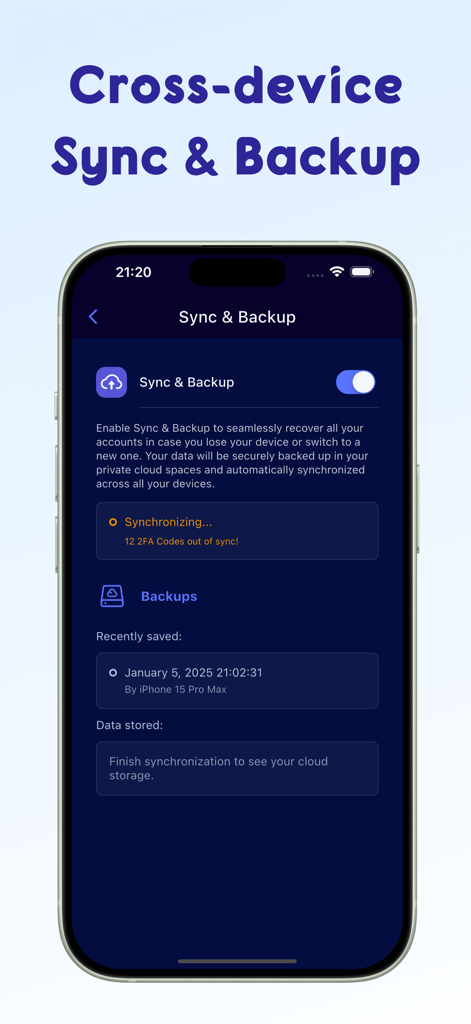
Authenticator app interface displaying the cross-device sync and backup settings for 2FA security codes.
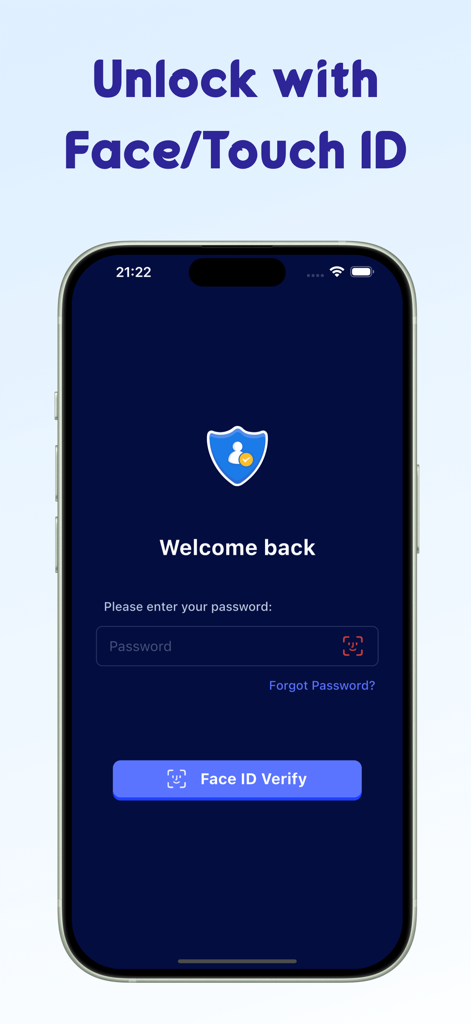
Smartphone screen displaying the biometric Face ID login page for the Authenticator app
Fortify Your Digital Identity
The tools that make this app stand out, trusted by 300 users.
☁️
Seamless iCloud Sync
Never get locked out of your accounts again. Automatically sync your security tokens across your iPhone, iPad, Mac, and Apple Watch for instant access anywhere.
🆔
Biometric Protection
Your security is personal. Secure your sensitive codes behind Face ID or Touch ID, ensuring that only you can access your most critical account tokens.
📂
Smart Folder Organization
Stop scrolling through endless lists. Categorize your 2FA codes into custom folders for Gaming, Crypto, Work, and Social Media for an organized digital workspace.
About the app
Everything you need to know about Authenticator - 2FA/MFA.
Description
Authenticator - 2FA/MFA is a highly secure two step authenticator app that can be installed on your iPhone/iPad to keep your online accounts safe. It is the easiest & most user friendly way to elevate your online security by generating two-factor authentication security tokens (2FA codes) or, in other words, time-based one-time password (TOTP/OTP), when you logging into your online accounts. Scan, generate & save 2FA/MFA codes with this authenticator app for popular services which support 2 step verification: Google, Microsoft, Amazon,Facebook, TikTok, Instagram, PayPal, Twitch, Epic,Shopify, etc.
Key Features of this 2FA Authentication App:
* Highly Security
- Quickly generate secure 2FA codes for your accounts and update every 30 seconds.
- Backup your security token and sync all accounts with iCloud, which enables you access to your accounts on iPhone, iPad, Mac or even Apple Watch, super fast and easy.
- Make sure only you can access your accounts by enabling biometric authentication(Face ID or Touch ID).
* 100% Easy to Use
- Setup 2-factor authentication by scanning QR or manually input or even importing from Google Authenticator.
- We offer detailed guides to help you add 2FA/MFA/(T)OTP Codes quickly.
- Customize two step authentication token folders for easy TOTP/OTP management.
- Import/export your two-factor authentication codes as a simple, readable text file for easy storage and backup.
* All Popular Accounts
In addition to the above services, the powerful authentication application also supports: Snapchat, Coinbase, Roblox, Discord, Reddit, SAP, Login.gov, Kick, Activision, NVIDIA, LastPass, Sony, One Healthcare ID, crypto, Stripe, Rockstar, Sprintax, Sterling, Ubisoft, Autotask, Air Force, GitHub, mo.gov and many more.
Terms of Use: https://docs.google.com/document/d/1jqhy9RXEz_X740tUiWcUH2K3XnlhsWaJsIll0bN7uJk/edit?usp=sharing
Privacy Policy: https://docs.google.com/document/d/1HoY1uo9ydkkL2BvKbEIMFfW_0ztR2Gs0bP2E8eNRFHA/edit?usp=sharing
Latest Version
1.0.6
Size
47.9 MB
First Released
Jan 21, 2025
Secure Your Digital World in Seconds
Experience seamless 2FA protection across your iPhone, iPad, and Apple Watch. Sync with iCloud and protect your accounts with Face ID for ultimate peace of mind.
App information, icons, screenshots, and descriptions displayed on this page are sourced from the Apple App Store and are the property of their respective developers. Download estimates and rankings are based on MWM's proprietary models and may not reflect actual figures. This page is provided for informational and analytical purposes only.
Believe this page infringes your intellectual property? File a dispute