
Authenticator App 2FA Authen

Protect your digital world with encrypted two-factor authentication that syncs seamlessly between your iPhone, Mac, and Apple Watch. Secure your crypto, social, and work accounts with the ultimate native security vault.
Publisher
Category
ProductivityDownloads
30K+User Rating
Total Ratings
0Locales
19Discover the interface used by 30K+ users.
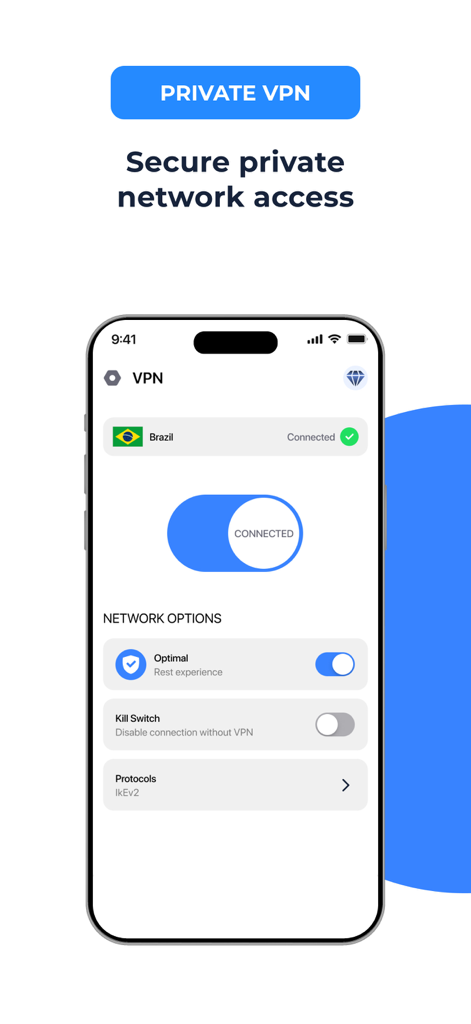
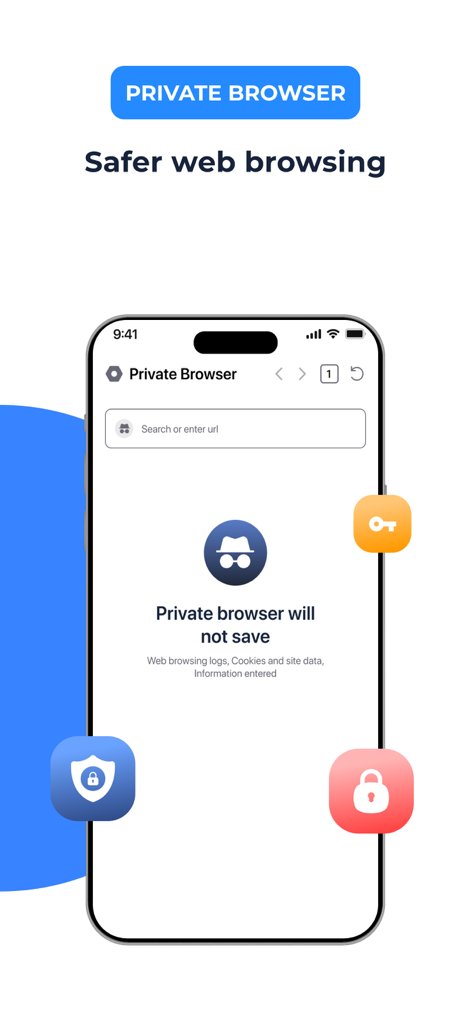
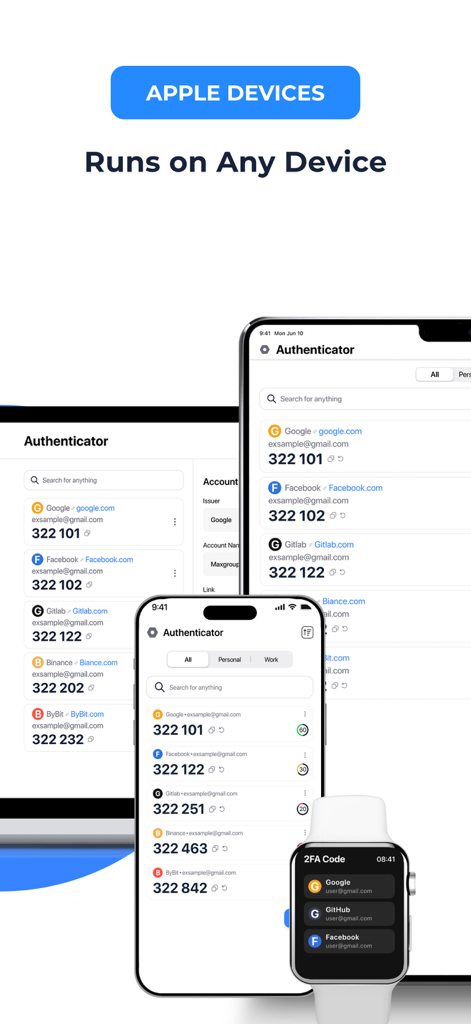
The tools that make this app stand out, trusted by 30K+ users.
Access your secure codes instantly from your Mac Menu Bar or Apple Watch. Log in to your work accounts without ever reaching for your phone.
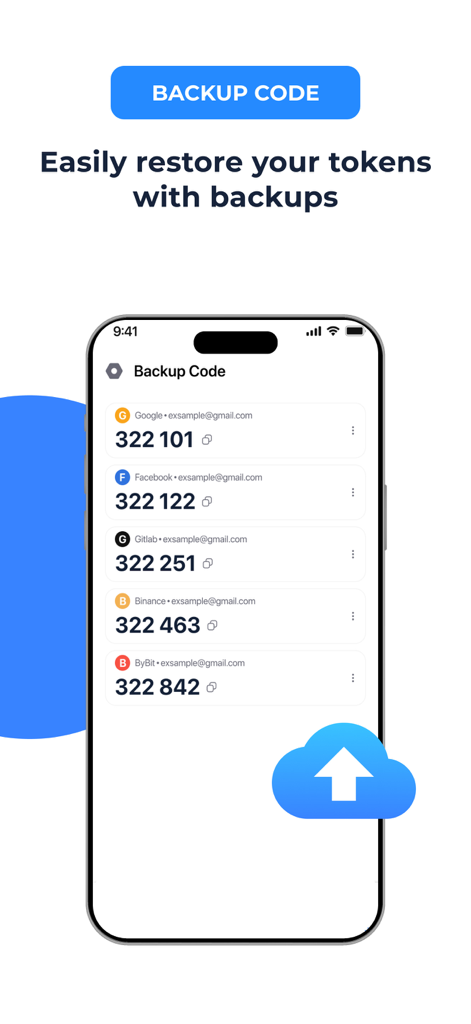
Never get locked out again. Your data is protected with private encryption and backed up to iCloud for seamless recovery when you upgrade your iPhone.
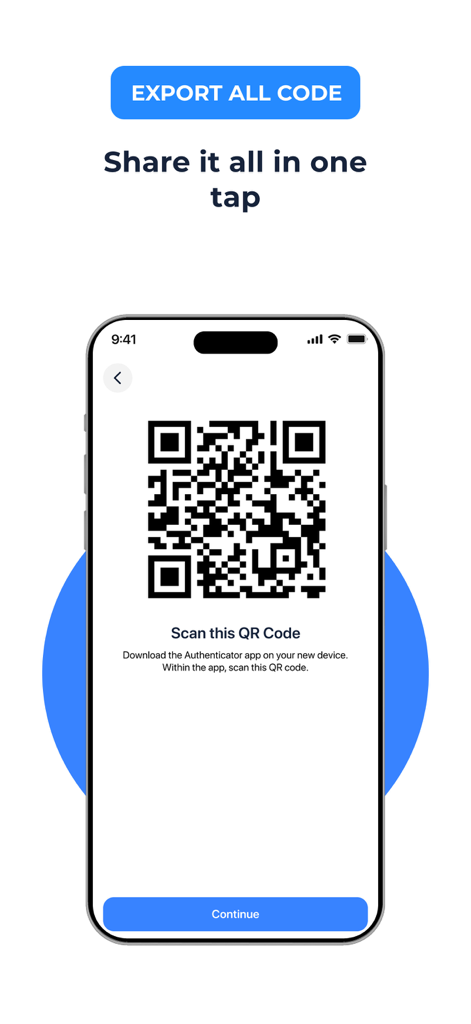
Switching from Google Authenticator or a password manager is easy. Our smart import tool lets you migrate all your accounts in seconds.
Everything you need to know about Authenticator App 2FA Authen.
Description
Latest Version
1.0.23
Size
181.0 MB
First Released
May 11, 2025
Experience the ultimate 2FA protection with encrypted backups and seamless sync on Mac and Apple Watch. Import your accounts in seconds and never worry about losing access again.
Everything you need to know about Authenticator App 2FA Authen
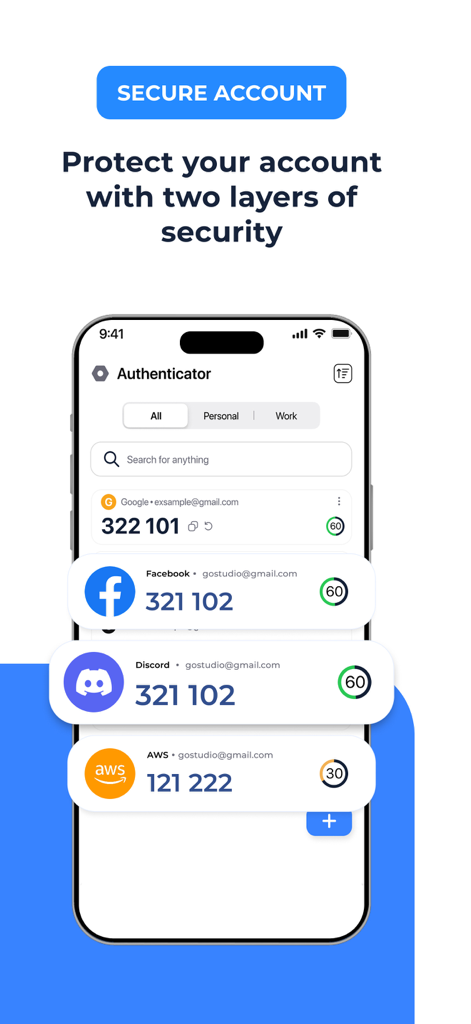
The Authenticator App generates time-based one-time passwords (TOTP) directly on your iPhone for secure two-factor authentication. It provides a reliable second step for sign-ins, eliminating dependence on less secure SMS codes.
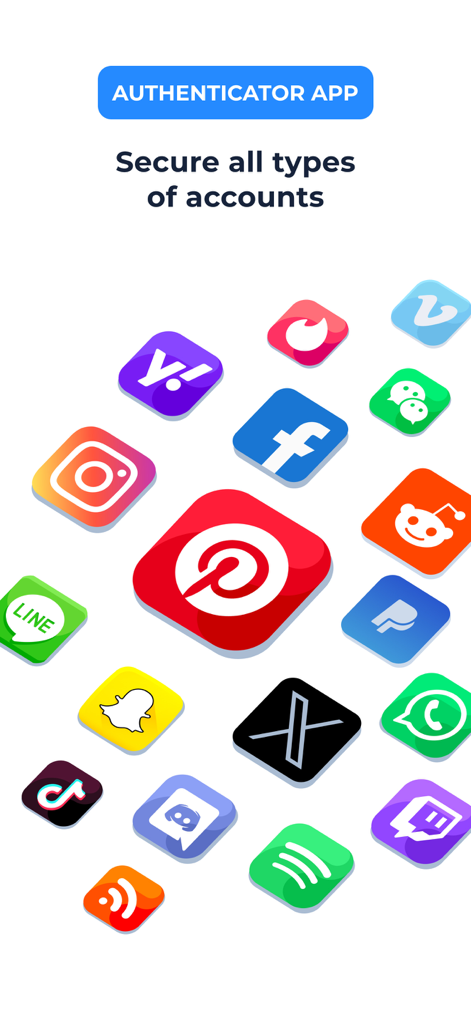
The Authenticator App ℠ supports a wide range of accounts including email, social media, crypto platforms, and business tools. This includes Google, Facebook, Instagram, Twitter (X), Amazon, and many more.
Yes, the Authenticator App works offline. It generates authentication codes directly on your device, ensuring access to your codes anytime, even without an internet connection or in weak signal situations.
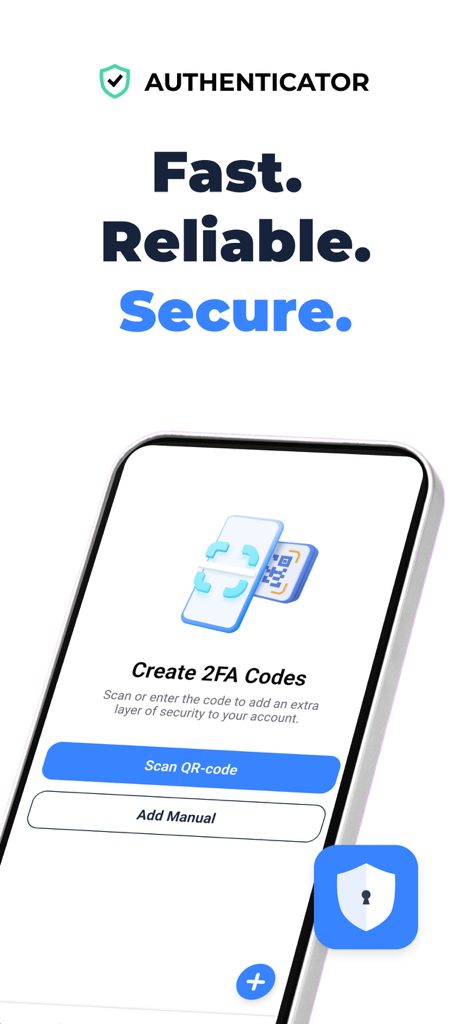
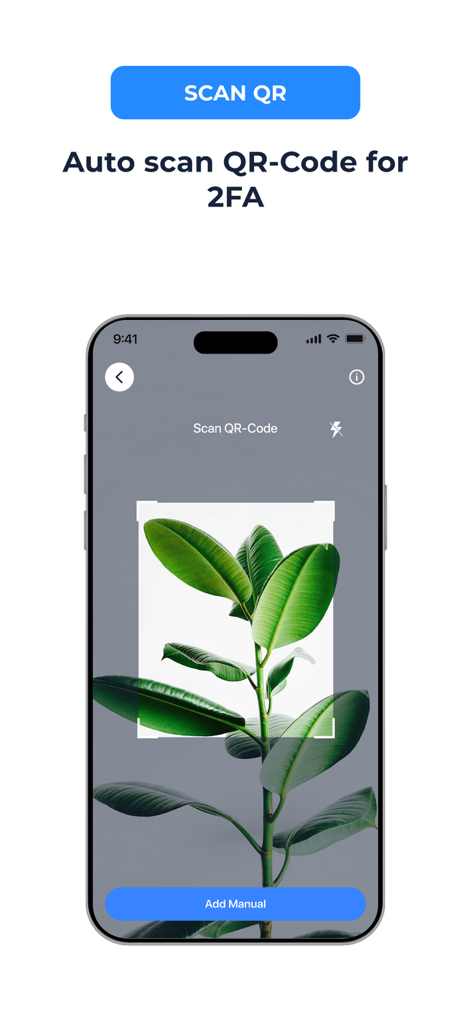
You add new accounts to the Authenticator App by scanning a QR code or by manually entering a secret key. This setup process is simple and clear, allowing immediate use of two-factor authentication.
Yes, the Authenticator App ℠ provides full control to manage your 2FA accounts in one place. You can edit account names, update secret keys, or remove entries anytime when accounts are no longer needed.
The Authenticator App integrates with and protects over 1,000 apps. It secures all your accounts effortlessly with one tap, including popular platforms like Gmail and Facebook, as stated in its features.
Yes, the Authenticator App features Password Leak Detection. It notifies you if any of your passwords have been compromised online by checking for data breaches when you set a password.
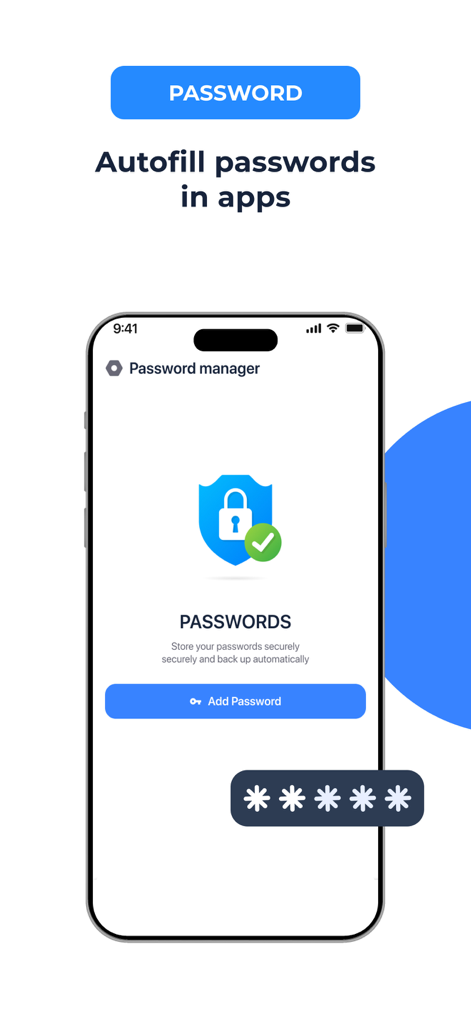
Yes, the Authenticator App includes Password & Account AutoFill. Its smart system securely fills in saved usernames and passwords for your favorite websites and apps with one tap.
Yes, the Authenticator App provides VPN Protection. It encrypts your traffic and hides your IP address to protect your identity when you connect to public Wi-Fi or browse the internet.
Yes, the Authenticator App offers secure cloud backups. This feature ensures your authentication data is safe, accessible, and prevents loss of access to your accounts.
Yes, you can secure access to the Authenticator App with an app lock using Face ID, Touch ID, or a PIN. You can also enable auto-lock to automatically secure the app when not in use.
Yes, the Authenticator App ℠ includes built-in password storage. You can store, create, edit, copy, or delete website and app login details in a dedicated password section for convenient access.
Yes, the Authenticator App includes a private in-app browser. It is designed for privacy, not saving browsing history, logs, or cookies, reducing traces when accessing sensitive accounts.
Subscriptions for the Authenticator App are charged to your iTunes Account upon purchase. They automatically renew unless auto-renew is turned off at least 24 hours before the current period ends, with charges for renewal occurring within 24 hours before period end.
The Authenticator App privacy policy is available at the provided link: https://authenticatorpolicy.web.app. This document outlines how the app handles user data and privacy practices.
Top-ranked apps in the same category

OpenAI OpCo, LLC

Google LLC

X.AI Corporation

Google LLC

Shanghai Zhixin Puhui Technology Co., Ltd.

Google LLC

Microsoft Corporation

Google LLC

Google LLC
App information, icons, screenshots, and descriptions displayed on this page are sourced from the Apple App Store and are the property of their respective developers. Download estimates and rankings are based on MWM's proprietary models and may not reflect actual figures. This page is provided for informational and analytical purposes only.
Believe this page infringes your intellectual property? File a dispute