
Authenticator App - 2FA ◦ MFA

The premium security choice for professionals and crypto enthusiasts. Protect your banking, social, and work accounts with a seamless, high-speed 2FA solution designed for total peace of mind.
Publisher
Category
UtilitiesDownloads
56K+User Rating
Total Ratings
200Locales
24Discover the interface used by 56K+ users.
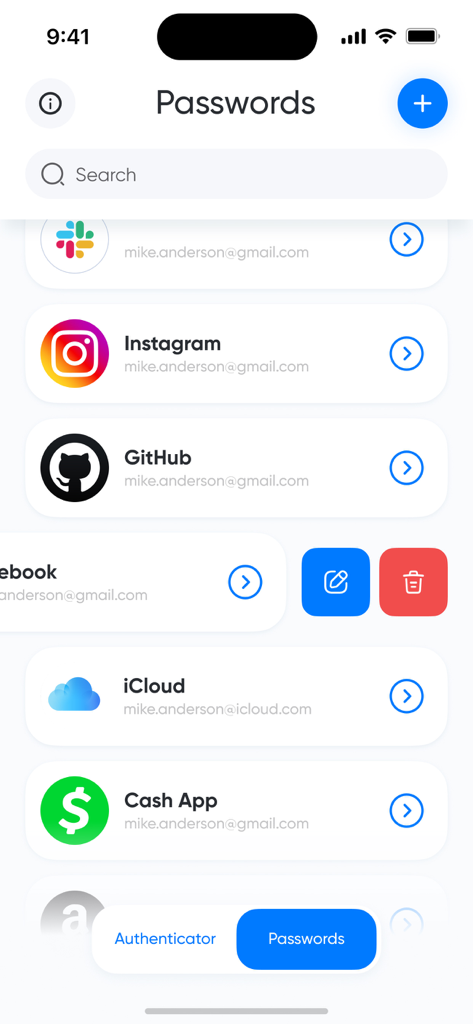
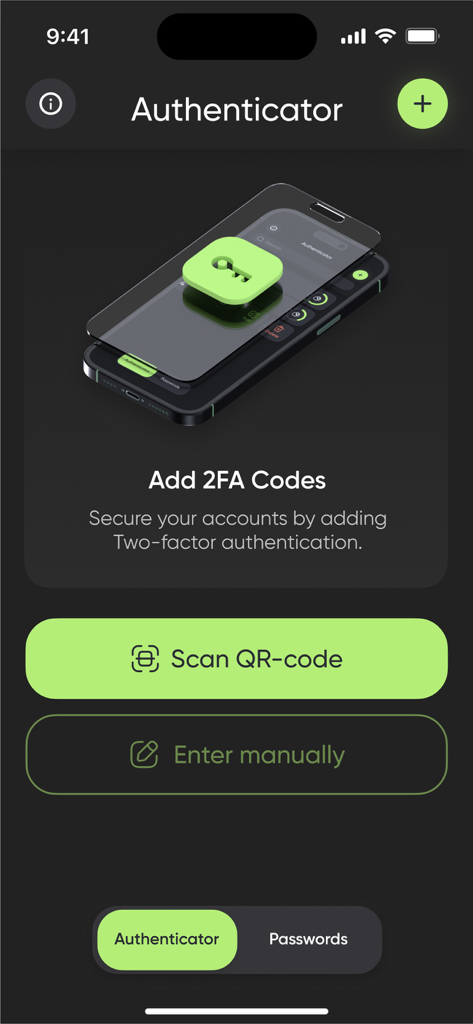
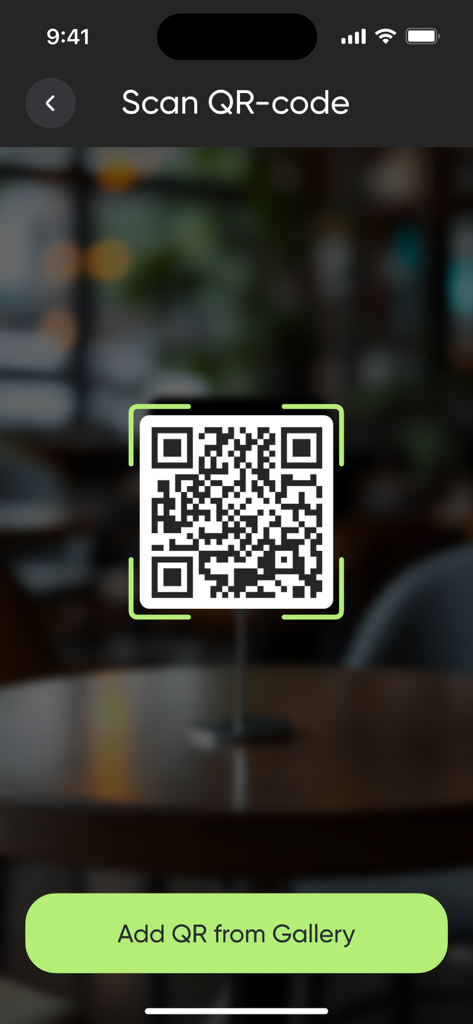
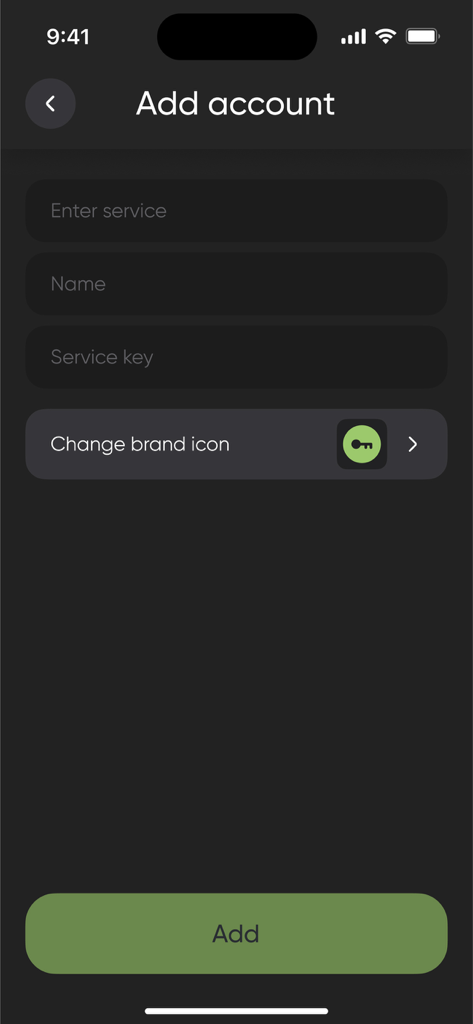
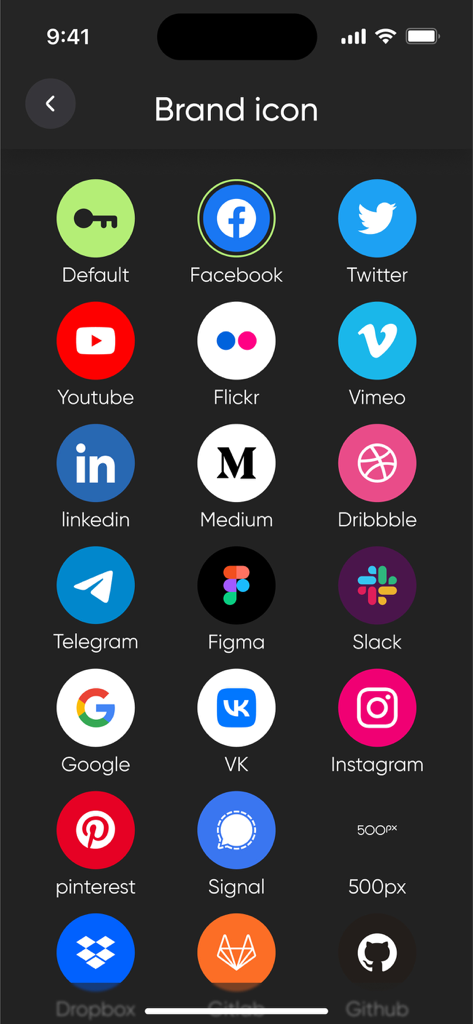
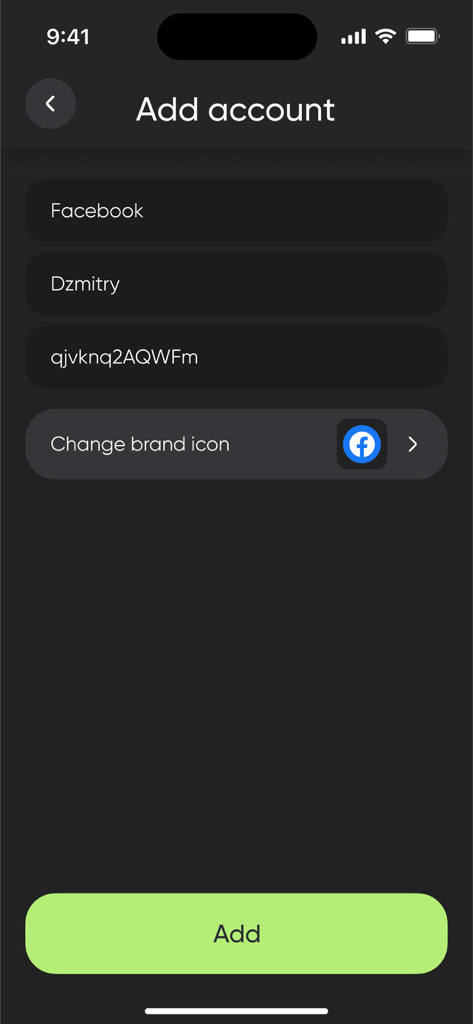
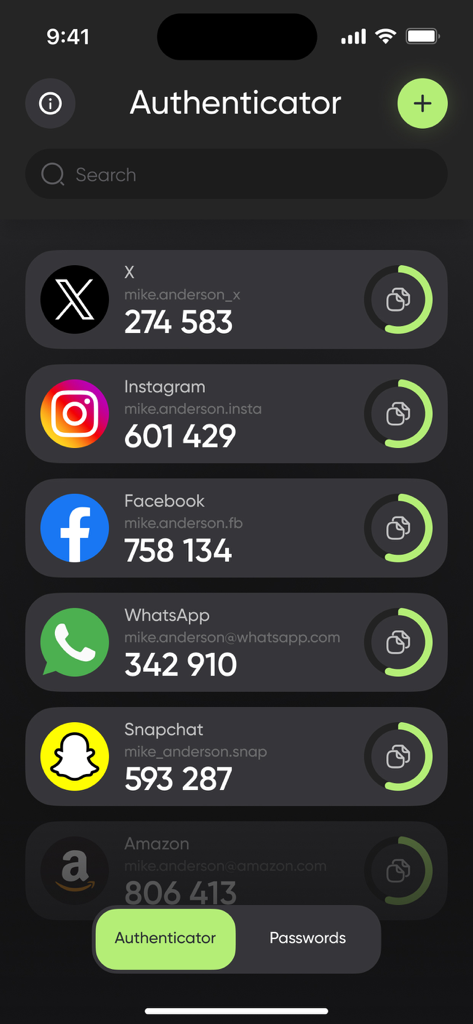
The tools that make this app stand out, trusted by 56K+ users.
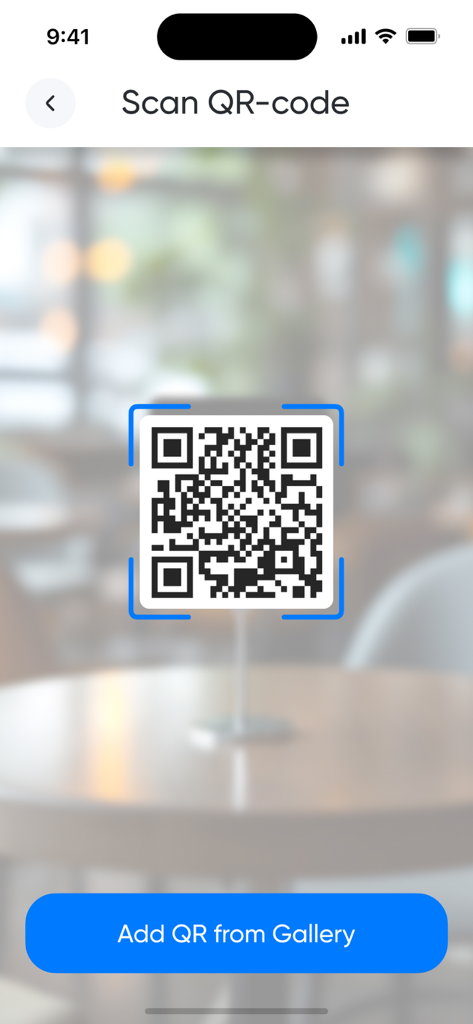
Add new accounts in seconds with our lightning-fast scanner. Zero friction, maximum security for your busy workflow.
From crypto exchanges to corporate VPNs, manage all your TOTP tokens in one organized, high-performance vault.
Experience a clean, ad-free design built for speed. Access your secure codes instantly without the clutter of big-tech apps.
Everything you need to know about Authenticator App - 2FA ◦ MFA.
Description
Latest Version
1.15
Size
63.9 MB
First Released
Jul 27, 2023
Join thousands of professionals who trust our premium MFA solution for instant, impenetrable account protection.
Everything you need to know about Authenticator App - 2FA ◦ MFA
Authenticator App - 2FA ◦ MFA provides two-factor authentication (2FA) for online accounts. It securely stores 2FA tokens and generates time-based one-time passcodes (TOTP) to add an extra layer of defense to your digital presence.
The Authenticator App - 2FA ◦ MFA secures accounts by generating time-based one-time passcodes (TOTP). Users add accounts by scanning QR codes or entering secret keys manually, storing these 2FA tokens securely within the app.
Yes, users can instantly add accounts to Authenticator App - 2FA ◦ MFA by scanning QR codes. The app provides a dedicated scanner for this purpose, simplifying the setup process.
Yes, Authenticator App - 2FA ◦ MFA allows users to easily enter secret keys manually when scanning a QR code is not possible. This provides flexibility for adding various online services.
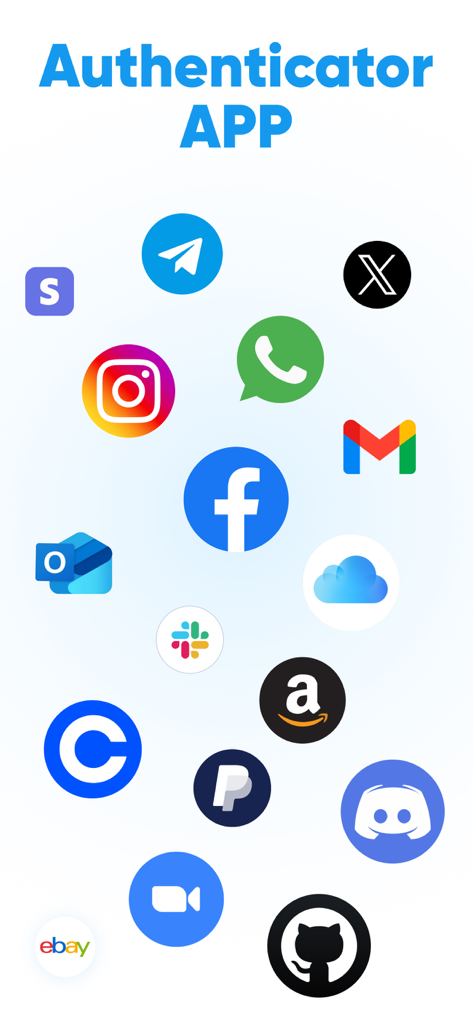
Authenticator App - 2FA ◦ MFA protects a wide range of online accounts, including email, social media, banking, and more. Screenshot #1 shows support for services like Facebook, Instagram, Gmail, and Amazon.
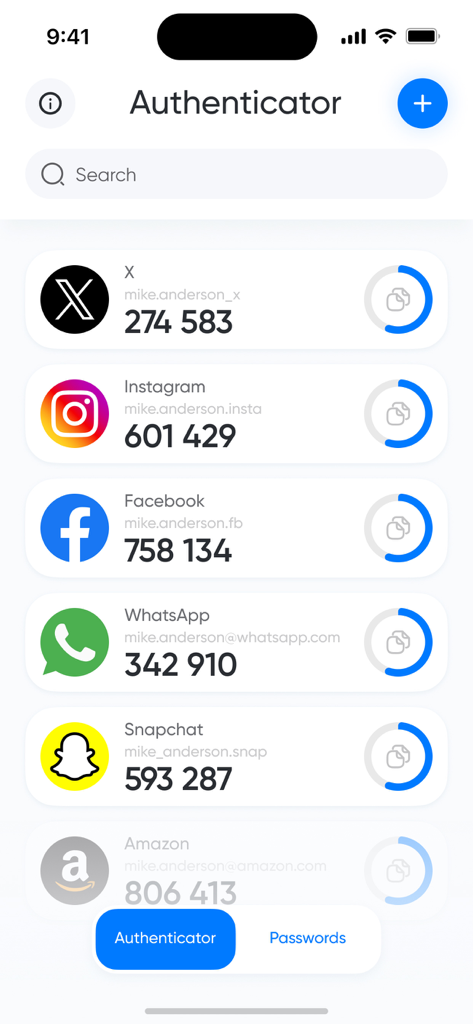
Yes, the Authenticator App - 2FA ◦ MFA provides a "Passwords" section for storing password entries, as shown in the app interface. This is in addition to its core function of managing 2FA tokens.
You can manage your Authenticator App - 2FA ◦ MFA subscription and turn off auto-renewal by accessing your iTunes Account Settings. Subscriptions can also be canceled at any time within your Apple ID settings.
Yes, Authenticator App - 2FA ◦ MFA may offer a 3-day free trial. If offered, the unused portion of the trial is canceled upon subscription purchase, and the subscription automatically renews after the trial period.
You can cancel your Authenticator App - 2FA ◦ MFA subscription at any time in your Apple ID settings. Auto-renewal can be turned off at least 24 hours before the current period ends.
Yes, Authenticator App - 2FA ◦ MFA generates time-based one-time passcodes (TOTP) with ease. This is a core feature for its two-factor authentication functionality.
Apps with similar features and user experience

Google LLC

Duo Security LLC

APPLY DIJITAL HIZMETLER TICARET LIMITED SIRKETI

Mustafa Uz

Thales DIS (Singapore) Pte Ltd

Tatra banka, a.s.

Brilliant App Limited

UNIVERSE DIJITAL HIZMETLER LIMITED SIRKETI

XSOFT GLOBAL LIMITED
App information, icons, screenshots, and descriptions displayed on this page are sourced from the Apple App Store and are the property of their respective developers. Download estimates and rankings are based on MWM's proprietary models and may not reflect actual figures. This page is provided for informational and analytical purposes only.
Believe this page infringes your intellectual property? File a dispute