
This page is not an official page of the app or its developer, but an independent editorial publication created for informational and commentary purposes. Unless expressly stated otherwise, neither the app nor its developer is affiliated with, endorsed by, sponsored by, authorized by, or otherwise officially connected with MWM, Apple, Google Play, the app publisher, or the app's developer, and nothing on this page implies that the app was developed using MWM's services. Any trademarks, logos, screenshots, and other content remain the property of their respective owners.

Google Authenticator
Passwords are a gamble. This app delivers an uncompromising defense, providing unfettered access only to verified users, regardless of network.
Downloads
100M+User Rating
Total Ratings
4.3MPublisher
Category
UtilitiesLocales
32Latest Version
5.0.0Size
37.6 MBFirst Released
Sep 20, 2010Google Authenticator: A Security Analysis
Evaluating its role in enhancing digital account security for discerning users.
Robust Two-Factor Authentication
The app provides an essential second layer of verification, significantly bolstering online account security against unauthorized access and credential theft.
Secure Cloud Synchronization
It allows users to sync their Authenticator codes to their Google Account, ensuring continuous access across multiple devices and providing a critical recovery mechanism in case of device loss.
Offline Access to Codes
This tool features the ability to generate verification codes without requiring an internet connection, ensuring reliable access to accounts even in areas with limited or no network coverage.
Streamlined Device Migration
It allows users to conveniently transfer all their authenticated accounts to a new device using a simple QR code, preventing potential lockouts during phone upgrades or replacements.
Centralized Account Management
The app provides support for managing multiple online accounts from a single interface, simplifying the 2FA process for individuals and professionals with numerous digital services.
Easy QR Code Setup
This tool features automatic account setup via QR codes, offering a quick and user-friendly onboarding process that minimizes configuration errors for new authenticators.
Frequently Asked Questions
Everything you need to know about Google Authenticator
What is Google Authenticator?
Google Authenticator adds an extra layer of security to online accounts. It generates a unique verification code on your phone, which you enter in addition to your password during sign-in for 2-Step Verification.
Does Google Authenticator work offline?
Yes, Google Authenticator generates verification codes on your phone even if you do not have a network or cellular connection. This ensures continuous access to your codes.
Can I sync my Google Authenticator codes across devices?
Yes, Google Authenticator syncs your verification codes to your Google Account. This feature allows you to access your codes across all your devices, even if you lose your phone.
How do I set up Google Authenticator for a new account?
You can set up Google Authenticator accounts automatically by scanning a QR code with your camera. This method is quick, easy, and ensures correct setup within your 2-Step Verification settings.
Does Google Authenticator support multiple accounts?
Yes, Google Authenticator supports multiple accounts. You can manage several accounts within the app, eliminating the need to switch between different applications for sign-ins.
Can I transfer my Google Authenticator accounts to a new phone?
Yes, Google Authenticator allows you to transfer accounts between devices. You can use a QR code for this process, which provides a convenient way to move your accounts to a new device.
Is Google Authenticator secure?
Yes, Google Authenticator provides stronger security by adding a second step of verification to your online accounts. It requires a unique code generated by the app in addition to your password.
The following screenshots and description are sourced directly from the app's official store listing and are the property of the app developer.
App Store
Screenshots
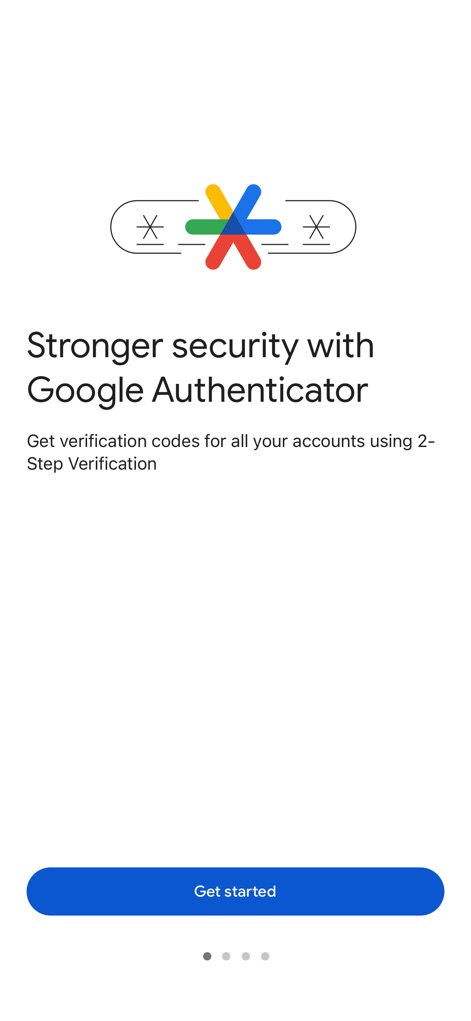
Enhanced Account Security
Discover how the app elevates account protection, showcasing the secure padlock icon and the 'Stronger security' messaging for peace of mind.
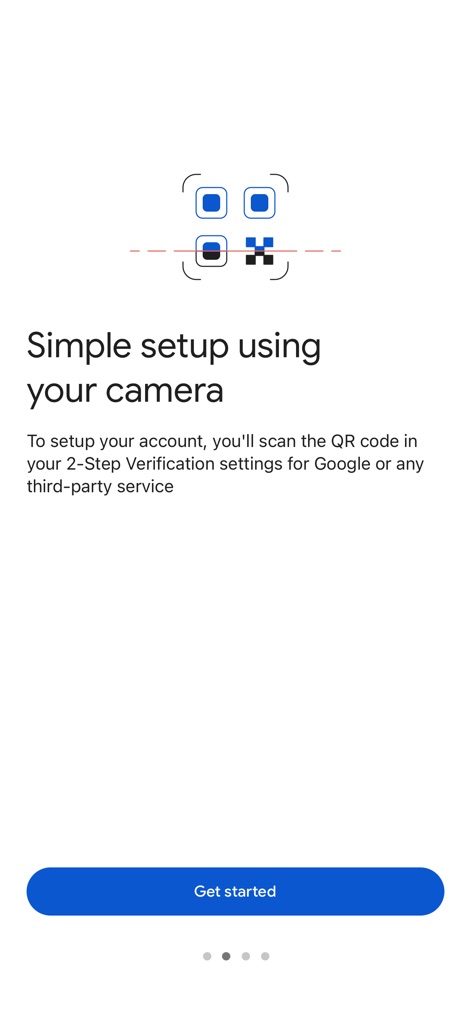
Effortless Account Setup
Witness the streamlined onboarding process, highlighting the intuitive QR code scanner and the clear 'Simple setup' instruction for quick integration.
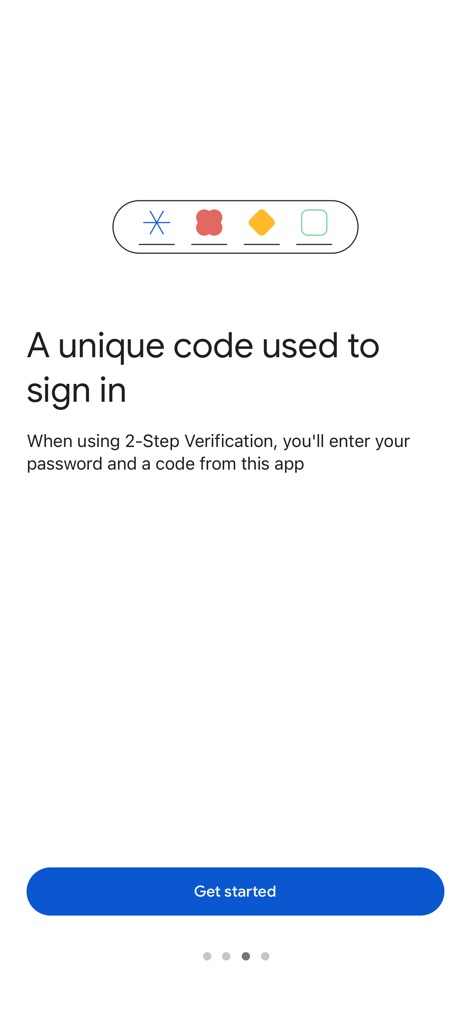
Dynamic Code Generation
Understand the core functionality of the app, demonstrating how abstract code icons represent unique, time-sensitive codes and the 'A unique code' description emphasizes their purpose.
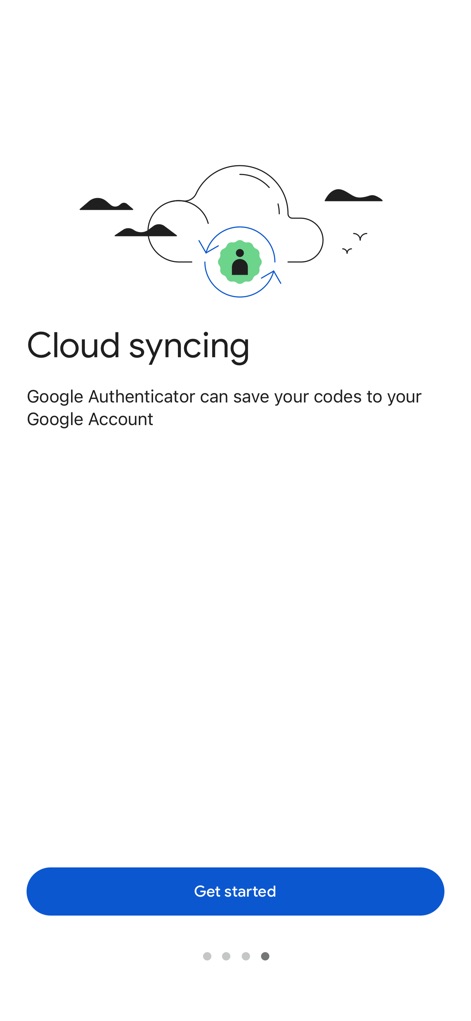
Seamless Code Sync
Explore the convenience of data recovery and multi-device access, illustrated by the cloud sync icon and the prominent 'Cloud syncing' feature.
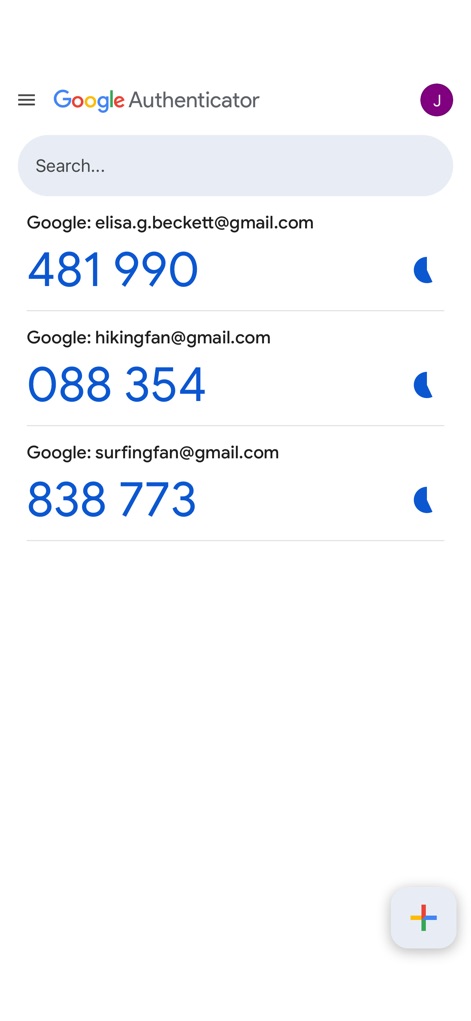
Multi-Account Overview
Observe the app's clean dashboard, displaying an organized account list with active verification codes and a convenient search bar for quick navigation.
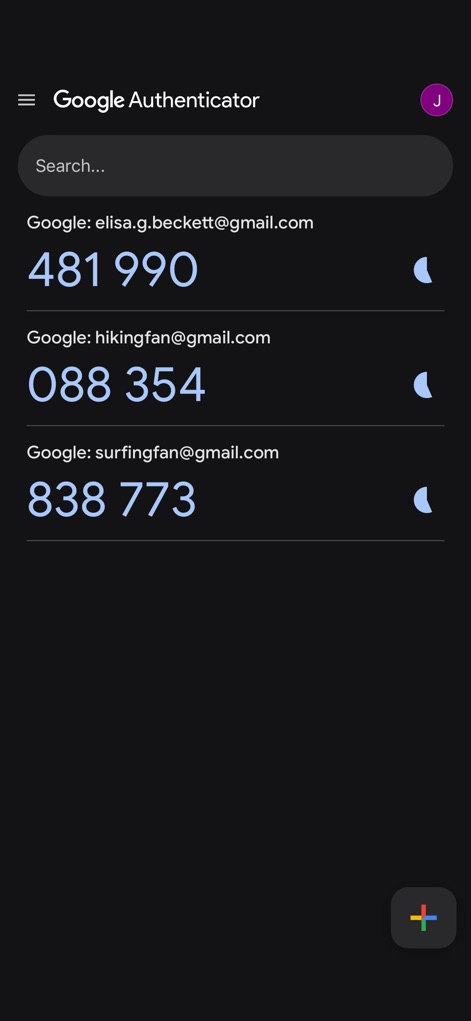
Customizable Interface
Experience the app's adaptable design, featuring the sleek dark background and its capability to display multiple account entries for personalized viewing.
Description
Download
More Like This
Apps with similar features and user experience

Duo Mobile
Duo Security LLC

Authenticator App - 2FA &. MFA
APPLY DIJITAL HIZMETLER TICARET LIMITED SIRKETI

authenticator . app
Mustafa Uz

SafeNet MobilePASS+
Thales DIS (Singapore) Pte Ltd

Čítačka
Tatra banka, a.s.

Authenticator App - SafeAuth
Brilliant App Limited

Authenticator App - 2FA Auth
UNIVERSE DIJITAL HIZMETLER LIMITED SIRKETI

Authenticator App : Scan & 2FA
XSOFT GLOBAL LIMITED

Authenticator: Secure 2FA, MFA
Stefan Philipsen
This page is not an official page of the app or its developer, but an independent editorial publication created for informational and commentary purposes. Unless expressly stated otherwise, neither the app nor its developer is affiliated with, endorsed by, sponsored by, authorized by, or otherwise officially connected with MWM, Apple, Google Play, the app publisher, or the app's developer, and nothing on this page implies that the app was developed using MWM's services. Any trademarks, logos, screenshots, and other content remain the property of their respective owners.