
Authenticator App: 2FA - MFA

Protect your social, professional, and crypto accounts with the most reliable 2FA solution. Never lose access again with seamless cross-device synchronization and end-to-end encrypted backups.
Publisher
Category
ProductivityDownloads
52K+User Rating
Total Ratings
500Locales
14Discover the interface used by 52K+ users.
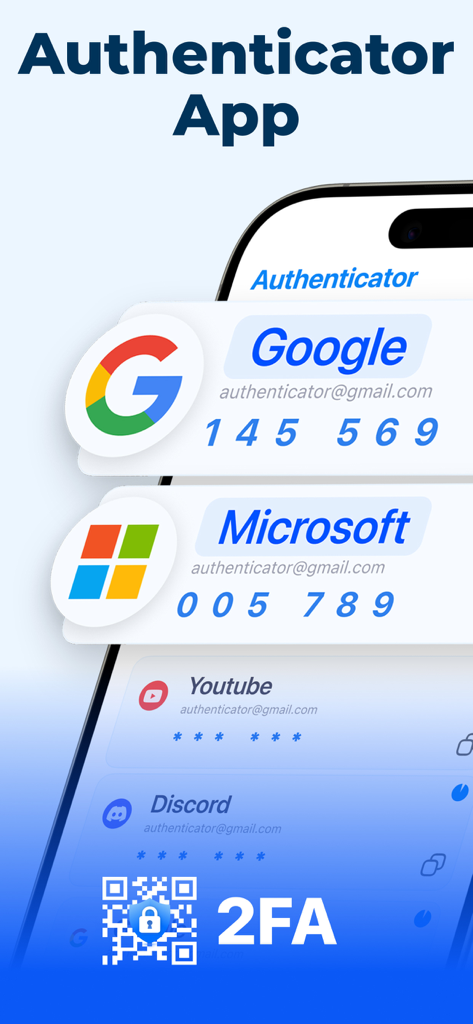
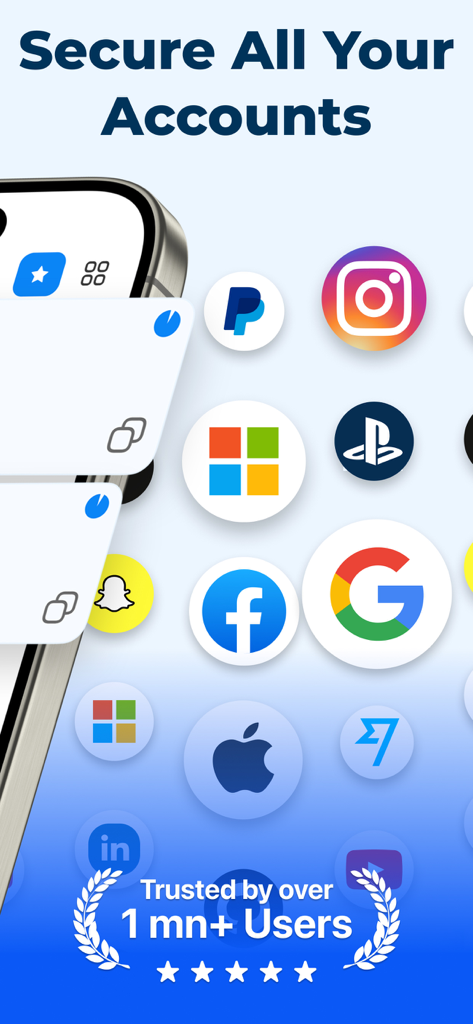
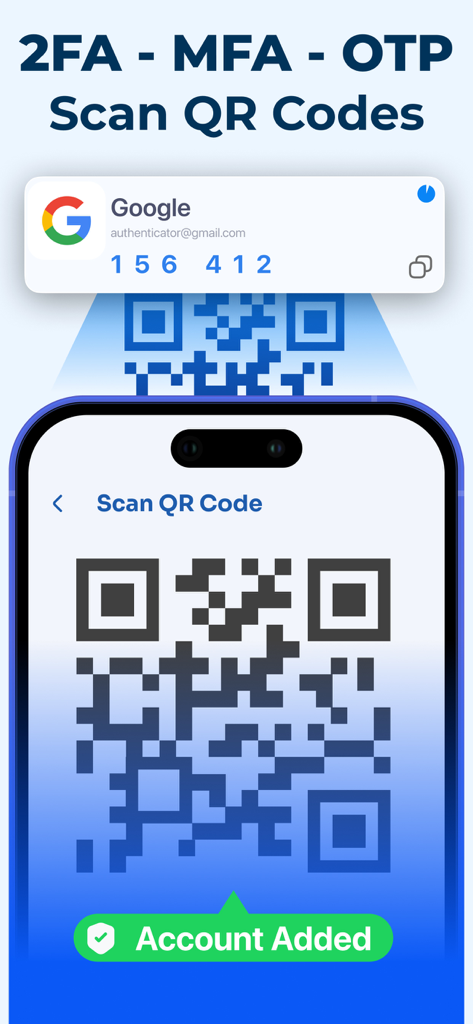
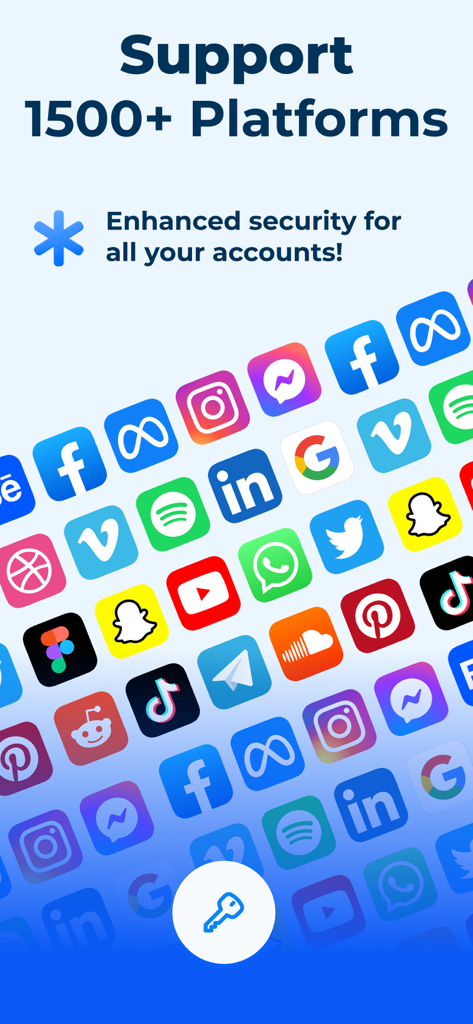
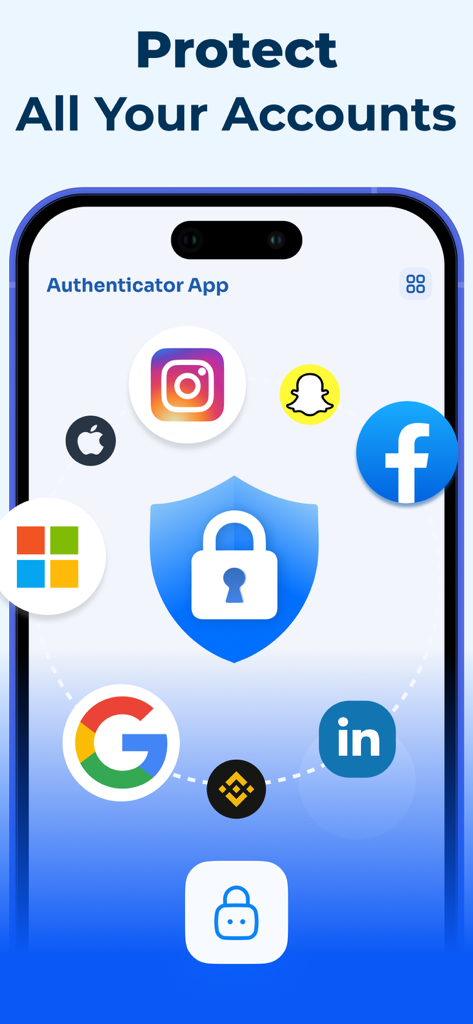
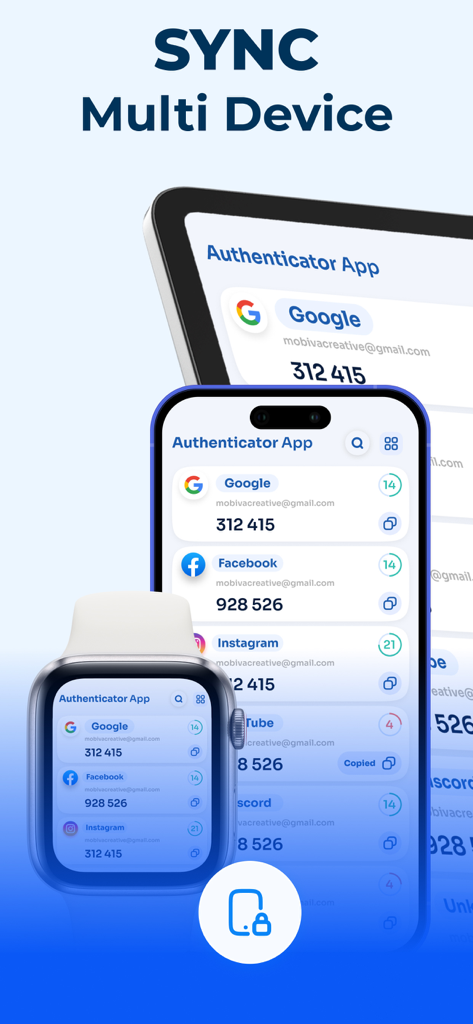
The tools that make this app stand out, trusted by 52K+ users.
Never worry about being locked out. Your security codes are end-to-end encrypted and synced automatically, so they are ready when you upgrade your iPhone.
Set up new accounts in a flash. Simply scan any 2FA QR code to start generating secure codes for Google, Binance, Instagram, and thousands of other platforms.
Stay productive from anywhere. Access your time-based one-time passwords (TOTP) instantly on your iPhone or iPad for a seamless, secure workflow.
Everything you need to know about Authenticator App: 2FA - MFA.
Description
Latest Version
1.6
Size
40.6 MB
First Released
Oct 29, 2025
Join over 52,000 users who trust our encrypted cloud sync to never lose access to their accounts. Download the ultimate 2FA solution for your iPhone and iPad today.
Everything you need to know about Authenticator App: 2FA - MFA
The Authenticator App: 2FA - MFA is an advanced authentication app that provides secure two-factor (2FA) and multi-factor authentication (MFA). It generates time-based one-time passwords (TOTP) and OTP codes to enhance digital security for your online accounts.
Yes, the Authenticator App provides secure two-factor authentication (2FA) and multi-factor authentication (MFA). It generates TOTP and OTP codes for any platform that supports these authentication methods, ensuring enhanced security.
The Authenticator App generates time-based one-time passwords (TOTP) and OTP codes. These codes are essential for secure login processes on platforms requiring two-factor or multi-factor authentication, providing an extra layer of security.
Yes, the Authenticator App supports popular services including Google, Facebook, Instagram, Microsoft, and Binance. It is compatible with thousands of online platforms that require 2FA, securing various personal and professional accounts.
Yes, the Authenticator App offers end-to-end encrypted backup and cloud synchronization. This feature protects your authentication data and seamlessly synchronizes it across all your iOS devices, ensuring data availability and security.
New accounts are added to the Authenticator App instantly by scanning QR codes using your device's camera. This QR Code Integration feature simplifies the setup process for new authenticator entries efficiently.
Yes, the Authenticator App provides cross-device compatibility. It ensures full synchronization and access to your MFA and TOTP codes on multiple iOS devices, including iPhone, iPad, and Apple Watch, enabling seamless usage.
The Authenticator App supports over 1500 platforms. It enhances security for various accounts, providing compatibility with thousands of online services that require two-factor authentication, ensuring broad coverage.
Yes, the Authenticator App is designed as a reliable alternative to Google Authenticator. It ensures strong protection for personal and professional accounts, offering advanced 2FA and MFA capabilities across many platforms.
Top-ranked apps in the same category

OpenAI OpCo, LLC

Google LLC

X.AI Corporation

Google LLC

Shanghai Zhixin Puhui Technology Co., Ltd.

Google LLC

Microsoft Corporation

Google LLC

Google LLC
App information, icons, screenshots, and descriptions displayed on this page are sourced from the Apple App Store and are the property of their respective developers. Download estimates and rankings are based on MWM's proprietary models and may not reflect actual figures. This page is provided for informational and analytical purposes only.
Believe this page infringes your intellectual property? File a dispute