Authenticator App - Fast 2FA

Authenticator App - Fast 2FA


Download on App Store
Logo of Authenticator App - Fast 2FA

Authenticator App - Fast 2FA: Impeccable Security for Your Digital Life

Protect 1,000+ accounts with encrypted cloud sync and offline-ready codes. Experience the ultimate peace of mind with professional-grade security and personalized organization for your social, financial, and professional identity.

Download on App Store

Publisher

珉予 翟

Category

Productivity

Downloads

16K+

User Rating

4.4/5

Total Ratings

400

Locales

1

Security at a Glance

Discover the interface used by 16K+ users.
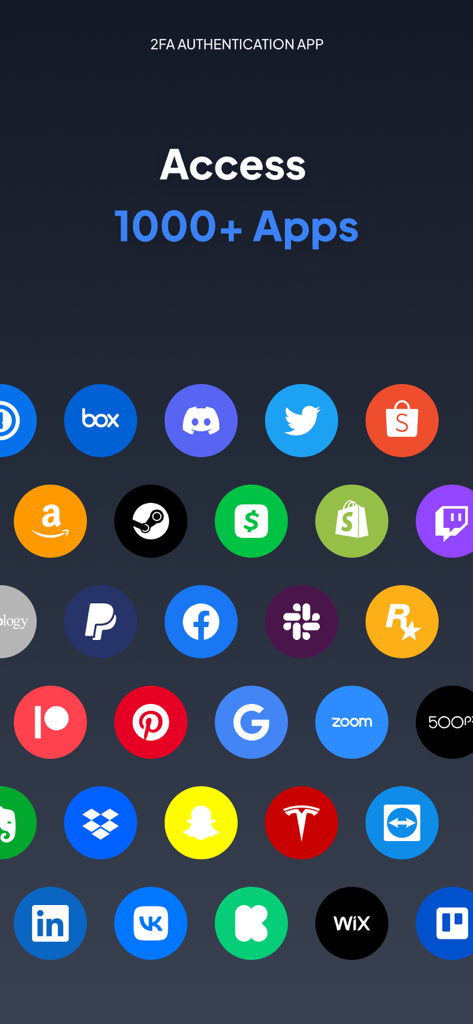
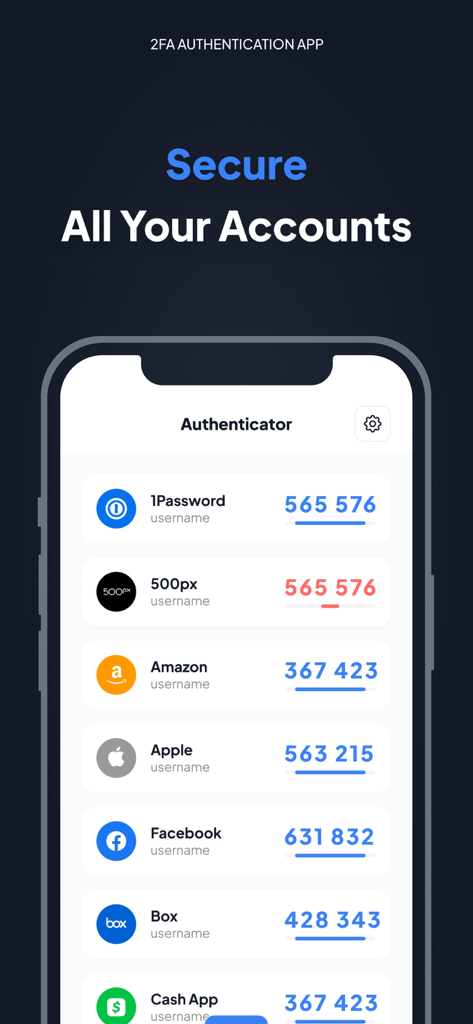
Authenticator app screen displaying access to over 1000 apps including Google Facebook and Amazon.

Authenticator app screen displaying access to over 1000 apps including Google Facebook and Amazon.

Interface of Authenticator App showing 2FA codes for accounts like Amazon and Apple.

Interface of Authenticator App showing 2FA codes for accounts like Amazon and Apple.

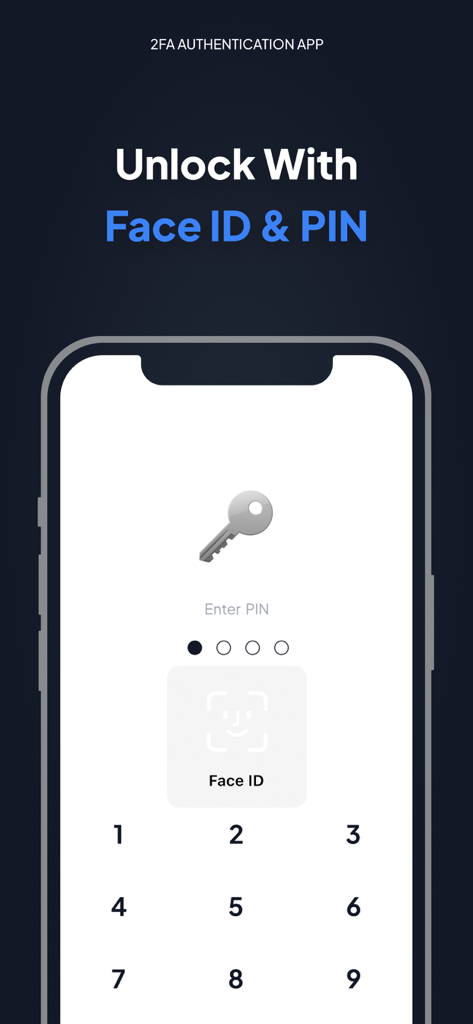
Authenticator app unlock screen featuring Face ID and PIN security options

Authenticator app unlock screen featuring Face ID and PIN security options

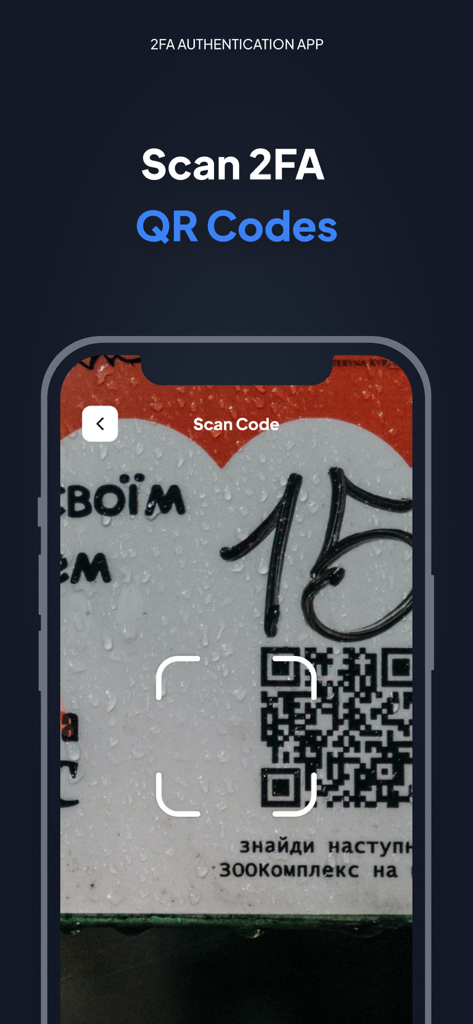
Interface of the Authenticator app showing the 2FA QR code scanning feature on an iPhone

Interface of the Authenticator app showing the 2FA QR code scanning feature on an iPhone

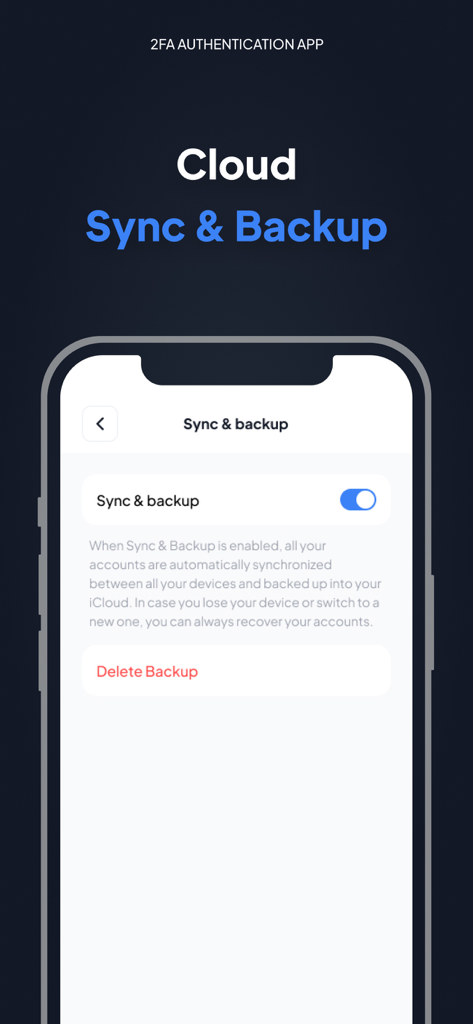
Cloud sync and backup settings in the Authenticator App Fast 2FA interface

Cloud sync and backup settings in the Authenticator App Fast 2FA interface

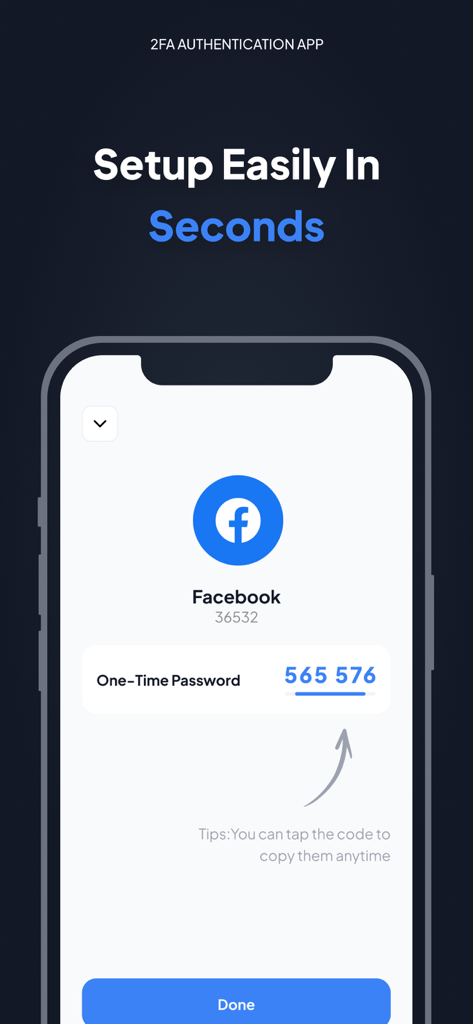
iPhone screenshot showing a Facebook two-factor authentication one-time password code in the Authenticator App.

iPhone screenshot showing a Facebook two-factor authentication one-time password code in the Authenticator App.

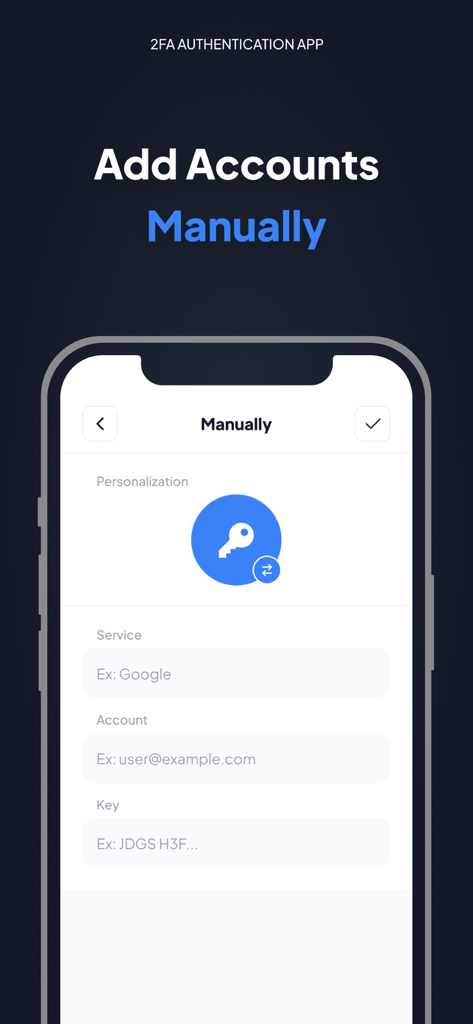
The manual account addition screen of the Authenticator App showing fields for service name account email and security key.

The manual account addition screen of the Authenticator App showing fields for service name account email and security key.

Bulletproof Security for Every Account

The tools that make this app stand out, trusted by 16K+ users.

🛡️

Air-Gapped Privacy

Generate secure TOTP codes locally on your iPhone. With no data exchanged over the internet, your account access remains entirely in your hands.

☁️

Encrypted iCloud Backup

Lose your phone, not your access. Your security tokens are automatically synced and encrypted across your Apple devices for seamless recovery.

Smart Organization

Manage over 1,000+ services with ease. Use custom icons and a polished UI to instantly identify your crypto, social, and professional accounts.

About the app

Everything you need to know about Authenticator App - Fast 2FA.

Description

Authenticator app is a highly recommended 2FA authentication application for securing your multiple accounts on different platforms such as social media, internet and many such 1000s of services Make your security impeccable by adding two-factor authentication (2FA) to protect your accounts from hackers. Just enable two-factor authentication in your provider's account settings, scan the provided QR code and you're good to go. Once configured, you can get the verification code without the need for an internet or mobile connection. ============ Top Features - Super Safe & Secure Your password is very secure and the application does not exchange data with the Internet, so no one else can know it but you. - Cloud Sync & Backup A secure, encrypted backup is automatically made in the Authenticator App in case your device is lost or replaced with a new one. And all your accounts will be automatically synced across all Apple devices - No Password Stored The Authenticator App generates time-based one-time passwords (TOTP) that are stored on the user's phone and do not require Internet access. As a result, the Authenticator App generates secure codes even when offline, which will allow you to authenticate securely even when the device is in airplane mode. - Supports All Popular Accounts The Authenticator app supports the most popular services, including Facebook, Coinbase, Amazon, Google, Instagram, Roblox and other vendors that support 2fa services, up to 1000+ - Setup Guide Don't know how to set up? No problem, we have prepared a setup method for you for almost all platforms that offer 2fa services. Just follow the steps to set it up. - Scan QR Code Just click on the QR code to scan it and you can setup easily in seconds without any hassle - Enter Code Manually Enter a secret key to the app for secure authentication. - Personalization The application allows you to set unique icons for your account, which can be selected from the list provided. This helps you to easily identify and categorize your accounts. More features will be coming soon… ============ Authenticator PRO Choose from different purchase options: • 1 month subscription • 1 year subscription Payment will be charged to your Apple ID account at the time of purchase confirmation. Subscription renews automatically unless it is canceled at least 24 hours before the end of the current period. Your account will be charged for renewal within 24 hours prior to the end of the current period. You can manage and cancel your subscriptions by going to your account settings on the App Store after purchase. By completing your subscription, you agree to ZING's Terms of Service & Privacy Policy. Privacy Policy:https://docs.google.com/document/d/1MbkvoLc3zLq-P3tGJ0r8YtkI0rEj7ZBJ96tOtMjBbzQ/edit?usp=sharing Terms of Service: https://docs.google.com/document/d/1HN6jXfvs3dj7V11thiFUkjXyiJfg4PHu2ezoFgZ6raE/edit?usp=sharing

Latest Version

1.5.6

Size

29.3 MB

First Released

Oct 12, 2022

Take Control of Your Digital Security Today

Protect 1,000+ accounts with encrypted cloud sync and offline 2FA. Download the most trusted authenticator for iPhone and never worry about being locked out again.

Download on App Store

App information, icons, screenshots, and descriptions displayed on this page are sourced from the Apple App Store and are the property of their respective developers. Download estimates and rankings are based on MWM's proprietary models and may not reflect actual figures. This page is provided for informational and analytical purposes only.

Believe this page infringes your intellectual property? File a dispute