Authenticator App- MFA,2FA,OTP

Authenticator App- MFA,2FA,OTP


Download on App Store
Logo of Authenticator App- MFA,2FA,OTP

Authenticator App- MFA, 2FA, OTP: Bank-Grade Security for Your Digital Life

Protect your crypto, social, and professional accounts with end-to-end encryption. Experience peace of mind with encrypted iCloud backups and seamless access across all your Apple devices.

Publisher

Foshan Youcheng Intellectual Property Management Co., Ltd.

Category

Business

Downloads

234K+

User Rating

4.6/5

Total Ratings

1K+

Locales

2

Security at a Glance

Discover the interface used by 234K+ users.
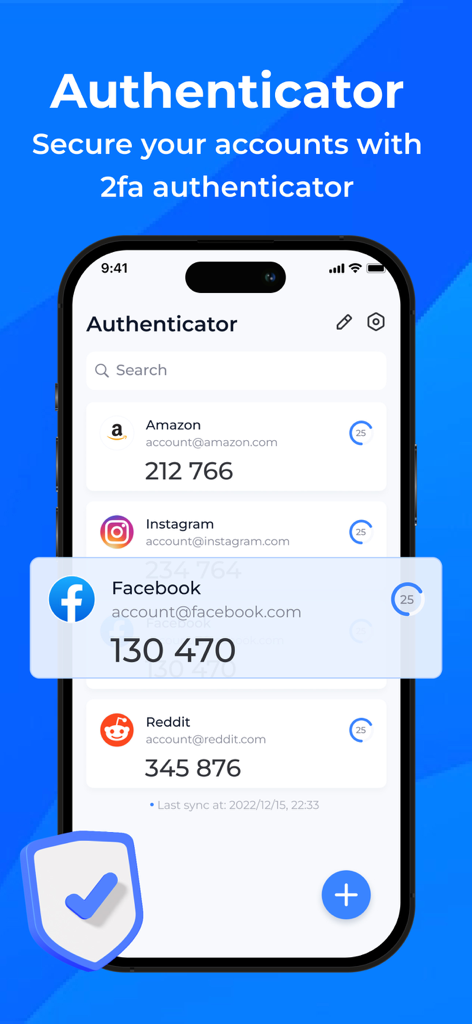
Authenticator app interface on an iPhone showing 2FA security codes for Amazon, Instagram, Facebook, and Reddit

Authenticator app interface on an iPhone showing 2FA security codes for Amazon, Instagram, Facebook, and Reddit

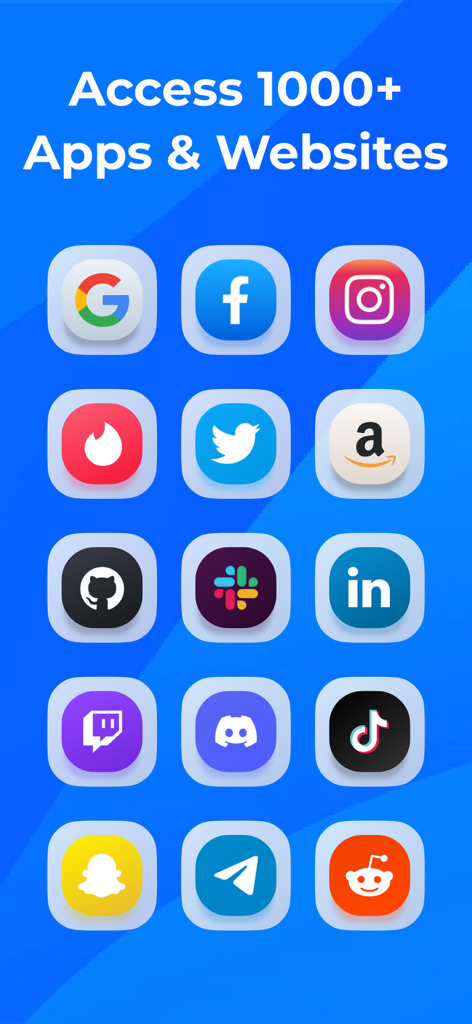
A grid of popular app icons showing compatibility with the Authenticator app for MFA and 2FA

A grid of popular app icons showing compatibility with the Authenticator app for MFA and 2FA

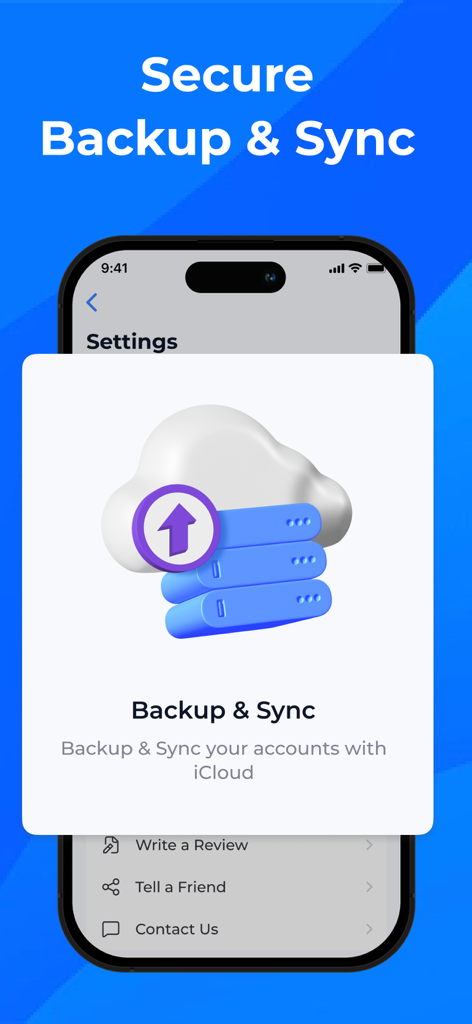
Screenshot of the Authenticator App showing the Secure Backup and Sync feature with iCloud for two-factor authentication codes.

Screenshot of the Authenticator App showing the Secure Backup and Sync feature with iCloud for two-factor authentication codes.

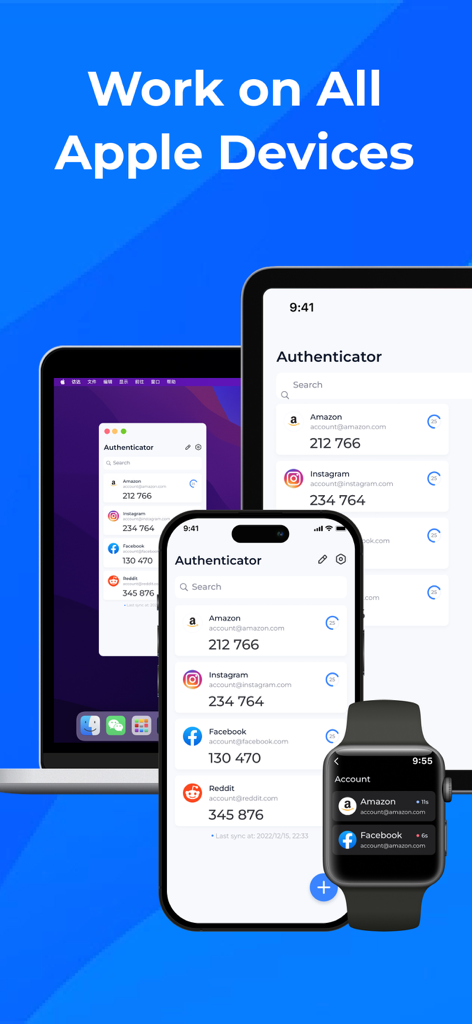
Authenticator app interface displayed across an iPhone, iPad, Mac, and Apple Watch showing 2FA codes for various accounts.

Authenticator app interface displayed across an iPhone, iPad, Mac, and Apple Watch showing 2FA codes for various accounts.

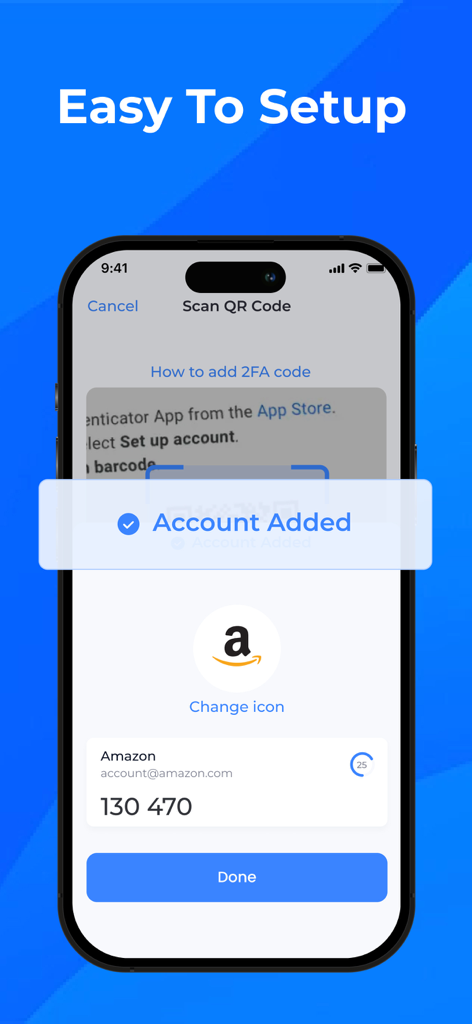
Authenticator app interface showing a successfully added Amazon 2FA account

Authenticator app interface showing a successfully added Amazon 2FA account

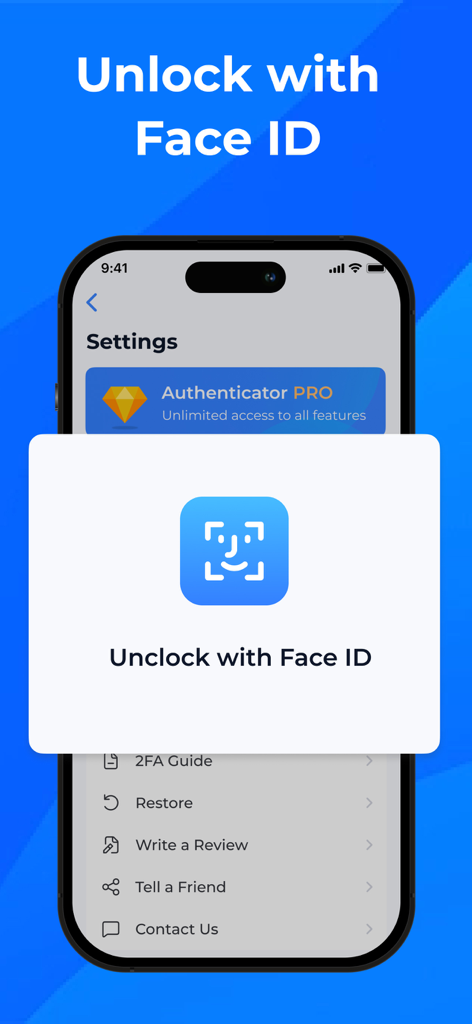
Secure biometric unlock using Face ID in the Authenticator app.

Secure biometric unlock using Face ID in the Authenticator app.

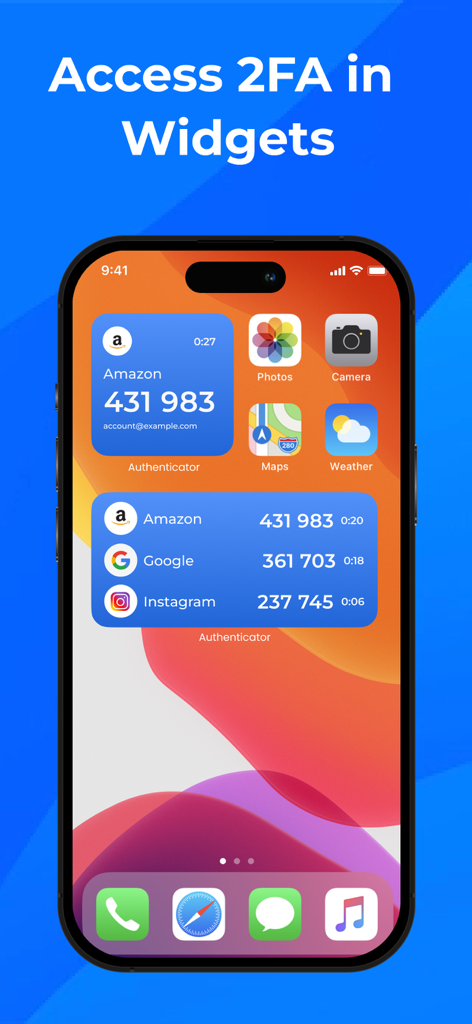
iPhone home screen displaying two-factor authentication widgets for quick access to security codes

iPhone home screen displaying two-factor authentication widgets for quick access to security codes

Uncompromising Security for Your Digital World

The tools that make this app stand out, trusted by 234K+ users.

☁️

Never Lose Access Again

Rest easy with encrypted iCloud backups that ensure your 2FA tokens are safely recovered when you switch or replace your devices.

Effortless Apple Integration

Speed up your workflow by accessing secure codes directly from your Apple Watch or via convenient home-screen widgets.

🛡️

Bank-Grade Privacy

Protect your digital assets with end-to-end encryption and biometric security using Face ID or Touch ID for instant, private access.

About the app

Everything you need to know about Authenticator App- MFA,2FA,OTP.

Description

The Best and Must-have Authenticator App for You! Welcome to the essential Authenticator app designed with your security in mind. This app is your go-to solution for storing and generating secure 2FA (two-factor authentication) tokens for all your online accounts, right on your device. With our Authenticator app, you can fortify the security of your digital life effortlessly. Key Features: - Bank-Grade Encryption: Rest easy knowing that all your data stored in the Authenticator app is protected by state-of-the-art encryption. - Secure 2FA and MFA Tokens: Store and generate both two-factor and multi-factor authentication tokens (2FA & MFA) with ease. - Effortless Setup: Seamlessly add tokens by scanning QR codes or entering them manually. - Enhanced Security: Benefit from end-to-end encryption for all stored codes, ensuring your data remains confidential. - Biometric Unlock: Access your tokens quickly and securely with Face ID and Touch ID. - Peace of Mind Backups: Safeguard your tokens with encrypted backups to iCloud. - Seamless Device Transitions: Easily restore your codes when switching or replacing devices. - Cross-Device Sync: Keep your codes synchronized securely across all your Apple devices. - Wide Compatibility: Enjoy compatibility with iPhone and iPad. - Convenient Widgets: Access your codes directly from your home screen with handy widgets. - Convenient Apple Watch: Access your codes directly with your Apple Watch. - Offline Functionality: No internet? No problem! Our app works offline without sacrificing security. - Import Existing Tokens: Bring your existing tokens into the app effortlessly. - TOTP Support: Fully support for time-based one-time passwords (TOTP). - Extensive Service Support: Compatible with a vast array of popular services, including Facebook, Google, Amazon, Coinbase, Microsoft, Instagram, Roblox, and thousands more. Subscription Details: - We offer a monthly subscription at $9.99 and a yearly subscription at $39.99, following a 3-day free trial. - Subscriptions automatically renew unless auto-renewal is turned off at least 24 hours before the end of the current period. - Your account will be charged for renewal within 24 hours prior to the end of the current period. - You can manage your subscriptions and turn off auto-renewal by accessing your Account Settings after purchase. Term of Use:https://sites.google.com/view/authenticatorturm2-tos Privacy Policy:https://sites.google.com/view/authenticator2-pp Experience the peace of mind that comes with robust security for all your online accounts. Download our Authenticator app today and take control of your digital safety.

Latest Version

1.1.3

Size

70.0 MB

First Released

Sep 27, 2023

Secure Your Digital Assets with Professional-Grade MFA

Experience the ultimate peace of mind. Join thousands of professionals protecting their accounts with seamless, encrypted 2FA across iPhone, iPad, and Apple Watch.

Download on App Store
FAQ

Frequently Asked Questions

Everything you need to know about Authenticator App- MFA,2FA,OTP

What is the Authenticator App used for?

The Authenticator App secures online accounts by storing and generating secure 2FA (two-factor authentication) tokens directly on your device. It effectively fortifies your digital security.

Does the Authenticator App use encryption to protect my data?

Yes, the Authenticator App uses bank-grade encryption for all stored data and employs end-to-end encryption for all codes, ensuring maximum confidentiality and security for your tokens.

How can I add new 2FA tokens to the Authenticator App?

You can easily add new 2FA tokens to the Authenticator App by scanning QR codes or by entering them manually. This feature ensures an effortless and quick setup process.

Can the Authenticator App sync my 2FA codes across multiple Apple devices?

Yes, the Authenticator App supports cross-device sync. It keeps your authentication codes securely synchronized across all your Apple devices, including iPhone, iPad, and Apple Watch.

Does the Authenticator App offer biometric security features?

Yes, the Authenticator App integrates biometric security. You can access your tokens quickly and securely using Face ID and Touch ID for unlocking the application.

Is it possible to back up my authentication tokens with the Authenticator App?

Yes, the Authenticator App provides encrypted backups to iCloud for all your tokens. This feature ensures peace of mind and enables seamless restoration when transitioning between devices.

What services are compatible with the Authenticator App?

The Authenticator App is compatible with numerous popular services. These include Facebook, Google, Amazon, Coinbase, Microsoft, Instagram, Roblox, and thousands of others, as shown in the app.

How much does a subscription for the Authenticator App cost?

A subscription for the Authenticator App costs $9.99 monthly or $39.99 yearly. Both subscription options include a 3-day free trial period for new users.

Can I use the Authenticator App offline?

Yes, the Authenticator App functions offline. It works without requiring an internet connection, ensuring continuous access to your authentication codes while maintaining security.

Does the Authenticator App support widgets for quick access?

Yes, the Authenticator App supports convenient widgets. You can access your 2FA codes directly from your home screen on compatible Apple devices for quick and easy retrieval.

App information, icons, screenshots, and descriptions displayed on this page are sourced from the Apple App Store and are the property of their respective developers. Download estimates and rankings are based on MWM's proprietary models and may not reflect actual figures. This page is provided for informational and analytical purposes only.

Believe this page infringes your intellectual property? File a dispute