Authenticator App Ⓡ

Authenticator App Ⓡ

Download on App Store
Logo of Authenticator App Ⓡ

Authenticator App Ⓡ: Your All-in-One Shield for Total Digital Security

Secure your accounts with professional 2FA, receive real-time breach alerts, and verify website safety to protect your identity in an uncertain digital world.

Download on App Store

Publisher

SPARK EASE LIMITED

Category

Business

Downloads

47K+

User Rating

4.2/5

Total Ratings

100

Locales

33

Security at a Glance

Discover the interface used by 47K+ users.
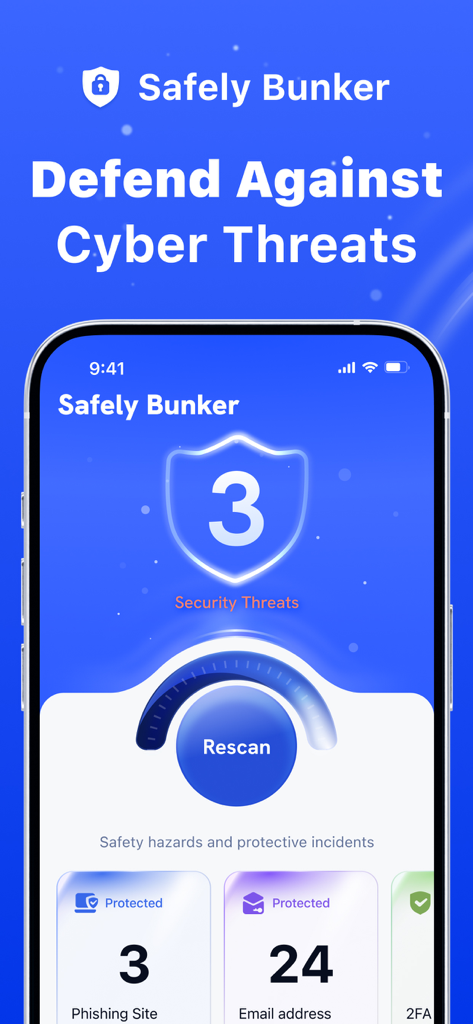
Safely Bunker mobile app dashboard showing security threats and protection status for phishing and emails

Safely Bunker mobile app dashboard showing security threats and protection status for phishing and emails

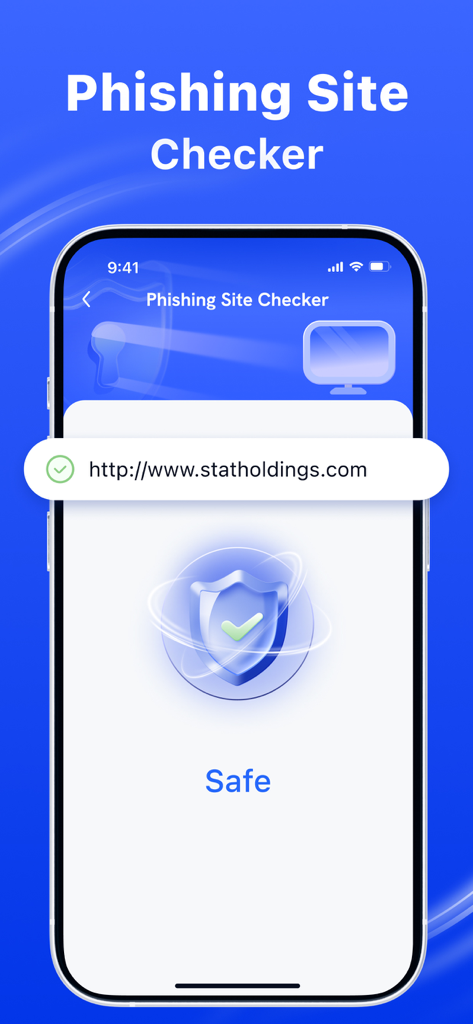
An iPhone screen displaying the Phishing Site Checker feature which indicates a website is safe with a green checkmark and shield icon.

An iPhone screen displaying the Phishing Site Checker feature which indicates a website is safe with a green checkmark and shield icon.

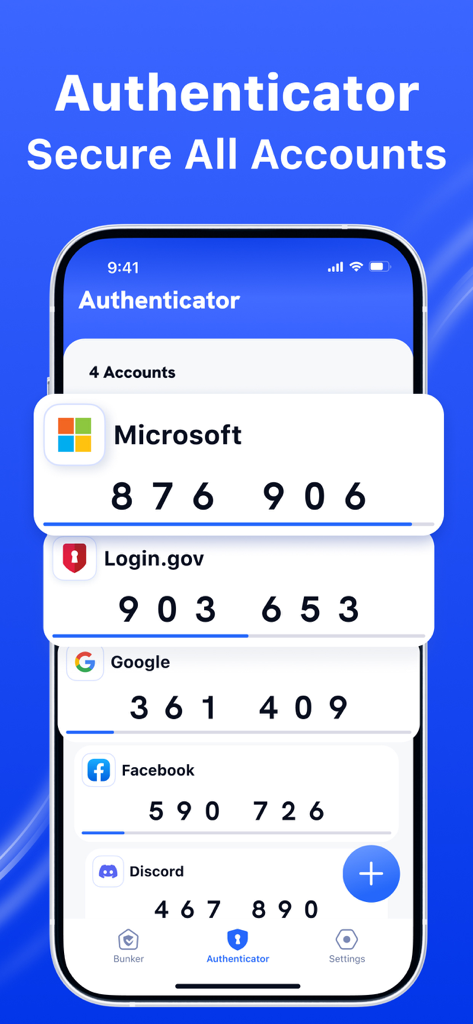
Interface of the Authenticator App showing 2FA security codes for multiple accounts

Interface of the Authenticator App showing 2FA security codes for multiple accounts

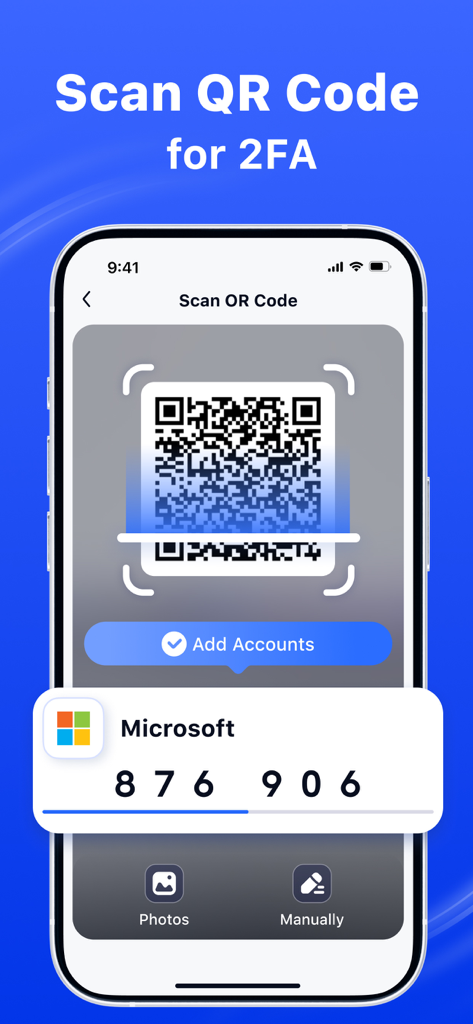
Interface of the Authenticator App showing a QR code scanner to set up two-factor authentication for a Microsoft account.

Interface of the Authenticator App showing a QR code scanner to set up two-factor authentication for a Microsoft account.

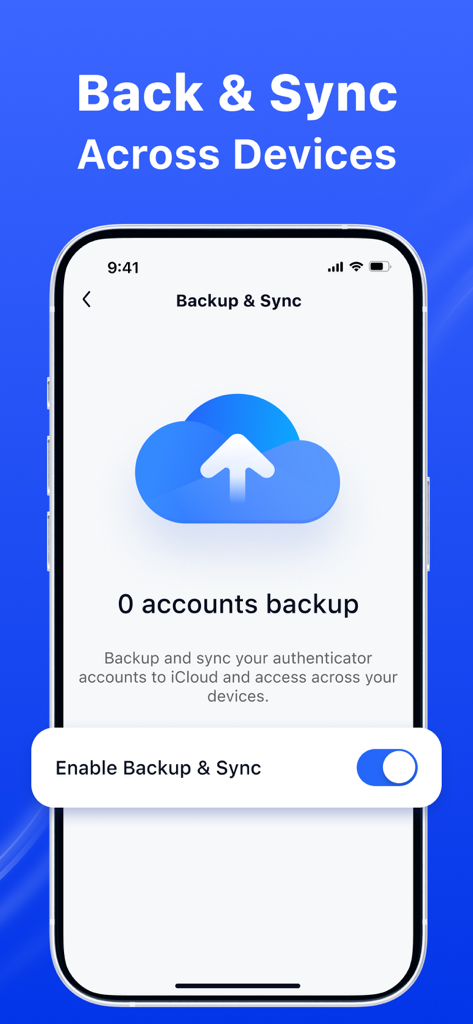
A mobile interface showing the backup and sync settings with a cloud icon and an option to enable iCloud synchronization for authenticator accounts.

A mobile interface showing the backup and sync settings with a cloud icon and an option to enable iCloud synchronization for authenticator accounts.

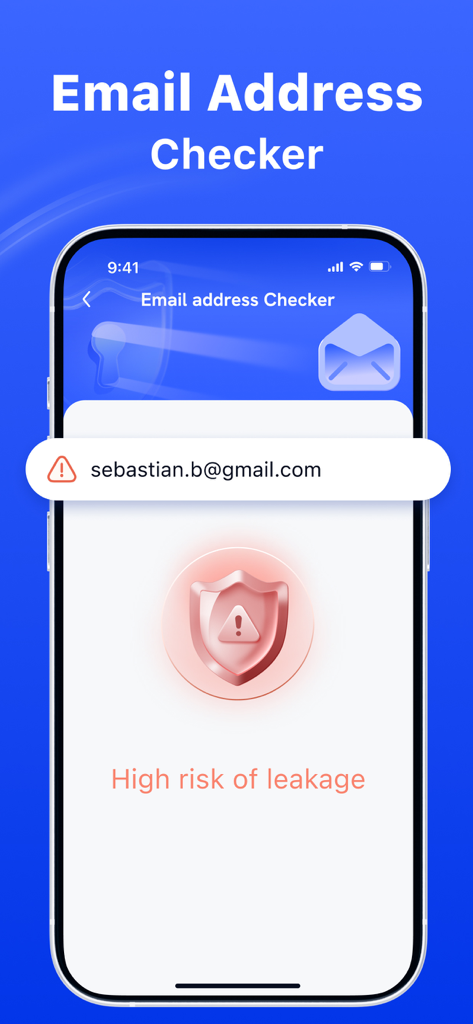
Email address checker screen showing high risk of leakage notification

Email address checker screen showing high risk of leakage notification

Complete Digital Safeguard for Professionals

The tools that make this app stand out, trusted by 47K+ users.

🔐

Robust Two-Factor Authentication

Secure your professional and financial accounts with an effortless secondary layer of protection that keeps hackers out.

🚨

Real-Time Data Breach Alerts

Get notified immediately if your email appears in a leak, allowing you to secure your identity before damage is done.

🛡️

Smart Phishing Protection

Instantly verify the safety of any website or link to avoid sophisticated scams and protect your browsing experience.

About the app

Everything you need to know about Authenticator App Ⓡ.

Description

Authenticator App is your all-in-one security app designed to keep you safe in the digital world. With our powerful features, you can: 1. Check Website Safety: Instantly verify if a website is safe to visit. Avoid phishing scams and malicious sites with real-time analysis. 2. Email Breach Alerts: Regularly check if your email has been compromised in data breaches. Stay informed and take action to secure your accounts. 3. Two-Factor Authentication: Enhance your account security by adding an extra layer of protection in addition to your password. Protect your online presence and enjoy a safer browsing experience with Safely Bunker! Subscription information: - Payments will be credited to your iTunes account upon confirmation of purchase - Subscription automatically renews if automatic renewal is not turned off at least 24 hours before the end of the current period - Accounts will be charged for renewal within 24 hours before the end of the current period and determine the cost of renewal - Subscriptions can be managed by the user, and automatic updating can be disabled by going to the user account settings after purchasing - During the active subscription period, the current subscription is not canceled - Any unused part of the free trial period, if offered, will be confiscated when the user purchases a subscription to this publication, if applicable. Terms of Use: https://www.sparkeaseapp.com/terms Privacy Policy: https://www.sparkeaseapp.com/privacy

Latest Version

1.4

Size

72.6 MB

First Released

Feb 18, 2025

Secure Your Digital Life Today

Join over 47,000 professionals who trust our all-in-one security suite. Get the peace of mind that comes with proactive breach alerts, 2FA, and safe browsing—all in one professional app.

Download on App Store
FAQ

Frequently Asked Questions

Everything you need to know about Authenticator App Ⓡ

What is Authenticator App and what does it do?

Authenticator App is a security application designed to protect users in the digital world. It offers website safety checks, email breach alerts, and two-factor authentication to enhance online security.

Does Authenticator App provide website safety checks?

Yes, Authenticator App can instantly verify if a website is safe to visit. It performs real-time analysis to help users avoid phishing scams and malicious sites.

Will Authenticator App notify me about email breaches?

Yes, Authenticator App regularly checks if your email has been compromised in data breaches. It keeps users informed to secure their accounts.

Is two-factor authentication available in Authenticator App?

Yes, Authenticator App offers two-factor authentication (2FA) to enhance account security. It provides an extra layer of protection beyond just a password.

How does the subscription for Authenticator App work?

Payments for Authenticator App subscriptions are credited to your iTunes account upon purchase confirmation. Subscriptions automatically renew unless turned off 24 hours before the period ends.

How can I manage my Authenticator App subscription?

Yes, users can manage their subscriptions for Authenticator App. Automatic renewal can be disabled by accessing the user account settings after purchasing.

Can Authenticator App scan QR codes for two-factor authentication?

Yes, Authenticator App supports scanning QR codes for 2FA. This feature allows users to easily add accounts and set up two-factor authentication.

Does Authenticator App offer backup and sync across devices?

Yes, Authenticator App allows users to backup and sync authenticator accounts to iCloud. This ensures access across multiple devices.

Where can I find the Terms of Use for Authenticator App?

The Terms of Use for Authenticator App are available at https://www.sparkeaseapp.com/terms.

Where is the Privacy Policy for Authenticator App located?

The Privacy Policy for Authenticator App is located at https://www.sparkeaseapp.com/privacy.

App information, icons, screenshots, and descriptions displayed on this page are sourced from the Apple App Store and are the property of their respective developers. Download estimates and rankings are based on MWM's proprietary models and may not reflect actual figures. This page is provided for informational and analytical purposes only.

Believe this page infringes your intellectual property? File a dispute