Authenticator App⋅

Authenticator App⋅

Download on App Store
Logo of Authenticator App⋅

Authenticator App⋅: The All-in-One Vault for Your Passwords and 2FA

Secure your digital identity with dual-encrypted protection, seamless iCloud sync, and a premium password manager built for the high-performance Apple professional.

Download on App Store

Publisher

ByteSpeed Limited

Category

Productivity

Downloads

1K+

User Rating

3.5/5

Total Ratings

200

Locales

16

Security in Sight

Discover the interface used by 1K+ users.
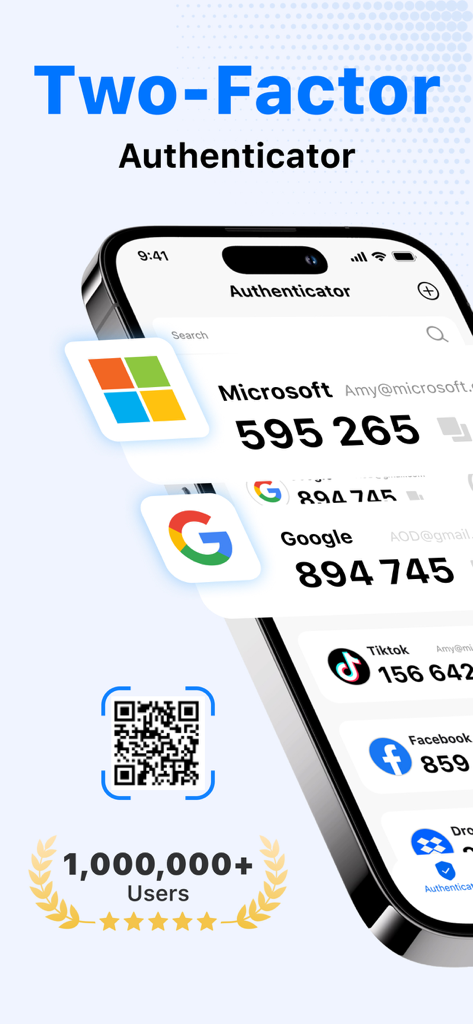
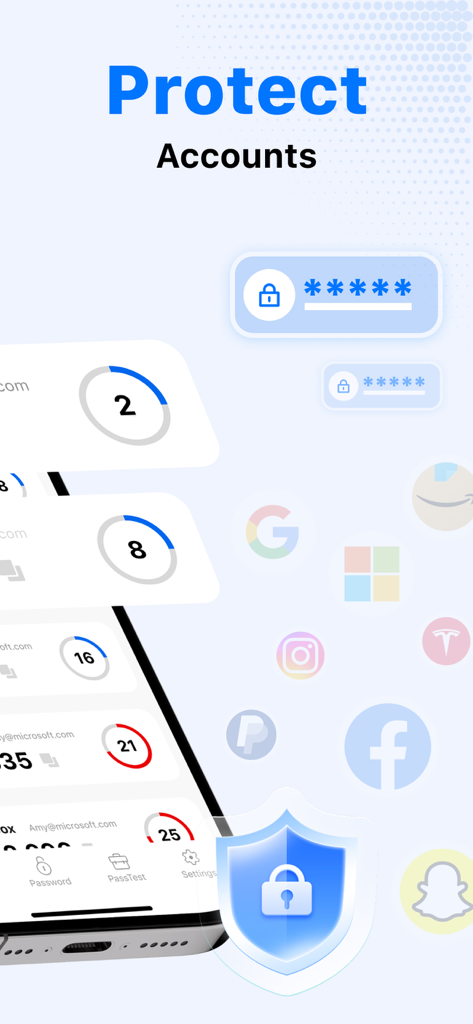
Authenticator app on iPhone showing secure 2FA verification codes for popular services

Authenticator app on iPhone showing secure 2FA verification codes for popular services

Authenticator app interface displaying secure account verification codes with a blue protection shield

Authenticator app interface displaying secure account verification codes with a blue protection shield

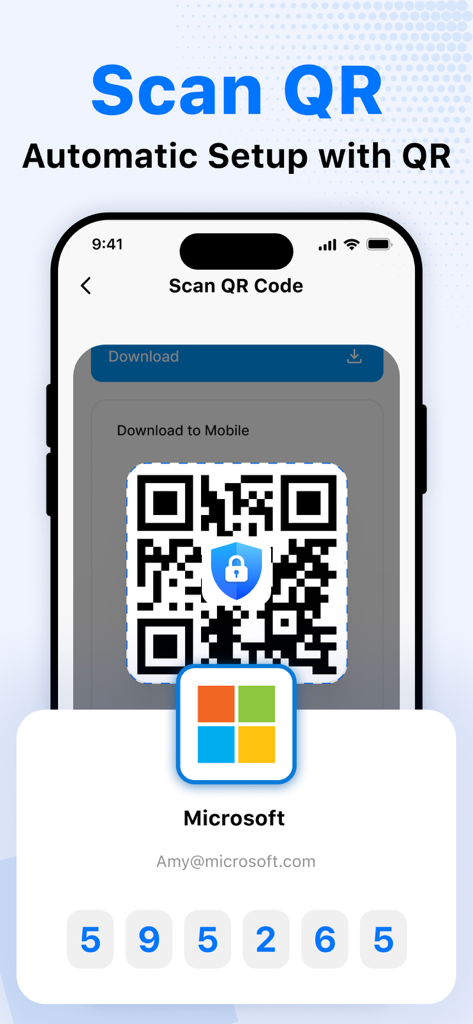
Interface showing automatic account setup via QR code scanning in the Authenticator App.

Interface showing automatic account setup via QR code scanning in the Authenticator App.

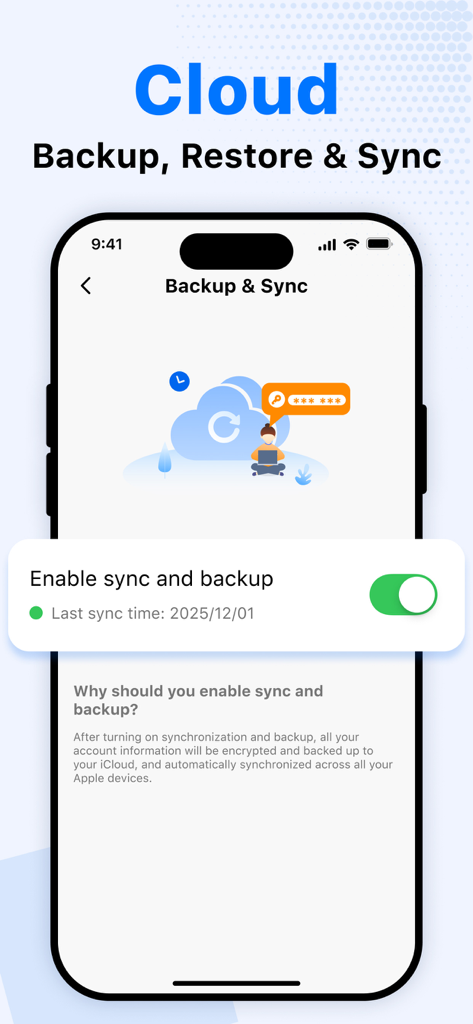
Authenticator app screen showing cloud backup and sync settings for secure account recovery

Authenticator app screen showing cloud backup and sync settings for secure account recovery

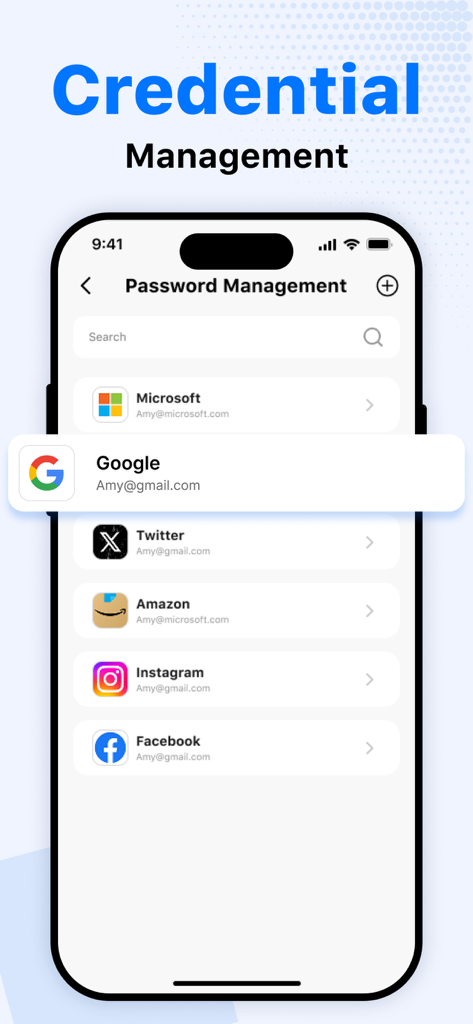
Smartphone interface of the Authenticator App displaying a list of managed credentials for Microsoft, Google, and Amazon

Smartphone interface of the Authenticator App displaying a list of managed credentials for Microsoft, Google, and Amazon

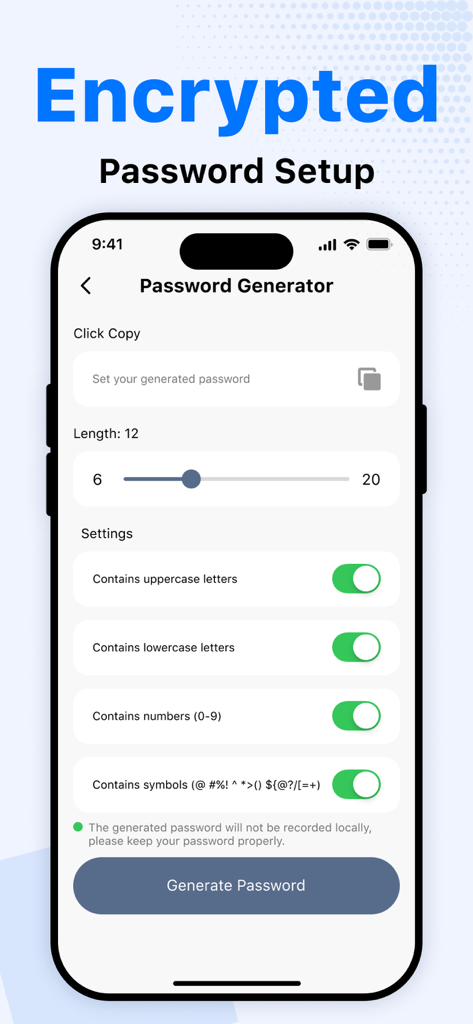
Password generator screen in Authenticator App featuring customizable security settings for length and character types.

Password generator screen in Authenticator App featuring customizable security settings for length and character types.

Complete Digital Fortification

The tools that make this app stand out, trusted by 1K+ users.

🛡️

Military-Grade 2FA Security

Fortify your financial and professional accounts with dual-encrypted verification codes for absolute peace of mind.

🔑

Smart Password Manager

Generate uncrackable passwords and store them in an organized, encrypted vault. Simplify your logins without compromising safety.

🔄

Seamless iCloud Continuity

Stay protected on every device. Your vault automatically syncs across your iPhone, iPad, and Mac with secure, end-to-end encrypted backups.

About the app

Everything you need to know about Authenticator App⋅.

Description

Our app goes beyond standard 2FA. It's a secure, full-featured solution for both managing your passwords and protecting your accounts — combining encrypted password storage, automatic code generation, and seamless cross-device sync. Key Features: • Encrypted Password Manager – Your Personal Vault Safely store and manage all your passwords in one place. Organize by category, search instantly, and access everything behind one secure lock — no more forgetting or reusing weak passwords. • Smart Password Generator – Built for Strength Generate strong password instantly with one tap — perfect for creating fast, secure codes when setting up new logins. • Two-Factor Authentication with Dual Encryption Add powerful 2FA protection to your online accounts. Your time-based verification codes are stored with double encryption for maximum security. • Fast QR Code Setup Add accounts in seconds by scanning QR codes — quick, simple, and error-free. • Secure iCloud Backup & Instant Sync Back up all your data to iCloud with end-to-end encryption. Any changes are synced automatically across all your devices. • Easy Import & Export of QR Codes Move accounts between devices or store them offline with convenient QR code import/export. About Subscription Auto-renewable subscription $7.99 per week for a weekly subscription $4.99 per week for a weekly subscription with 3-day trial $14.99 per month for a monthly subscrition $39.99 per year for a yearly subscription $39.99 per year for a yearly subscription with 3-day trial $49.99 for a lifetime VIP user Note - Payment will be charged to the iTunes Account at confirmation of purchase - Subscription automatically renews unless auto-renew is turned off at least 24 hours before the end of the current period - Account will be charged for renewal within 24 hours before the end of the current period, and identify the cost of the renewal - The user and auto-renewal may manage subscriptions may be turned off by going to the user's Account Settings after purchase - Any unused portion of a free trial period, if offered, will be forfeited when the user purchases a subscription to that publication, where applicable Contact us: support@byte-speed.com Terms of use: https://www.byte-speed.com/terms.html Privacy Policy: https://www.byte-speed.com/privacy.html

Latest Version

2.0

Size

72.2 MB

First Released

May 9, 2025

Secure Your Digital Legacy in One Tap

Join thousands of high-performing professionals who trust our dual-encrypted vault to protect their accounts, passwords, and peace of mind across all their Apple devices.

Download on App Store

App information, icons, screenshots, and descriptions displayed on this page are sourced from the Apple App Store and are the property of their respective developers. Download estimates and rankings are based on MWM's proprietary models and may not reflect actual figures. This page is provided for informational and analytical purposes only.

Believe this page infringes your intellectual property? File a dispute