Authenticator App・Fast 2FA

Authenticator App・Fast 2FA

Logo of Authenticator App・Fast 2FA

Authenticator App・Fast 2FA: Professional-Grade Security for Your Digital World

Experience seamless, ad-free two-factor authentication with Face ID protection. Secure your professional accounts and manage passwords in one high-performance, offline-ready app.

Publisher

MTWOM LIMITED

Category

Productivity

Downloads

0

User Rating

1.0/5

Total Ratings

0

Locales

1

Security in Action

Discover the interface used by 0 users.
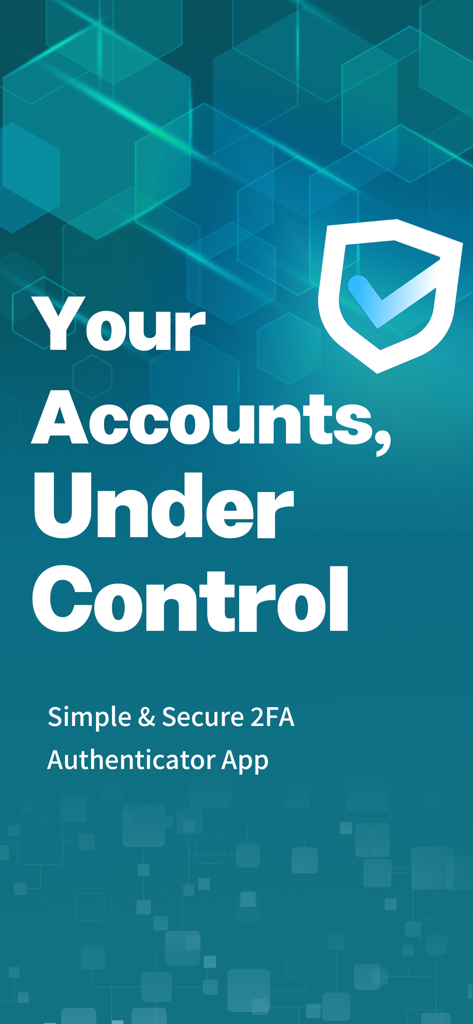
Splash screen of the Authenticator App highlighting account control and 2FA security.

Splash screen of the Authenticator App highlighting account control and 2FA security.

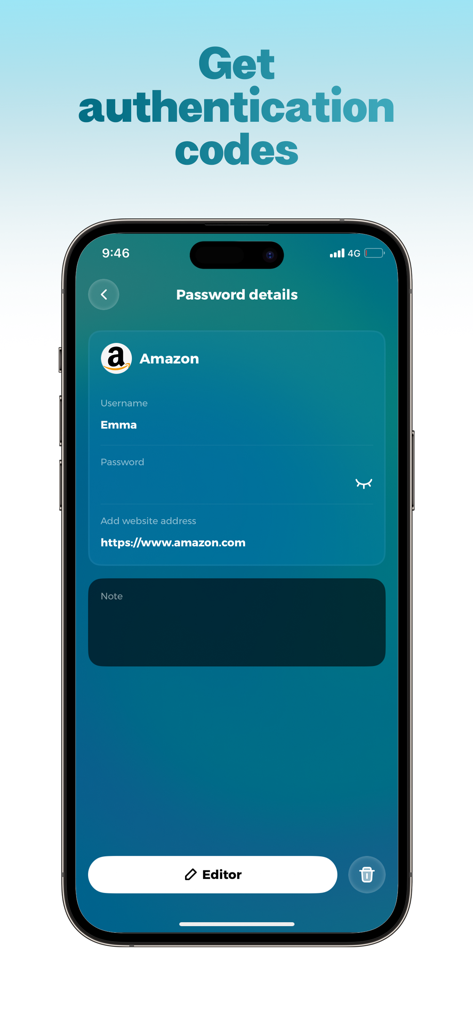
A mobile screen showing password details for an Amazon account in a 2FA authenticator app.

A mobile screen showing password details for an Amazon account in a 2FA authenticator app.

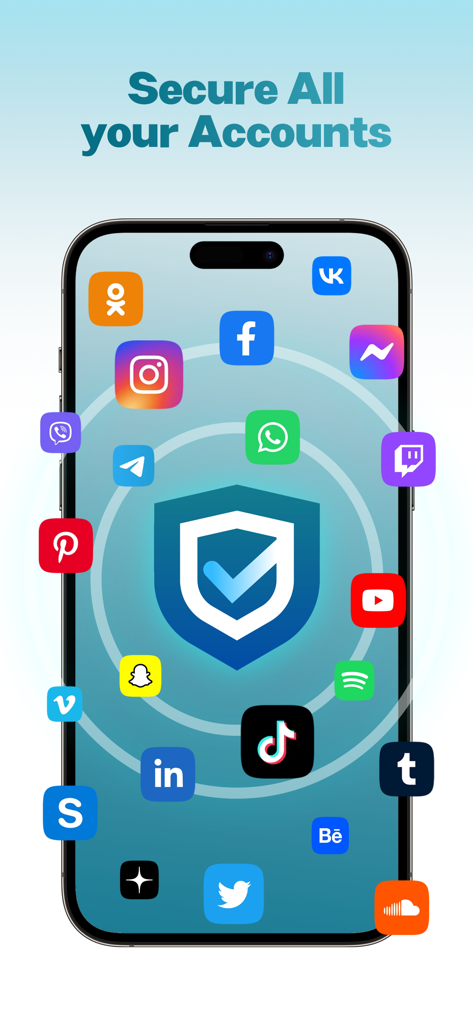
Smartphone screen showing a security shield surrounded by social media app icons with text Secure All your Accounts

Smartphone screen showing a security shield surrounded by social media app icons with text Secure All your Accounts

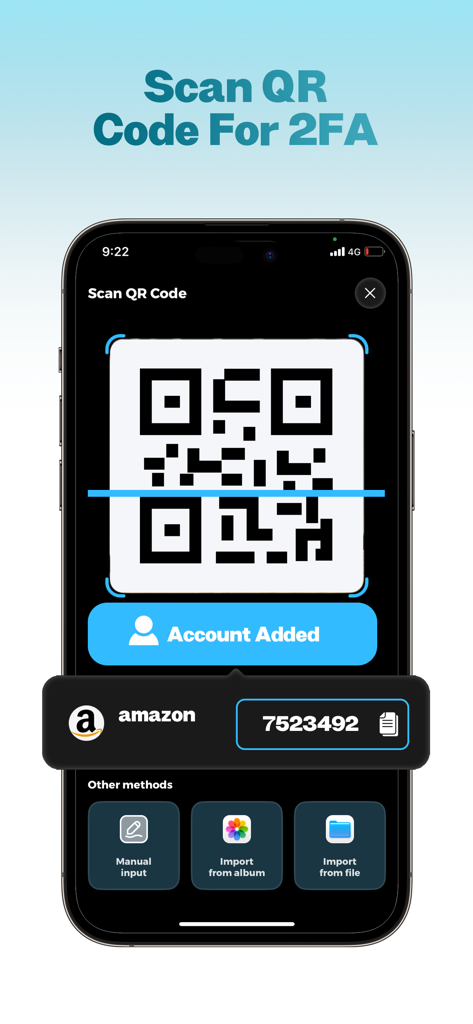
A smartphone scanning a QR code to quickly add a 2FA account to the Authenticator App.

A smartphone scanning a QR code to quickly add a 2FA account to the Authenticator App.

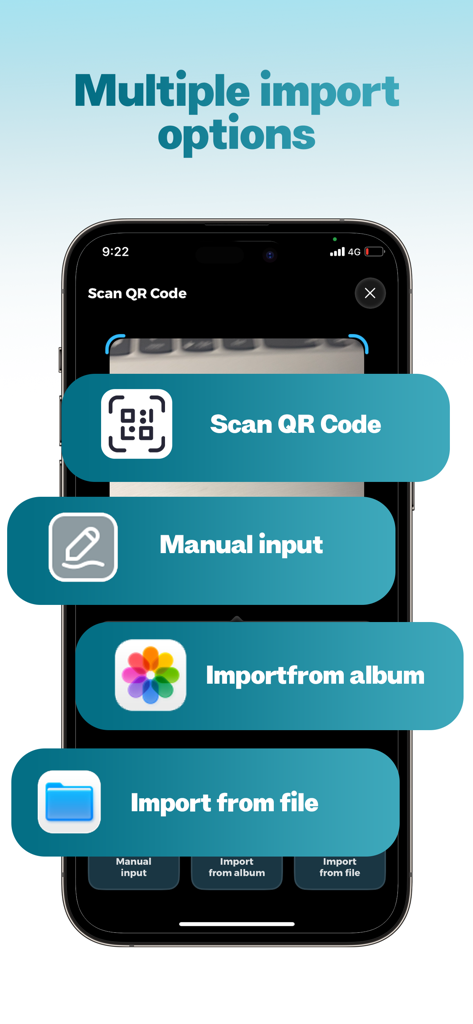
Screenshot of Authenticator App showing four import methods: scan QR code, manual input, import from album, and import from file.

Screenshot of Authenticator App showing four import methods: scan QR code, manual input, import from album, and import from file.

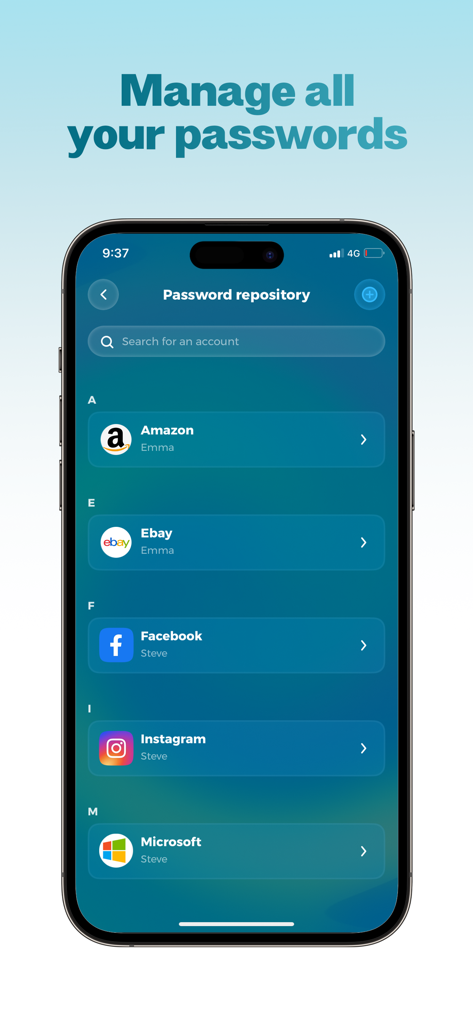
Screenshot of the Authenticator App showing the password repository interface with a list of saved accounts for Amazon, Ebay, Facebook, and Instagram.

Screenshot of the Authenticator App showing the password repository interface with a list of saved accounts for Amazon, Ebay, Facebook, and Instagram.

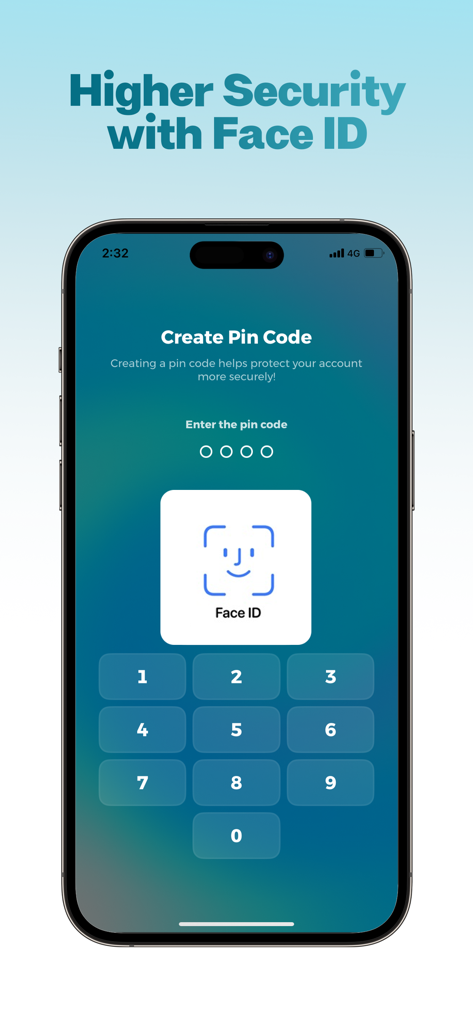
Interface showing Face ID biometric lock and pin code setup for enhanced account protection

Interface showing Face ID biometric lock and pin code setup for enhanced account protection

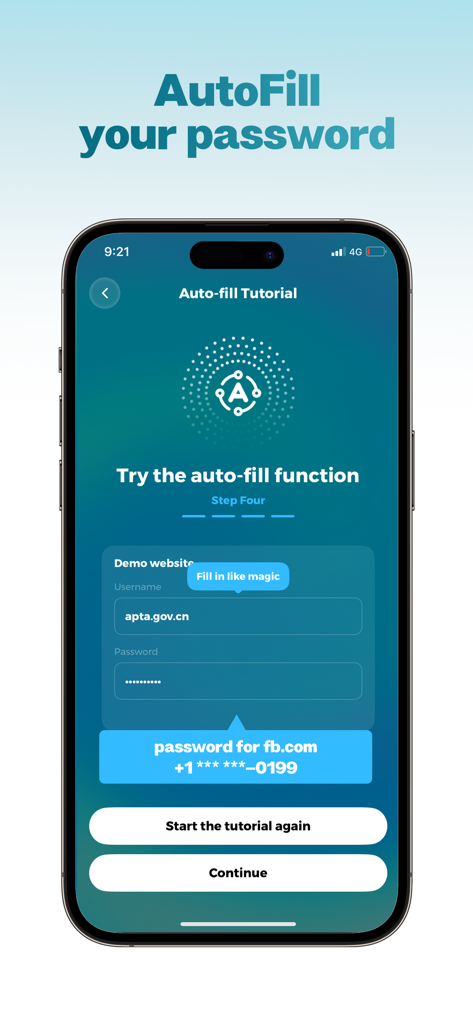
A tutorial screen in the Authenticator App demonstrating the password autofill function for secure login.

A tutorial screen in the Authenticator App demonstrating the password autofill function for secure login.

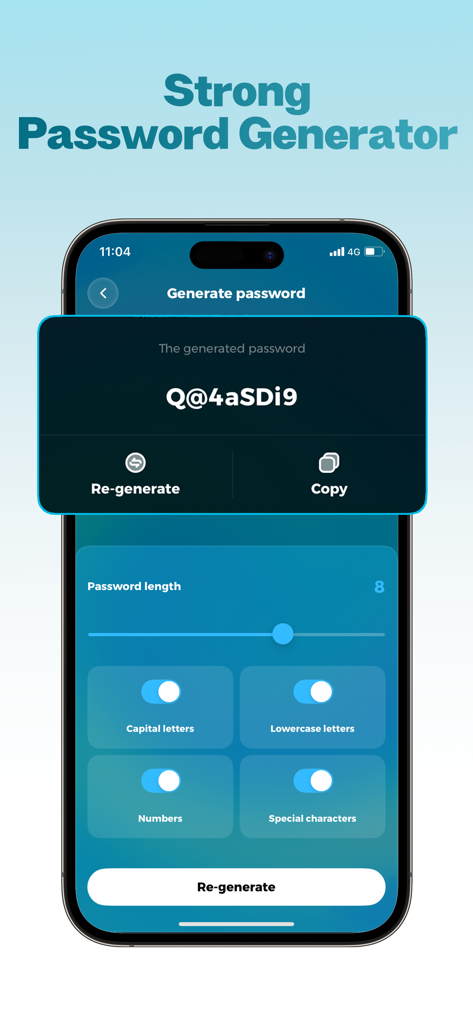
Interface showing the strong password generator feature in the Authenticator App with customizable length and character settings

Interface showing the strong password generator feature in the Authenticator App with customizable length and character settings

Built for Modern Digital Professionals

The tools that make this app stand out, trusted by 0 users.

🆔

Pro-Grade Biometric Protection

Secure your vault with native Face ID integration. Experience frictionless access that ensures your sensitive 2FA codes stay private and accessible only to you.

Lightning-Fast Offline Access

Generate time-based tokens in seconds, even in airplane mode. With 'Tap to Copy' and quick account search, your login workflow stays fast and efficient.

🚫

100% Ad-Free Workspace

Focus on security without the clutter. Our professional interface is built entirely for reliability and trust, featuring an integrated password manager for total digital organization.

About the app

Everything you need to know about Authenticator App・Fast 2FA.

Description

Authenticator App – Secure Two-Factor Authentication Protect your online accounts with Authenticator, the easy and secure app for two-factor authentication (2FA). Generate time-based codes, manage multiple accounts, and keep your credentials safe—all in one ad-free app. Key Features of the Authenticator App: Face ID Smart Lock: - Unlock the app instantly using Face ID - Customize auto-lock: immediately, 1 minute, or 5 minutes for personalized security Quick Account Search: - Instantly find the account you need, even when managing multiple accounts Add & Manage Accounts: - Scan QR codes, copy secret keys, or enter credentials manually - Add, edit, or remove accounts at any time - Keep all authentication tokens organized in one place One-Time Passwords (OTP): - 6-digit codes refresh automatically every 30 seconds - Tap to copy codes quickly - Fully offline: generate codes even in airplane mode Basic Password Manager: - Securely store passwords alongside authentication accounts - Generate strong, customizable passwords - Use the share menu for basic autofill and faster logins 100% Ad-Free Experience: - Clean, distraction-free interface - Focused entirely on security and usability Authenticator app makes managing multiple accounts fast, safe, and simple. Protect your online identity and streamline your login process today! Do you need help? Or have any questions? We’re committed to building the best authentication experience for you. If you have any questions, encounter issues, or want to suggest a feature, please contact our dedicated support team at support@scvjn.cn. Subscription Information • Payment will be charged to your iTunes account at confirmation of purchase. • Subscriptions automatically renew unless turned off at least 24 hours before the end of the current period. • You can manage or turn off auto-renewal in Settings → Apple ID → Subscriptions. • A free trial is available. After the trial ends, the subscription renews automatically unless canceled in advance. Privacy Policy: http://authenticator.mmtwom.com/#/privacy User Agreement: http://authenticator.mmtwom.com/#/agreement

Latest Version

1.0

Size

17.9 MB

First Released

Feb 11, 2026

Secure Your Digital World in One Tap

Join thousands of security-conscious professionals using the ad-free, Face ID-integrated 2FA designed for high-stakes digital workflows. Experience total peace of mind, even offline.

App information, icons, screenshots, and descriptions displayed on this page are sourced from the Apple App Store and are the property of their respective developers. Download estimates and rankings are based on MWM's proprietary models and may not reflect actual figures. This page is provided for informational and analytical purposes only.

Believe this page infringes your intellectual property? File a dispute