Auto Scroll PDF – 2x Faster

Auto Scroll PDF – 2x Faster

Download on App Store
Logo of Auto Scroll PDF – 2x Faster

Auto Scroll PDF – 2x Faster: Master your reading list with hands-free scrolling

The ultimate productivity hack for students and professionals. Finish documents twice as fast with customizable auto-scroll, smart highlighting, and total on-device privacy.

Download on App Store

Publisher

seiya kawano

Category

Productivity

Downloads

500

User Rating

1.0/5

Total Ratings

0

Locales

1

Focus in Motion

Discover the interface used by 500 users.
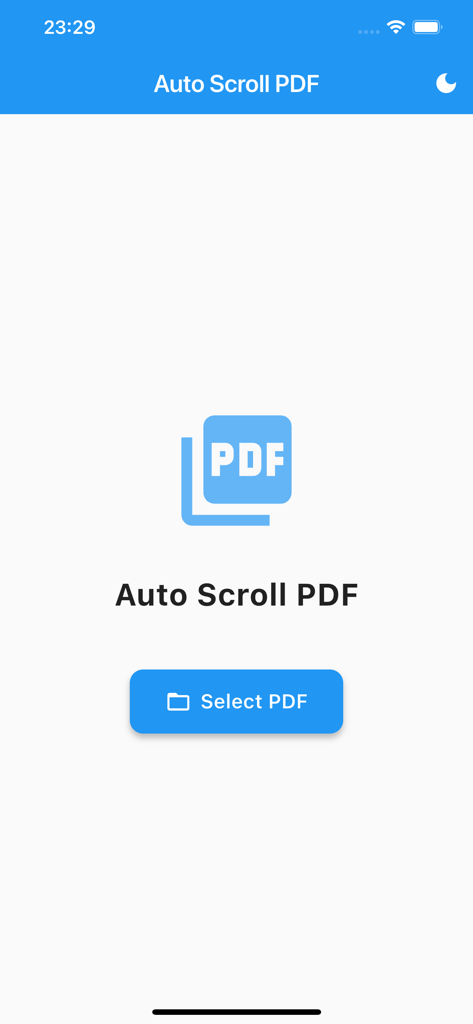
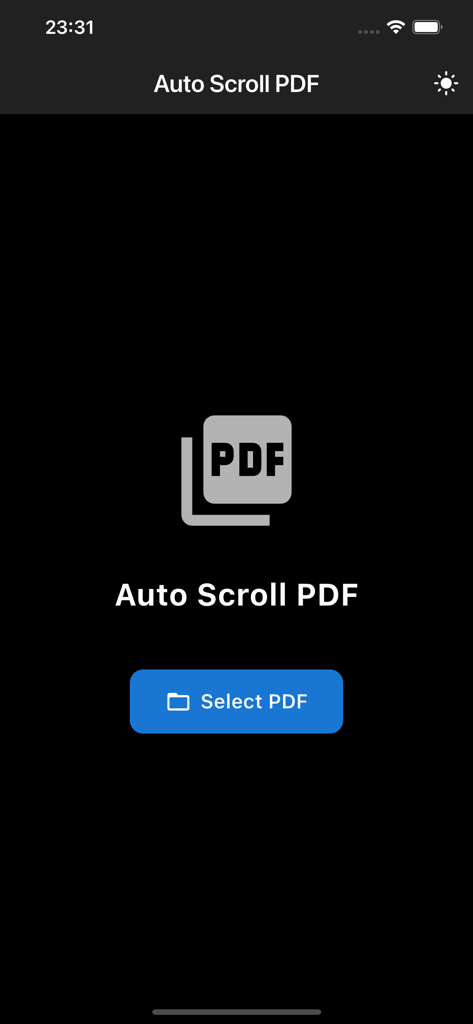
The home screen of the Auto Scroll PDF app featuring a select PDF button and dark mode toggle.

The home screen of the Auto Scroll PDF app featuring a select PDF button and dark mode toggle.

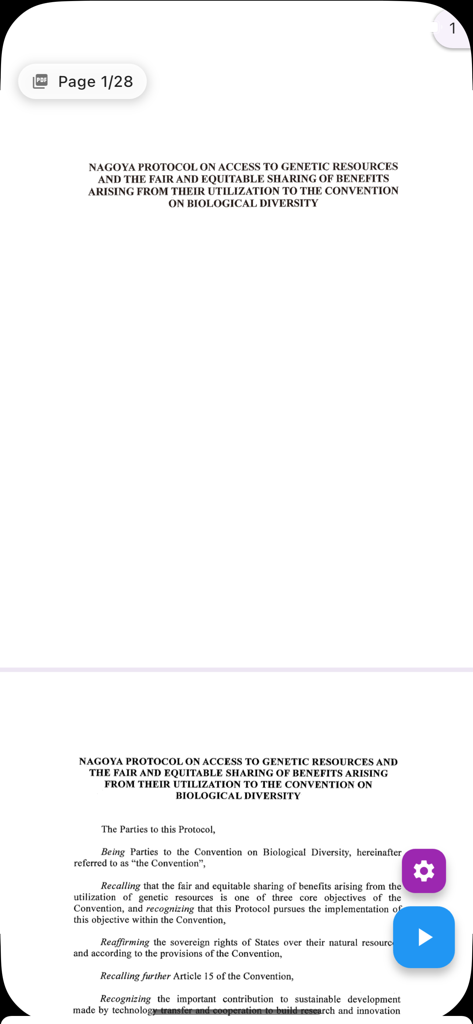
A PDF document being read in the Auto Scroll PDF app with hands-free playback controls and page navigation

A PDF document being read in the Auto Scroll PDF app with hands-free playback controls and page navigation

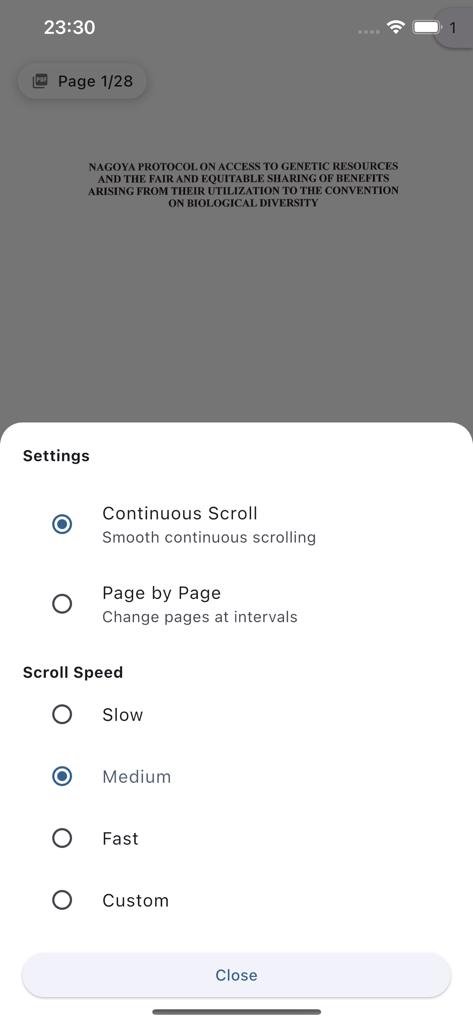
Settings menu of the Auto Scroll PDF app displaying options for continuous scrolling and adjustable reading speeds

Settings menu of the Auto Scroll PDF app displaying options for continuous scrolling and adjustable reading speeds

Home screen of the Auto Scroll PDF app in dark mode featuring a Select PDF button and app logo

Home screen of the Auto Scroll PDF app in dark mode featuring a Select PDF button and app logo

Master Your Reading Queue

The tools that make this app stand out, trusted by 500 users.

🚀

Automated Reading Flow

Eliminate the friction of manual scrolling. Set your custom pace and maintain a deep flow state while the app pulls your eyes through the text.

💡

Active Recall Highlighting

Convert reading into work. Color-code critical insights and use the smart jump feature to revisit key sections for citations and exam prep.

Hands-Free Productivity

Turn your commute or lunch break into a high-yield session. Read reports and papers hands-free while you eat, drink, or take notes.

About the app

Everything you need to know about Auto Scroll PDF – 2x Faster.

Description

Automatically scroll through long PDFs hands-free, cutting reading time in half. Perfect for students and professionals reviewing papers, documents, and ebooks. Key Features: • Adjustable auto-scroll speed (slow/medium/fast + custom) • Seamless continuous scrolling across pages • Text highlighting to mark important sections • Auto-save and instant restore of reading position • Jump to any section via PDF outline • Dark mode for comfortable reading Save Time & Boost Productivity: Free your hands from constant scrolling while reading lengthy documents. Adjust the scroll speed to match your reading pace and maintain focus without interruptions. Smart Highlighting System: Color-code important passages and save them for quick reference. Jump back to highlighted sections instantly for efficient review and citation work. Complete Privacy: All processing happens on your device. No data is ever transmitted externally. Transform your commute, breaks, and evening reading sessions into productive moments. Read while taking notes or enjoying coffee - completely hands-free. Experience the future of PDF reading with Auto Scroll PDF.

Latest Version

1.0.1

Size

32.0 MB

First Released

Sep 16, 2025

Ready to Conquer Your Reading List in Half the Time?

Stop the manual scroll and start absorbing. Join the high-performers who use Auto Scroll PDF to maintain their flow, protect their privacy, and breeze through documents hands-free.

Download on App Store

App information, icons, screenshots, and descriptions displayed on this page are sourced from the Apple App Store and are the property of their respective developers. Download estimates and rankings are based on MWM's proprietary models and may not reflect actual figures. This page is provided for informational and analytical purposes only.

Believe this page infringes your intellectual property? File a dispute