
This page is not an official page of the app or its developer, but an independent editorial publication created for informational and commentary purposes. Unless expressly stated otherwise, neither the app nor its developer is affiliated with, endorsed by, sponsored by, authorized by, or otherwise officially connected with MWM, Apple, Google Play, the app publisher, or the app's developer, and nothing on this page implies that the app was developed using MWM's services. Any trademarks, logos, screenshots, and other content remain the property of their respective owners.


Avigilon Alta Open
Experience the future of smart security. Unlock doors with a simple wave, manage digital guest passes, and enjoy a frictionless workplace experience directly from your smartphone or Apple Watch.
Downloads
3M+User Rating
Total Ratings
14K+Publisher
Category
BusinessLocales
5Latest Version
3.5.1Size
157.0 MBFirst Released
Nov 10, 2017Smart Access for the Modern Workspace
Avigilon Alta Open turns your smartphone into the ultimate key, combining high-end security with a completely frictionless entry experience.
Touchless Wave to Unlock
Experience total convenience. Unlock doors with a simple wave of your hand or phone, even while it is tucked away in your pocket or bag.
Instant Digital Guest Passes
Simplify visitor management by sending secure, temporary credentials via SMS or email directly to any smartphone.
Frequently Asked Questions
Everything you need to know about Avigilon Alta Open
What is Avigilon Alta Open?
Avigilon Alta Open transforms a smartphone into a key, enabling users to unlock doors connected to the Avigilon Alta Access Control system securely and quickly with their mobile device.
How do I unlock a door using Avigilon Alta Open?
Users can unlock doors with Avigilon Alta Open by waving their hand or phone in front of the reader (Wave to Unlock) or by tapping their phone. The app identifies nearby Alta-connected readers.
Can Avigilon Alta Open create digital guest passes?
Yes, Avigilon Alta Open allows authorized users to create and customize digital guest passes directly within the app. These Cloud Key credentials can be sent via email or SMS for guests.
Does Avigilon Alta Open offer remote unlocking capabilities?
Yes, Avigilon Alta Open supports remote unlocking. Authorized users can unlock any door from anywhere using the app, providing flexible access control.
What technologies does Avigilon Alta Open use for access control?
Avigilon Alta Open utilizes Bluetooth low energy, Wi-Fi, LTE capabilities, and location services. These technologies ensure an optimized and reliable door opening experience.
Can I manage access for multiple organizations with Avigilon Alta Open?
Yes, Avigilon Alta Open includes a Single Login feature. This allows users to easily switch between different Avigilon Alta-connected organizations without logging out.
How are users authorized in Avigilon Alta Open?
Users are authorized by their organization's administrator. The administrator adds the user's email address and sends links to enable authorization and credentialing within the Avigilon Alta Open app.
Does Avigilon Alta Open provide an activity log?
Yes, Avigilon Alta Open features an Activity Log. Users can view their complete access history directly within the app to monitor door entries.
Can Avigilon Alta Open activate emergency lockdown plans?
Yes, authorized users of Avigilon Alta Open can activate pre-configured system Lockdown plans in emergencies directly from the app, enhancing security management.
Is Avigilon Alta Open compatible with Apple Watch?
Yes, Avigilon Alta Open offers flexible access methods, including unlocking doors via Apple Watch. It also supports access through tablet and mobile apps.
The following screenshots and description are sourced directly from the app's official store listing and are the property of the app developer.
App Store
Screenshots
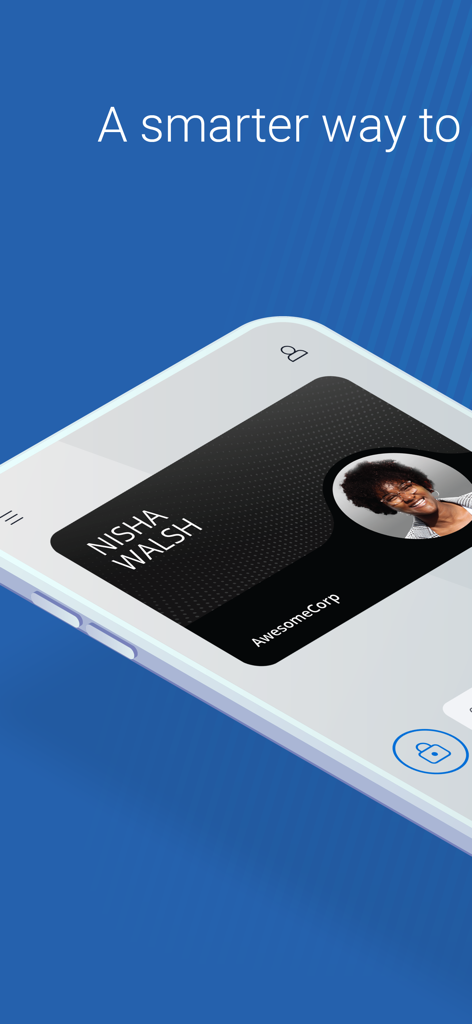
Smartphone screen displaying a digital ID badge within the Avigilon Alta Open app
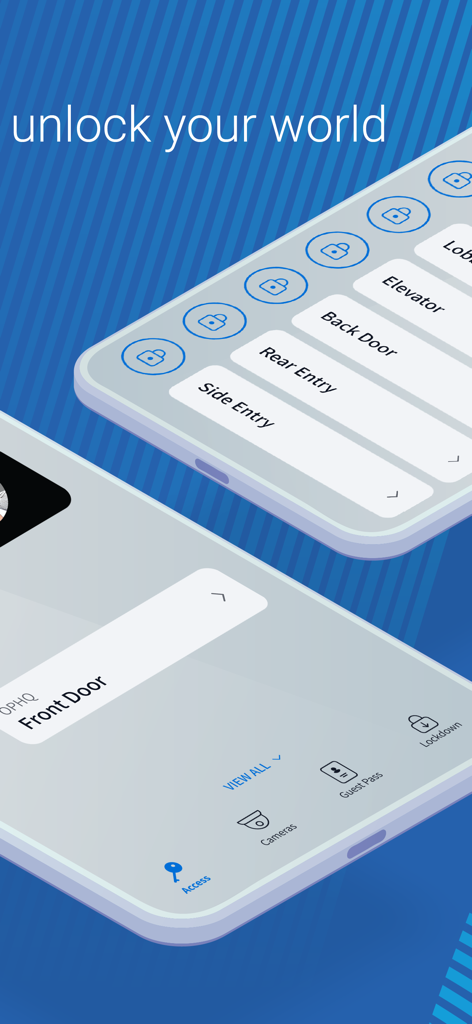
Avigilon Alta Open mobile app interface showing digital access keys for doors and elevators
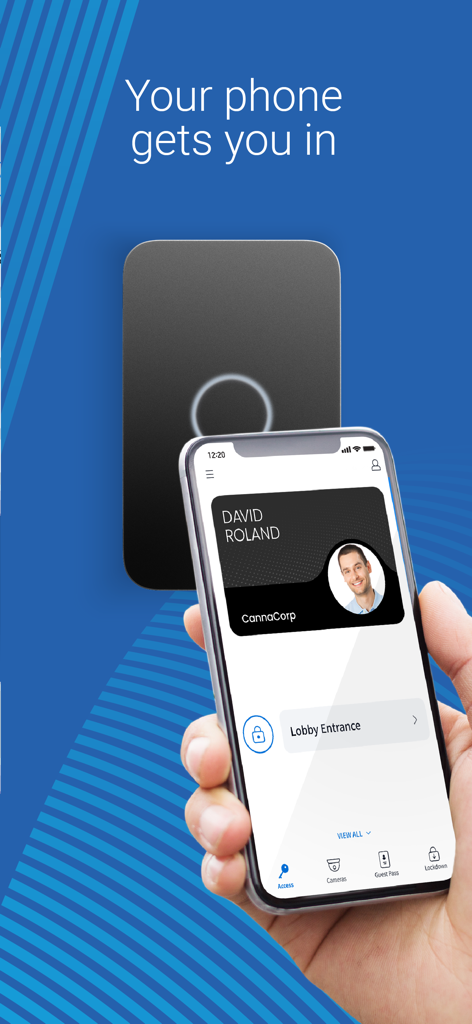
A person holding a smartphone with a digital security badge to unlock a door reader using the Avigilon Alta Open app
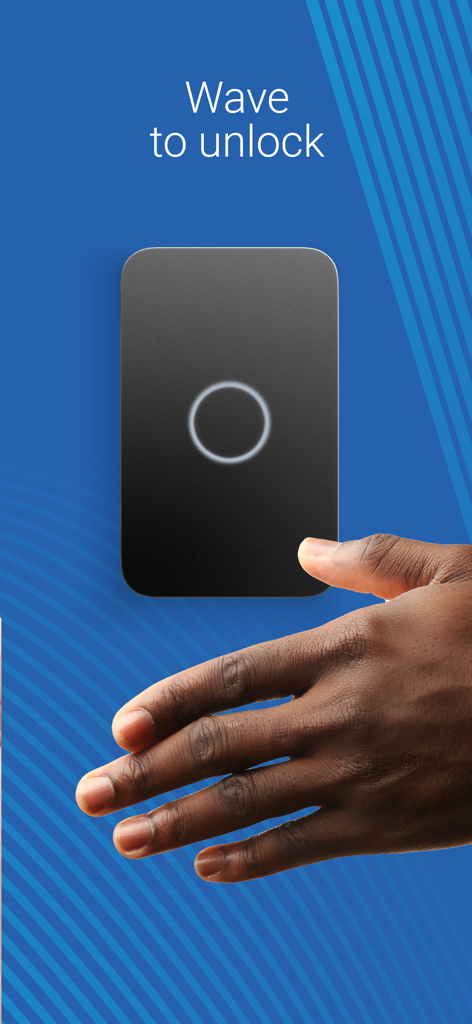
A hand waving in front of a smart door reader for touchless access
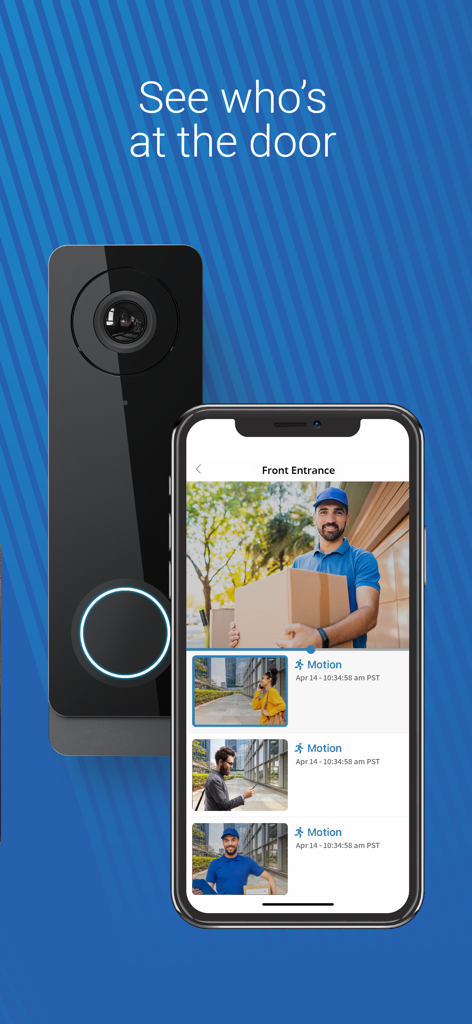
A smartphone displaying the Avigilon Alta app with a video feed of a delivery person and recent activity alerts
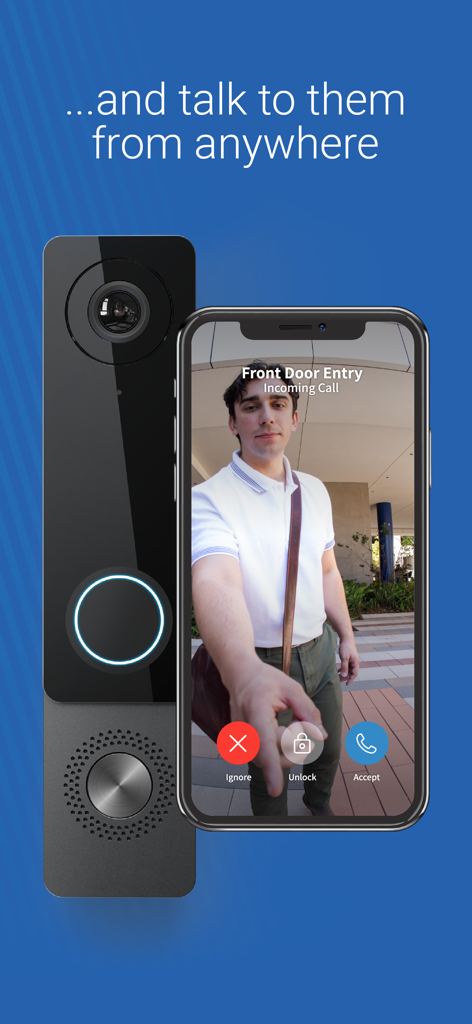
Smartphone displaying a video intercom call from the Avigilon Alta Open app with options to ignore or remotely unlock the door
Description
Download
More Like This
Apps with similar features and user experience

Kisi
KISI Incorporated
UniFi Endpoint
Ubiquiti Inc.

HID Mobile Access
HID Global Corporation

Unloc.
UNLOC AS

해피 파킹 - 스마트 방문 차량 예약 앱
Bn industry co.,ltd

OpenKey
OPENKEY, INC.

Okul Güvenliği
Egemen Gultekin

Salto KS
Salto CloudWorks B.V.

スマートコインロッカーSPACER
SPACER Co., Ltd.
This page is not an official page of the app or its developer, but an independent editorial publication created for informational and commentary purposes. Unless expressly stated otherwise, neither the app nor its developer is affiliated with, endorsed by, sponsored by, authorized by, or otherwise officially connected with MWM, Apple, Google Play, the app publisher, or the app's developer, and nothing on this page implies that the app was developed using MWM's services. Any trademarks, logos, screenshots, and other content remain the property of their respective owners.