
This page is not an official page of the app or its developer, but an independent editorial publication created for informational and commentary purposes. Unless expressly stated otherwise, neither the app nor its developer is affiliated with, endorsed by, sponsored by, authorized by, or otherwise officially connected with MWM, Apple, Google Play, the app publisher, or the app's developer, and nothing on this page implies that the app was developed using MWM's services. Any trademarks, logos, screenshots, and other content remain the property of their respective owners.


HID Mobile Access
Replace physical badges with the convenience of your iPhone or Apple Watch. Enjoy seamless, hands-free entry into your office or residence with background detection that works even while your phone is in your pocket.
Downloads
995K+User Rating
Total Ratings
15K+Publisher
Category
BusinessLocales
12Latest Version
4.9.1Size
126.9 MBFirst Released
Apr 4, 2014Revolutionize Your Workspace Access
Say goodbye to plastic badges. HID Mobile Access transforms your smartphone into a secure, convenient key for a smarter and more efficient workday.
Seamless Background Entry
Unlock doors and gates without even taking your phone out of your pocket or unlocking the screen.
Wearable Compatibility
Enjoy ultimate hands-free convenience by using your Apple Watch to gain secure access with a simple tap.
Frequently Asked Questions
Everything you need to know about HID Mobile Access
What is HID Mobile Access?
HID Mobile Access is an application that allows a smartphone or other mobile device to securely open doors or gates. It merges security with convenience.
How does HID Mobile Access work?
HID Mobile Access enables a mobile device to function as a credential, allowing users to open doors or gates. It requires an organization to be set up with compatible readers and Mobile IDs issued by an administrator.
Can HID Mobile Access detect readers when the app is closed?
Yes, HID Mobile Access detects readers even when the app is not open. Location Services are exclusively used for this specific purpose to improve the door opening experience.
Is HID Mobile Access compatible with an Apple Watch?
Yes, HID Mobile Access is compatible with Apple Watch. It allows users to access their Mobile IDs and open doors from their wearable devices, as shown in the app's interface.
What is required to use HID Mobile Access in an organization?
An organization must be set up with compatible HID Mobile Access readers. A security administrator issues Mobile IDs to users. The app becomes useful only after this setup.
Who issues Mobile IDs for HID Mobile Access?
A security administrator within an organization issues Mobile IDs. These digital credentials are required for users to gain access through HID Mobile Access, ensuring controlled and authorized entry.
How does HID Mobile Access ensure secure access?
HID Mobile Access securely opens doors or gates using a smartphone. The system requires official issuance of Mobile IDs by an organization's security administrator, ensuring controlled and authorized access.
What is the "Twist & Go" feature in HID Mobile Access?
Twist & Go is a feature of HID Mobile Access that enables users to open access points with a simple gesture. It refers to a specific, convenient interaction for door opening.
The following screenshots and description are sourced directly from the app's official store listing and are the property of the app developer.
App Store
Screenshots
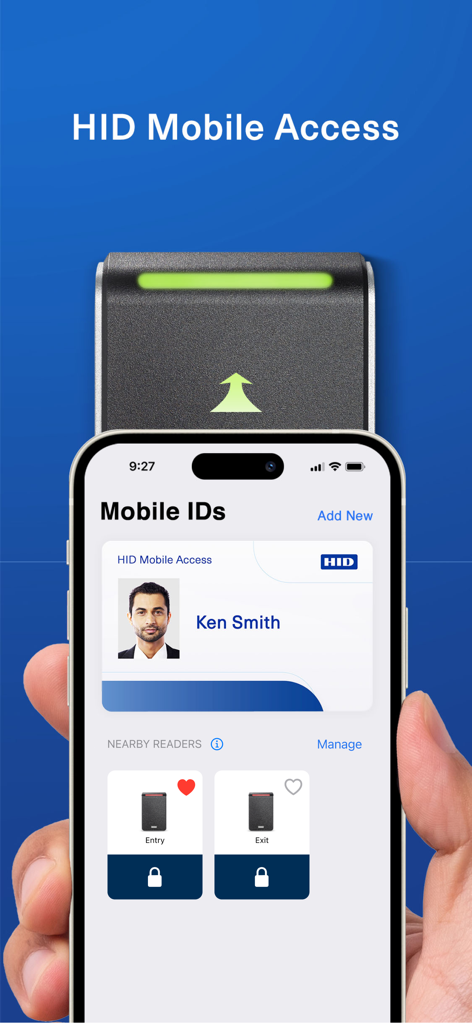
Smartphone showing the HID Mobile Access app with a digital ID card and door access controls.
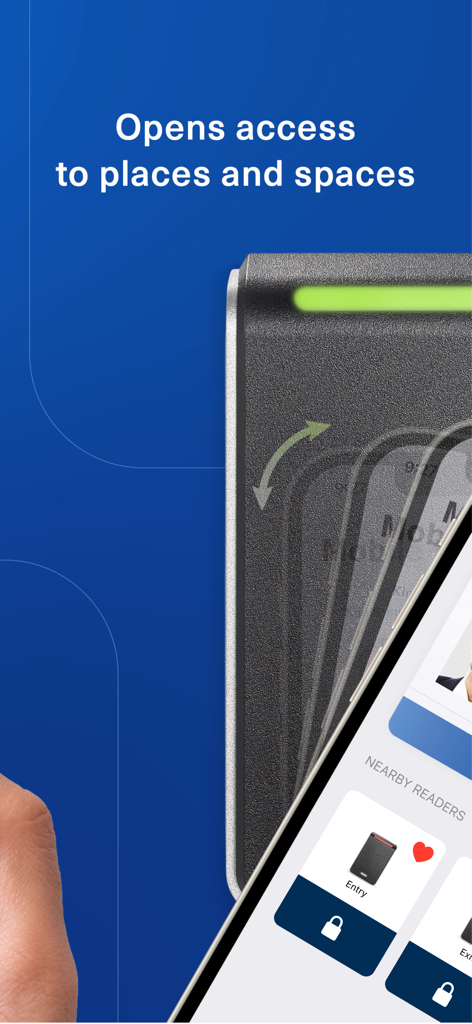
A smartphone using the HID Mobile Access app to open a secure door reader.
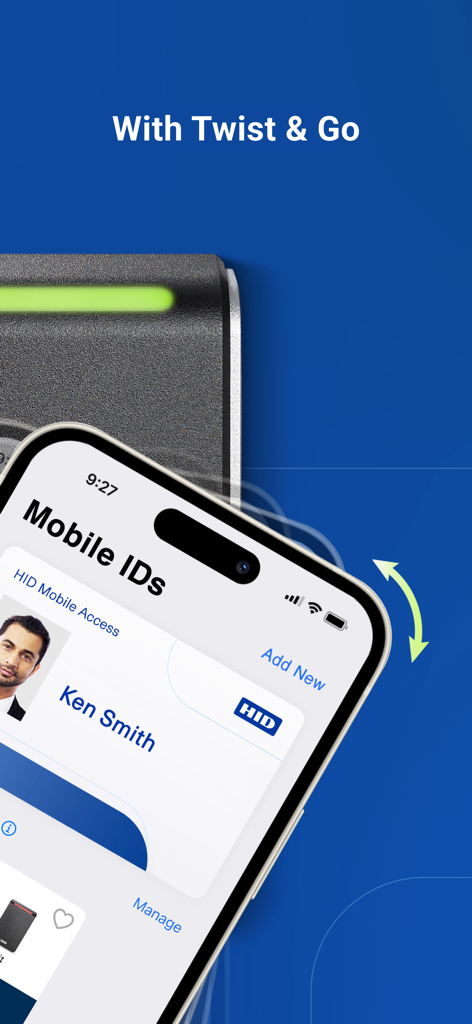
Smartphone displaying HID Mobile Access ID with Twist and Go feature for contactless entry
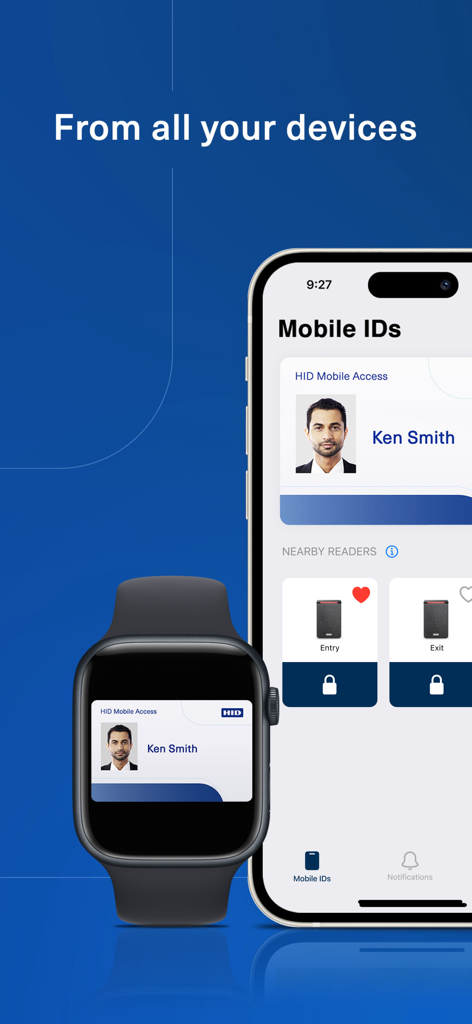
HID Mobile Access interface displayed on iPhone and Apple Watch screens
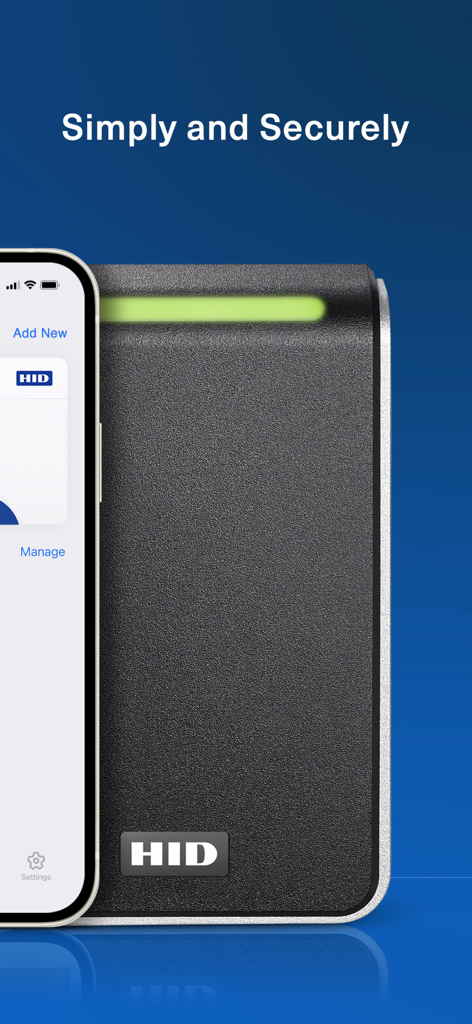
An iPhone displaying the HID Mobile Access app next to a secure door reader with a green indicator light
Description
Download
More Like This
Apps with similar features and user experience

Avigilon Alta Open
OpenPath Security, Inc.

Kisi
KISI Incorporated

UniFi Endpoint
Ubiquiti Inc.

Unloc.
UNLOC AS

해피 파킹 - 스마트 방문 차량 예약 앱
Bn industry co.,ltd

OpenKey
OPENKEY, INC.

Okul Güvenliği
Egemen Gultekin

Salto KS
Salto CloudWorks B.V.

スマートコインロッカーSPACER
SPACER Co., Ltd.
This page is not an official page of the app or its developer, but an independent editorial publication created for informational and commentary purposes. Unless expressly stated otherwise, neither the app nor its developer is affiliated with, endorsed by, sponsored by, authorized by, or otherwise officially connected with MWM, Apple, Google Play, the app publisher, or the app's developer, and nothing on this page implies that the app was developed using MWM's services. Any trademarks, logos, screenshots, and other content remain the property of their respective owners.