
This page is not an official page of the app or its developer, but an independent editorial publication created for informational and commentary purposes. Unless expressly stated otherwise, neither the app nor its developer is affiliated with, endorsed by, sponsored by, authorized by, or otherwise officially connected with MWM, Apple, Google Play, the app publisher, or the app's developer, and nothing on this page implies that the app was developed using MWM's services. Any trademarks, logos, screenshots, and other content remain the property of their respective owners.


Azure Information Protection
Data lockdown, wherever it goes. The app grants control over sensitive information, not just its container.
Downloads
1M+User Rating
Total Ratings
236Publisher
Category
ProductivityLocales
30Latest Version
2.1.4Size
242.3 MBFirst Released
Oct 10, 2013An analytical overview highlighting key functionalities for data security and IT management.
Azure Information Protection: Core Capabilities & Strategic Value
Centralized IT Management
It allows IT administrators to deploy and manage the application across devices enrolled through Microsoft Intune, ensuring consistent security policies and streamlined device management within the organization.
Secure Protected Content Access
The app enables users to securely view a diverse range of rights-protected content, including sensitive email messages, PDF documents, images, and other file formats, crucial for maintaining confidentiality.
Data Policy & Compliance Support
The app helps organizations enforce their data security policies and meet compliance requirements by providing a mechanism to securely view information that has been classified and protected.
Secure Collaboration Facilitation
This tool facilitates secure collaboration by allowing users to access and interact with files that have been protected and shared by others, ensuring data remains confidential throughout collaborative workflows.
Frequently Asked Questions
Everything you need to know about Azure Information Protection
What is the primary function of the Azure Information Protection app?
The Azure Information Protection app allows users to view protected files, such as rights-protected email messages, PDF files, pictures, text files, and any other file format protected as a .pfile.
Do I need an Office 365 account to use Azure Information Protection?
Yes, to use the Azure Information Protection app, you must have an Office 365 account. It is not possible to sign in with a Microsoft Account (Live, Hotmail, or Outlook.com).
Can IT administrators manage the Azure Information Protection app for enterprise devices?
IT administrators can deploy and manage the Azure Information Protection app for devices that are enrolled by Intune, enabling centralized control and configuration.
Can the Azure Information Protection app open protected PDF files?
Yes, the Azure Information Protection app can open protected PDF files, including those shared via SharePoint and OneDrive for Business, as shown in the app's interface.
What file types does Azure Information Protection support for viewing?
The Azure Information Protection app supports viewing protected files with extensions like .pdf, .ppdf, .pjpg, .ppng, and .ptxt, among others, as illustrated by the app's interface.
How does Azure Information Protection handle protected emails?
The Azure Information Protection app works with your email application to help you open protected emails and their attachments securely, such as .rpmsg files.
The following screenshots and description are sourced directly from the app's official store listing and are the property of the app developer.
App Store
Screenshots
The app introduces its core function with a prominent lock-and-share icon, guiding users to 'Get started' with secure document access.
Secure Collaboration Welcome
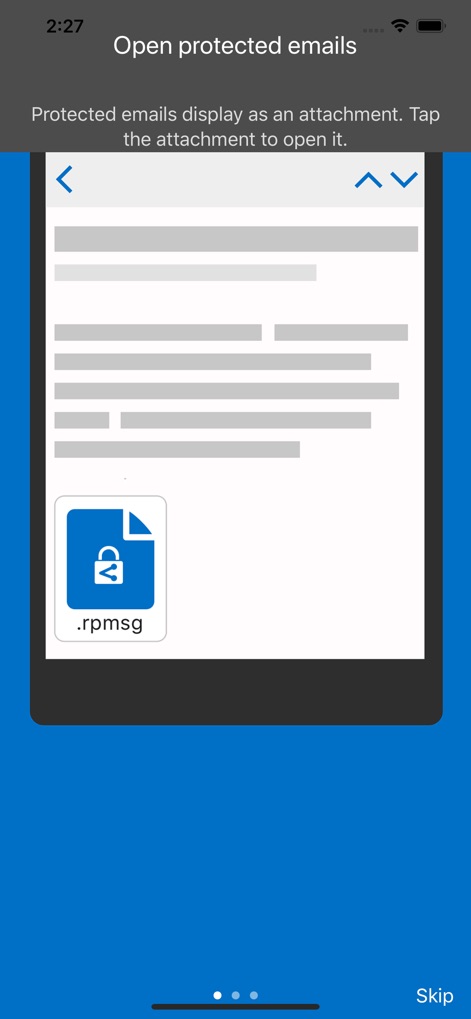
Users can effortlessly open sensitive email attachments, as depicted by the '.rpmsg' file icon shown within the mobile email preview.
Protected Email Access
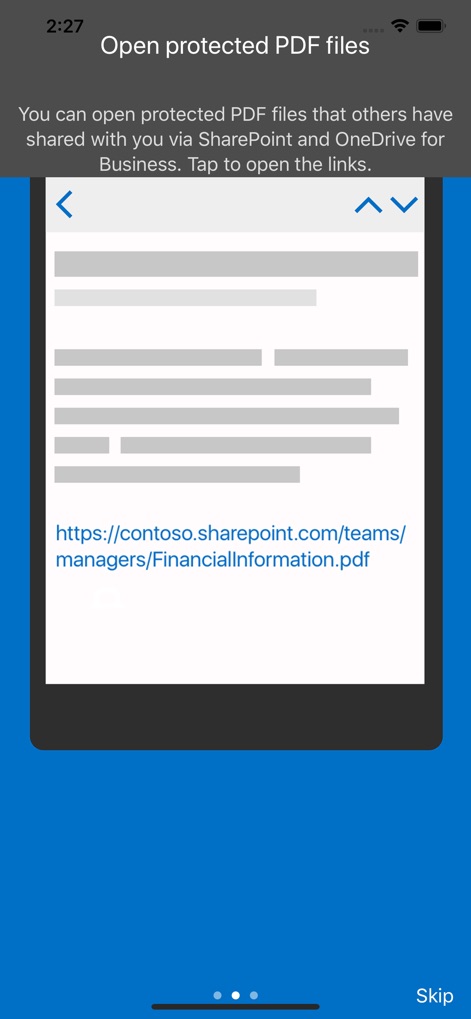
This view highlights the app's capability to access protected PDF files directly from sources like a SharePoint link presented within the document frame.
PDF Security Simplified
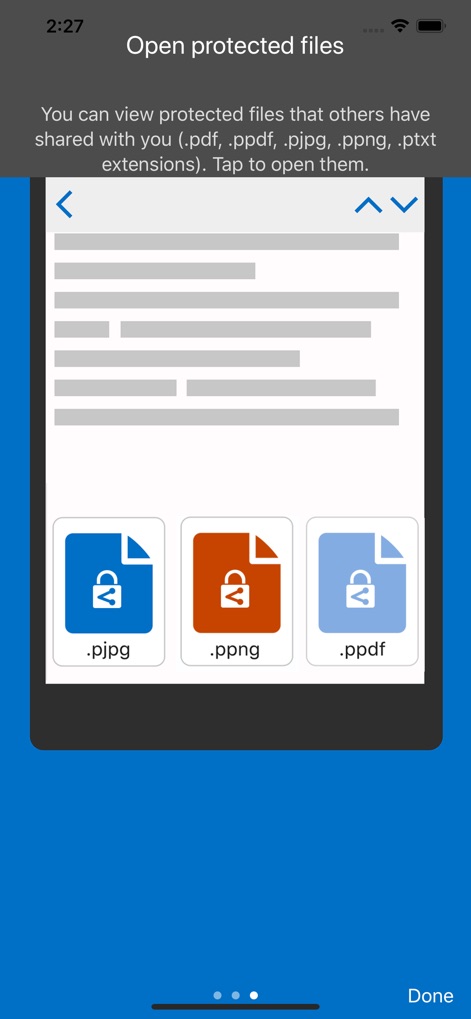
The app demonstrates its broad compatibility by displaying distinct icons for various protected file types, including '.pjpg' and '.ppng' extensions.
Versatile File Protection
Description
Download
More Like This
Apps with similar features and user experience

Content - Workspace ONE
Wandering WiFi LLC

智建存档
QuShuo Network Technology Co.Ltd

SharePlus for Office 365
Infragistics Business Solutions, Inc.

ADDISON OneClick Lohnordner
Wolters Kluwer Tax & Accounting Deutschland GmbH

Secure Reader for BlackBerry
Good.iWare, Inc.

ONP Solicitors
Lavatech Limited

PaperCut Hive - Secure Print
PaperCut Software International Pty Ltd

Access Evo
Access UK Ltd
This page is not an official page of the app or its developer, but an independent editorial publication created for informational and commentary purposes. Unless expressly stated otherwise, neither the app nor its developer is affiliated with, endorsed by, sponsored by, authorized by, or otherwise officially connected with MWM, Apple, Google Play, the app publisher, or the app's developer, and nothing on this page implies that the app was developed using MWM's services. Any trademarks, logos, screenshots, and other content remain the property of their respective owners.