
This page is not an official page of the app or its developer, but an independent editorial publication created for informational and commentary purposes. Unless expressly stated otherwise, neither the app nor its developer is affiliated with, endorsed by, sponsored by, authorized by, or otherwise officially connected with MWM, Apple, Google Play, the app publisher, or the app's developer, and nothing on this page implies that the app was developed using MWM's services. Any trademarks, logos, screenshots, and other content remain the property of their respective owners.


Content - Workspace ONE
Empower your mobile workforce with a single, secure entry point to access, edit, and share files across all corporate repositories—anytime, anywhere.
Downloads
1M+User Rating
Total Ratings
6K+Publisher
Category
BusinessLocales
18Latest Version
25.10Size
382.5 MBFirst Released
Jun 29, 2012Streamlined Productivity for the Modern Workspace
Experience the power of a secure, mobile-first document hub designed for the high-stakes demands of the hybrid professional.
Unified & Secure Access
Instantly search and access files across SharePoint, OneDrive, and corporate servers within a single, encrypted ecosystem.
Built-in Editing & Annotation
Red-line contracts and update Office documents on-the-go with professional-grade tools designed for mobile efficiency.
Frequently Asked Questions
Everything you need to know about Content - Workspace ONE
What is Workspace ONE Content?
Workspace ONE Content provides secure access to your files anytime, anywhere, across your devices. It allows you to share, favorite, access offline, edit Office documents, and annotate PDF files.
Can I search for files within Workspace ONE Content?
Yes, Workspace ONE Content allows you to quickly search across all your stored content, regardless of its download status. You can also add filters to find specific files.
How do I mark content as a favorite in Workspace ONE Content?
You can easily favorite content in Workspace ONE Content by tapping the star icon next to the file you wish to mark. This action makes the file faster to find later.
Does Workspace ONE Content allow the creation of new documents and folders?
Yes, Workspace ONE Content supports creating new documents, media, and folders. Users can also connect to new content repositories directly within the app.
What content repositories does Workspace ONE Content support?
Workspace ONE Content integrates with various repositories including Google Drive, Managed Content, OneDrive, and Sharepoint. It also provides access to local storage on your device.
Can I annotate PDF files using Workspace ONE Content?
Yes, Workspace ONE Content includes built-in editing tools that allow you to annotate PDF files directly within the application. This feature enhances document review.
Does Workspace ONE Content have a dark mode option?
Yes, Workspace ONE Content offers a dark mode interface. Users can activate this visual setting for an optimized viewing experience.
What actions are available when adding new content in Workspace ONE Content?
Workspace ONE Content enables users to create files and folders, record audio, take photos or videos, upload photos or videos, and scan documents via its "+" button.
Does Workspace ONE Content support offline file access?
Yes, Workspace ONE Content provides secure access to your files anytime, anywhere. This includes accessing documents offline, ensuring content availability without an internet connection.
The following screenshots and description are sourced directly from the app's official store listing and are the property of the app developer.
App Store
Screenshots
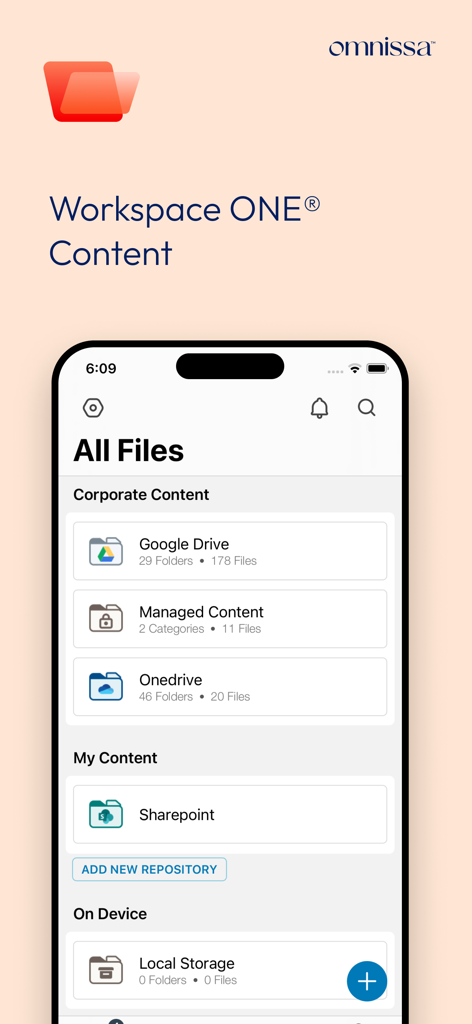
Mobile interface of Workspace ONE Content app displaying integrated file repositories including Google Drive, OneDrive, and SharePoint.
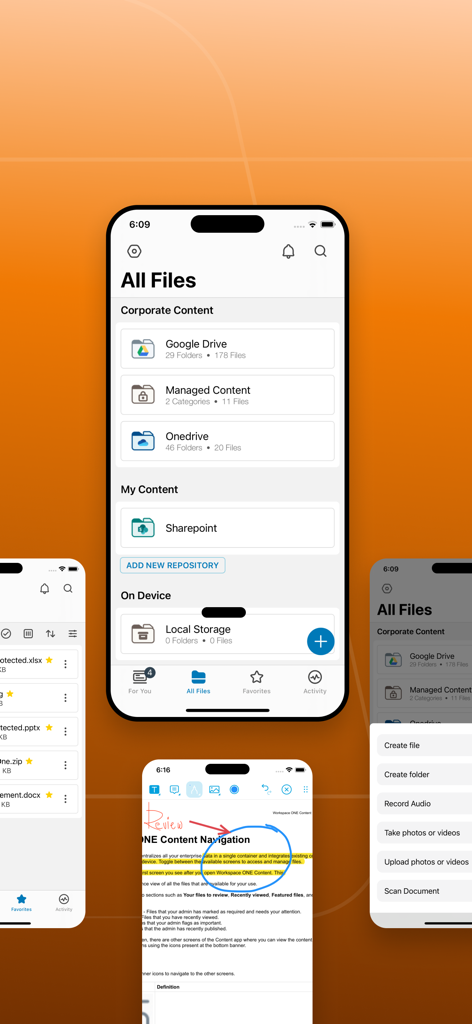
Workspace ONE Content app interface showing secure corporate file management and document annotation features.
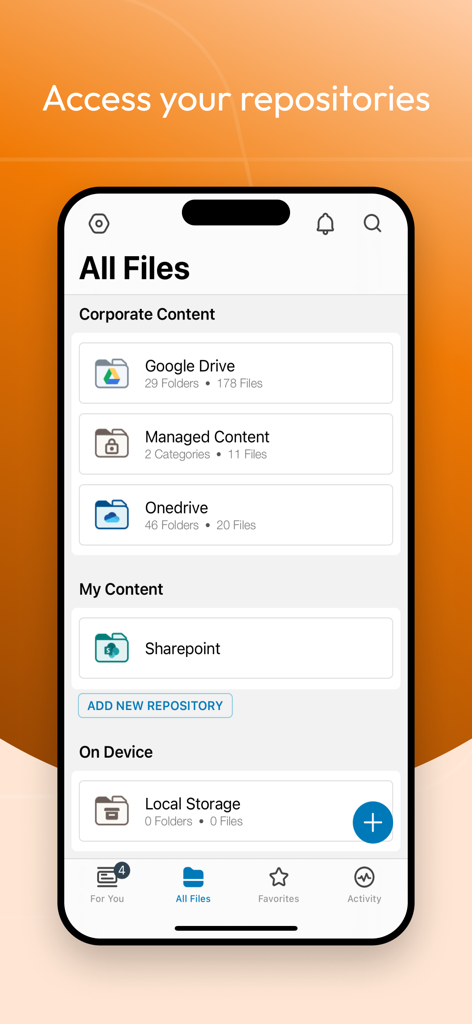
Workspace ONE Content app displaying integrated corporate file repositories like Google Drive and SharePoint.
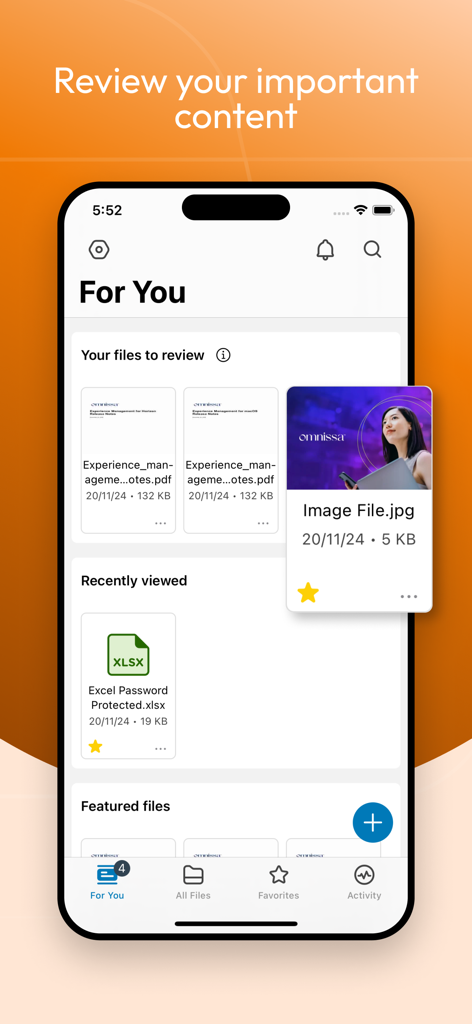
Interface of the Workspace ONE Content app displaying the For You dashboard with files to review and recently viewed documents
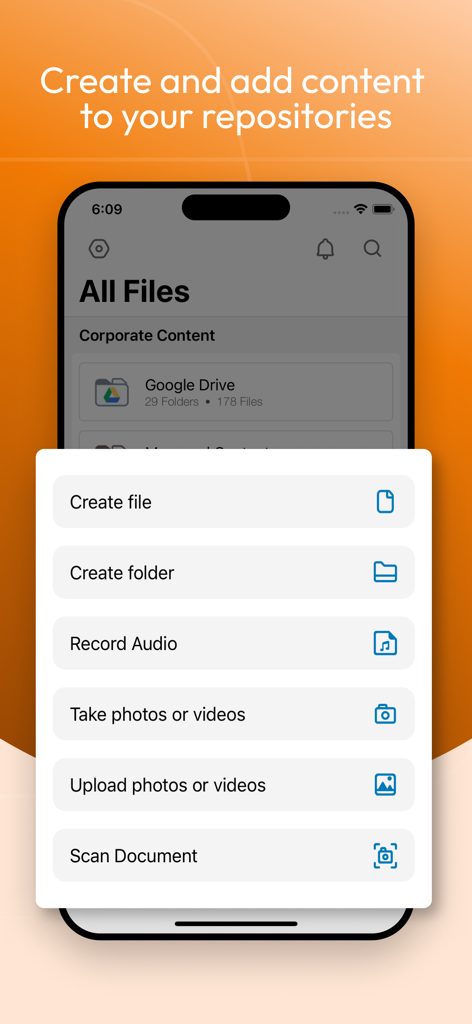
Interface of Workspace ONE Content app showing a menu to create files, folders, and scan documents.
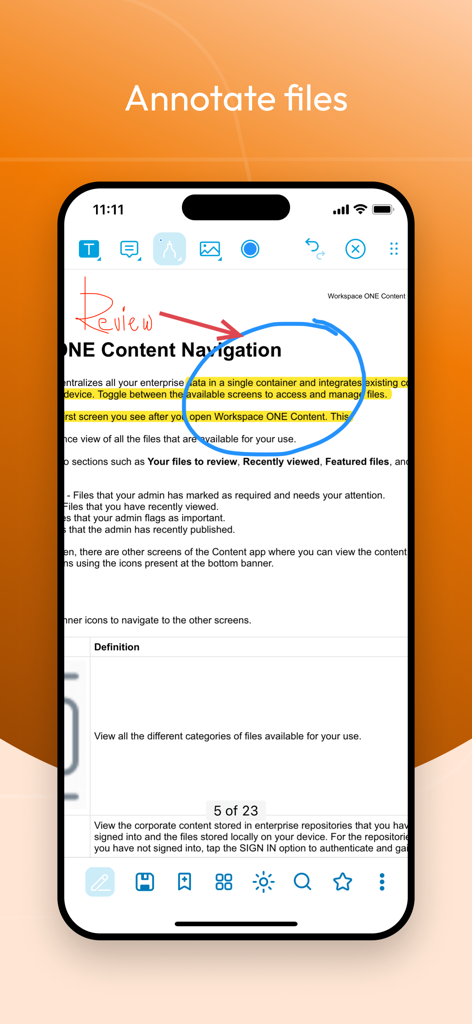
A mobile device screen showing the Workspace ONE Content app interface for annotating a PDF document with highlights and handwritten notes
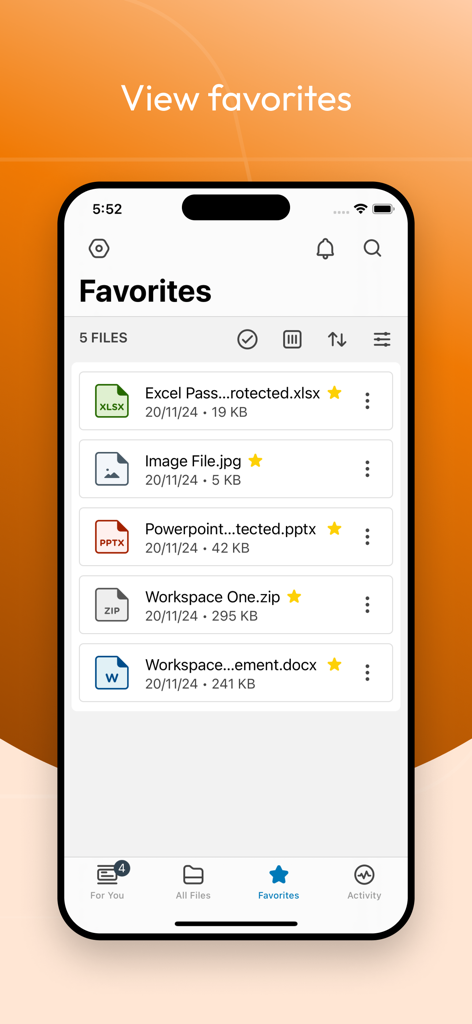
Workspace ONE Content app interface displaying a list of favorite enterprise files like documents and spreadsheets
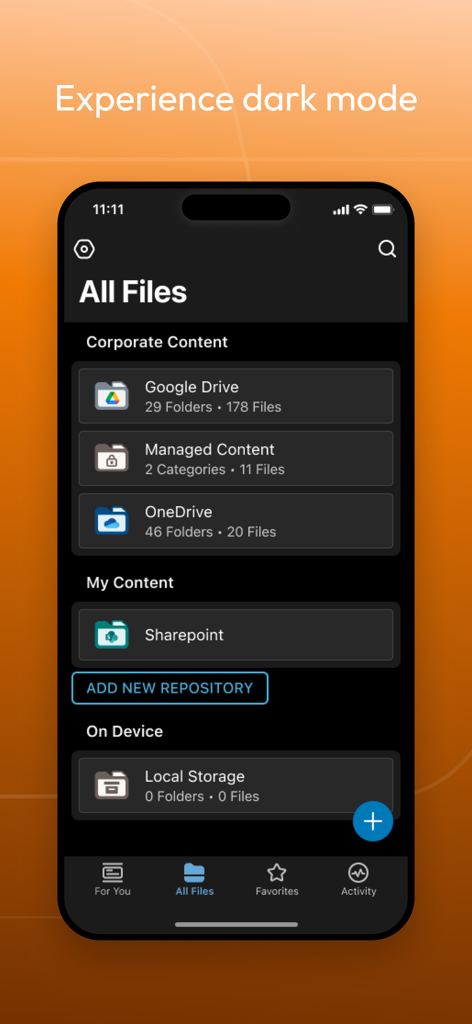
Workspace ONE Content app interface in dark mode displaying multiple file repositories
Description
Download
More Like This
Apps with similar features and user experience

智建存档
QuShuo Network Technology Co.Ltd

SharePlus for Office 365
Infragistics Business Solutions, Inc.

ADDISON OneClick Lohnordner
Wolters Kluwer Tax & Accounting Deutschland GmbH

Secure Reader for BlackBerry
Good.iWare, Inc.

Azure Information Protection
Microsoft Corporation

ONP Solicitors
Lavatech Limited

PaperCut Hive - Secure Print
PaperCut Software International Pty Ltd

Access Evo
Access UK Ltd
This page is not an official page of the app or its developer, but an independent editorial publication created for informational and commentary purposes. Unless expressly stated otherwise, neither the app nor its developer is affiliated with, endorsed by, sponsored by, authorized by, or otherwise officially connected with MWM, Apple, Google Play, the app publisher, or the app's developer, and nothing on this page implies that the app was developed using MWM's services. Any trademarks, logos, screenshots, and other content remain the property of their respective owners.