
This page is not an official page of the app or its developer, but an independent editorial publication created for informational and commentary purposes. Unless expressly stated otherwise, neither the app nor its developer is affiliated with, endorsed by, sponsored by, authorized by, or otherwise officially connected with MWM, Apple, Google Play, the app publisher, or the app's developer, and nothing on this page implies that the app was developed using MWM's services. Any trademarks, logos, screenshots, and other content remain the property of their respective owners.

BABYMONSTER LIGHT STICK
Elevate your concert experience by syncing your seat for a synchronized light show, and customize your glow with a full color wheel in Self Mode.
Downloads
57K+User Rating
Total Ratings
0Publisher
Category
EntertainmentLocales
6Latest Version
1.0.5Size
85.0 MBFirst Released
Nov 7, 2024Light Up Your MONSTIEZ Spirit
Transform your BABYMONSTER light stick into a powerful tool for connection, creativity, and concert magic.
Be Part of the Ocean
Sync your seat information to join the synchronized live performance. Feel the energy as your stick pulses in harmony with the music and thousands of fans.
Your Colors, Your Vibe
Take creative control with Self Mode. Use the digital color wheel to customize your glow for aesthetic room decor or viral TikTok content.
The following screenshots and description are sourced directly from the app's official store listing and are the property of the app developer.
App Store
Screenshots
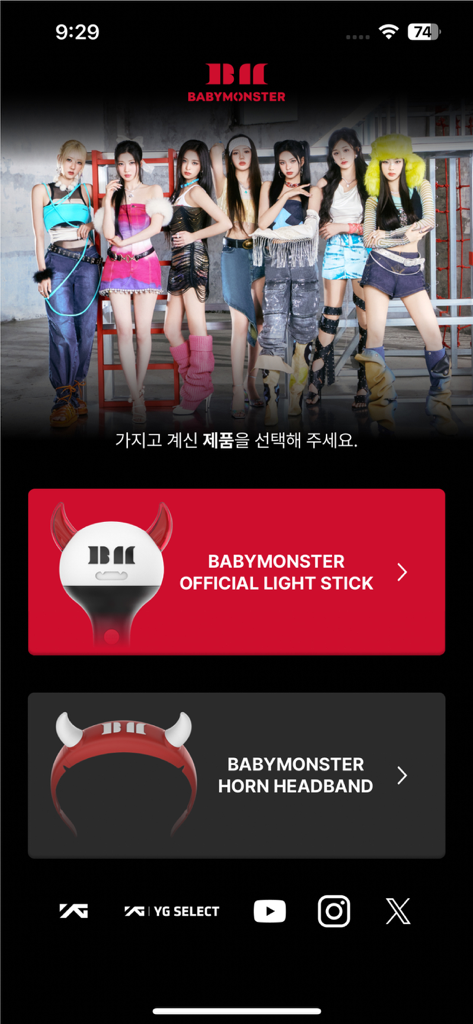
Home screen of the BABYMONSTER app with options to select the official light stick or horn headband.
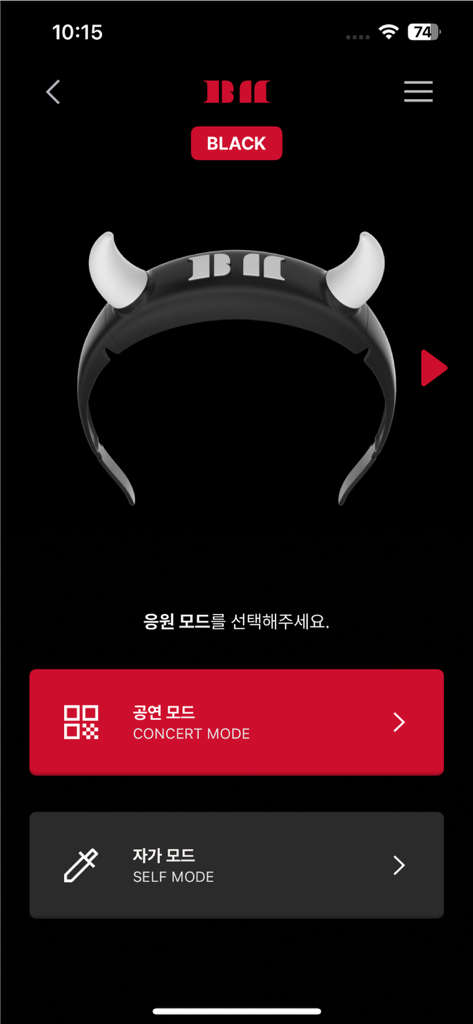
Interface of the BABYMONSTER light stick app showing Concert Mode and Self Mode options with a devil horn light stick image.
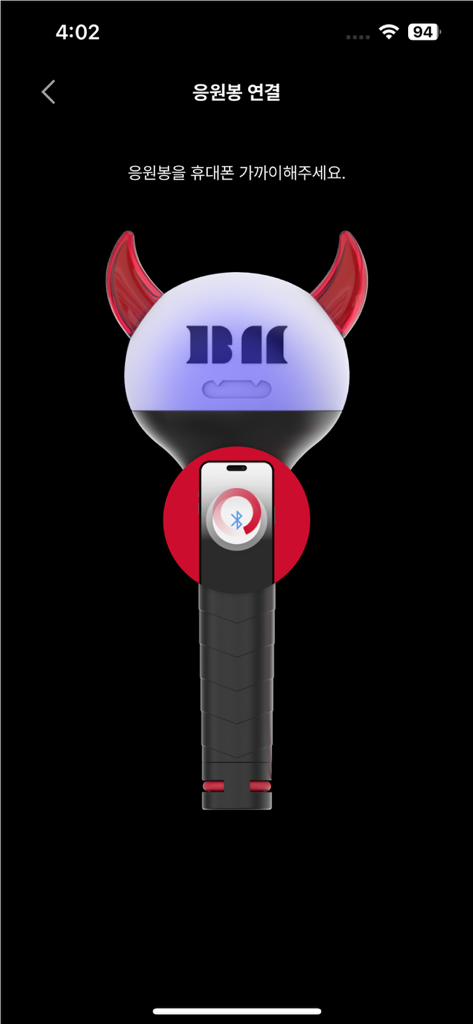
Interface of the BABYMONSTER LIGHT STICK app showing a graphic tutorial for Bluetooth pairing with a smartphone.
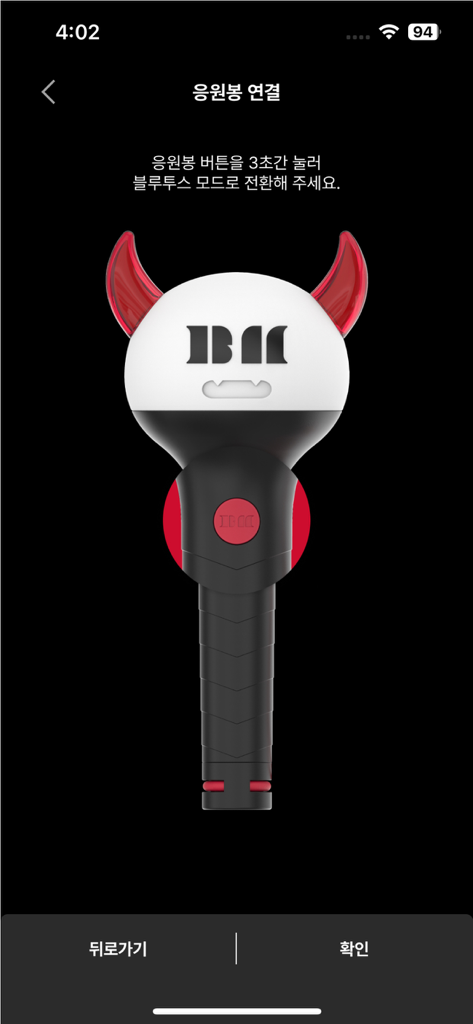
An illustration of the BABYMONSTER official light stick on the Bluetooth connection screen.
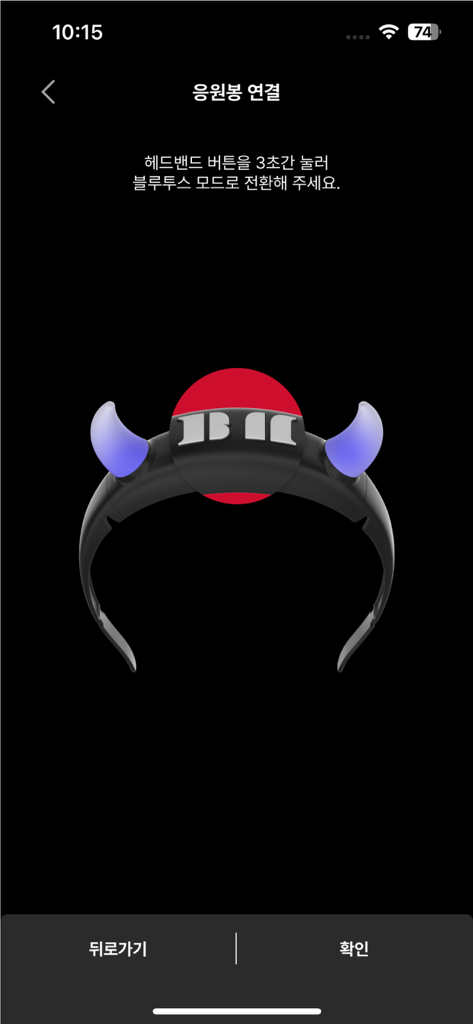
Bluetooth pairing interface for the BABYMONSTER light stick app showing a glowing headband icon.
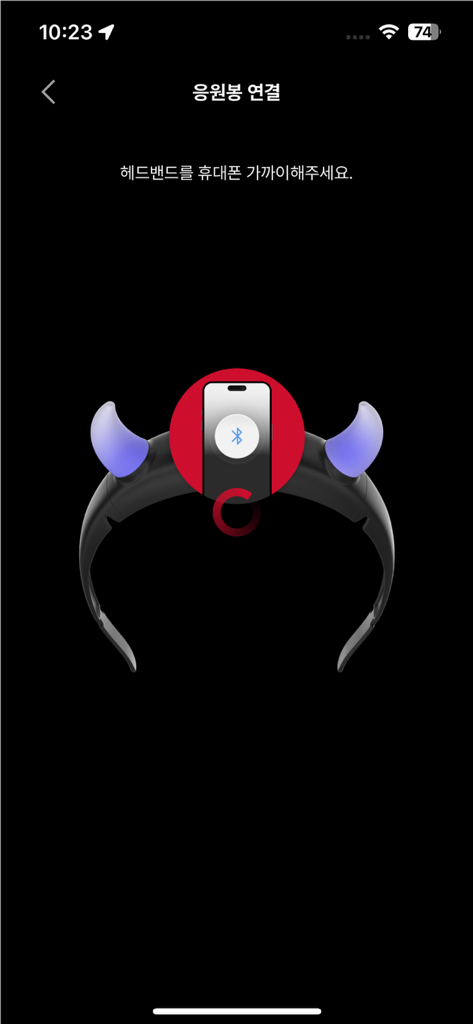
Smartphone screen showing the Bluetooth pairing process for the BABYMONSTER light stick headband accessory.
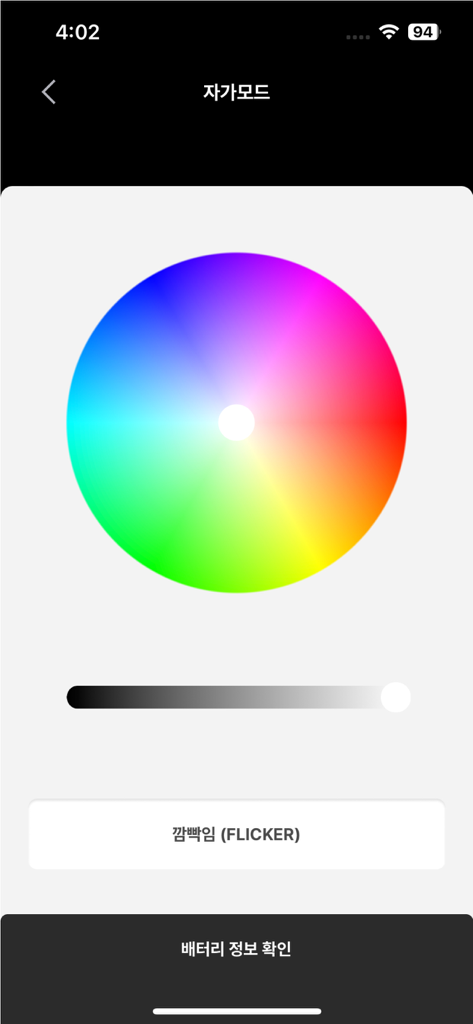
Interface of the BABYMONSTER Light Stick app displaying a color wheel for custom lighting effects in self mode.
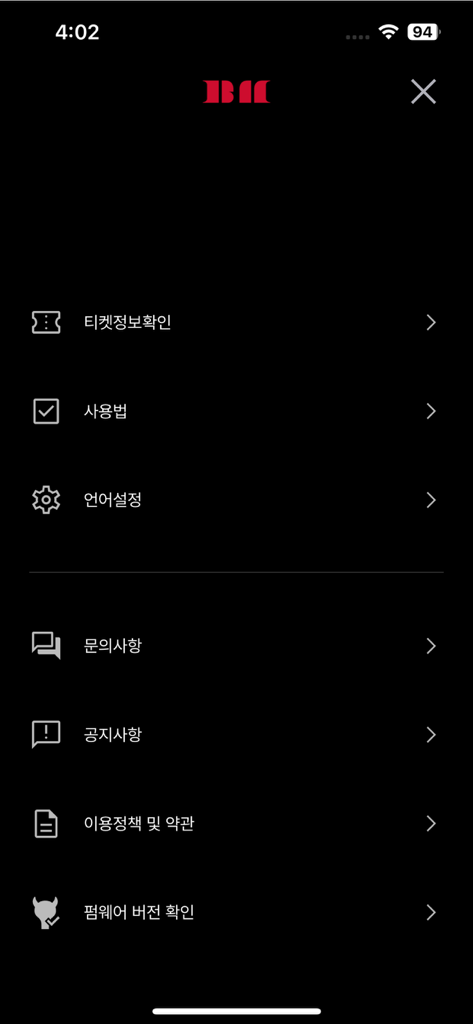
Settings menu screen of the BABYMONSTER LIGHT STICK mobile app featuring options for ticket information and device setup
Description
Download
More Like This
Apps with similar features and user experience
Arntreal
ANDREA ALBRIZIO

Brickit App
Brickit inc
LEGO® Super Mario™
LEGO System A/S
Jurassic World Play
Mattel
LEGO® TECHNIC® CONTROL+
LEGO System A/S
SmartRace for Carrera Digital
Marc Bonsels
Fukuoka / Collecting Forest
teamLab Inc.

BTS OFFICIAL LIGHT STICK
FANLIGHT Co., Ltd
LEGO® DUPLO® Trains
LEGO System A/S
This page is not an official page of the app or its developer, but an independent editorial publication created for informational and commentary purposes. Unless expressly stated otherwise, neither the app nor its developer is affiliated with, endorsed by, sponsored by, authorized by, or otherwise officially connected with MWM, Apple, Google Play, the app publisher, or the app's developer, and nothing on this page implies that the app was developed using MWM's services. Any trademarks, logos, screenshots, and other content remain the property of their respective owners.