Badger Maps: #1 Route Planner
Download on App Store

This page is not an official page of the app or its developer, but an independent editorial publication created for informational and commentary purposes. Unless expressly stated otherwise, neither the app nor its developer is affiliated with, endorsed by, sponsored by, authorized by, or otherwise officially connected with MWM, Apple, Google Play, the app publisher, or the app's developer, and nothing on this page implies that the app was developed using MWM's services. Any trademarks, logos, screenshots, and other content remain the property of their respective owners.


Logo of Badger Maps: #1 Route Planner
Download on App Store

Badger Maps: #1 Route Planner

Transform your field territory into a high-efficiency engine. Optimize multi-stop routes in seconds, automate CRM data entry, and find new leads on the go to boost your sales by 22%.

Key Figures

Downloads

50K+

User Rating

4.5/5

Total Ratings

1K+

Publisher

Badger Maps, Inc.

Category

Business

Locales

1

Latest Version

3.42.5

Size

62.6 MB

First Released

Jan 10, 2014
Features

Drive Less, Close More Deals

The all-in-one territory management tool built for the mobile sales pro. Optimize your routes, find hidden leads, and sync with your CRM—all from the road.

Smart Route Optimization

Automate your daily schedule with the fastest multi-stop routes. Cut drive time by 20% and reach more customers every single day.

Instant Lead Generation

Never waste a canceled meeting again. Instantly find and navigate to new prospects in your vicinity to keep your pipeline full.

The following screenshots and description are sourced directly from the app's official store listing and are the property of the app developer.

App Store

Screenshots

Badger Maps: #1 Route Planner - Badger Maps mobile app interface showing route optimization and sales leads on a map.
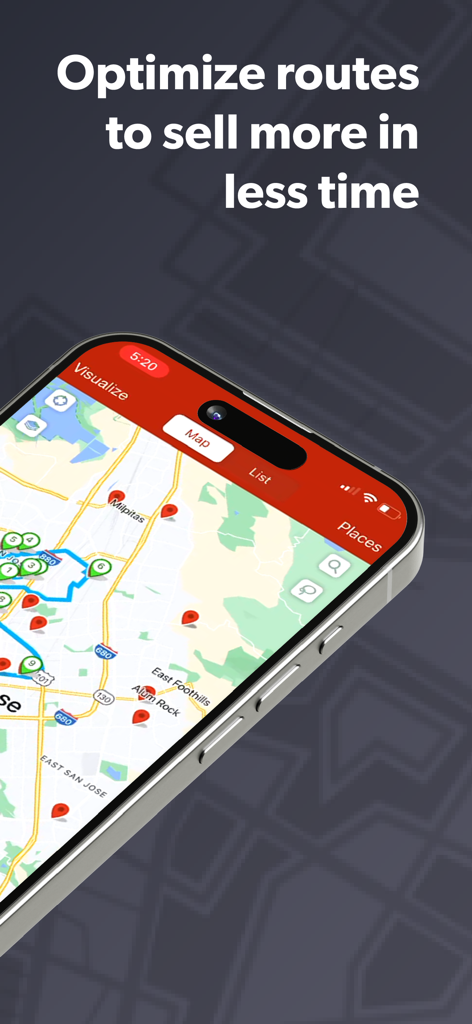
Badger Maps mobile app interface showing route optimization and sales leads on a map.

Badger Maps: #1 Route Planner - Badger Maps interface on an iPhone displaying an optimized sales route with location pins
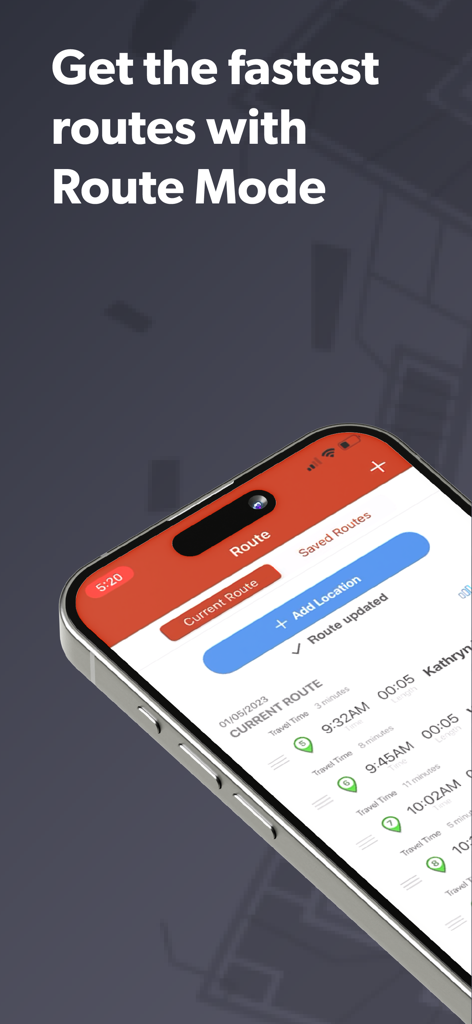
Badger Maps interface on an iPhone displaying an optimized sales route with location pins

Badger Maps: #1 Route Planner - Badger Maps app interface showing Route Mode with optimized stops for field sales
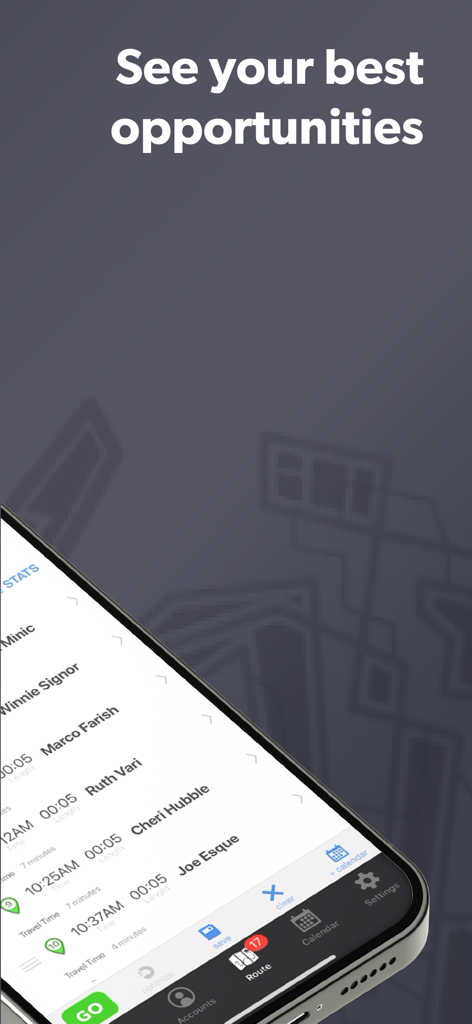
Badger Maps app interface showing Route Mode with optimized stops for field sales

Badger Maps: #1 Route Planner - Badger Maps app interface showing a list of sales opportunities with scheduled times and travel duration for field sales reps
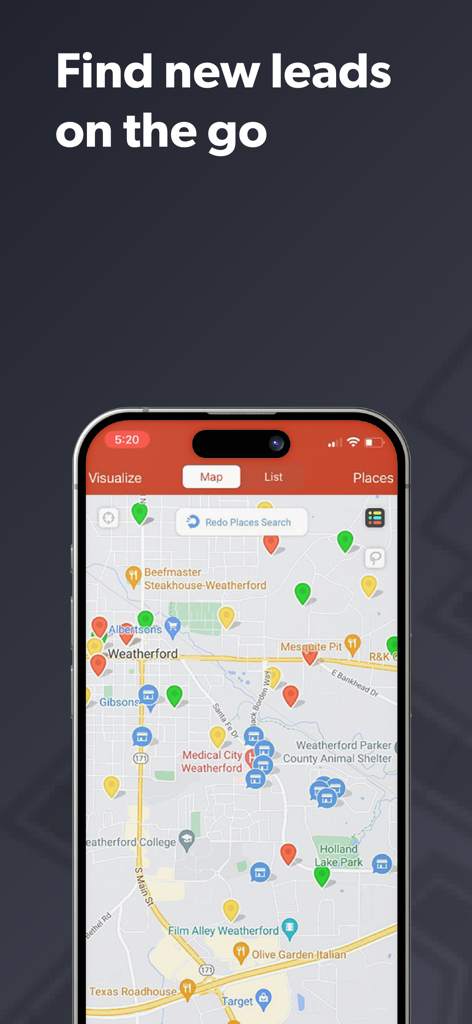
Badger Maps app interface showing a list of sales opportunities with scheduled times and travel duration for field sales reps

Badger Maps: #1 Route Planner - Badger Maps app interface showing a map with pins for local sales leads and business accounts.
Badger Maps app interface showing a map with pins for local sales leads and business accounts.

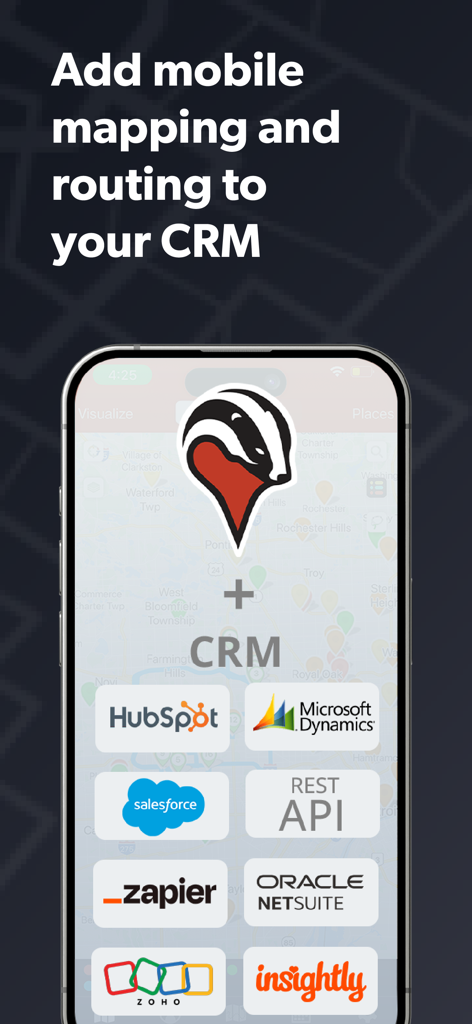
Badger Maps: #1 Route Planner - Badger Maps app showing mobile mapping and routing integration with popular CRMs like Salesforce and HubSpot

Badger Maps app showing mobile mapping and routing integration with popular CRMs like Salesforce and HubSpot

Badger Maps: #1 Route Planner - Smartphone displaying Badger Maps interface with sales leads pins and a customer success testimonial
Smartphone displaying Badger Maps interface with sales leads pins and a customer success testimonial

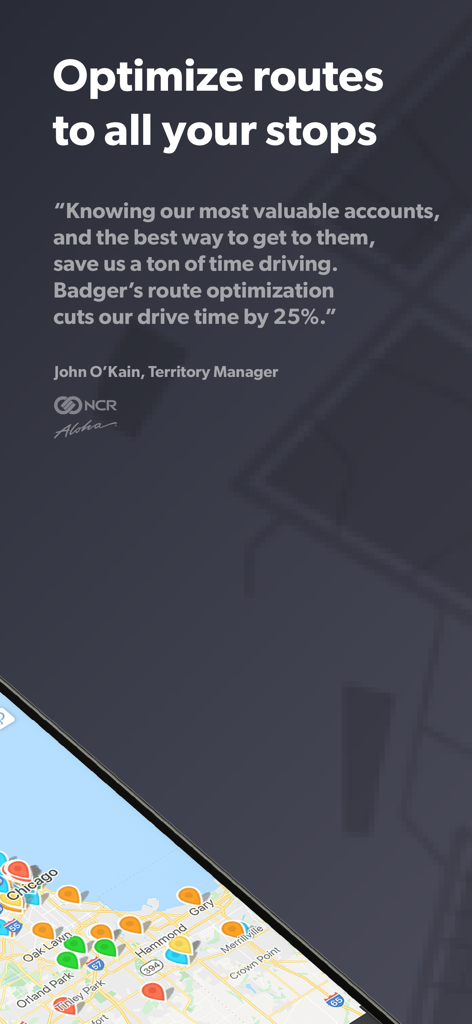
Badger Maps: #1 Route Planner - Badger Maps app interface featuring route optimization testimonial and a map with sales account pins

Badger Maps app interface featuring route optimization testimonial and a map with sales account pins

Badger Maps: #1 Route Planner - Badger Maps app screenshot showing Route Mode and sales account mapping on a smartphone
Badger Maps app screenshot showing Route Mode and sales account mapping on a smartphone

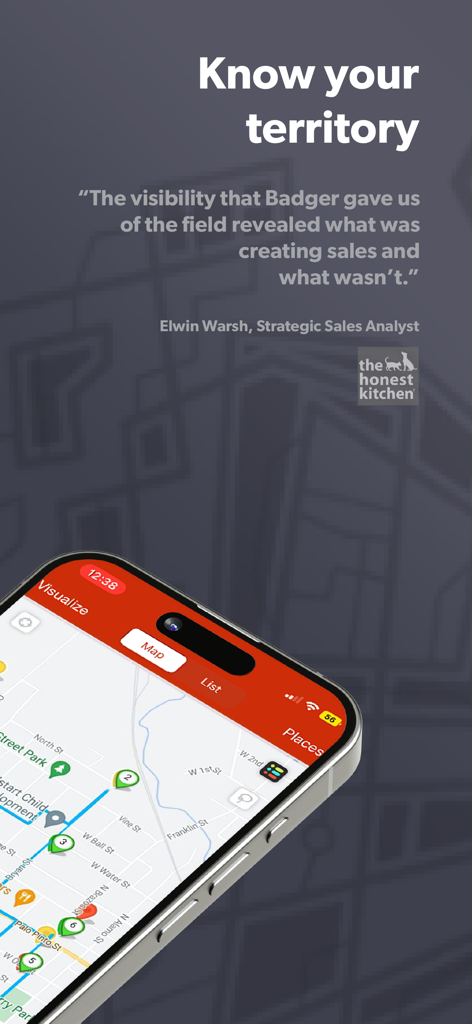
Badger Maps: #1 Route Planner - Badger Maps app showing a sales route with a testimonial about territory visibility

Badger Maps app showing a sales route with a testimonial about territory visibility

Description

Get rid of the busy work and sell more with Badger Maps- a sales and mapping app specifically designed for field sales & service. Badger Maps is your virtual field sales assistant, helping you focus on the right accounts, get the fastest multi-stop routes, find new leads, and keep all your customer data accessible and up to date in the field. It’s more than just a sales route planner. It's a total territory management solution that automates and optimizes all of your activities, from routing & mapping to prospecting to tracking mileage for expense reports. With a map based sales app on their iPhone or iPad, field sales & field service reps record 50% more customer data, drive 20% less, and sell around 22% more. Join 10,000+ companies using Badger to save time and sell more with features like: ROUTE PLANNING Use Badger’s sales route planner to optimize routes with multiple stops (up to 120). Get turn by turn directions using your favorite navigation app like Waze, Google Maps, Apple Maps, or Apple CarPlay. SALES MAPPING Visualize your customers & prospects on an interactive map. Colorize and filter accounts by business type, last order date, or any other metric to make key accounts stand out. SCHEDULING Adjust appointment length. Know when you’ll be late or early to a meeting. Push stops to your calendar with the touch of a button. FOLLOW-UP REMINDERS Quickly see the accounts that need attention near your route, and add them to your schedule. MOBILE LEAD GENERATION Meeting canceled? No problem. Automate prospecting, and find new, qualified leads in your vicinity. NOTES & ACCOUNT MANAGEMENT Take/talk notes on your phone. Add pictures. Have all your customer data at your fingertips, when you meet with customers or plan your day. OUTSIDE SALES CRM Some outside sales and field service teams use Badger as a basic field sales CRM. It also acts as a mobile front-end for feature rich CRMs like Salesforce, HubSpot, Microsoft Dynamics, Zoho, Insightly, Netsuite, and more. No more double data entry or fumbling for notes in the field. Keep all your CRM data accessible and in sync with a real time, 2-way integration. MAPPING FOR YOUR CRM Map all your Accounts, Contacts, Leads, Opportunities, Tasks, and custom objects and see their relationship with one another on the map. AUTOMATED REPORTING & MILEAGE TRACKING Automatically receive weekly reports, summarizing your field activity. Generate reports on your routes that make submitting your mileage easy. FIELD MANAGEMENT (browser/macOS) See where your field sales or field service team is at in the sales cycle. Use territory mapping tools, like heat maps and bubble maps, to gain insight into your team’s performance. With Badger's territory alignment software, you can automatically create, balance, and optimize territories. Sign up for a free trial today and take your field sales performance to the next level. With route optimization, Badger pays for itself with just the gas savings alone! See what outside sales & field service teams are saying: "After getting Badger Maps, weekly meetings per rep jumped from 12 to 20. This led to a 22% increase in annual revenue." - Brad Moxley, Business Development Manager, Cutter & Buck “Knowing our most valuable accounts, and the best way to get to them, saves us a ton of time driving. Badger’s route optimization cuts our drive time by 25%” - John O’Kain, Territory Manager, NCR Aloha “With Badger, you can really plan out your week based on where you can have the biggest impact.” - Matthew Brooks, Business Development Manager, Cargill Terms of Use: https://www.badgermapping.com/terms-of-use/

Download

Download on App Store

This page is not an official page of the app or its developer, but an independent editorial publication created for informational and commentary purposes. Unless expressly stated otherwise, neither the app nor its developer is affiliated with, endorsed by, sponsored by, authorized by, or otherwise officially connected with MWM, Apple, Google Play, the app publisher, or the app's developer, and nothing on this page implies that the app was developed using MWM's services. Any trademarks, logos, screenshots, and other content remain the property of their respective owners.