
This page is not an official page of the app or its developer, but an independent editorial publication created for informational and commentary purposes. Unless expressly stated otherwise, neither the app nor its developer is affiliated with, endorsed by, sponsored by, authorized by, or otherwise officially connected with MWM, Apple, Google Play, the app publisher, or the app's developer, and nothing on this page implies that the app was developed using MWM's services. Any trademarks, logos, screenshots, and other content remain the property of their respective owners.


Be-Maps
Experience total peace of mind without compromising your family's data. Coordinate daily pickups with voice alerts and stay connected through a secure, encrypted group that only you control—no servers, no tracking, just safety.
Downloads
0User Rating
Total Ratings
0Publisher
Category
LifestyleLocales
17Latest Version
1.0.21Size
54.5 MBFirst Released
Jan 10, 2025Family Safety, Zero Surveillance
Be-Maps provides the real-time peace of mind your family needs with a revolutionary privacy-first design that keeps your location data strictly between you and your loved ones.
True Data Ownership
Unlike traditional tracking apps, we never store or sell your movements. Your data is encrypted and stays within your private group using a single shared email.
Hands-Free Voice Alerts
Keep your eyes on the road and your phone in your pocket. Receive automatic proximity notifications like "Mom is close" for seamless school pickups and arrivals.
The following screenshots and description are sourced directly from the app's official store listing and are the property of the app developer.
App Store
Screenshots
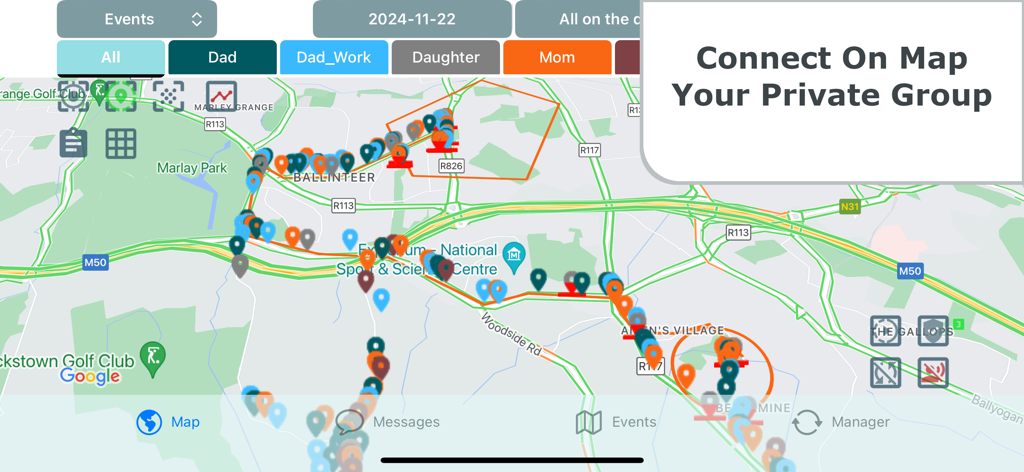
Map view in Be-Maps app showing real-time locations and tracking for a private family group
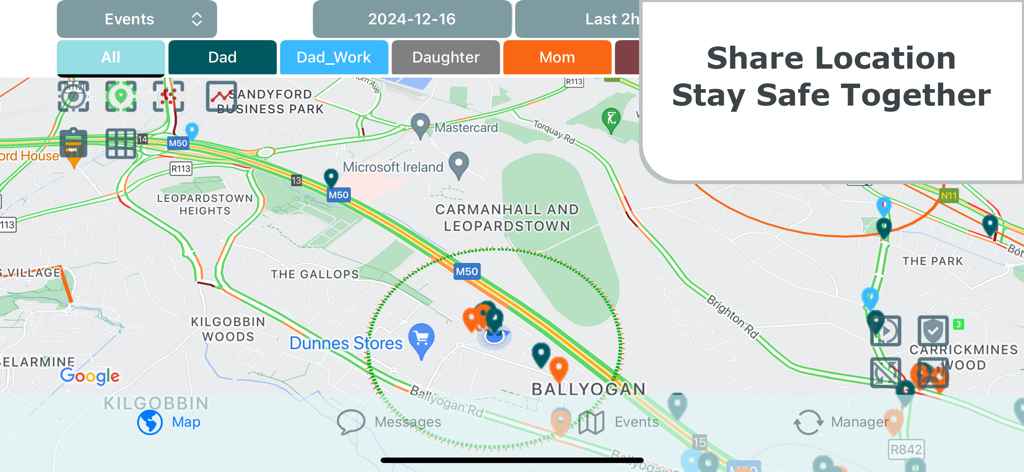
Be-Maps app interface showing family members' real-time locations on a map with a Share Location Stay Safe Together overlay.
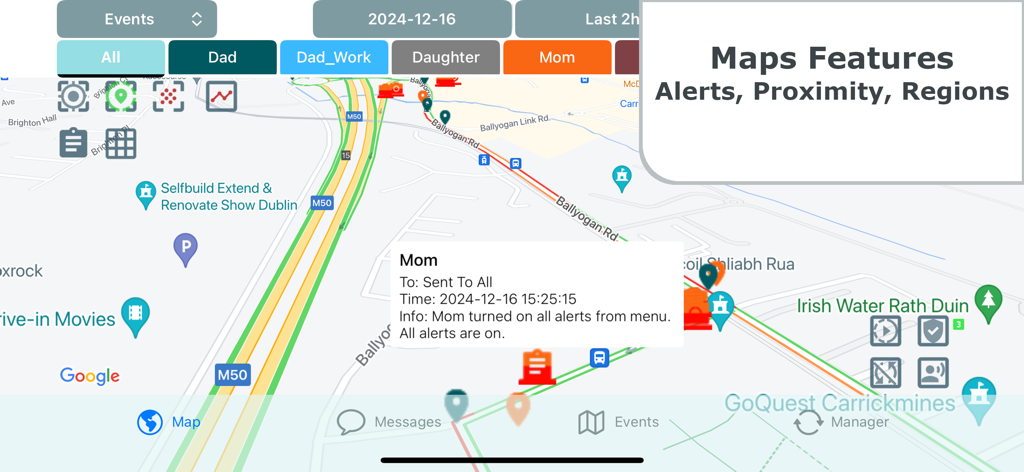
Be-Maps application screen displaying family member locations and safety alerts on a digital map
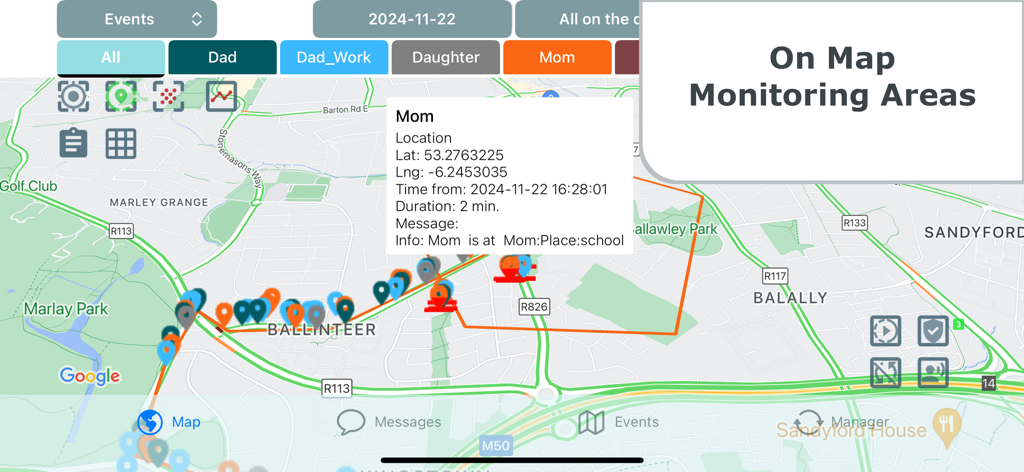
Be-Maps app interface displaying family member locations and monitoring areas on a map
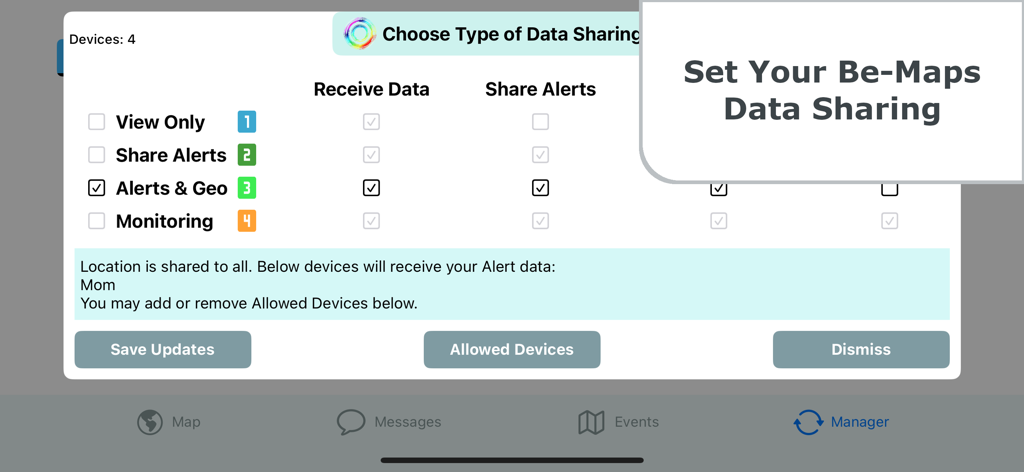
Be-Maps app interface showing the configuration screen for private data sharing and alert settings
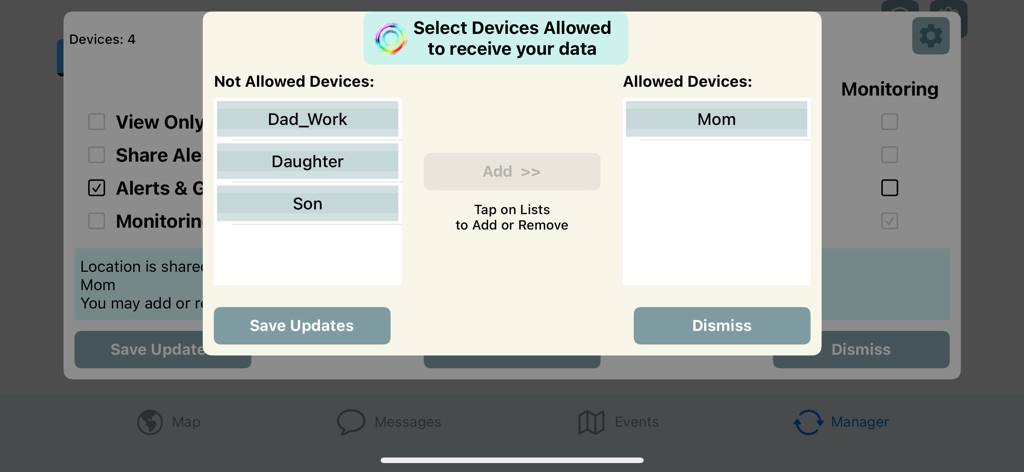
Be-Maps app screen showing a popup to manage data sharing permissions for different family devices.
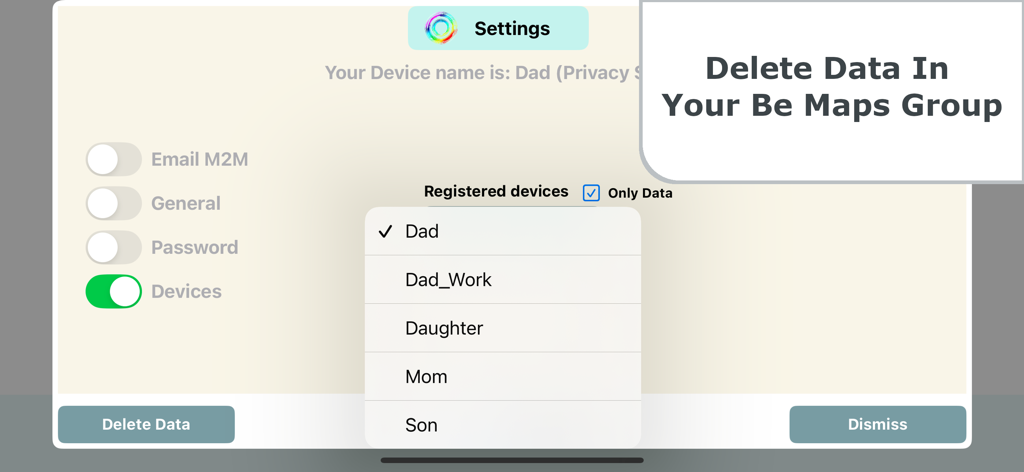
Be-Maps app interface showing privacy settings and a dropdown menu to select family devices for data deletion
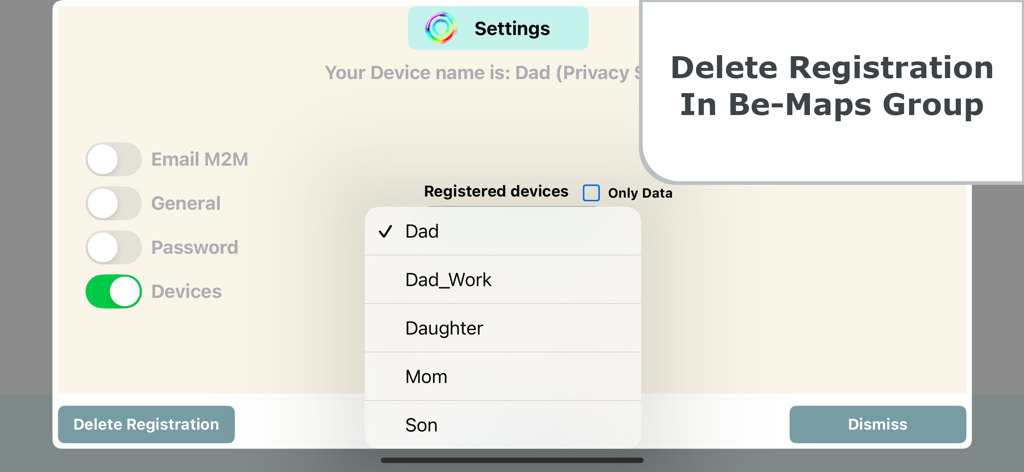
Settings screen in the Be-Maps app showing a list of registered family devices with an option to delete registration
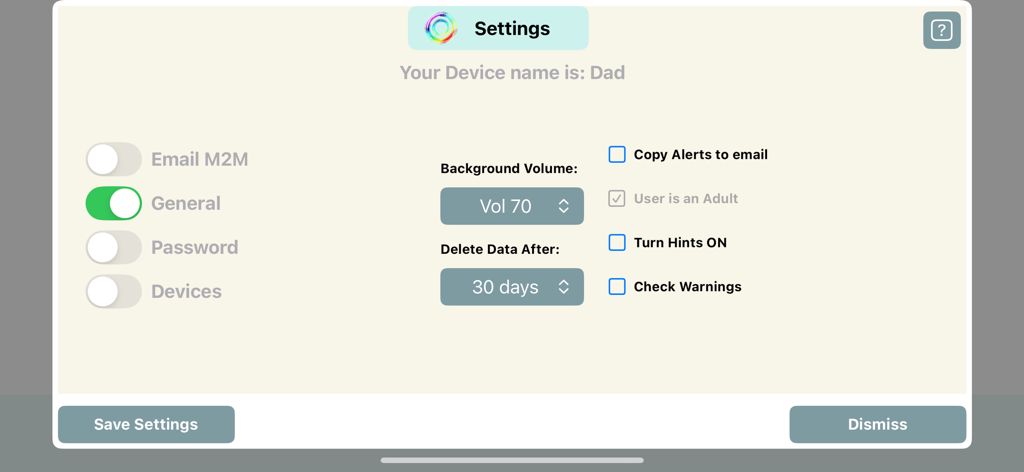
The general settings interface of the Be-Maps app featuring data deletion and alert options.
Description
Download
More Like This
Top-ranked apps in the same category

Pinterest, Inc.

Alipay - Simplify Your Life
Alipay (Hangzhou) Technology Co., Ltd.

美团-美好生活小帮手
Sankuai Technology Co., Ltd.

58同城-求职招聘找工作租房二手车
Beijing Chengshi Wanglin Information Technology Co., Ltd.

Tinder Dating App: Date & Chat
Tinder LLC

Dianping: Discover Good Places
Hanhai Information Technology (Shanghai) Co.Ltd

Xiaomi Home
Beijing Xiaomi Co., Ltd

Lemon8 - Lifestyle Community
TIKTOK PTE. LTD.

安居客-新房二手房产卖房买房房价
RUITING NETWORK TECHNOLOGY
This page is not an official page of the app or its developer, but an independent editorial publication created for informational and commentary purposes. Unless expressly stated otherwise, neither the app nor its developer is affiliated with, endorsed by, sponsored by, authorized by, or otherwise officially connected with MWM, Apple, Google Play, the app publisher, or the app's developer, and nothing on this page implies that the app was developed using MWM's services. Any trademarks, logos, screenshots, and other content remain the property of their respective owners.