
This page is not an official page of the app or its developer, but an independent editorial publication created for informational and commentary purposes. Unless expressly stated otherwise, neither the app nor its developer is affiliated with, endorsed by, sponsored by, authorized by, or otherwise officially connected with MWM, Apple, Google Play, the app publisher, or the app's developer, and nothing on this page implies that the app was developed using MWM's services. Any trademarks, logos, screenshots, and other content remain the property of their respective owners.


bebird
Stop cleaning blind. Connect to your visual ear cleaner for real-time HD imaging, ensuring a safe, satisfying, and professional hygiene experience for the whole family.
Downloads
6M+User Rating
Total Ratings
3K+Publisher
Category
UtilitiesLocales
14Latest Version
5.3.172Size
65.1 MBFirst Released
Nov 30, 2018Advanced Visibility for Safer Ear Care
Bebird transforms your hygiene routine by replacing blind cleaning with high-definition visual guidance, ensuring a safe and satisfying experience for the whole family.
Real-Time HD Streaming
Eliminate the guesswork with a crystal-clear video feed of your ear canal delivered directly to your smartphone via a stable Wi-Fi connection.
Intelligent Lock Screen
Our dedicated safety lock prevents accidental interruptions during use, providing the stability and focus needed for delicate ear care.
Frequently Asked Questions
Everything you need to know about bebird
How does the bebird app connect to the visual ear picking instrument?
The bebird app connects to the bebird visual ear picking instrument via Wi-Fi. It displays a real-time image of the ear canal, facilitating a safe ear cleaning process.
Can users record the ear picking process with the bebird app?
Yes, the bebird app allows users to photograph and videotape the ear picking process. Captured images and videos are stored and accessible within the app.
Does the bebird app have a lock screen feature?
Yes, the bebird app features a lock screen function. This prevents accidental screen touches during the ear picking process, ensuring an uninterrupted experience.
Is it possible to purchase accessories through the bebird app?
Yes, users can purchase visual earphones and accessories directly through the bebird app. These items are available for individuals and their families.
Does the bebird app display a real-time view during ear cleaning?
Yes, the bebird app provides a real-time view of the ear canal. This functionality, shown in "Clean Mode," ensures safe and precise ear cleaning.
The following screenshots and description are sourced directly from the app's official store listing and are the property of the app developer.
App Store
Screenshots
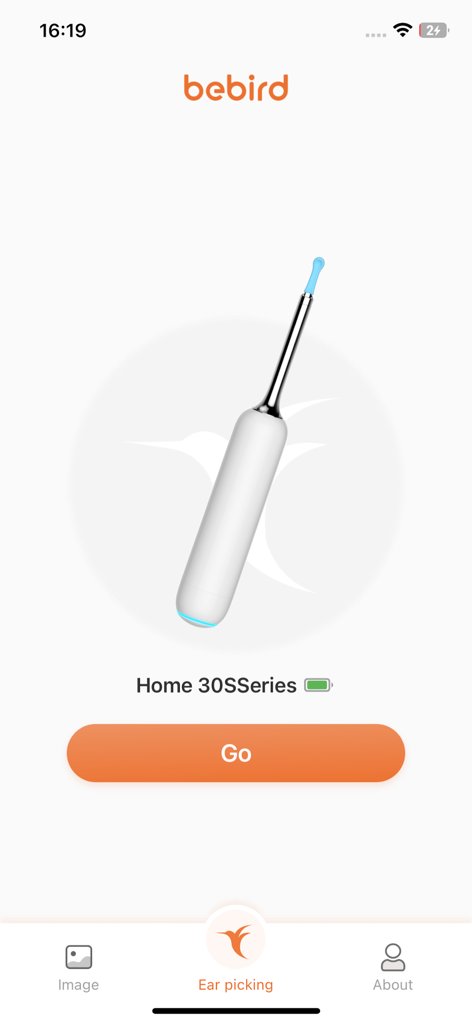
Bebird app home screen showing a visual ear cleaning device and a start button.
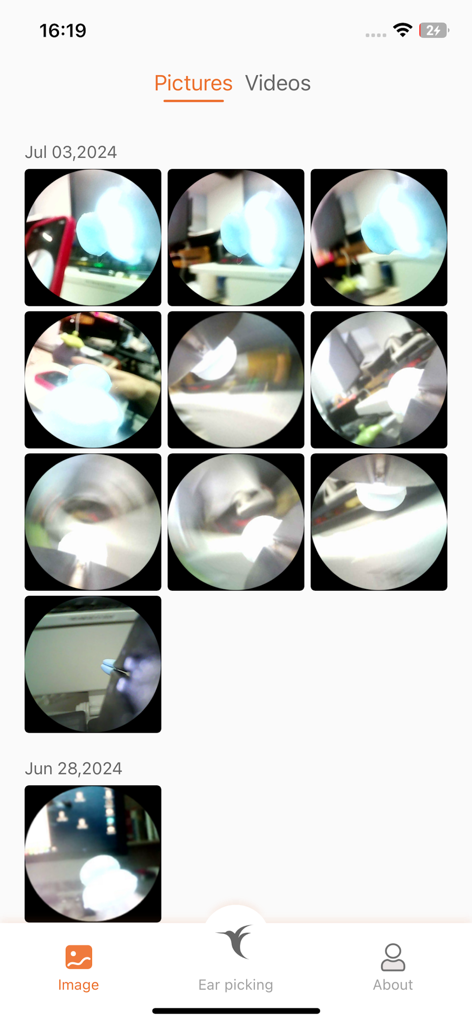
Bebird app screenshot displaying a gallery of saved photos and videos from the visual ear cleaning device
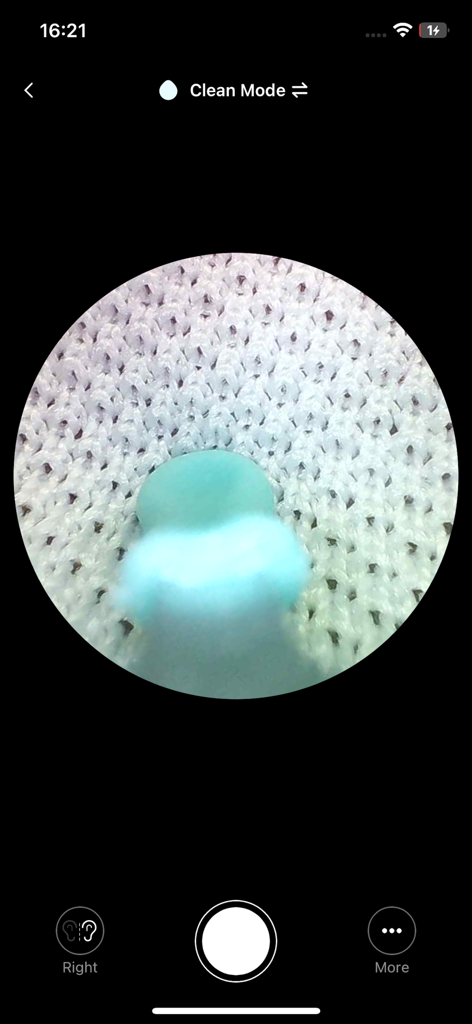
Bebird app interface displaying a circular real-time camera view from the ear cleaning device in clean mode
Description
Download
More Like This
Apps with similar features and user experience

Philips Lumea IPL
Philips Consumer Lifestyle, B.V.

Mobile Link for Generators
Generac Power Systems, Inc.

把脉-脉象自测&实时压力心率检测&养生调理软件
Giant Eur Limited

Oral-B
Procter & Gamble Productions, Inc.

ZOZOFIT: 3D Body Scanner
ZOZO Apparel USA, Inc.

Philips OneBlade (Daily Care)
Philips Consumer Lifestyle, B.V.

Philips Sonicare
Philips Consumer Lifestyle, B.V.

Winix Smart
WINIX INC.

ThermoPro Sensor
iTronics Co., Limited
This page is not an official page of the app or its developer, but an independent editorial publication created for informational and commentary purposes. Unless expressly stated otherwise, neither the app nor its developer is affiliated with, endorsed by, sponsored by, authorized by, or otherwise officially connected with MWM, Apple, Google Play, the app publisher, or the app's developer, and nothing on this page implies that the app was developed using MWM's services. Any trademarks, logos, screenshots, and other content remain the property of their respective owners.