
This page is not an official page of the app or its developer, but an independent editorial publication created for informational and commentary purposes. Unless expressly stated otherwise, neither the app nor its developer is affiliated with, endorsed by, sponsored by, authorized by, or otherwise officially connected with MWM, Apple, Google Play, the app publisher, or the app's developer, and nothing on this page implies that the app was developed using MWM's services. Any trademarks, logos, screenshots, and other content remain the property of their respective owners.

Begone: Spam Call Blocker
Effortlessly block entire number ranges with powerful wildcard rules. A professional-grade, privacy-first solution that processes everything locally on your device—no data collection, no contact uploads.
Downloads
681K+User Rating
Total Ratings
5K+Publisher
Category
ProductivityLocales
3Latest Version
8.3Size
18.5 MBFirst Released
Dec 1, 2021Precision Call Control
Silence the noise and reclaim your focus with the most powerful local call blocker designed for iOS power users.
Bulk Wildcard Blocking
Stop 'neighbor spoofing' instantly by blocking thousands of related numbers at once using our intuitive wildcard system.
100% Local Privacy
Your data never leaves your device. Unlike other blockers, we don't harvest your contacts or upload your call history to the cloud.
Frequently Asked Questions
Everything you need to know about Begone: Spam Call Blocker
What is Begone: Spam Call Blocker?
Begone is an iOS productivity app that blocks individual numbers or number ranges, including spam calls and robocalls. It also functions as a private directory, identifying callers without adding them to your contacts.
How does Begone block a range of numbers?
Begone blocks number ranges using a wildcard character '#'. For example, entering '+1 212-555-####' blocks numbers from +1 212-555-0000 to +1 212-555-9999 with one entry.
Does Begone collect my personal data or call information?
No, Begone works entirely locally on your device. It does not collect or transmit any data you enter, ensuring the privacy of its users.
Can Begone identify callers without adding them to my contacts?
Yes, Begone acts as a private directory. It displays a custom title as the Caller ID for numbers in your directory list, allowing identification without saving them to your main contacts.
What is Begone's Auto Protect feature?
Begone's Auto Protect feature blocks or identifies calls using a community-driven database. This database includes reported numbers from other Begone users, providing immediate protection.
Can I share my Begone block lists with others?
Yes, Begone allows easy import and export of your configuration with a single tap. You can share your customized blocked, allowed, and directory lists with friends and family.
How do Begone's Community Lists function?
Begone's Community Lists enable users to browse and install lists created by other Begone users. These lists offer readily available spam blocking and directory information for various regions.
Does Begone support accessibility features like Dark Mode?
Yes, Begone supports Dark Mode. It also includes a detailed VoiceOver design, which enhances accessibility for users requiring such features, ensuring a better experience.
Is Begone available on Android devices?
No, Begone is an iOS productivity app. It is exclusively designed for use on Apple devices.
How can I report spam calls using Begone?
Begone allows users to easily report callers to contribute to the Auto Protect database. You can classify reported numbers as telemarketing, scam, robocall, or other types.
The following screenshots and description are sourced directly from the app's official store listing and are the property of the app developer.
App Store
Screenshots
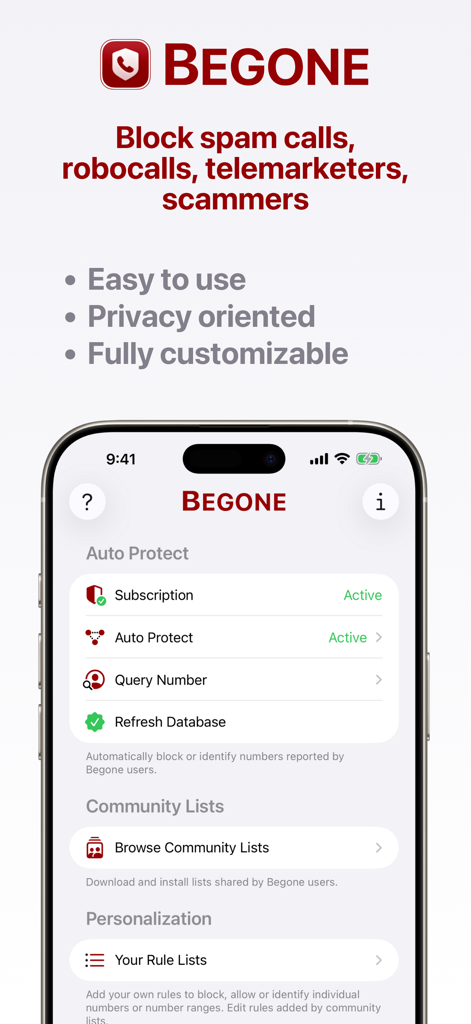
Begone app interface highlighting auto protect community lists and personalization options for blocking spam calls
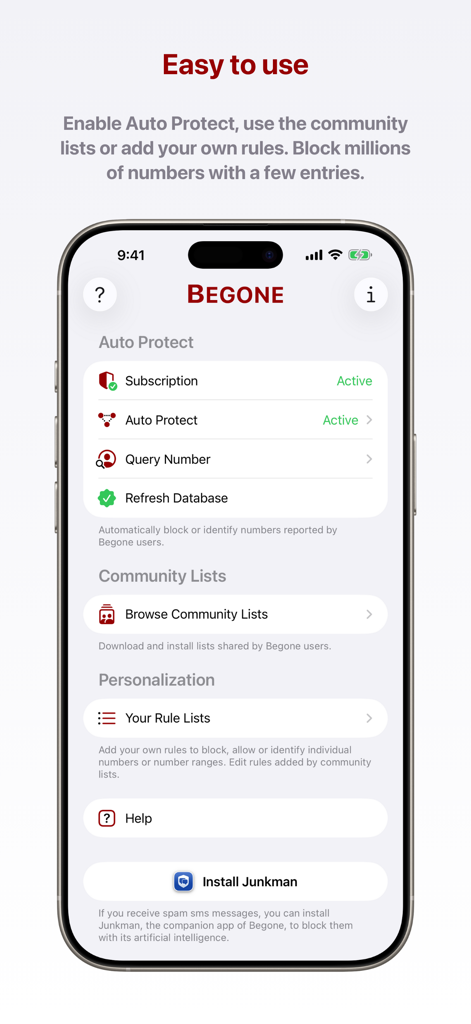
The main dashboard of Begone app showing Auto Protect and Community Lists features
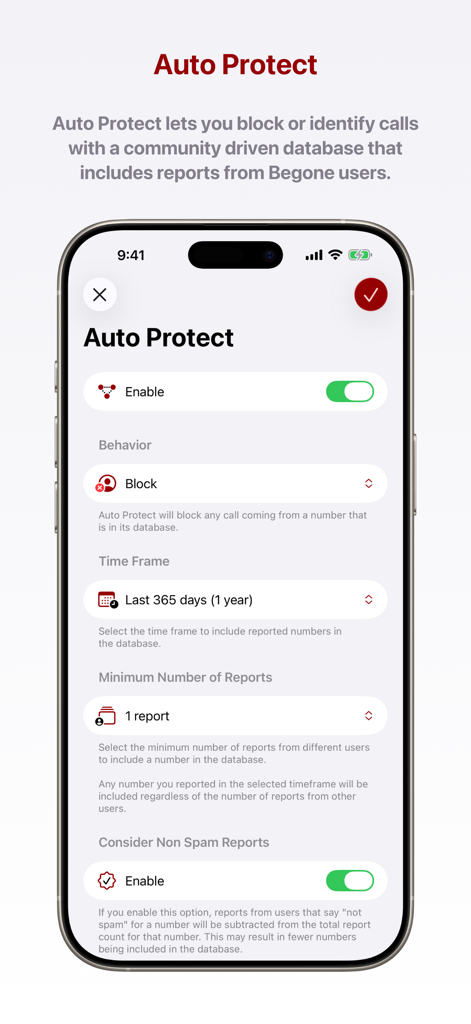
Interface showing Auto Protect settings in the Begone app for community based spam call blocking.
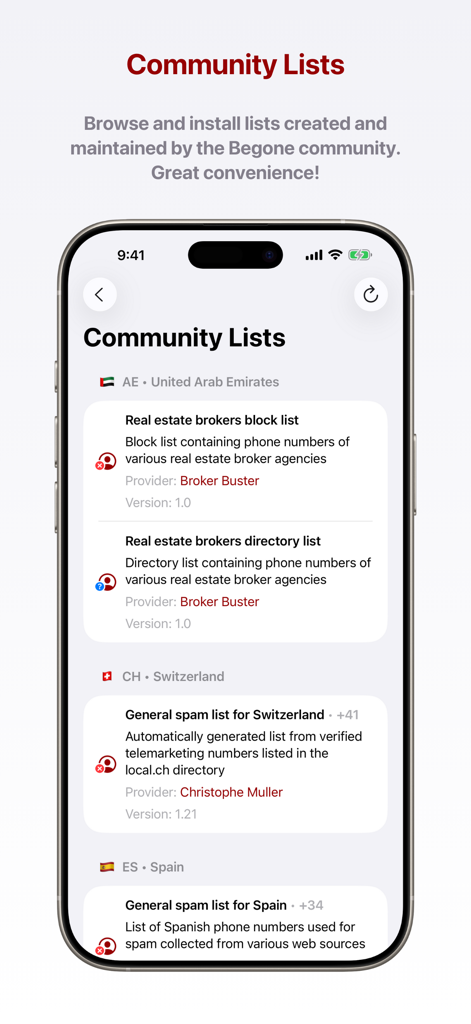
Interface of Begone app showing community-maintained spam call block lists for multiple countries.
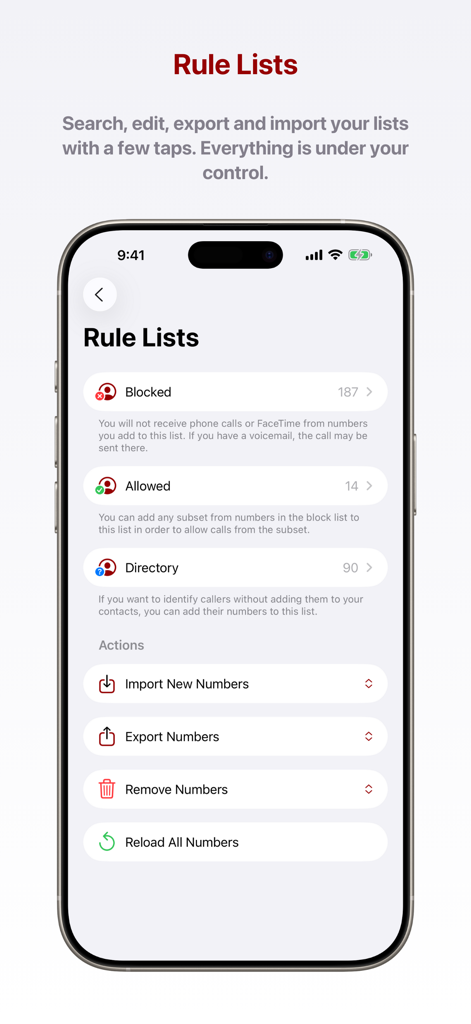
Begone app interface showing Rule Lists with blocked allowed and directory categories and import export options
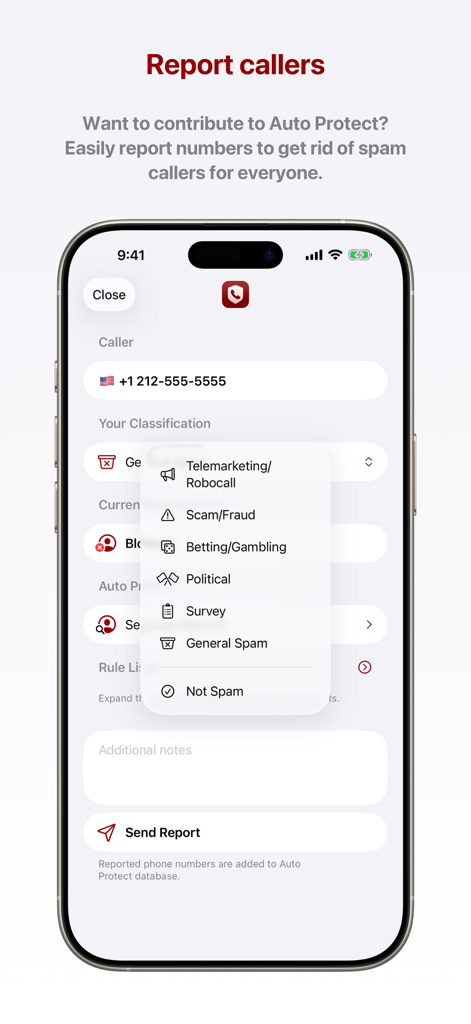
Interface of Begone app showing how to report a spam number with a dropdown menu of categories like telemarketing and fraud.
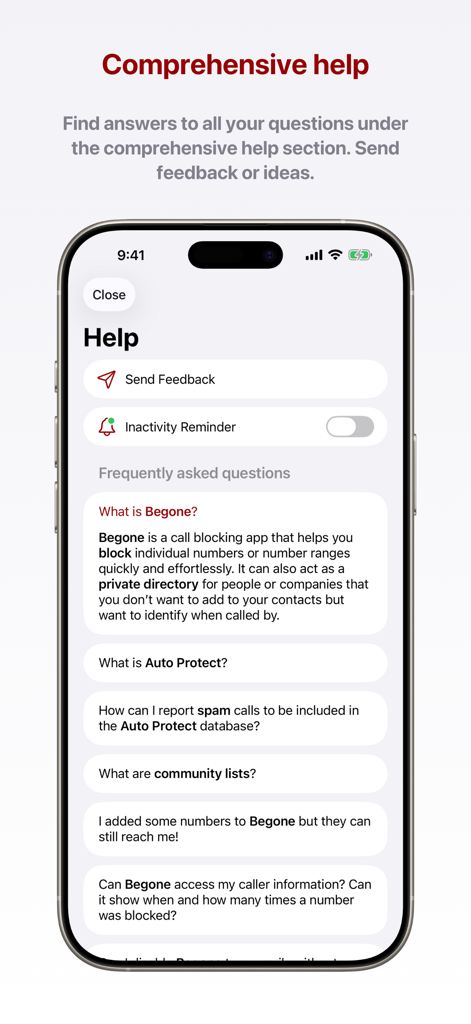
Comprehensive help and FAQ section within the Begone spam call blocker app.
Description
Download
More Like This
Apps with similar features and user experience
Whoscall: Safer Together
GOGOLOOK CO., LTD.
Saracroche : bloqueur d'appels
Camille Bouvat
Junkman: AI Spam SMS Blocker
AKE Software GmbH

Getcontact
GETVERIFY LDA

Verizon Call Filter
Verizon Wireless

Robokiller: Spam Call Blocker
Mosaic S.r.l.
GetCaller: True Caller ID
MALKAN LLC

Reverse Lookup
Orave Technologies (P) Ltd
iCallme - Caller ID Lookup
EWAY JOINT STOCK COMPANY
This page is not an official page of the app or its developer, but an independent editorial publication created for informational and commentary purposes. Unless expressly stated otherwise, neither the app nor its developer is affiliated with, endorsed by, sponsored by, authorized by, or otherwise officially connected with MWM, Apple, Google Play, the app publisher, or the app's developer, and nothing on this page implies that the app was developed using MWM's services. Any trademarks, logos, screenshots, and other content remain the property of their respective owners.