
This page is not an official page of the app or its developer, but an independent editorial publication created for informational and commentary purposes. Unless expressly stated otherwise, neither the app nor its developer is affiliated with, endorsed by, sponsored by, authorized by, or otherwise officially connected with MWM, Apple, Google Play, the app publisher, or the app's developer, and nothing on this page implies that the app was developed using MWM's services. Any trademarks, logos, screenshots, and other content remain the property of their respective owners.

beIN
Take full control of your beIN universe. Manage subscriptions, activate your set-top box, and stream the world’s most exclusive sports and movies on any screen.
Downloads
350K+User Rating
Total Ratings
200Publisher
Category
UtilitiesLocales
1Latest Version
3.8Size
104.8 MBFirst Released
Sep 11, 2019Total Control of Your beIN Experience
Manage your subscriptions, activate hardware, and unlock global sports and cinema with the ultimate utility designed for the modern fan.
Seamless Account Management
Renew, upgrade, or pay your installments instantly. Manage your beIN SPORTS and MOVIES subscriptions without ever making a phone call.
Instant Hardware Activation
Skip the technical headaches. Activate your SmartCard or Set-up Box directly through the app and start watching your favorite teams immediately.
Frequently Asked Questions
Everything you need to know about beIN
What services does the beIN app offer?
The beIN app allows users to subscribe to beIN SPORTS, beIN MOVIES, and beIN CONNECT. It also enables managing new and existing subscriptions.
Can existing beIN customers manage their subscriptions through the app?
Yes, existing beIN customers can upgrade, renew, and pay their installments directly within the beIN app.
How can I activate my Set-up Box using the beIN app?
Users with a SmartCard number can activate their Set-up Box directly through the beIN app.
Can I activate a complimentary beIN CONNECT account with a satellite package?
Yes, users with the "Complete" satellite package can activate their complimentary beIN CONNECT account via the beIN app.
How do I subscribe to beIN services through the beIN app?
To subscribe to beIN services, users can tap the "Subscribe" button within the beIN app. They can also activate existing subscriptions or sign in.
Does the beIN app support auto-renewal for subscriptions?
Yes, the beIN app provides an option for auto-renewal, as indicated by a toggle switch in the subscription details. Payments can be made via methods like Apple Pay.
Can users discover new promotions and packages in the beIN app?
Yes, the beIN app features a "Discover" section where users can find new promotions, packages, devices, services, and payment plans.
Can I track my payment history within the beIN app?
Yes, the beIN app allows users to track their payments and orders. It displays details such as date, product, payment method, Smartcard number, and amount.
Does the beIN app include a TV guide for live events?
Yes, the beIN app features a TV Guide to check channel content and live events. It includes tabs for Sports and Entertainment.
What account details can be managed in the beIN app?
The beIN app allows users to manage their account details, including username, personal information, email, password, and preferred language. Payment methods and wallet balance are also manageable.
Can I transfer funds from my wallet balance in the beIN app?
Yes, the beIN app includes a wallet feature where users can see their balance and initiate transfers.
What payment methods are supported for beIN app subscriptions?
The beIN app supports various payment methods for subscriptions. For instance, Apple Pay is shown as an option, and users can manage other payment methods like PayPal.
The following screenshots and description are sourced directly from the app's official store listing and are the property of the app developer.
App Store
Screenshots
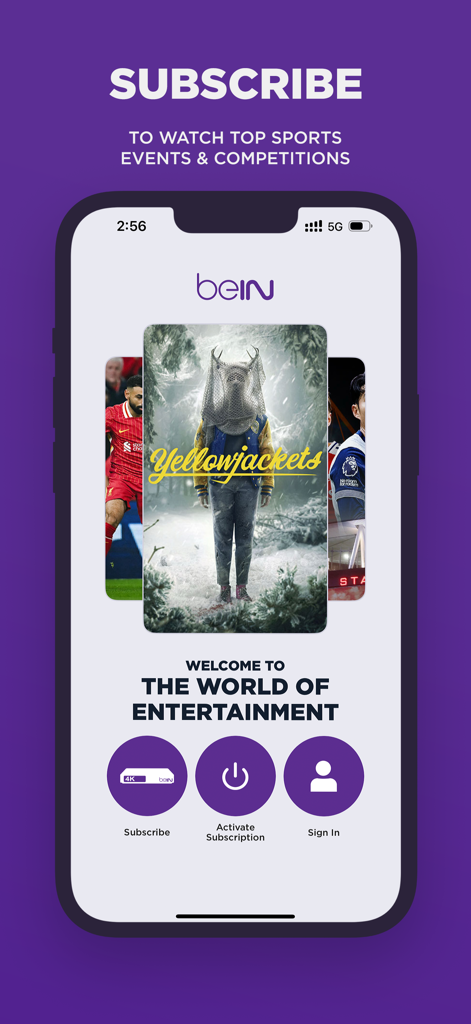
beIN mobile app home screen showing subscription options for sports and movies
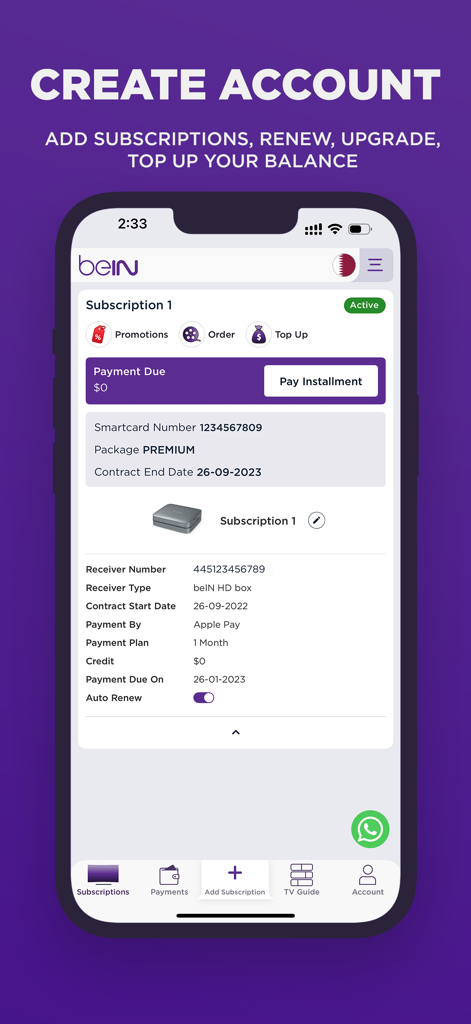
beIN mobile app screen displaying active subscription details and management features
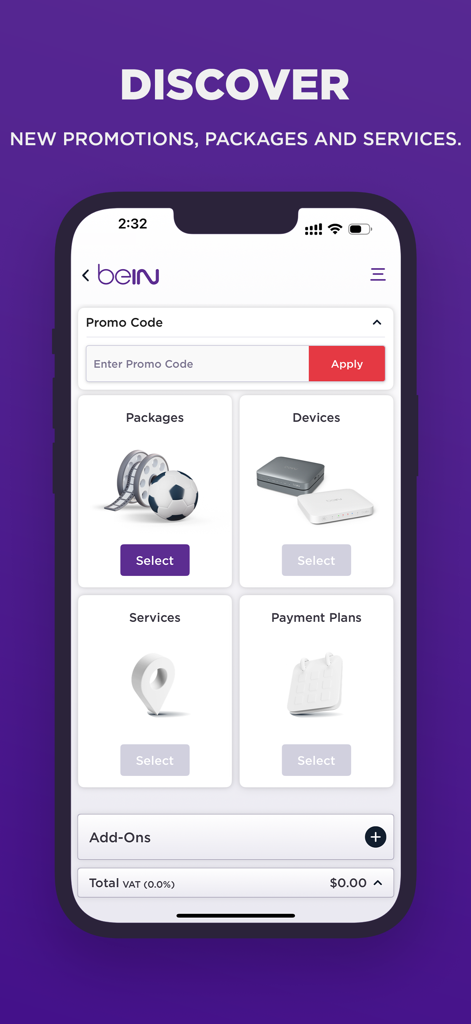
The beIN app interface showing sections for packages devices services and payment plans
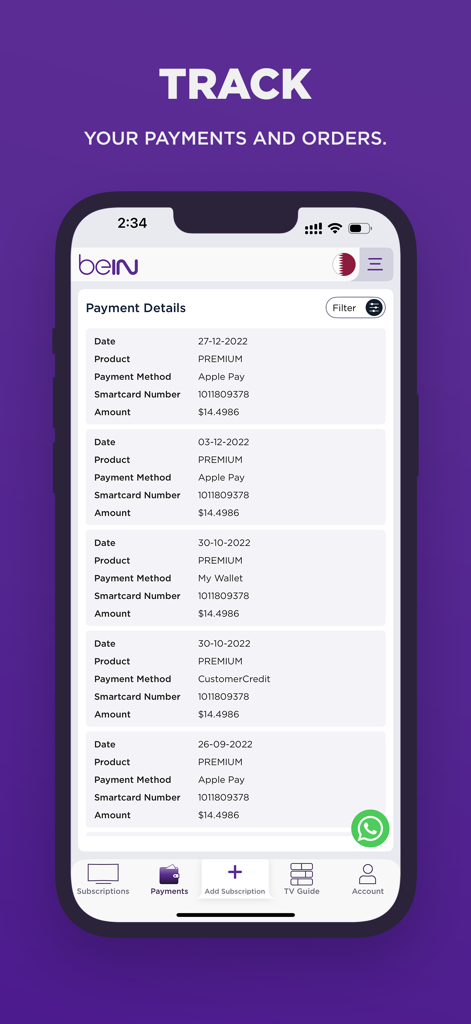
beIN app screen showing subscription payment history and order details
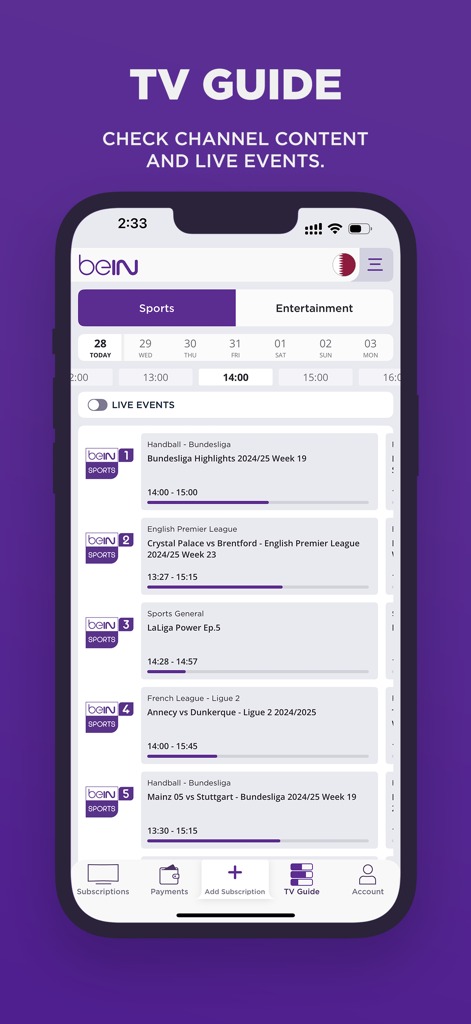
beIN app TV guide screen showing a schedule of international sports channels and live soccer matches
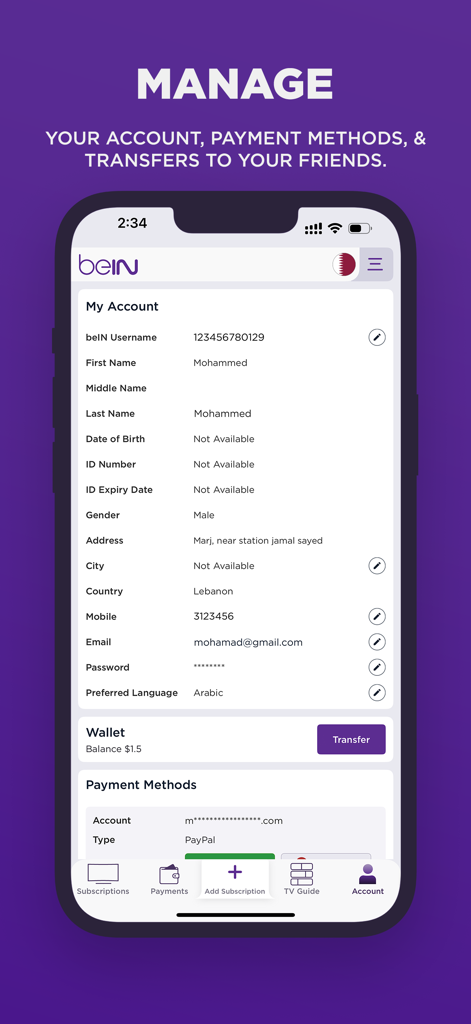
The beIN app account management screen displaying user profile details and payment methods.
Description
Download
More Like This
Apps with similar features and user experience

Мой Триколор
Natsionalnaya Sputnikovaya Kompaniya NAO

Mi App Sky
CORPORACION NOVAVISION S. DE R.L DE C.V.

My Astro
MEASAT BROADCAST NETWORK SYSTEMS SDN. BHD.

MyDStv
Multichoice Support Services (Pty) Ltd

My DishTV
Dish Tv India Ltd.

Digiturk Online İşlemler
Digital Platform Iletisim Hizmetleri A.S

App SKY
CORPORACION NOVAVISION S. DE R.L DE C.V.
This page is not an official page of the app or its developer, but an independent editorial publication created for informational and commentary purposes. Unless expressly stated otherwise, neither the app nor its developer is affiliated with, endorsed by, sponsored by, authorized by, or otherwise officially connected with MWM, Apple, Google Play, the app publisher, or the app's developer, and nothing on this page implies that the app was developed using MWM's services. Any trademarks, logos, screenshots, and other content remain the property of their respective owners.