
This page is not an official page of the app or its developer, but an independent editorial publication created for informational and commentary purposes. Unless expressly stated otherwise, neither the app nor its developer is affiliated with, endorsed by, sponsored by, authorized by, or otherwise officially connected with MWM, Apple, Google Play, the app publisher, or the app's developer, and nothing on this page implies that the app was developed using MWM's services. Any trademarks, logos, screenshots, and other content remain the property of their respective owners.


Bloop - Connect & Share
The smart, eco-friendly way to exchange social media, contact info, and links instantly. Make an unforgettable first impression—no app required for them to see your profile.
Downloads
1K+User Rating
Total Ratings
0Publisher
Category
Social NetworkingLocales
1Latest Version
4.1Size
33.0 MBFirst Released
Nov 14, 2022Networking Reimagined for the Digital Era
Bloop bridges the gap between your physical meetings and your digital presence, making every connection instant, professional, and memorable.
Instant One-Tap Sharing
Exchange your entire digital world—from LinkedIn and Instagram to portfolios and payment links—with a single physical tap.
Zero-Friction Connectivity
The magic of Bloop is that others don't need the app to receive your info. It works seamlessly on all major smartphone brands instantly.
The following screenshots and description are sourced directly from the app's official store listing and are the property of the app developer.
App Store
Screenshots
Bloop app splash screen with logo on a dark blue and purple gradient background
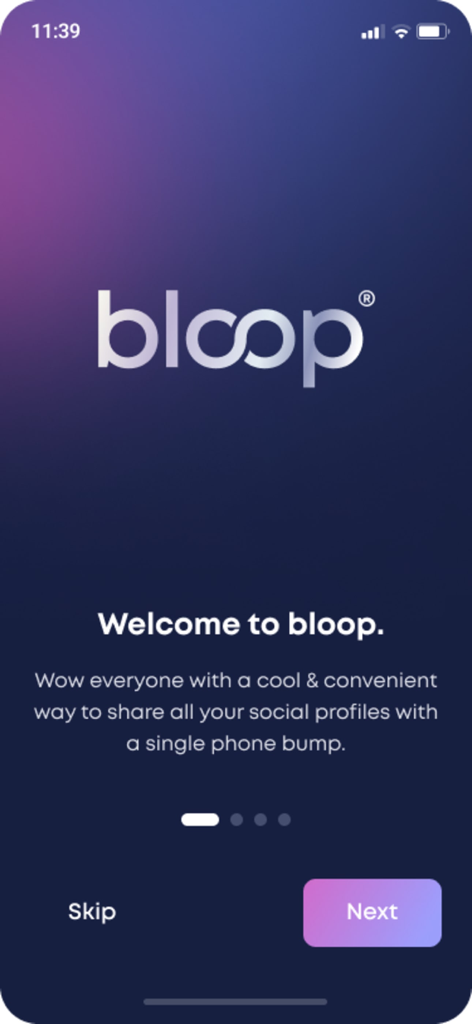
Bloop app welcome screen explaining social profile sharing via phone bump.
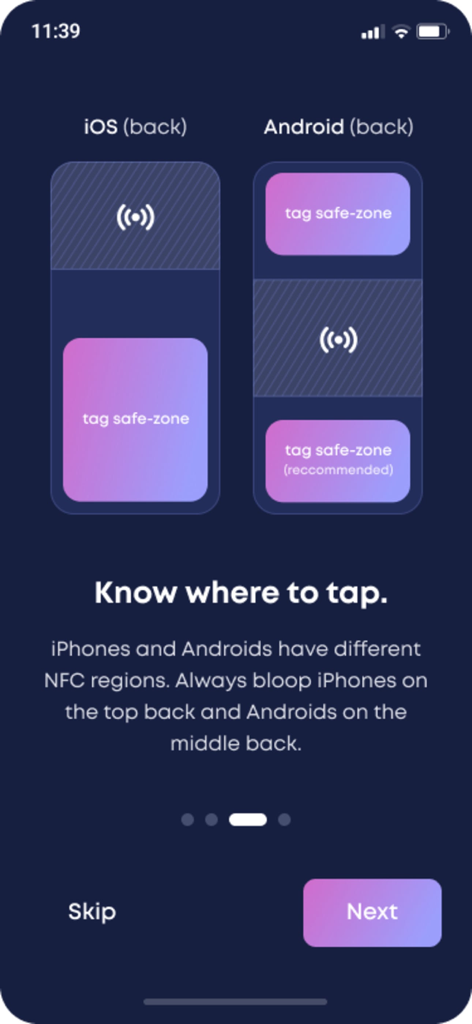
Bloop app onboarding screen showing NFC tag placement for iPhone and Android devices
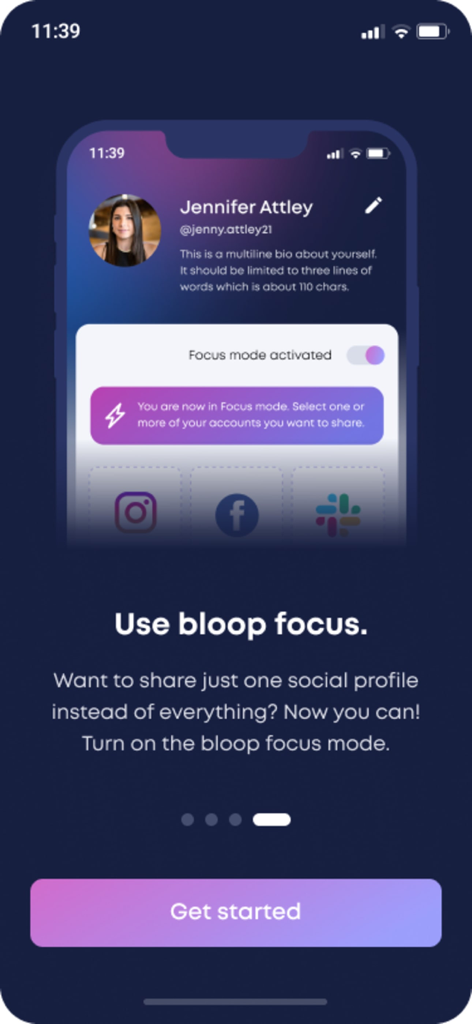
Bloop app interface showing the focus mode feature to share a single social profile
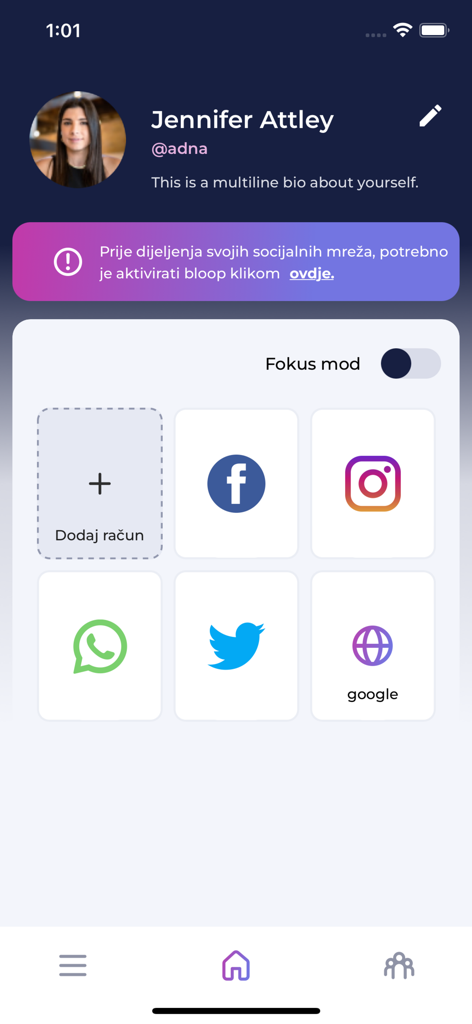
A user profile screen in the Bloop app displaying various social media icons for quick contact sharing
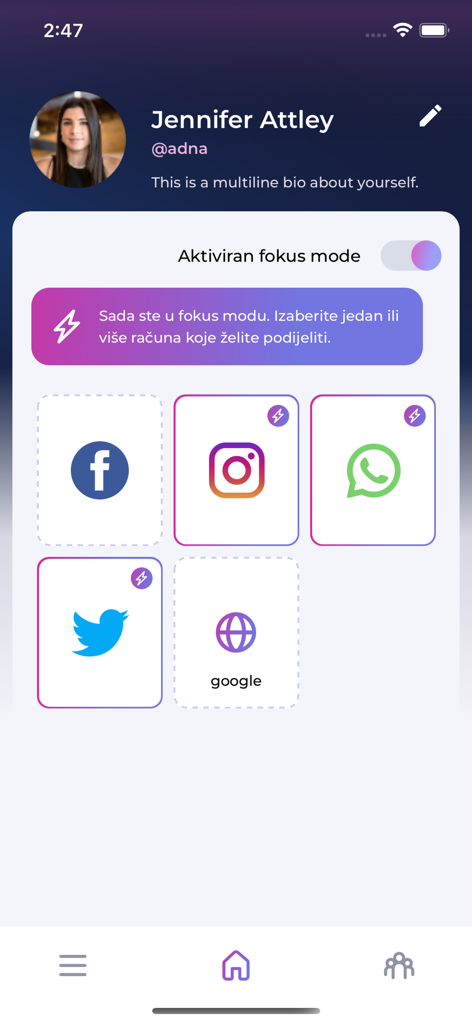
Bloop app interface showing user profile and social media connection icons with focus mode enabled
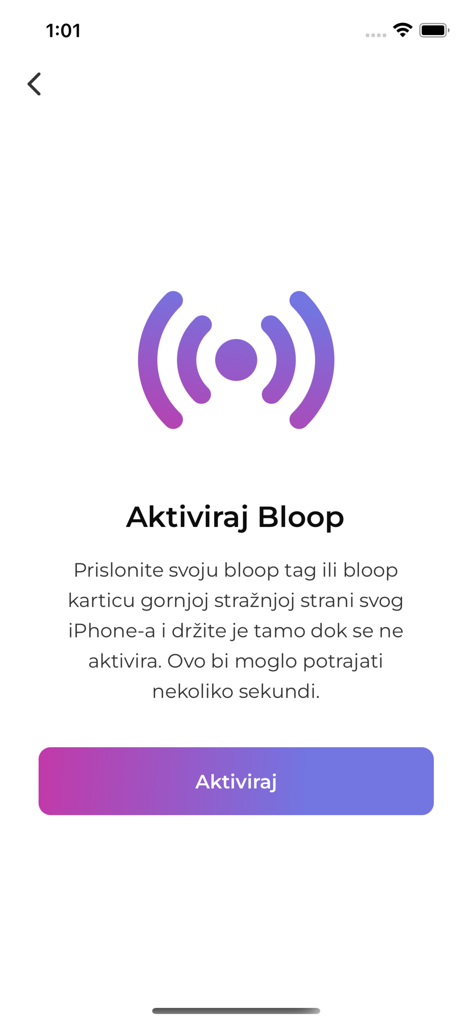
Bloop app activation screen for NFC tags and cards
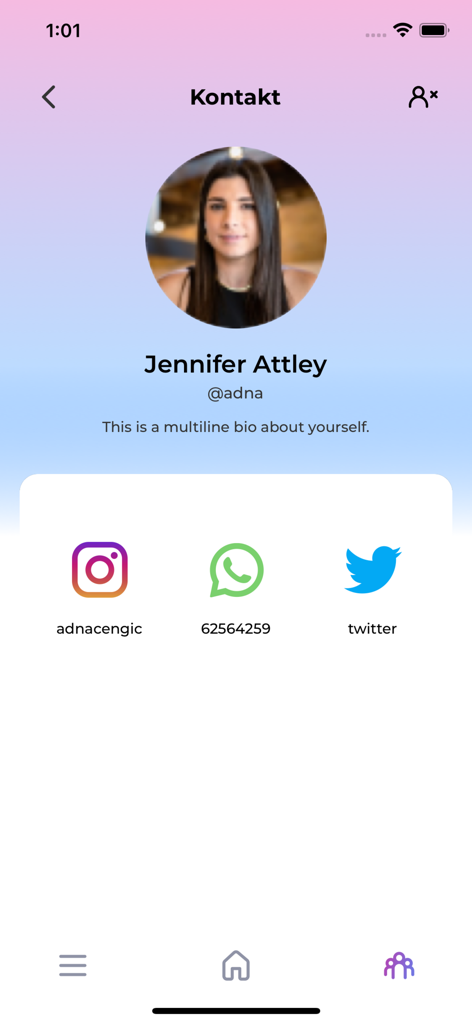
Bloop app user profile interface displaying social media links and contact details
Description
Download
More Like This
Top-ranked apps in the same category

Threads
Instagram, Inc.

Telegram Messenger
Telegram FZ-LLC

WhatsApp Messenger
WhatsApp Inc.

Meta Platforms, Inc.

Discord - Talk, Play, Hang Out
Discord Inc.

Messenger
Meta Platforms, Inc.

Google Meet
Google LLC

rednote
Xingin Information Technology (Shanghai) Co., Ltd

Tencent Technology (Shenzhen) Company Limited
This page is not an official page of the app or its developer, but an independent editorial publication created for informational and commentary purposes. Unless expressly stated otherwise, neither the app nor its developer is affiliated with, endorsed by, sponsored by, authorized by, or otherwise officially connected with MWM, Apple, Google Play, the app publisher, or the app's developer, and nothing on this page implies that the app was developed using MWM's services. Any trademarks, logos, screenshots, and other content remain the property of their respective owners.