
Bluebeam Cloud


Empower your team with real-time markups, Studio collaboration, and seamless document access. Keep your projects moving from the field to the trailer—anytime, anywhere, even offline.
Publisher
Category
ProductivityDownloads
59K+User Rating
Total Ratings
200Locales
12Discover the interface used by 59K+ users.
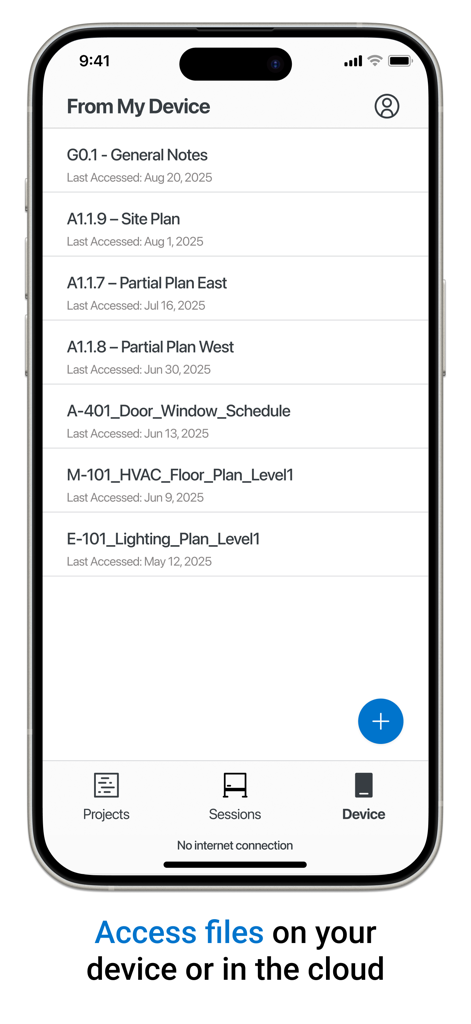
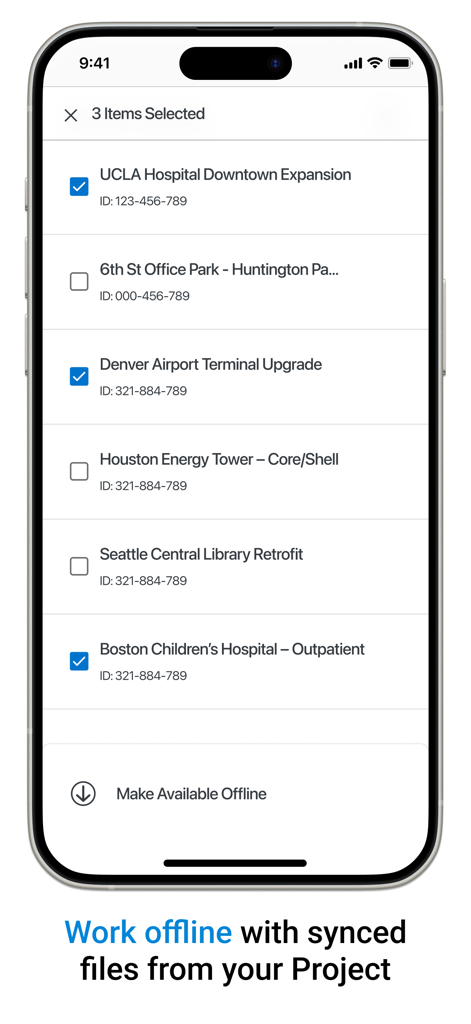
The tools that make this app stand out, trusted by 59K+ users.
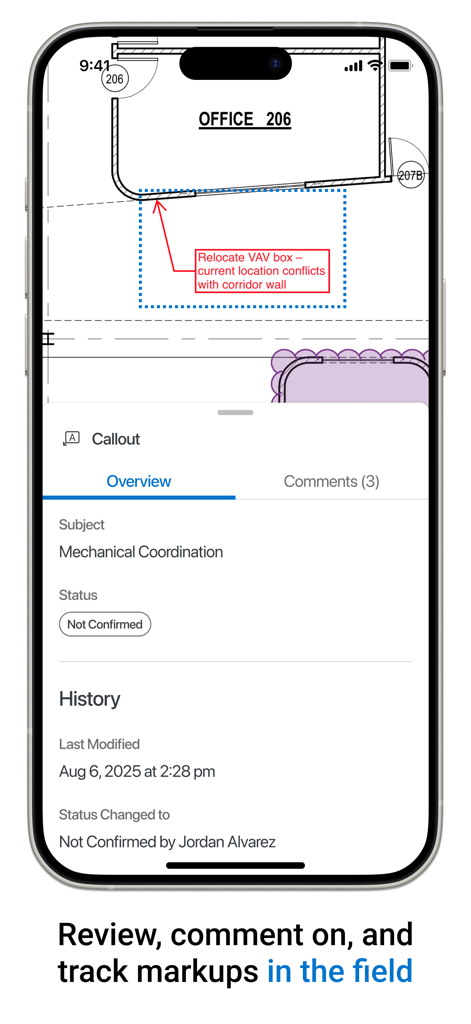
Communicate clearly using industry-standard callouts, clouds, and status indicators to eliminate guesswork and costly errors on-site.
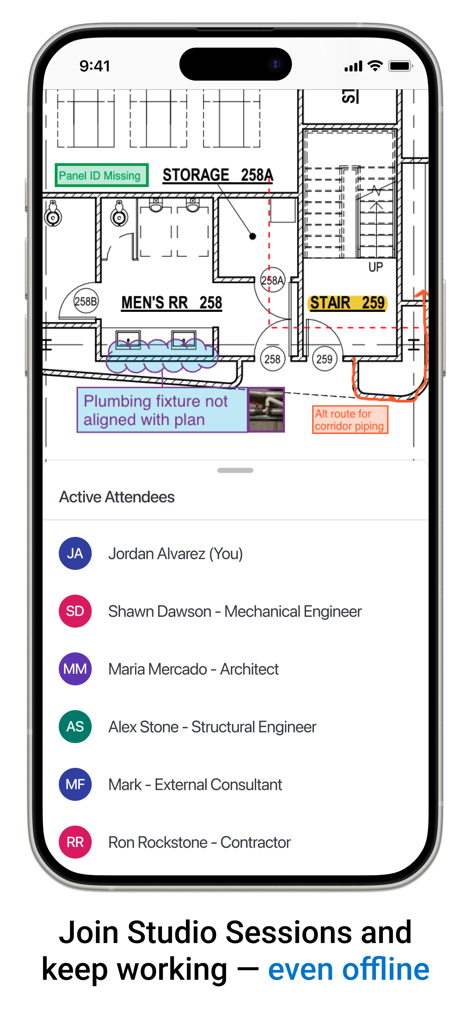
Join Studio Sessions to review submittals and track revisions with your team in real-time, ensuring everyone works from the latest set.
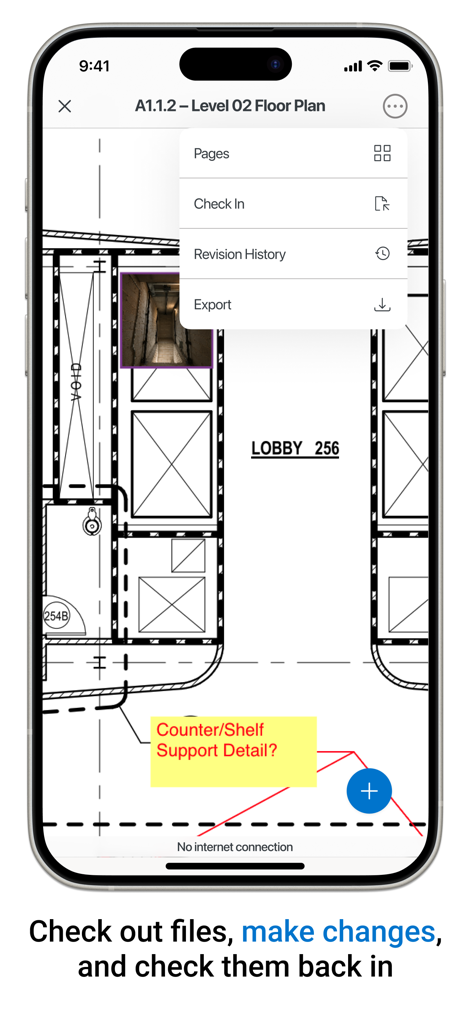
Sync your project files ahead of time to work in basements or remote areas, with automatic syncing the moment you're back online.
Everything you need to know about Bluebeam Cloud.
Description
Latest Version
1.26
Size
129.8 MB
First Released
Oct 4, 2019
Empower your team with real-time collaboration and offline access. Bring the precision of Bluebeam to your job site and keep every project moving forward, wherever you are.
Everything you need to know about Bluebeam Cloud
Bluebeam Cloud for iOS connects teams and documents, enabling field access to information and capturing data for the office. It facilitates communication through markups and supports live collaboration for project management.
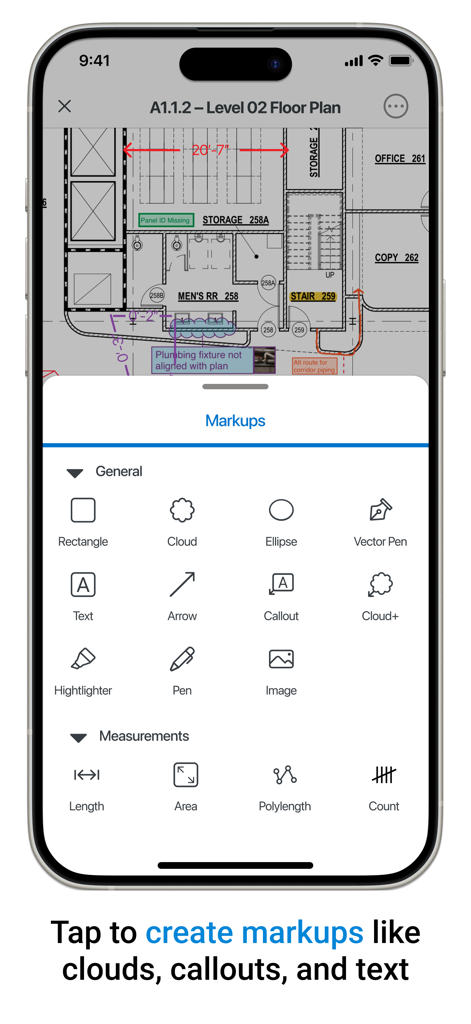
Yes, Bluebeam Cloud allows users to create various markups. These include callouts, text, clouds, rectangles, ellipses, arrows, highlighters, pens, and image insertions for effective communication on plans.
Yes, Bluebeam Cloud supports offline work. Users can sync Project files ahead of time or open PDFs stored on their device. Changes made offline will sync automatically when connectivity is restored.
Bluebeam Cloud facilitates collaboration by allowing users to join Studio Sessions for live work with team members. If an internet connection drops, changes automatically sync when the user is back online.
Bluebeam Cloud can open files stored on your device, within Studio Projects, or from Studio Sessions. This provides flexible access to various project documents from multiple sources.
Yes, users can manage project files within Bluebeam Cloud. This includes checking out files from Studio Projects to make necessary edits and then checking them back in upon completion of work.
Bluebeam Cloud offers markups such as callouts, text, clouds, rectangles, ellipses, vector pens, arrows, highlighters, and images. It also provides measurement tools for length, area, polylength, and count.
Yes, Bluebeam Cloud can track the status of markups. Markups display a status like 'Not Confirmed' and show a history of modifications, including who made the change and when.
Apps with similar features and user experience

Figma, Inc.

Autodesk

永龙 王

CADMIO Korlatolt Felelossegu Tarsasag

Graphisoft SE

Nektony LLC

Wuhan New Dimension Systems Co. Ltd.

Bluefield GIS, Inc.

Dassault Systemes SolidWorks Corporation
App information, icons, screenshots, and descriptions displayed on this page are sourced from the Apple App Store and are the property of their respective developers. Download estimates and rankings are based on MWM's proprietary models and may not reflect actual figures. This page is provided for informational and analytical purposes only.
Believe this page infringes your intellectual property? File a dispute