
This page is not an official page of the app or its developer, but an independent editorial publication created for informational and commentary purposes. Unless expressly stated otherwise, neither the app nor its developer is affiliated with, endorsed by, sponsored by, authorized by, or otherwise officially connected with MWM, Apple, Google Play, the app publisher, or the app's developer, and nothing on this page implies that the app was developed using MWM's services. Any trademarks, logos, screenshots, and other content remain the property of their respective owners.

Figma
Review files, reply to comments, and mirror designs in real-time. The essential mobile companion for designers and teams to collaborate and stay in sync on the go.
Downloads
6M+User Rating
Total Ratings
96K+Publisher
Category
Graphics & DesignLocales
7Latest Version
25.48.0Size
54.4 MBFirst Released
Sep 28, 2016Design Continuity at Your Fingertips
The essential companion for product teams to review designs, mirror interfaces in real-time, and keep collaboration moving without being tethered to a desk.
Real-Time Mobile Mirroring
Instantly sync desktop frames to your device to verify touch targets, font legibility, and color accuracy on actual hardware.
Instant Feedback Loops
Stay in the flow by responding to comments and mentioning teammates on the go, ensuring project velocity never stalls.
Frequently Asked Questions
Everything you need to know about Figma
What is the Figma mobile app?
The Figma mobile app allows users to view, share, and mirror designs on the go. It provides access to Figma, FigJam, Prototype, and Slides files directly from a mobile device.
Can I access FigJam files using the Figma mobile app?
Yes, the Figma mobile app allows users to access FigJam files. Users can also view, comment on, and sketch within FigJam files specifically on an iPad.
How do I comment on designs in the Figma app?
You can create and reply to comments within the Figma app. Users can mention teammates, get notifications for new comments, resolve existing comments, and view all comment threads in a file.
Can I share my Figma files from the mobile app?
Yes, the Figma mobile app allows you to share files with your team. You can invite collaborators and distribute links to your files directly from the application.
How does the Figma app support prototyping?
The Figma app allows users to play and replay prototypes in full screen. It offers options to adjust prototype scaling and toggle hotspot hints for a comprehensive testing experience.
Can I mirror designs from my desktop to the Figma mobile app?
Yes, the Figma mobile app enables real-time mirroring of selected frames from your desktop. This feature allows users to watch live edits and preview asset scaling on their mobile device.
How do I manage file permissions in the Figma app?
Users can manage file permissions directly within the Figma app. This feature enables control over who can view or edit your design work, ensuring secure collaboration.
Can I view recent files in the Figma mobile app?
Yes, the Figma app allows users to quickly search for files by name or browse recently viewed files. A dedicated 'Recents' tab is available for this purpose.
Does the Figma app provide an activity feed for feedback?
Yes, the Figma app includes an 'Activity' feed that helps users stay on top of recent feedback. This section displays new comments and replies, keeping collaborators informed.
The following screenshots and description are sourced directly from the app's official store listing and are the property of the app developer.
App Store
Screenshots
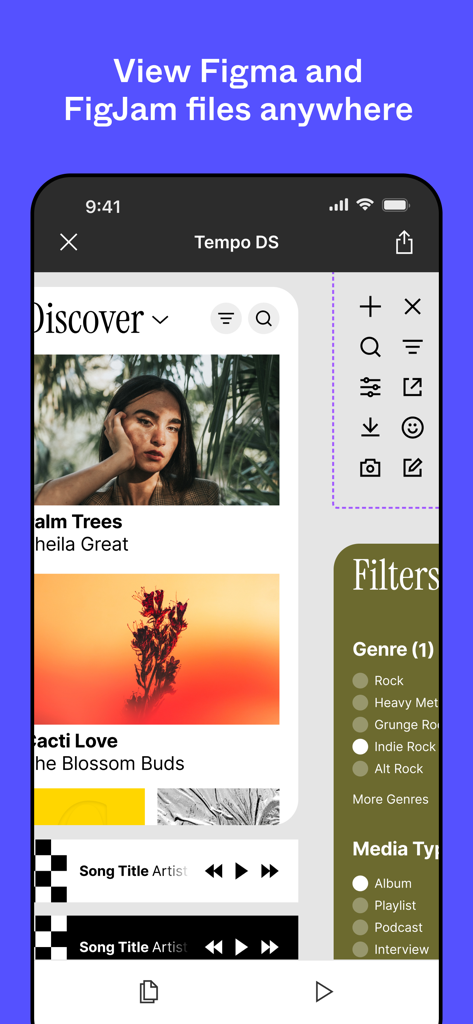
Figma mobile app interface displaying a UI design file on a smartphone
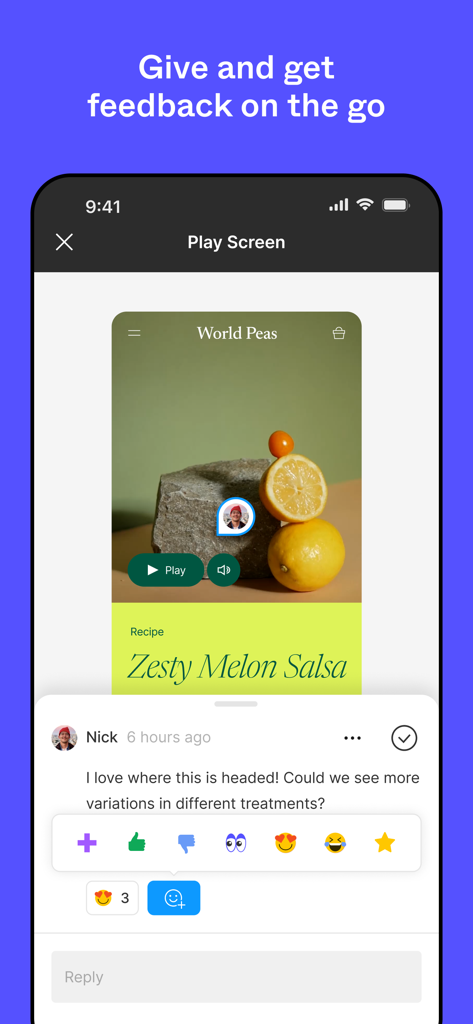
Interface of the Figma mobile app showing a design prototype with a team comment and emoji reactions.
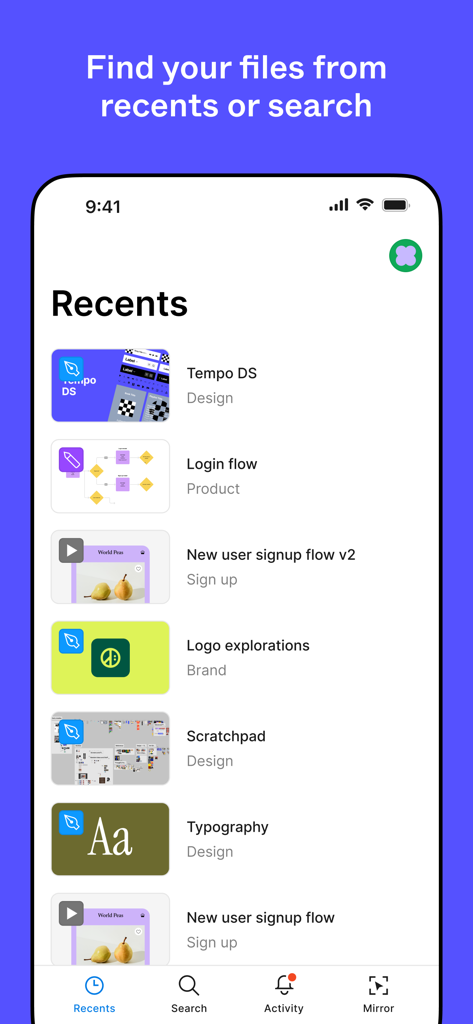
A list of recently viewed design files and projects on the Figma mobile app dashboard
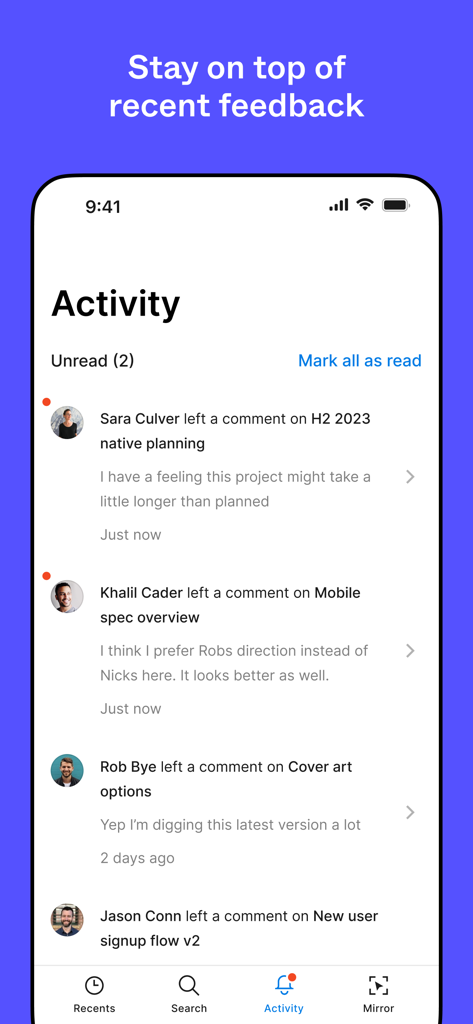
Figma mobile app activity screen showing recent comments and feedback from team members.
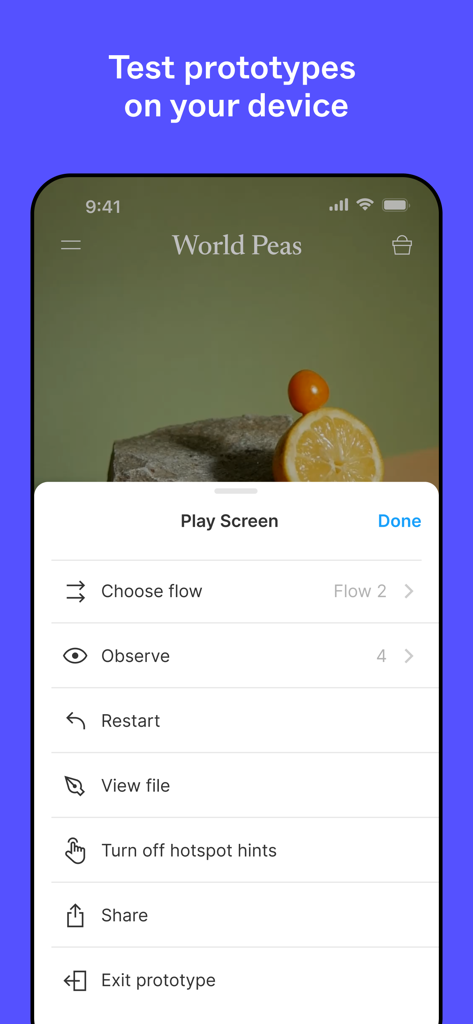
A screen from the Figma mobile app showing options to test and play interactive prototypes on an iPhone.
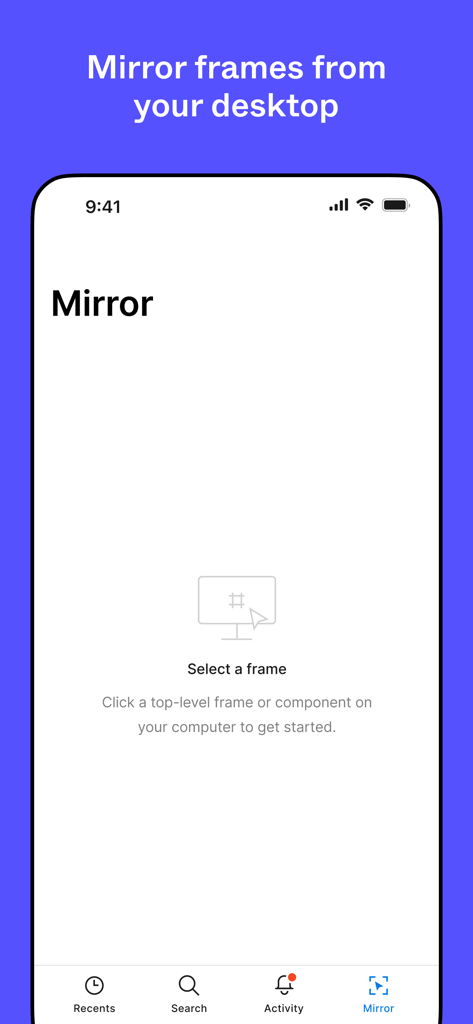
The Figma app mirror screen showing instructions to select a design frame from a desktop computer to preview on mobile.
Description
Download
More Like This
Apps with similar features and user experience

Autodesk Fusion
Autodesk

CAD快速看图-专业DWG快速看图
永龙 王

Cadmio - CAD visualization
CADMIO Korlatolt Felelossegu Tarsasag

BIMx
Graphisoft SE

VSD Viewer for Visio Drawings
Nektony LLC

图纸通-CAD快速看图,手机看图神器
Wuhan New Dimension Systems Co. Ltd.

Draw Maps: Map Notes
Bluefield GIS, Inc.

eDrawings
Dassault Systemes SolidWorks Corporation

eDrawings Pro
Dassault Systemes SolidWorks Corporation
This page is not an official page of the app or its developer, but an independent editorial publication created for informational and commentary purposes. Unless expressly stated otherwise, neither the app nor its developer is affiliated with, endorsed by, sponsored by, authorized by, or otherwise officially connected with MWM, Apple, Google Play, the app publisher, or the app's developer, and nothing on this page implies that the app was developed using MWM's services. Any trademarks, logos, screenshots, and other content remain the property of their respective owners.