Bluetooth Scanner, Find Device
Download on App Store

This page is not an official page of the app or its developer, but an independent editorial publication created for informational and commentary purposes. Unless expressly stated otherwise, neither the app nor its developer is affiliated with, endorsed by, sponsored by, authorized by, or otherwise officially connected with MWM, Apple, Google Play, the app publisher, or the app's developer, and nothing on this page implies that the app was developed using MWM's services. Any trademarks, logos, screenshots, and other content remain the property of their respective owners.

Logo of Bluetooth Scanner, Find Device
Download on App Store

Bluetooth Scanner, Find Device

Stop the frantic search for your AirPods, smartwatch, or fitness tracker. Use high-precision signal tracking and GPS history to locate your expensive Bluetooth devices in seconds.

Key Figures

Downloads

119K+

User Rating

4.6/5

Total Ratings

100

Publisher

Molly Baumstein

Category

Lifestyle

Locales

1

Latest Version

1.0.3

Size

27.7 MB

First Released

Sep 11, 2025
Features

Locate Your Gear Instantly

Powerful tracking tools designed to eliminate the stress of lost devices and protect your expensive tech investments.

Precision Proximity Radar

Use real-time signal strength to pinpoint your device's exact location, even if it's hidden under cushions or in another room.

Universal Device Support

One app for everything. Effortlessly track AirPods, Apple Watches, tablets, and any Bluetooth-enabled accessory.

The following screenshots and description are sourced directly from the app's official store listing and are the property of the app developer.

App Store

Screenshots
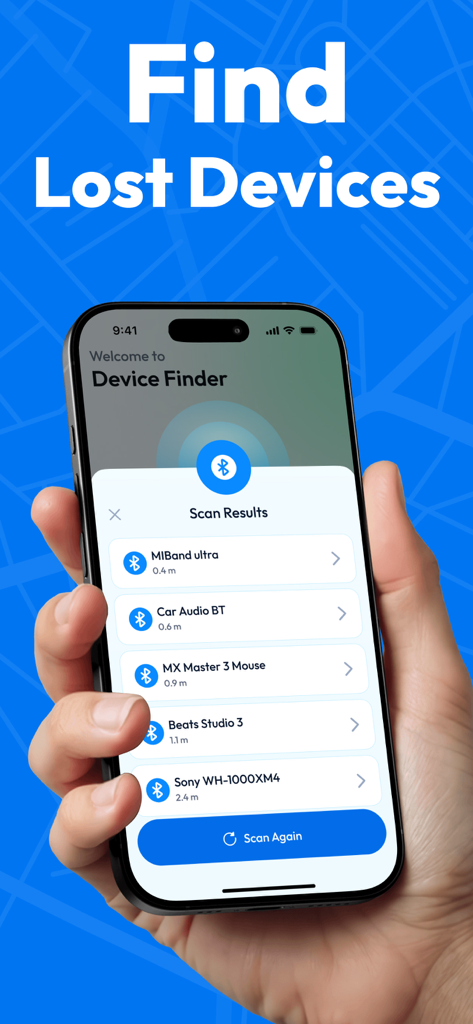
Bluetooth Scanner, Find Device - iPhone screen displaying a list of nearby Bluetooth devices with their distances in the Device Finder app
iPhone screen displaying a list of nearby Bluetooth devices with their distances in the Device Finder app

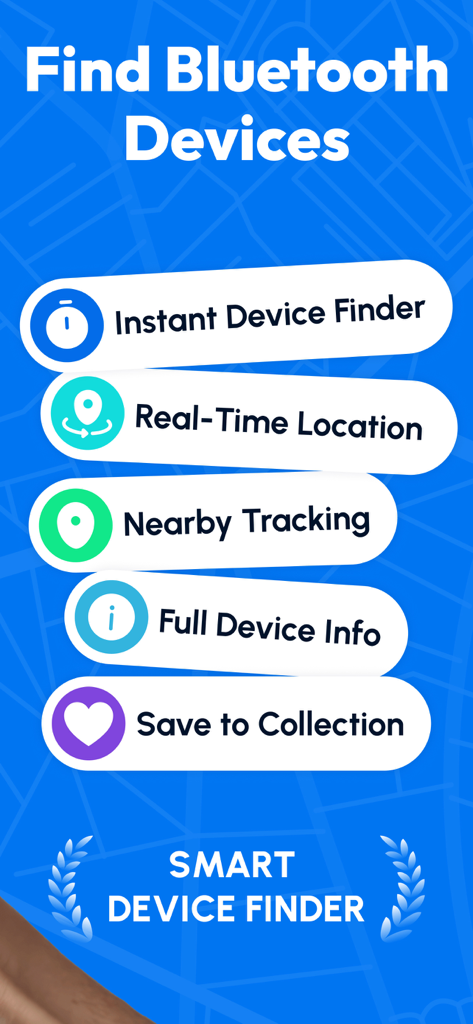
Bluetooth Scanner, Find Device - A list of key features for the Bluetooth Scanner app including instant device finder and real-time location tracking.
A list of key features for the Bluetooth Scanner app including instant device finder and real-time location tracking.

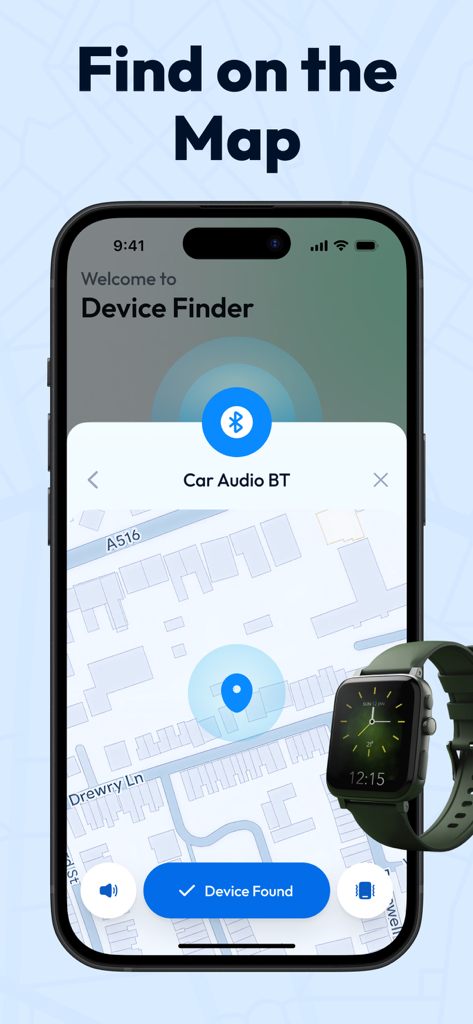
Bluetooth Scanner, Find Device - A mobile app interface displaying a lost device location on a map with a smartwatch overlay.
A mobile app interface displaying a lost device location on a map with a smartwatch overlay.

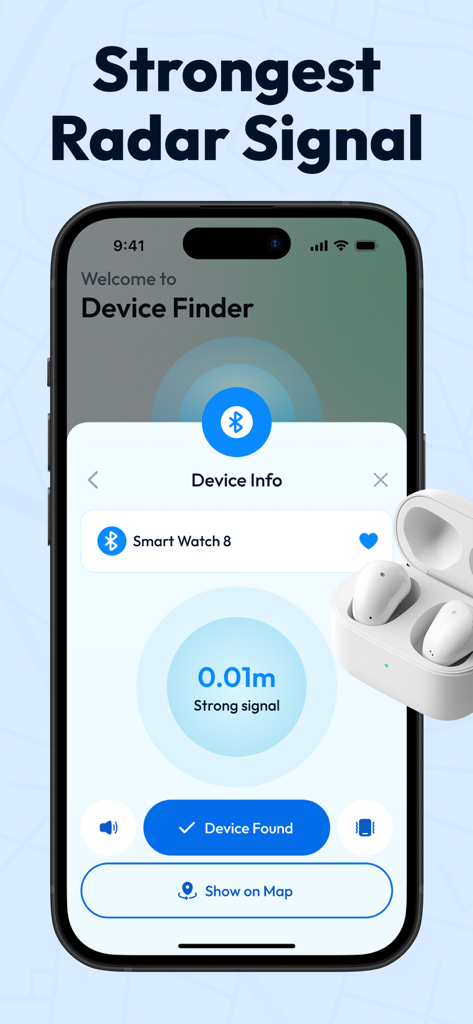
Bluetooth Scanner, Find Device - A smartphone showing the Bluetooth scanner app interface with a proximity radar finding a smart watch at zero point zero one meters.
A smartphone showing the Bluetooth scanner app interface with a proximity radar finding a smart watch at zero point zero one meters.

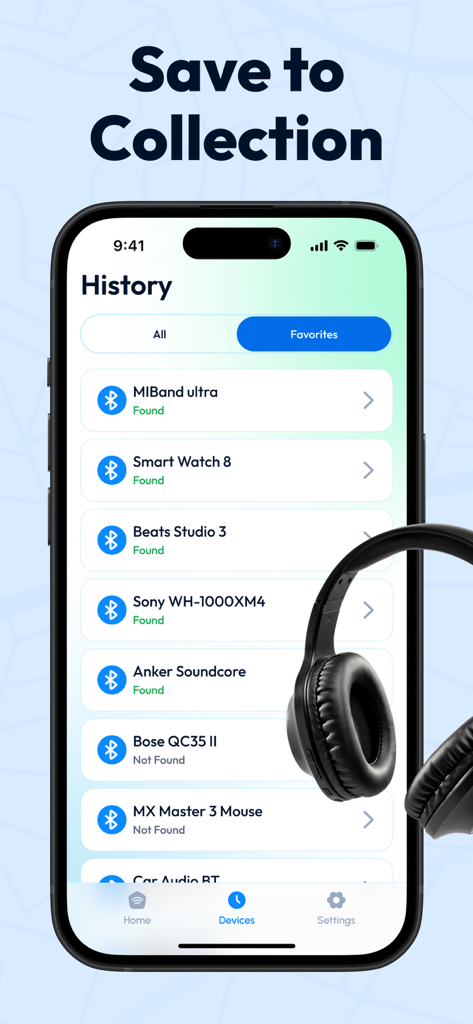
Bluetooth Scanner, Find Device - A smartphone screen showing a list of favorite tracked Bluetooth devices within the app history.

A smartphone screen showing a list of favorite tracked Bluetooth devices within the app history.

Description

Find Devices & Air Tag Tracker: Never Lose Your Gear Again Tired of the daily hunt for your missing devices? Find Devices & Air Tag Tracker transforms your phone into a powerful radar for all your Bluetooth-enabled belongings. Locate everything from AirPods to smartwatches with precision and ease. Stop searching and start finding! Why Choose Our App? Our application cuts through the frustration of lost items by giving you direct, actionable intelligence. It’s built on a powerful scanning engine designed for one purpose: to provide immediate clarity on where your devices are, or where they were last seen. Core Features & Benefits 1. Real-Time Bluetooth Scanner: What it is: An advanced scanner that detects and lists all nearby discoverable Bluetooth devices. How it helps: See a real-time feed of devices around you, allowing you to quickly identify your gear before you leave it behind. Watch signal strength to gauge proximity. 2. Find Your AirPods & More: What it is: Broad compatibility that goes far beyond just AirTags. How it helps: Confidently locate a wide range of items, including Apple AirPods, smartwatches, wireless earbuds, fitness trackers, and other Bluetooth accessories. It's your one-stop tracking solution. 3. Last Known Location History: What it is: An automated feature that saves the GPS location where your device was last connected. How it helps: When a device goes missing, launch the app to see its last recorded location pinned on a map. This gives you a critical starting point to retrace your steps and recover it. 4. Intuitive, User-Friendly Design: What it is: An interface built for speed and simplicity. How it helps: Get started in seconds. With a clean, uncluttered layout, you can navigate the app effortlessly and find the information you need without any hassle or confusion. Ready to Live Without the Stress? Download Find Devices & Air Tag Tracker today and turn your phone into your most reliable finding tool. Regain your peace of mind and keep your valuable devices secure. Download Now and Start Tracking! Subscription Terms: • Payment: Your iTunes account will be charged at the time of purchase confirmation. • Automatic Renewal: Your subscription will automatically renew unless you disable auto-renewal at least 24 hours before the current period ends. • Renewal Notice: Your account will be charged for renewal 24 hours before the current period ends. The renewal price will be identified at that time. • Free Trial: If applicable, purchasing a subscription will immediately forfeit any unused portion of a free trial. • Management: You can manage your subscription and turn off auto-renewal at any time from your iTunes Account Settings. Terms and Conditions - https://www.apple.com/legal/internet-services/itunes/dev/stdeula/

Download

Download on App Store

This page is not an official page of the app or its developer, but an independent editorial publication created for informational and commentary purposes. Unless expressly stated otherwise, neither the app nor its developer is affiliated with, endorsed by, sponsored by, authorized by, or otherwise officially connected with MWM, Apple, Google Play, the app publisher, or the app's developer, and nothing on this page implies that the app was developed using MWM's services. Any trademarks, logos, screenshots, and other content remain the property of their respective owners.