
This page is not an official page of the app or its developer, but an independent editorial publication created for informational and commentary purposes. Unless expressly stated otherwise, neither the app nor its developer is affiliated with, endorsed by, sponsored by, authorized by, or otherwise officially connected with MWM, Apple, Google Play, the app publisher, or the app's developer, and nothing on this page implies that the app was developed using MWM's services. Any trademarks, logos, screenshots, and other content remain the property of their respective owners.


Blur & Mosaic - Auto Face blur
Protect your identity and sensitive details effortlessly. Our AI automatically detects faces, license plates, and personal information so you can share with confidence.
Downloads
0User Rating
Total Ratings
0Publisher
Category
Photo & VideoLocales
1Latest Version
1.1.3Size
70.3 MBFirst Released
Jan 11, 2025Effortless Privacy for Your Digital Life
Protect sensitive information and bystander privacy instantly with our AI-powered blurring and mosaic tools designed for the modern social world.
Instant AI Face Masking
Save time with smart recognition that automatically blurs faces the moment you upload, perfect for busy social media storytellers.
Aesthetic Mosaic Styles
Maintain your feed's look with circular, hexagonal, or sticker effects that protect privacy without ruining the photo's vibe.
The following screenshots and description are sourced directly from the app's official store listing and are the property of the app developer.
App Store
Screenshots
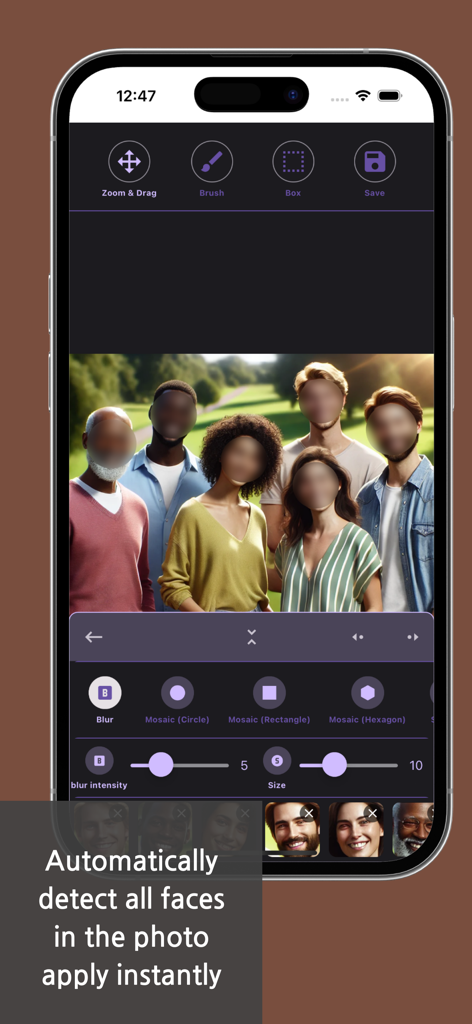
Smartphone screen showing the auto face blur feature detecting and blurring multiple faces in a group photo.
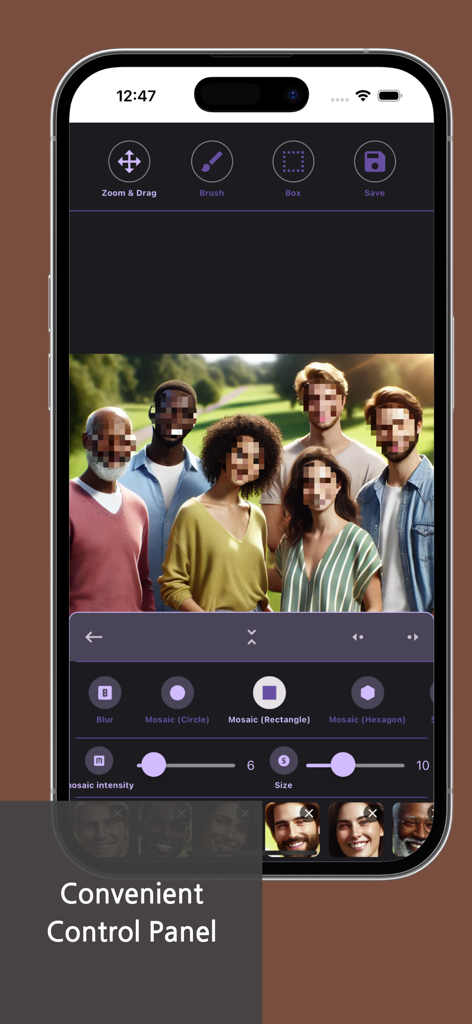
Smartphone screen displaying the Blur and Mosaic app interface with a group photo having faces blurred using mosaic effects.
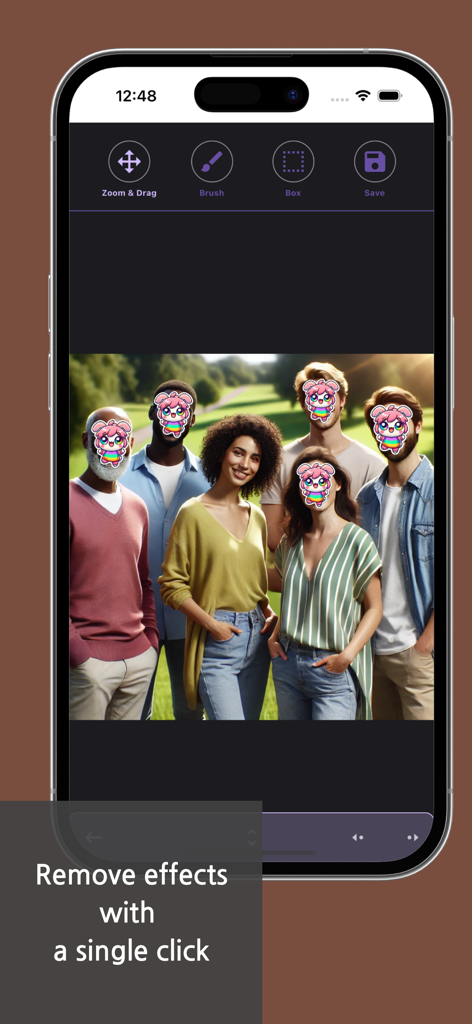
A group photo in the Blur and Mosaic app with cartoon stickers covering several faces to protect privacy.
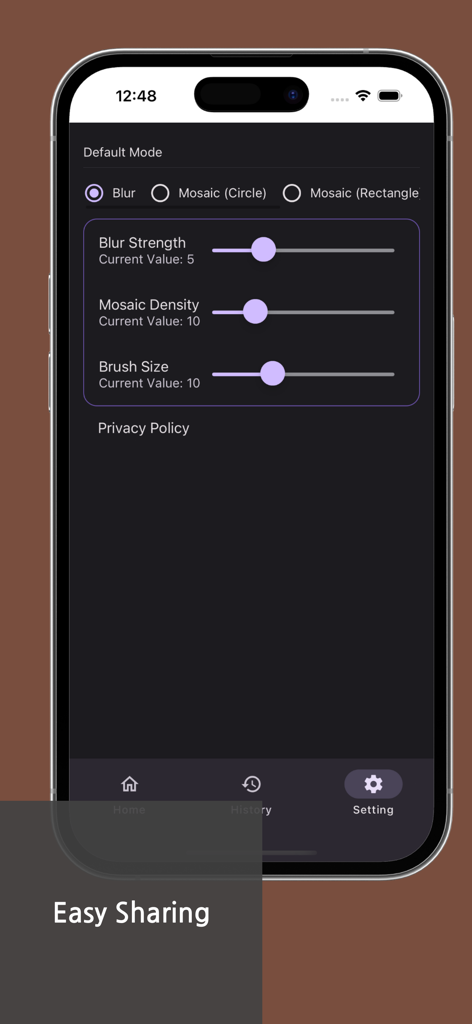
Settings screen of the Blur and Mosaic app featuring adjustable sliders for blur strength and mosaic density.
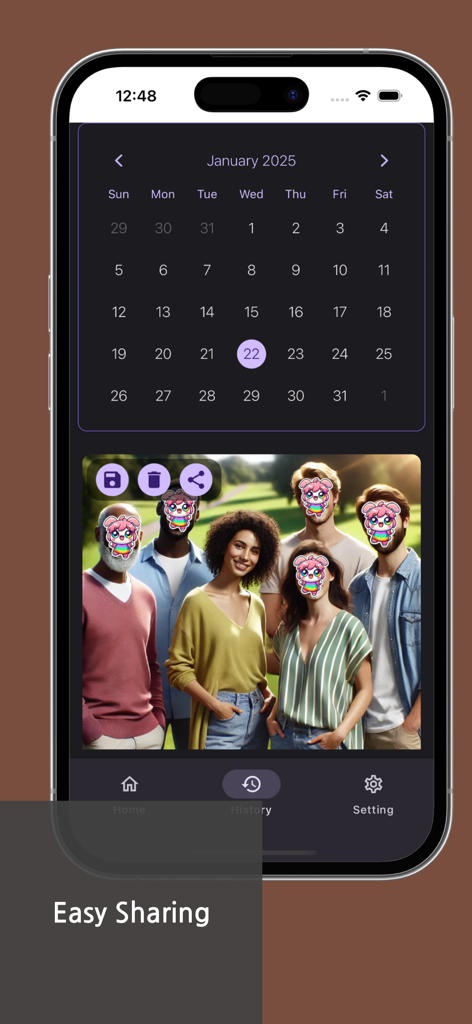
Mobile app interface showing a history calendar and a group photo with faces hidden by stickers for privacy protection.
Description
Download
More Like This
Top-ranked apps in the same category

CapCut: Photo & Video Editor
BYTEDANCE PTE. LTD.

Instagram, Inc.

YouTube
Google LLC

Canva: AI Video & Photo Editor
Canva Pty Ltd

Meta AI - Vibes & AI Glasses
Meta Platforms, Inc.

Snapchat
Snap, Inc.

快手
Beijing Kwai Technology Co., Ltd.

Edits: Video Editor
Instagram, Inc.

Google Photos: Backup & Edit
Google LLC
This page is not an official page of the app or its developer, but an independent editorial publication created for informational and commentary purposes. Unless expressly stated otherwise, neither the app nor its developer is affiliated with, endorsed by, sponsored by, authorized by, or otherwise officially connected with MWM, Apple, Google Play, the app publisher, or the app's developer, and nothing on this page implies that the app was developed using MWM's services. Any trademarks, logos, screenshots, and other content remain the property of their respective owners.