
Bravo Security

Block intrusive ads and hidden trackers automatically. Enjoy a cleaner, faster, and more secure way to browse the web without any complicated setup or technical jargon.
Publisher
Category
ProductivityDownloads
35K+User Rating
Total Ratings
100Locales
1Discover the interface used by 35K+ users.
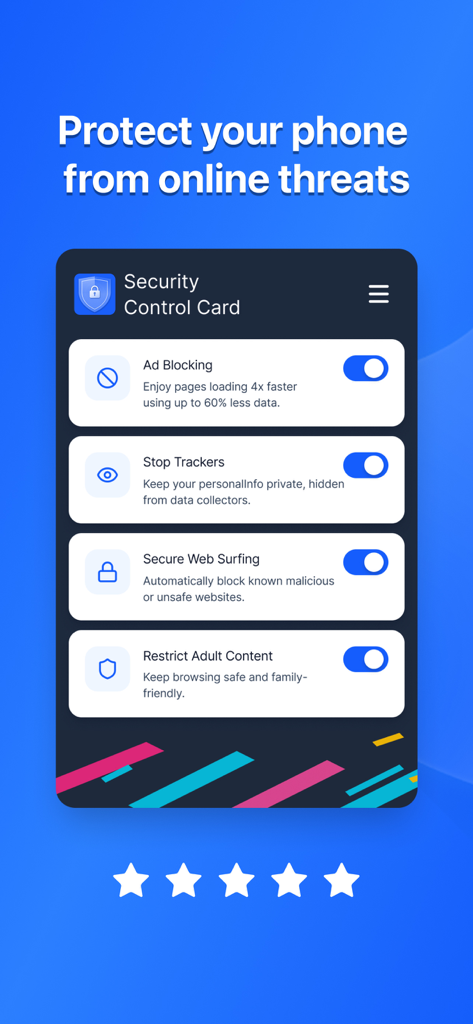
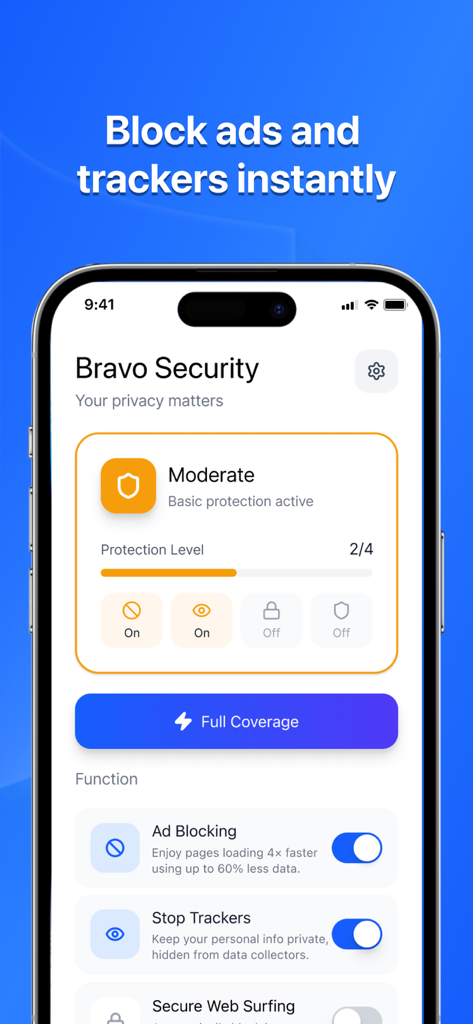
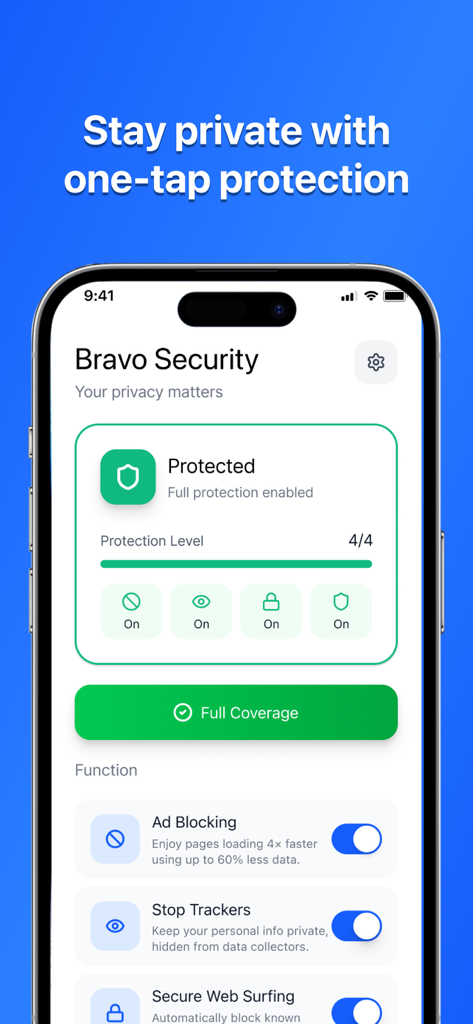
The tools that make this app stand out, trusted by 35K+ users.
Browse with confidence as our technology automatically detects and blocks malicious sites to keep your personal data safe from digital risks.
Reclaim your screen by removing intrusive ads and pop-ups. Read news, shop, and explore the web with a cleaner, faster interface.
No complicated configuration required. Our one-tap setup ensures your iPhone stays protected and optimized without you ever lifting a finger.
Everything you need to know about Bravo Security.
Description
Latest Version
1.0.4
Size
48.3 MB
First Released
Nov 18, 2025
Join over 35,000 users who trust Bravo Security to block threats and remove distractions automatically. Start your protection today with no complicated setup required.
Everything you need to know about Bravo Security
Bravo Security is an app that enhances your browsing experience with smart protection technology. It reduces unwanted distractions, detects risks, and provides privacy safeguards for online use.
Bravo Security offers Ad Blocking, Stop Trackers, Secure Web Surfing to block malicious sites, and a feature to Restrict Adult Content for a safer browsing experience.
Yes, Bravo Security includes an Ad Blocking feature. It allows pages to load faster and uses up to 65% less data by blocking advertisements.
Yes, Bravo Security has a "Stop Trackers" feature. This protects your personal information and keeps it private from data collectors during online activity.
Yes, Bravo Security provides Secure Web Surfing. It automatically blocks known malicious or unsafe websites to protect users while browsing online.
Yes, Bravo Security includes a feature to Restrict Adult Content. This helps keep browsing safe and family-friendly by preventing access to inappropriate material.
Bravo Security subscriptions auto-renew unless you disable the auto-renew option at least 24 hours before the current billing period concludes.
You can review, modify, or cancel your Bravo Security subscription at any time through your Account Settings after the initial purchase.
The privacy policy for Bravo Security is available at the following link: https://sites.google.com/view/bravoprivacypolicy.
Yes, Bravo Security works seamlessly in the background with simple controls. It requires no complicated setup, ensuring ease of use for all users.
Top-ranked apps in the same category

OpenAI OpCo, LLC

Google LLC

X.AI Corporation

Google LLC

Shanghai Zhixin Puhui Technology Co., Ltd.

Google LLC

Microsoft Corporation

Google LLC

Google LLC
App information, icons, screenshots, and descriptions displayed on this page are sourced from the Apple App Store and are the property of their respective developers. Download estimates and rankings are based on MWM's proprietary models and may not reflect actual figures. This page is provided for informational and analytical purposes only.
Believe this page infringes your intellectual property? File a dispute