
Browser Automation

Automate form filling, web testing, and data scraping with a powerful no-code macro recorder. Experience professional-grade efficiency with zero data collection, no ads, and no subscriptions.
Publisher
Category
ProductivityDownloads
100User Rating
Total Ratings
0Locales
1Discover the interface used by 100 users.
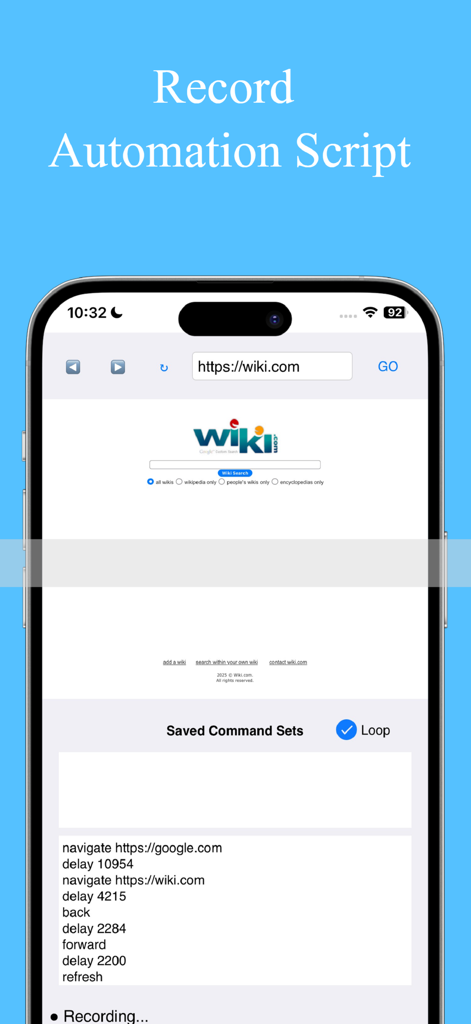
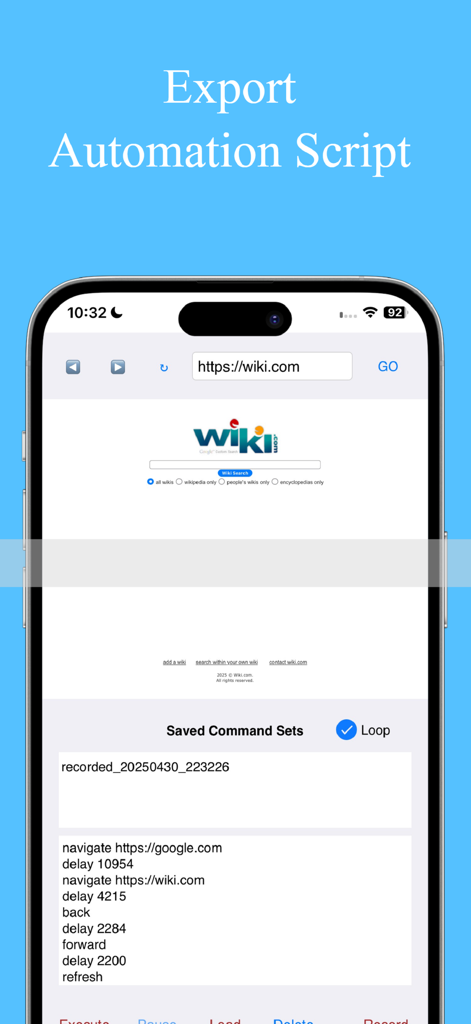
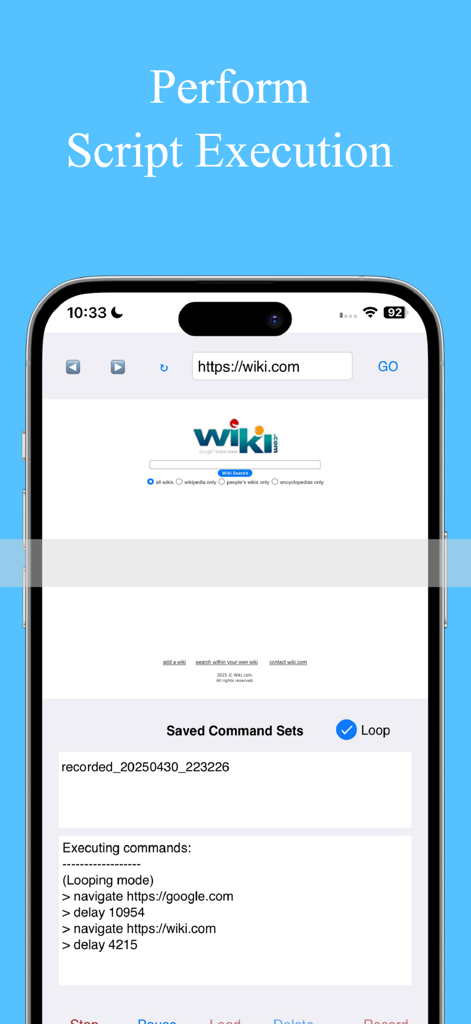
The tools that make this app stand out, trusted by 100 users.
Turn your taps into scripts with the Macro Recorder. Automate form filling, navigation, and clicks without writing a single line of code.
Your data stays on your device. Enjoy a professional utility with no data collection, no ads, and no recurring subscription costs.
Manage complex scripts with smart navigation, custom delays, and pause/resume controls designed for QA testing and data scraping.
Everything you need to know about Browser Automation.
Description
Latest Version
3.2.0
Size
52.9 MB
First Released
May 1, 2025
Join the power users reclaiming their time with professional-grade web scripting. No subscriptions, no data tracking, and no coding required—just pure efficiency.
Everything you need to know about Browser Automation
Browser Automation streamlines web testing, automates repetitive browser tasks, performs data scraping, fills online forms, and helps in learning browser automation without coding.
No, the Browser Automation app does not collect user data. All command sets and data are stored locally on the user's device, ensuring privacy protection.
The Browser Automation Macro Recorder captures URL navigation, GO button presses, back, forward, and refresh actions. Users tap "Record" to start, perform actions, then "Stop" to save.
Yes, Browser Automation can automate clicks, set delays, and manage page transitions effortlessly. Its "Auto Actions" feature enables these capabilities for efficient task automation.
No, Browser Automation does not require any coding knowledge. It is designed for automation without coding, making it accessible for learning scripting and automating tasks.
Yes, Browser Automation supports up to six family members through Family Sharing. This allows multiple users to access and utilize the app's features.
Browser Automation records URL navigation, GO button presses, back actions, forward actions, and refresh actions. These captured interactions form replayable automation scripts.
No, Browser Automation has no ads, subscriptions, or in-app purchases. Users pay a single price for full access to all features.
In Browser Automation, users tap "Stop" after recording to save a script. The "Script Manager" then allows seamless saving, editing, and organization of all automation scripts.
Yes, Browser Automation allows users to pause and resume script execution with a single, intuitive tap. This feature provides precise control over automation processes.
Top-ranked apps in the same category

OpenAI OpCo, LLC

Google LLC

X.AI Corporation

Google LLC

Shanghai Zhixin Puhui Technology Co., Ltd.

Google LLC

Microsoft Corporation

Google LLC

Google LLC
App information, icons, screenshots, and descriptions displayed on this page are sourced from the Apple App Store and are the property of their respective developers. Download estimates and rankings are based on MWM's proprietary models and may not reflect actual figures. This page is provided for informational and analytical purposes only.
Believe this page infringes your intellectual property? File a dispute