
This page is not an official page of the app or its developer, but an independent editorial publication created for informational and commentary purposes. Unless expressly stated otherwise, neither the app nor its developer is affiliated with, endorsed by, sponsored by, authorized by, or otherwise officially connected with MWM, Apple, Google Play, the app publisher, or the app's developer, and nothing on this page implies that the app was developed using MWM's services. Any trademarks, logos, screenshots, and other content remain the property of their respective owners.

Calculator Vault Private Photo
Protect your privacy with a secure, local vault for photos, videos, and contacts that is cleverly disguised as a fully functional scientific calculator.
Downloads
356K+User Rating
Total Ratings
500Publisher
Category
UtilitiesLocales
1Latest Version
1.47Size
141.3 MBFirst Released
Jul 22, 2021Uncompromising Privacy, Perfectly Disguised
Go beyond standard hidden folders. Secure your most sensitive photos, videos, and contacts behind a fully functional calculator that only you can unlock.
Stealth Calculator Interface
It looks and works like a standard scientific calculator. Your secret vault remains hidden in plain sight, ensuring no one ever suspects its true purpose.
Dual-Password Decoy System
Create a fake vault with a separate PIN. If pressured to unlock the app, show a decoy gallery while your real private media remains safely hidden.
Frequently Asked Questions
Everything you need to know about Calculator Vault Private Photo
What is Calculator Vault Private Photo?
Calculator Vault Private Photo is a secure app that conceals photos, videos, audio, and files. It safeguards privacy by hiding sensitive content within a disguised vault on your device.
How does Calculator Vault Private Photo hide my content?
Calculator Vault Private Photo disguises itself as a calculator. It hides private media behind a numeric PIN or Face ID, accessible only within this hidden vault.
How do I reset my password for Calculator Vault Private Photo?
To reset your Calculator Vault Private Photo password, input '11223344' into the PIN screen and press '='. Then, answer your security question to retrieve it.
Does Calculator Vault Private Photo store my hidden files online?
No, Calculator Vault Private Photo stores your files exclusively on your device. Users must back up all hidden content before transferring or performing a factory reset.
How does the subscription for Calculator Vault Private Photo work?
Calculator Vault Private Photo subscriptions are charged via iTunes and auto-renew. Cancel at least 24 hours before the period ends. Once activated, subscriptions cannot be canceled.
What is the 'Deceptive Vault' feature in Calculator Vault Private Photo?
The 'Deceptive Vault' feature in Calculator Vault Private Photo creates a secondary vault with a distinct password. This allows storing decoy photos and videos for enhanced privacy.
Can I change the app icon for Calculator Vault Private Photo?
Yes, Calculator Vault Private Photo offers icon concealment. Users can change the app icon to disguise its true function and maintain discretion on their device.
What file formats does Calculator Vault Private Photo support for pictures?
Calculator Vault Private Photo supports multiple picture formats for concealment, including common types like JPG, PNG, and GIF. It secures various image files within its vault.
Does Calculator Vault Private Photo allow hiding contacts?
Yes, Calculator Vault Private Photo includes a Contact Protection feature. Users can import and safeguard sensitive contacts within the app, ensuring their confidentiality and privacy.
Can Calculator Vault Private Photo lock other applications?
Yes, Calculator Vault Private Photo features an app lock function. It allows users to secure other applications on their device, preventing unauthorized access to them.
Does Calculator Vault Private Photo provide a backup feature for hidden files?
Calculator Vault Private Photo offers an unlimited backup feature for hidden files. However, files are stored exclusively on your device, requiring manual backup before device transfer or reset.
What unlock methods does Calculator Vault Private Photo support?
Calculator Vault Private Photo supports unlocking via a numeric PIN. It also offers biometric options such as Face ID for convenient and secure access to your private vault.
Can I store secret notes within Calculator Vault Private Photo?
Yes, Calculator Vault Private Photo includes a "Secret Notes" feature. Users can create, store, and manage confidential notes securely within the application's vault.
Does Calculator Vault Private Photo include a private browser?
Yes, Calculator Vault Private Photo integrates a private browser. This feature enables users to browse the internet discreetly without retaining browsing history or data.
The following screenshots and description are sourced directly from the app's official store listing and are the property of the app developer.
App Store
Screenshots

Mobile app interface showing a PIN code entry screen for a secret photo and video vault disguised as a calculator

PIN lock screen of the Calculator Vault app displayed over a private photo gallery with the text Your secrets Our function

White padlock icon displayed over blurred social media apps with text saying Lock your apps
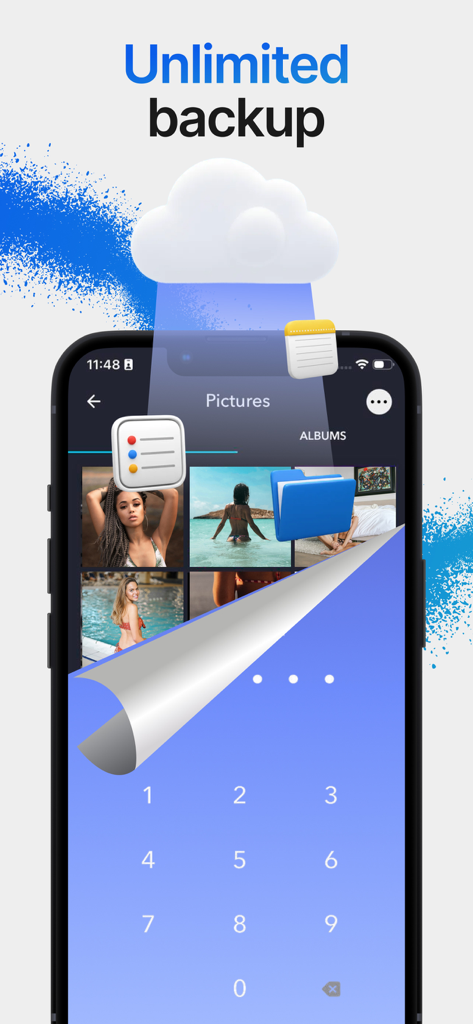
Private photo gallery with cloud backup and secure PIN entry screen

Private browser interface with incognito mask icon
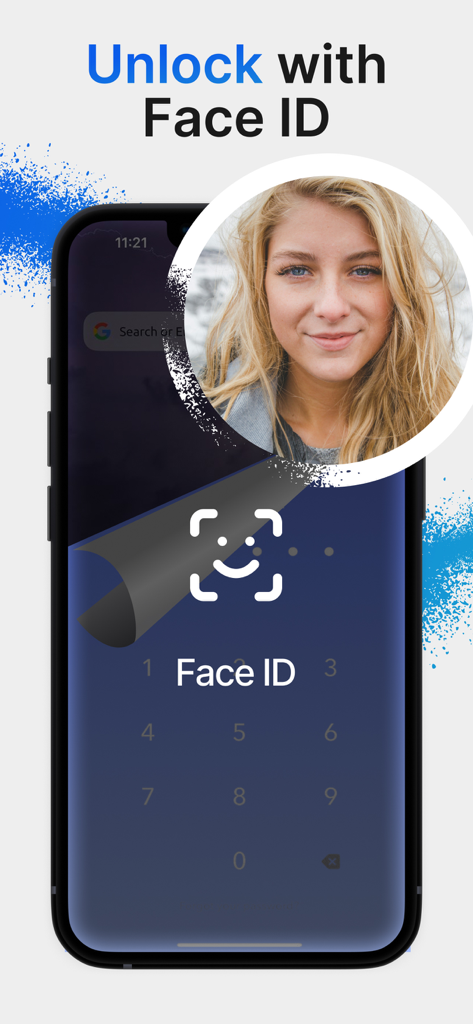
Smartphone screen showing the Unlock with Face ID feature for the Calculator Vault app
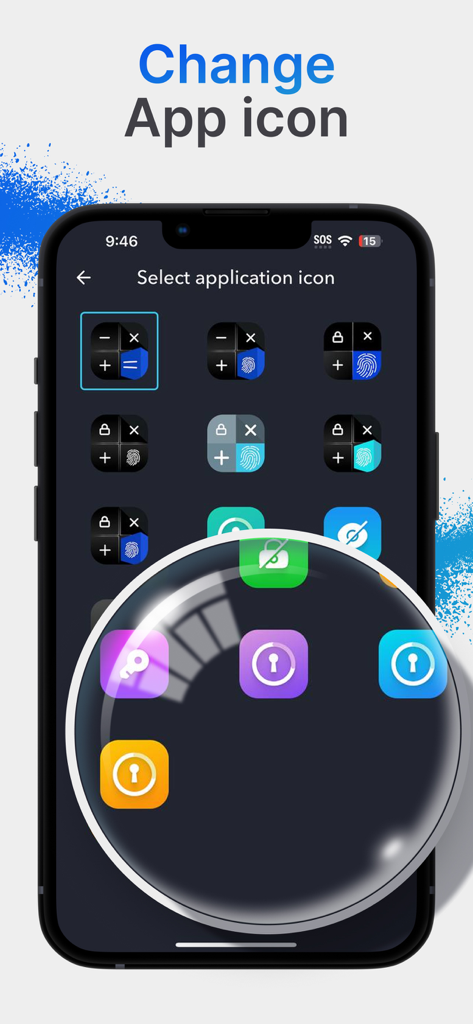
A selection screen for choosing different app icons like calculators or locks to disguise the private vault app
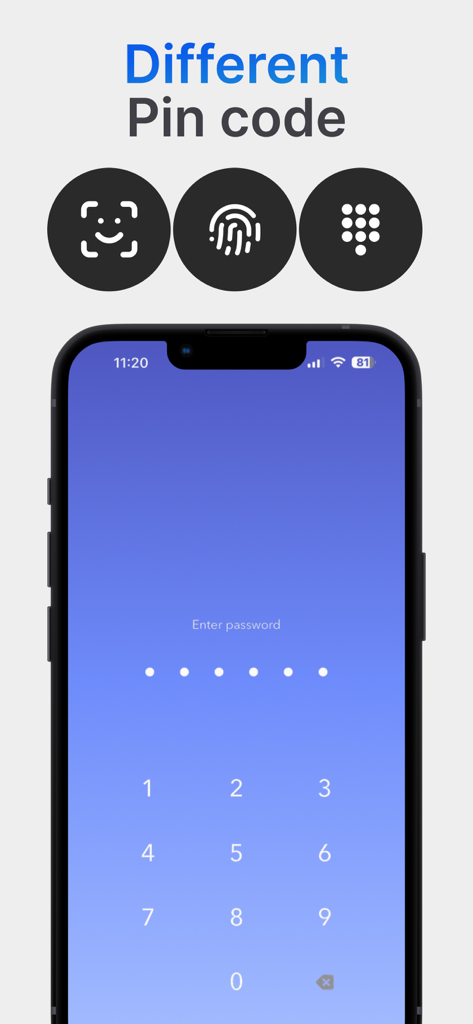
Interface showing multiple authentication methods like PIN code and biometrics for the private photo vault
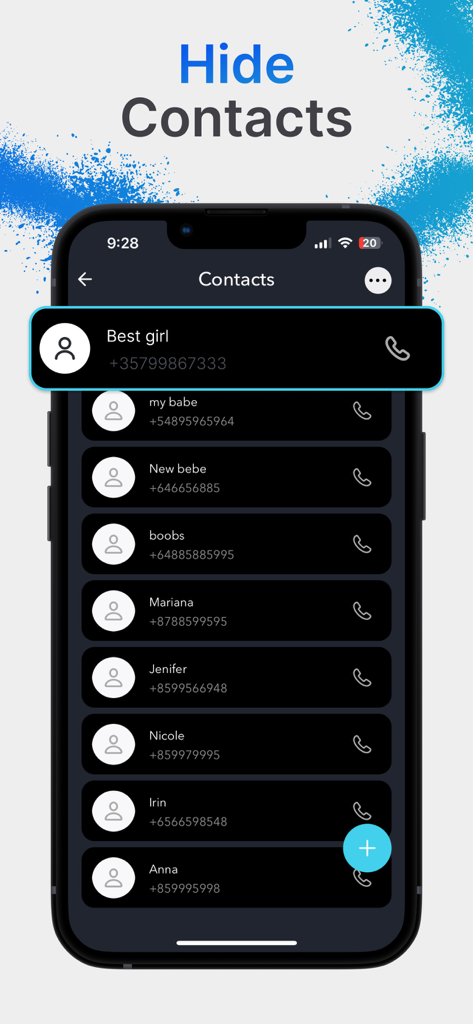
Interface of the Calculator Vault app showing the hide contacts feature with a list of private phone numbers.
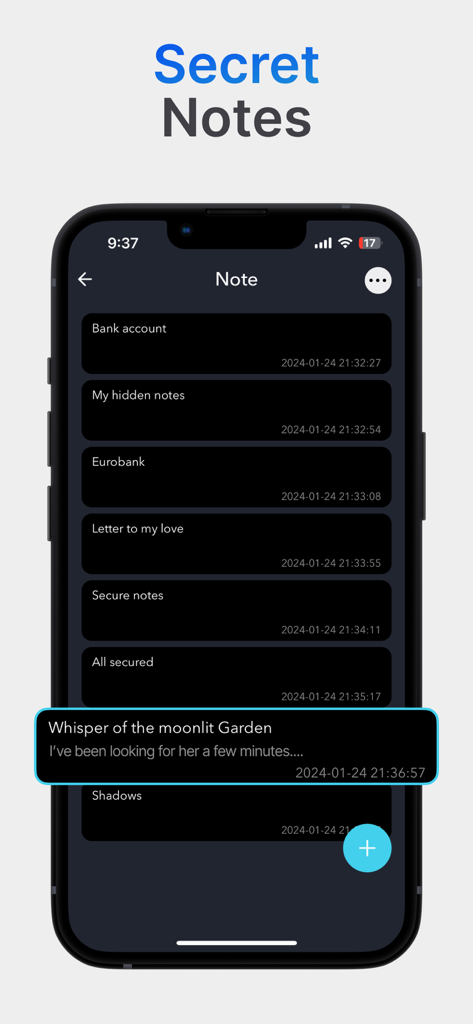
Interface of the Secret Notes feature in the Calculator Vault app showing a list of encrypted private notes.
Description
Download
More Like This
Apps with similar features and user experience

Private Photo Vault - Pic Safe
Legendary Software Labs LLC

PBox-Private Photo Vault
宇 刘

Safe Lock - Hidden Photo Vault
Katerina Akhlebinina

SV - Private Photo Vault PRO
Legendary Software Labs LLC

PV - Secret Photo Album
Haibin Jiao

Converter: Hidden Photo Vault
Dmitry Petrov

Calculator Lock - Secure Vault
MacyMind

Secret Photo Vault: Keepsafe
KeepSafe Software, Inc

Digiposte: secure storage
la poste
This page is not an official page of the app or its developer, but an independent editorial publication created for informational and commentary purposes. Unless expressly stated otherwise, neither the app nor its developer is affiliated with, endorsed by, sponsored by, authorized by, or otherwise officially connected with MWM, Apple, Google Play, the app publisher, or the app's developer, and nothing on this page implies that the app was developed using MWM's services. Any trademarks, logos, screenshots, and other content remain the property of their respective owners.