
This page is not an official page of the app or its developer, but an independent editorial publication created for informational and commentary purposes. Unless expressly stated otherwise, neither the app nor its developer is affiliated with, endorsed by, sponsored by, authorized by, or otherwise officially connected with MWM, Apple, Google Play, the app publisher, or the app's developer, and nothing on this page implies that the app was developed using MWM's services. Any trademarks, logos, screenshots, and other content remain the property of their respective owners.

Calculator with History +
Stop losing track of your numbers. Experience a lightning-fast calculator with a full history log, a dedicated backspace key, and scientific power—designed for total accuracy and zero ad interruptions.
Downloads
11M+User Rating
Total Ratings
332K+Publisher
Category
FinanceLocales
31Latest Version
6.9.16Size
12.0 MBFirst Released
Apr 23, 2019Efficiency Meets Elegance
Designed to replace your stock calculator, our app offers a seamless blend of power, history tracking, and total customization without any annoying ads.
Complete Calculation History
Never lose your place again. Review a detailed log of every calculation to verify your results, track expenses, or finish complex homework effortlessly.
Zero Ads, Pure Performance
Experience lightning-fast startup speeds and a distraction-free environment. We focus on your productivity, which is why there are no ads to get in your way.
Frequently Asked Questions
Everything you need to know about Calculator with History +
Is Calculator with History + a free app without ads?
Yes, Calculator with History + is a free calculator app for iPhone. It does not contain any advertisements.
Does Calculator with History + save calculation history?
Yes, Calculator with History + includes a calculation history feature. Users can review and access their past calculations within the application.
Can users change the keyboard colors in Calculator with History +?
Yes, Calculator with History + allows users to customize keyboard colors. It offers 24 different keyboard color options for personalization.
Does Calculator with History + include scientific functions?
Yes, Calculator with History + functions as a scientific calculator. It includes advanced functions like pi, exponents, logarithms, trigonometry, square root, and brackets.
Does Calculator with History + support accessibility features like VoiceOver?
Yes, Calculator with History + includes VoiceOver support. This accessibility feature assists users with visual impairments by providing spoken feedback.
Does Calculator with History + have keyboard sounds?
Yes, Calculator with History + features keyboard sounds. Users can choose from 19 different sound options for key presses.
Does Calculator with History + offer a BMI Calculator?
Yes, Calculator with History + provides a BMI Calculator. Users can measure body shape by accurately entering their height and weight.
Is there a fraction calculator in Calculator with History +?
Yes, Calculator with History + features a dedicated Fraction Calculator. This allows users to perform operations directly with fractions.
Does Calculator with History + have a currency converter?
Yes, Calculator with History + includes a Currency Converter. It also offers a Unit Converter for various measurements, providing comprehensive conversion tools.
Can users adjust decimal places and use a thousands separator in Calculator with History +?
Yes, Calculator with History + allows users to adjust the number of decimal places. It also includes a thousands separator for improved readability of large numbers.
The following screenshots and description are sourced directly from the app's official store listing and are the property of the app developer.
App Store
Screenshots
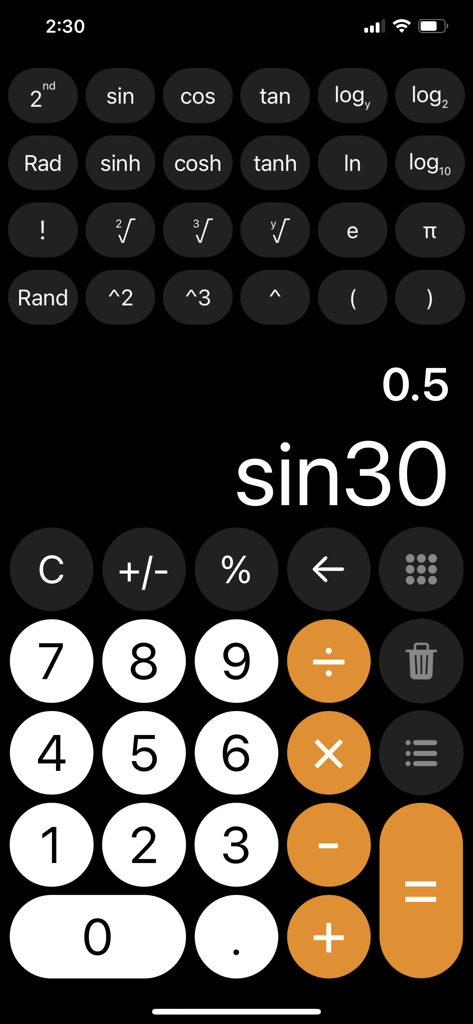
Interface of Calculator with History plus app displaying scientific functions and a trigonometry calculation
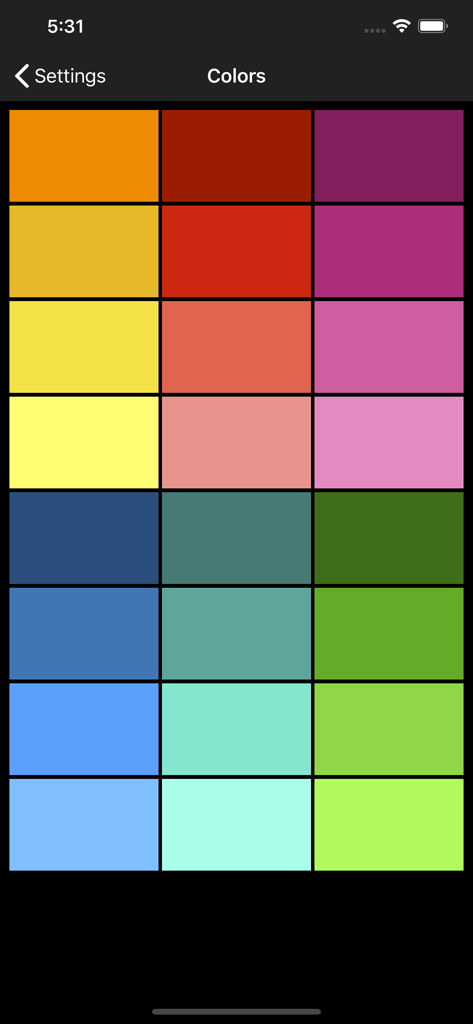
A grid of twenty four colorful theme options for the calculator keyboard
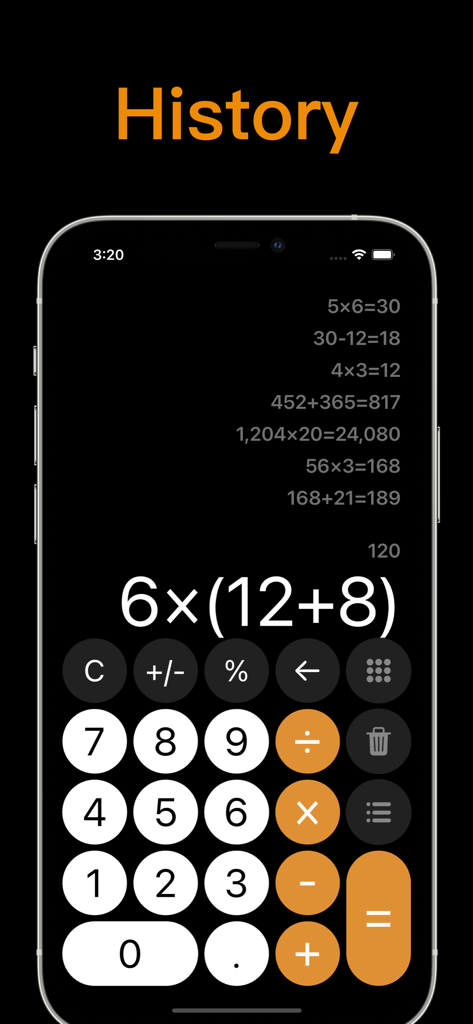
A calculator app on iPhone showing a history log of multiple calculations and a numeric keypad
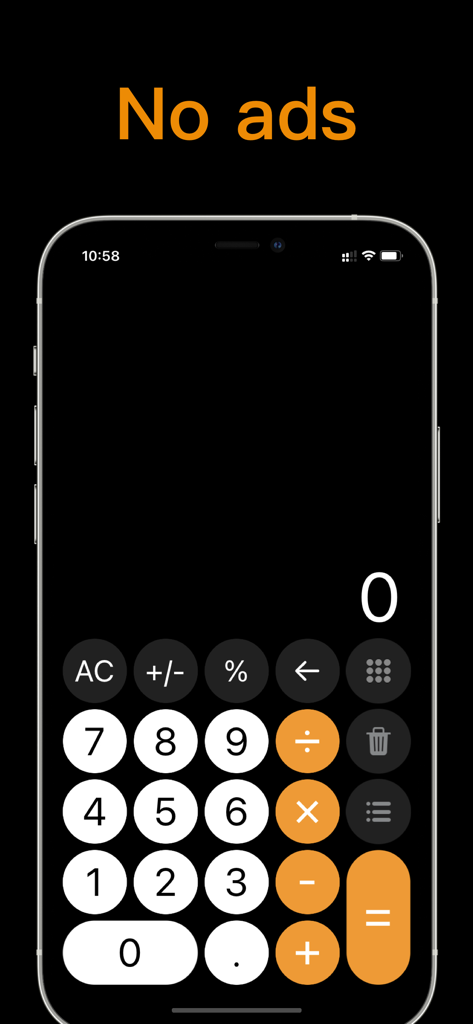
Ad-free calculator app interface on iPhone with dark mode and orange action buttons
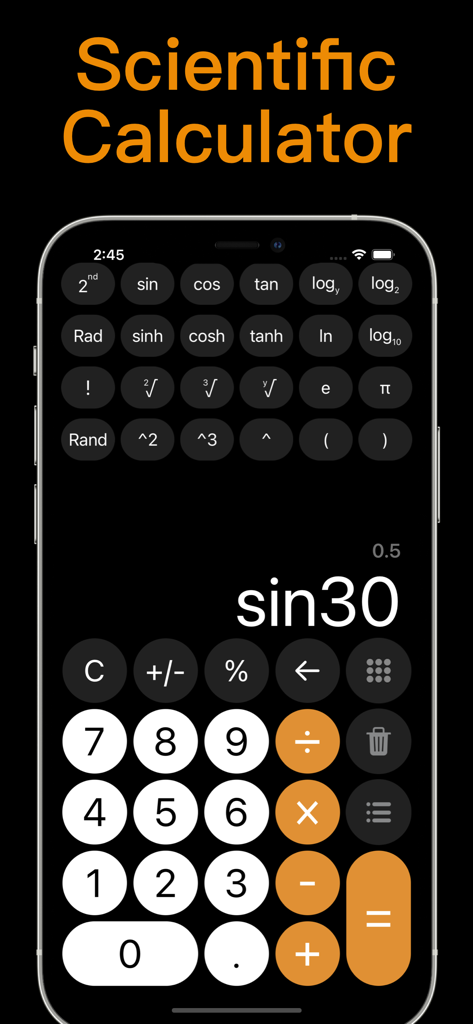
Scientific calculator interface on iPhone showing trigonometry and log functions
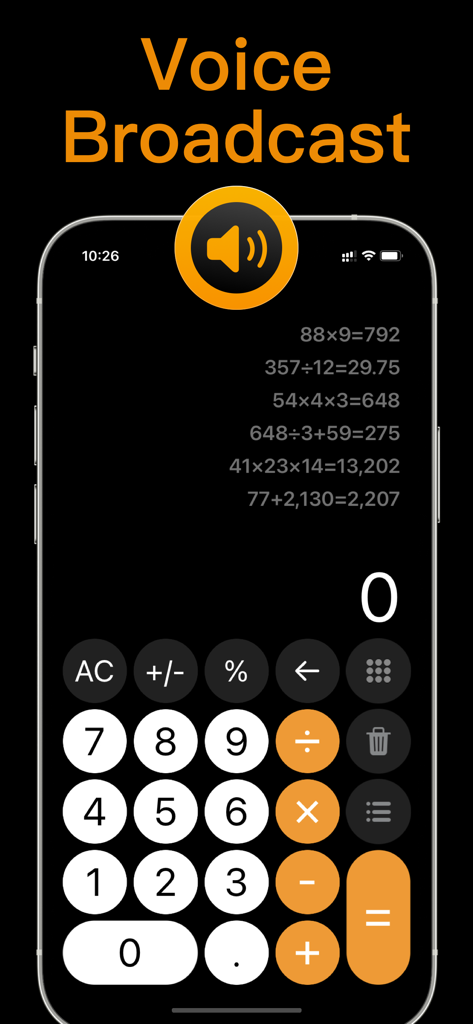
Calculator with History plus app interface on iPhone showing the voice broadcast feature and a detailed calculation log
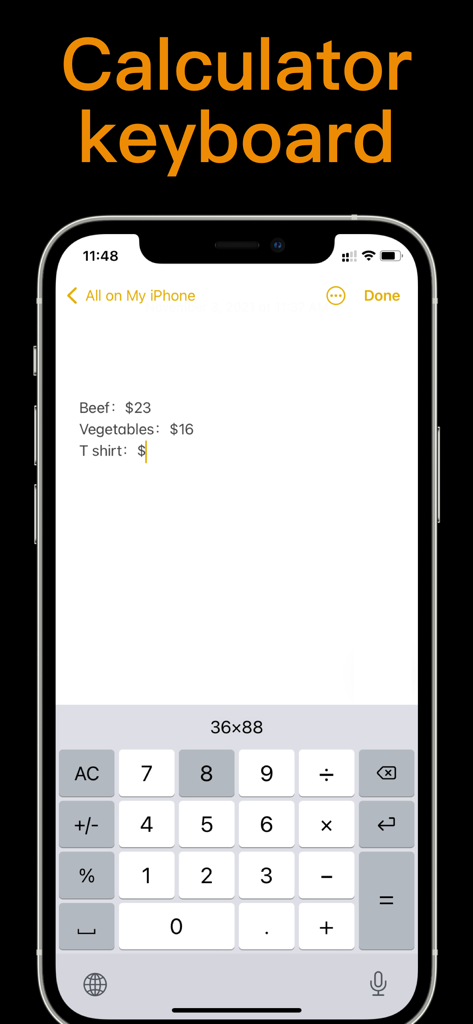
iPhone screen showing a custom calculator keyboard used within a notes app for expense tracking
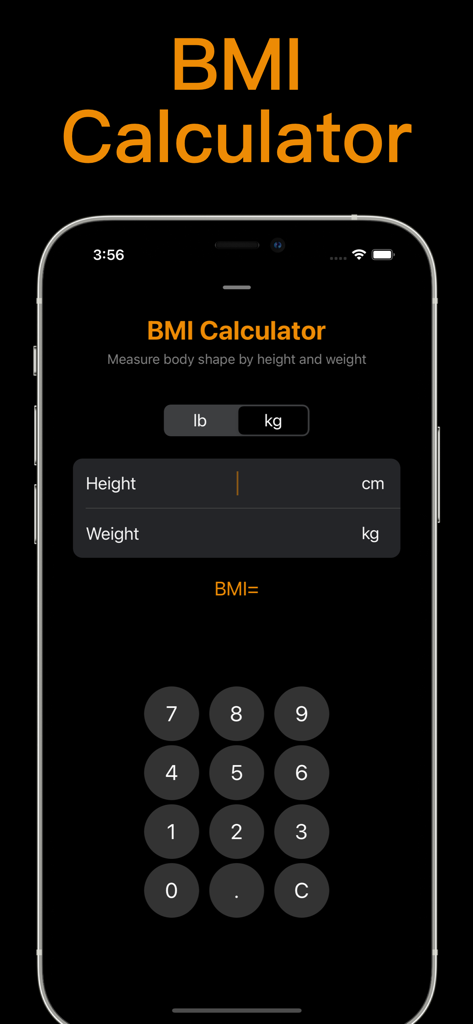
Interface of the BMI calculator feature in the Calculator with History plus app
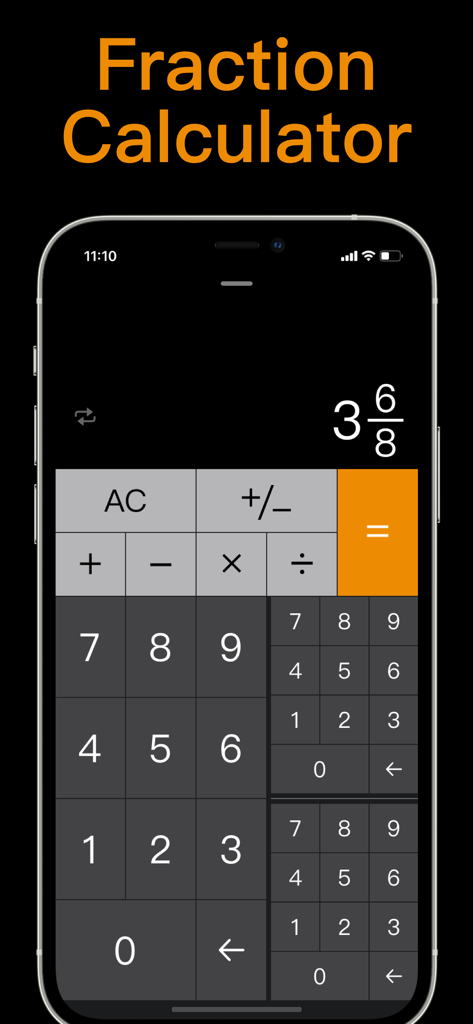
iPhone screen displaying a fraction calculator interface with a dark theme and orange accents.
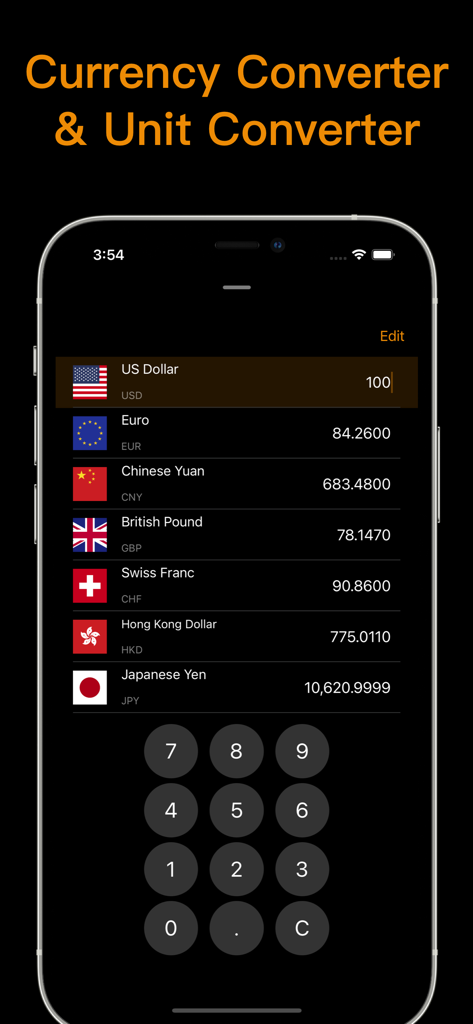
Currency converter interface within the Calculator with History plus app showing exchange rates for global currencies.
Description
Download
More Like This
Apps with similar features and user experience

Unit Converter - Best Unit App
Alan Mrvica
计算器i -简单好用算得快
Chongqing Frozen Technology Co., LTD
Metric Conversion tool
Wight Hat Ltd
Convert Any Unit
Cider Software LLC
Calculator - Pad Edition
Ratha Sou

ClevCalc - Calculator
Cleveni Inc.
Calculator for iPad!
7th Gear
Calculator!
7th Gear

Calzy
Raja V
This page is not an official page of the app or its developer, but an independent editorial publication created for informational and commentary purposes. Unless expressly stated otherwise, neither the app nor its developer is affiliated with, endorsed by, sponsored by, authorized by, or otherwise officially connected with MWM, Apple, Google Play, the app publisher, or the app's developer, and nothing on this page implies that the app was developed using MWM's services. Any trademarks, logos, screenshots, and other content remain the property of their respective owners.