
This page is not an official page of the app or its developer, but an independent editorial publication created for informational and commentary purposes. Unless expressly stated otherwise, neither the app nor its developer is affiliated with, endorsed by, sponsored by, authorized by, or otherwise officially connected with MWM, Apple, Google Play, the app publisher, or the app's developer, and nothing on this page implies that the app was developed using MWM's services. Any trademarks, logos, screenshots, and other content remain the property of their respective owners.


Call Recorder - Cube ACR
Memory is fallible; this app grants perfect recall. Users gain an ironclad record of crucial conversations.
Downloads
500k+User Rating
Total Ratings
1.2KPublisher
Category
BusinessLocales
29Latest Version
1.1.61Size
70.4 MBFirst Released
Sep 24, 2022An evaluation of core functionalities catering to diverse recording and transcription needs for iPhone users.
Key Features Analysis: Call Recorder - Cube ACR
Incoming & Outgoing Call Recording
The app provides robust functionality for recording both incoming and outgoing phone calls, ensuring comprehensive documentation of conversations.
Transcription Services
It allows users to transcribe any recorded audio into text, which greatly enhances productivity and facilitates quick review and analysis of conversations.
Secure Cloud Backup
This tool features file backup to personal cloud storage, providing secure and accessible preservation of valuable recordings.
Advanced Security Features
The app offers enhanced security for recordings through Pin lock, FaceID, or TouchID protection, safeguarding private and confidential conversations.
Excellent Sound Quality
It provides excellent sound quality for all recordings, ensuring clarity and accuracy for documentation and future reference.
Voice Memo Recording
This tool features dedicated functionality for recording voice memos, allowing users to capture personal notes and thoughts quickly.
Audio Management & Sharing
The app offers vast audio management capabilities, including easy access and instant sharing of recordings, streamlining collaboration and distribution.
Text Notes on Records
It allows users to add text notes to existing records, enabling better organization and contextualization of important audio files.
Frequently Asked Questions
Everything you need to know about Call Recorder - Cube ACR
What is Call Recorder - Cube ACR?
Call Recorder - Cube ACR is an iOS application designed for recording phone calls and voice memos. It provides features such as transcription, cloud backup, and robust audio management with excellent sound quality.
Can I record both incoming and outgoing calls with Call Recorder - Cube ACR?
Yes, Call Recorder - Cube ACR allows recording of both incoming and outgoing phone calls on iOS. It also supports recording voice memos.
Does Call Recorder - Cube ACR transcribe audio recordings?
Yes, the Cube ACR app offers the functionality to transcribe any recorded calls and voice memos into text. This feature is directly accessible within the app.
Does Cube ACR offer cloud backup for recordings?
Yes, Cube ACR provides cloud backup capabilities for recordings. This allows users to store their files in personal cloud storage for easy access and management.
Is Call Recorder - Cube ACR a free app?
Call Recorder - Cube ACR is available as a free app. It offers a Premium subscription for users to access additional features beyond the free offering.
What premium features does Cube ACR offer?
Premium features for Cube ACR include robust call recording, Pin lock/FaceID/TouchID protection, cloud backup, adding text notes to records, and an ad-free user experience.
Does my phone carrier need to support three-way calls for Cube ACR to work?
Yes, for Cube Call Recorder to function, your phone carrier must support three-way calling. This is a prerequisite for the app's call recording capabilities.
How can I contact support for Call Recorder - Cube ACR?
You can contact the Cube ACR customer support service directly via email at support@cubeacr.app for any questions, assistance, or additional information.
Can I protect my recordings in the Cube ACR app with a lock?
Yes, Cube ACR provides security features such as Pin lock, FaceID, or TouchID protection for your recordings. This is a premium feature to secure sensitive audio files.
Does Cube ACR allow adding text notes to recordings?
Yes, Cube ACR allows users to add text notes to their existing recordings. This premium feature helps in organizing and annotating audio files within the app.
The following screenshots and description are sourced directly from the app's official store listing and are the property of the app developer.
App Store
Screenshots
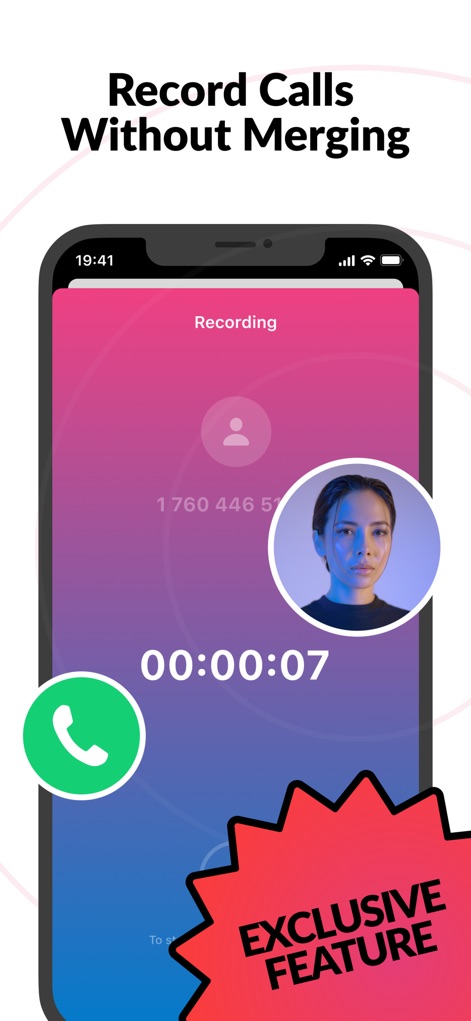
This tool streamlines call recording with a clear "Recording" indicator and an "Exclusive Feature" badge highlighting its unique capabilities.
Seamless Call Recording
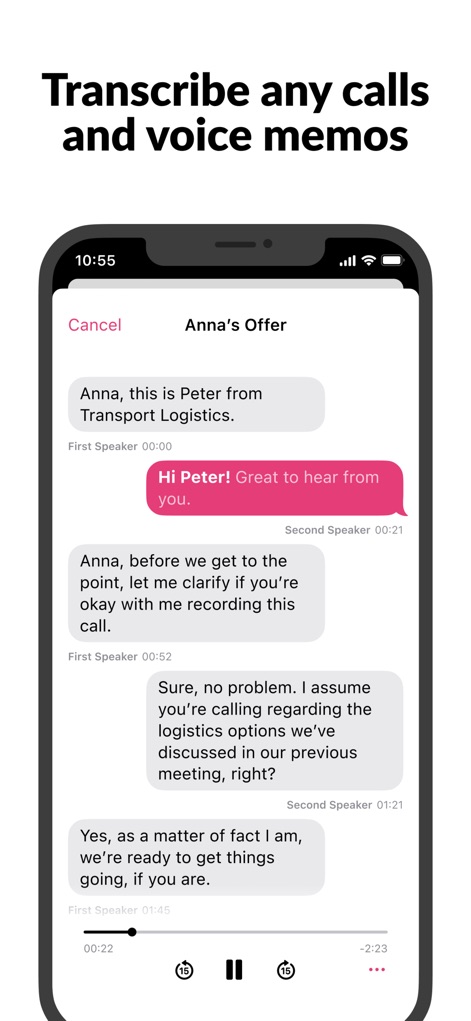
Users can effortlessly review conversations through the app's chat-like transcription interface, complete with intuitive audio playback controls.
Accurate Transcriptions
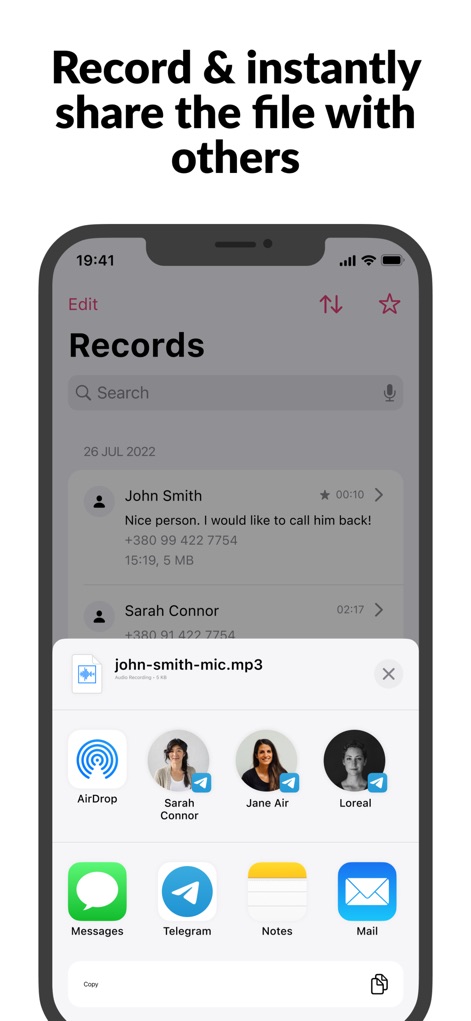
The app provides comprehensive sharing capabilities via a native share sheet and a clear "john-smith-mic.mp3" file preview for easy distribution.
Instant Sharing Options
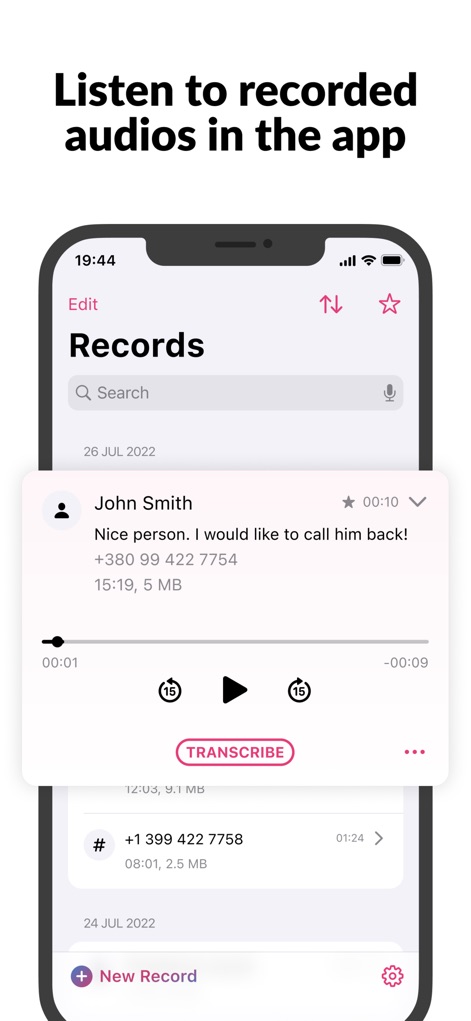
Enjoy seamless playback of recorded audios directly within the app, featuring a clear progress bar and a quick "Transcribe" button.
Integrated Audio Playback
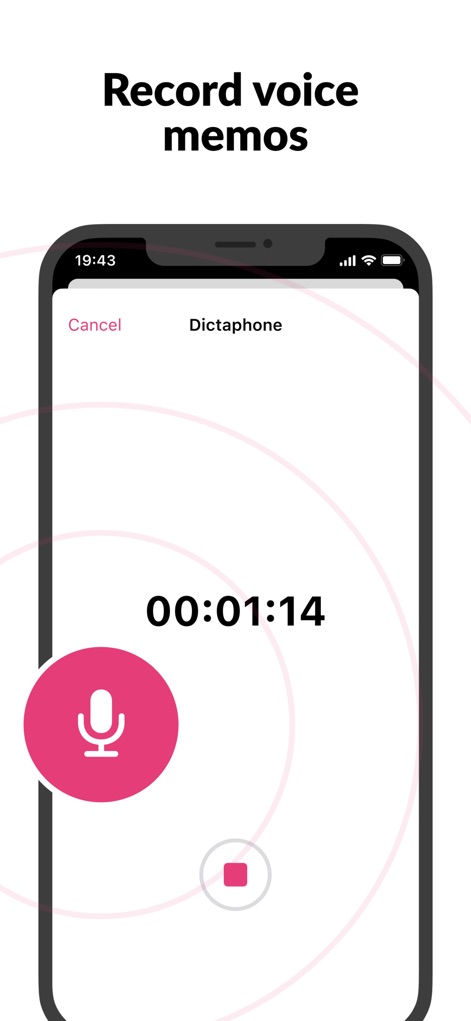
This tool enables quick and easy voice memo recording, displaying a prominent "Dictaphone" interface and a large, intuitive record button.
Convenient Voice Memos
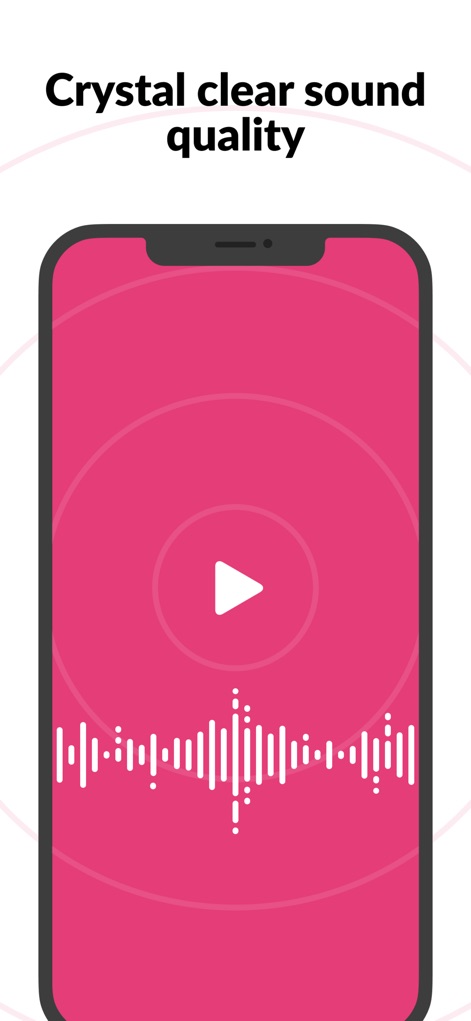
Experience superior audio quality, visually represented by a detailed waveform visualization and a simple play button.
High-Fidelity Audio
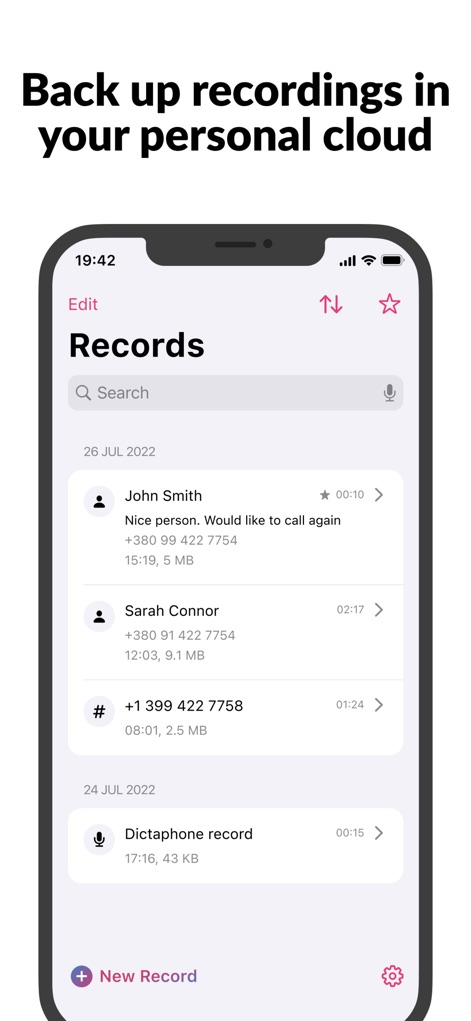
The app ensures data safety by allowing users to back up recordings to personal cloud storage, easily managed through the organized "Records" list.
Secure Cloud Backup
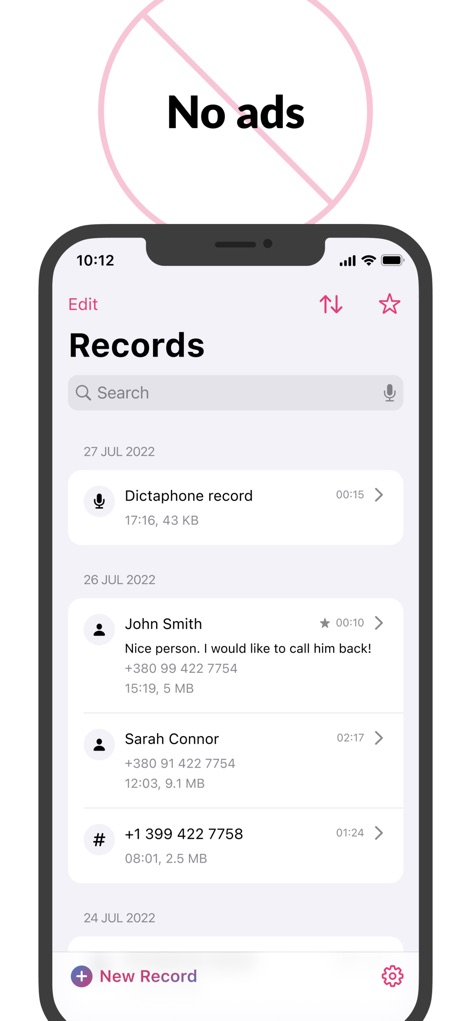
Enjoy an uninterrupted user experience, clearly indicated by the "No ads" symbol and a clean "Records" list interface.
Ad-Free Experience
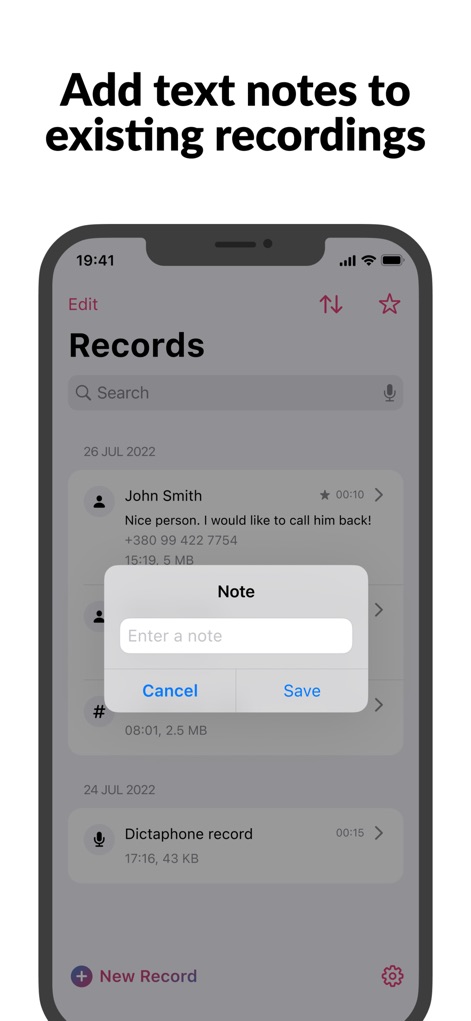
Users can enrich their recordings by adding descriptive "Note" text to existing entries, directly from the "Records" list.
Enhanced Record Management

The app offers strong security features, including FaceID protection, ensuring that recorded conversations are kept private and secure.
Robust Security Options
Description
Download
More Like This
Apps with similar features and user experience

Beside (M1): AI Receptionist
Interface, Inc.

Call Recorder for iPhone.
JatApp LLC

Voice Recorder & Audio Editor
TapMedia Ltd

Call Recorder App ◉ACR MyCalls
AppAmore Limited

Switch - Call recording app
Atlas Guide, Inc.

Call Recorder App-Voice Record
WindTalking LLC

TeleMe – Record on 2nd Number
Gelenk Networks Inc.

Call Recorder: Record All
Henrieta Jaworski

Record Phone Calls App - Auto
Henning Christensen Bonde Søgaard
This page is not an official page of the app or its developer, but an independent editorial publication created for informational and commentary purposes. Unless expressly stated otherwise, neither the app nor its developer is affiliated with, endorsed by, sponsored by, authorized by, or otherwise officially connected with MWM, Apple, Google Play, the app publisher, or the app's developer, and nothing on this page implies that the app was developed using MWM's services. Any trademarks, logos, screenshots, and other content remain the property of their respective owners.