Camera Overlay for Business
Download on App Store

This page is not an official page of the app or its developer, but an independent editorial publication created for informational and commentary purposes. Unless expressly stated otherwise, neither the app nor its developer is affiliated with, endorsed by, sponsored by, authorized by, or otherwise officially connected with MWM, Apple, Google Play, the app publisher, or the app's developer, and nothing on this page implies that the app was developed using MWM's services. Any trademarks, logos, screenshots, and other content remain the property of their respective owners.


Logo of Camera Overlay for Business
Download on App Store

Camera Overlay for Business

Master your visual branding with ghosted overlays that ensure perfect alignment for every product, patient, or property photo. Boost your ROI and keep your professional work separate from your personal library with secure, ad-free cloud storage.

Key Figures

Downloads

2K+

User Rating

1.0/5

Total Ratings

0

Publisher

Standard Software Incorporated

Category

Photo & Video

Locales

1

Latest Version

3.0.6

Size

38.8 MB

First Released

Nov 7, 2022
Features

Professional Consistency, Made Simple

Streamline your business photography with specialized tools designed to boost sales, save time, and keep your professional life organized.

Perfect Alignment Every Time

Use ghosted overlays to match angles and zoom across every shot, ensuring your product listings and patient photos look uniform and professional.

Separate Work From Personal

Store photos in our secure cloud instead of your personal gallery. Keep your iPhone organized and your professional assets easily accessible.

The following screenshots and description are sourced directly from the app's official store listing and are the property of the app developer.

App Store

Screenshots
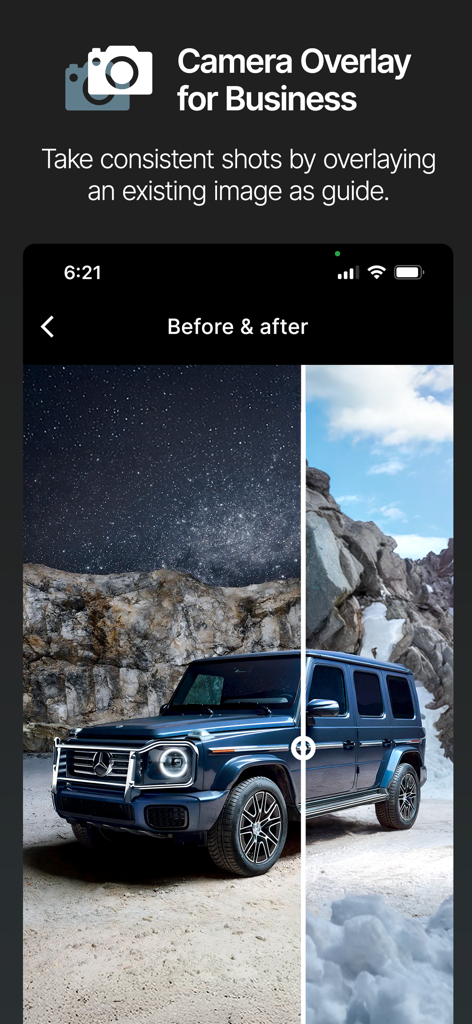
Camera Overlay for Business - Smartphone app interface showing a before and after photo comparison of a blue SUV
Smartphone app interface showing a before and after photo comparison of a blue SUV

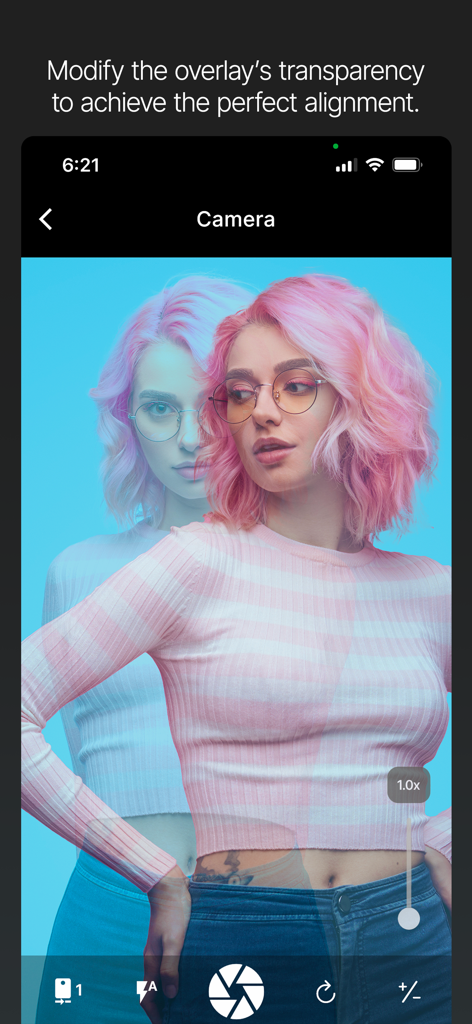
Camera Overlay for Business - A smartphone screen showing a camera interface with a transparent photo overlay used for aligning a new photo with a previous one.
A smartphone screen showing a camera interface with a transparent photo overlay used for aligning a new photo with a previous one.

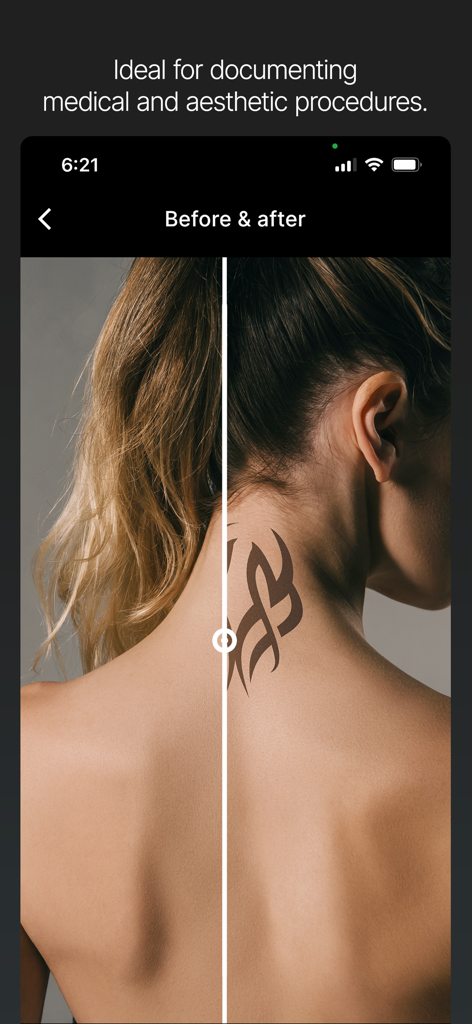
Camera Overlay for Business - Split screen showing before and after comparison for medical and aesthetic procedures
Split screen showing before and after comparison for medical and aesthetic procedures

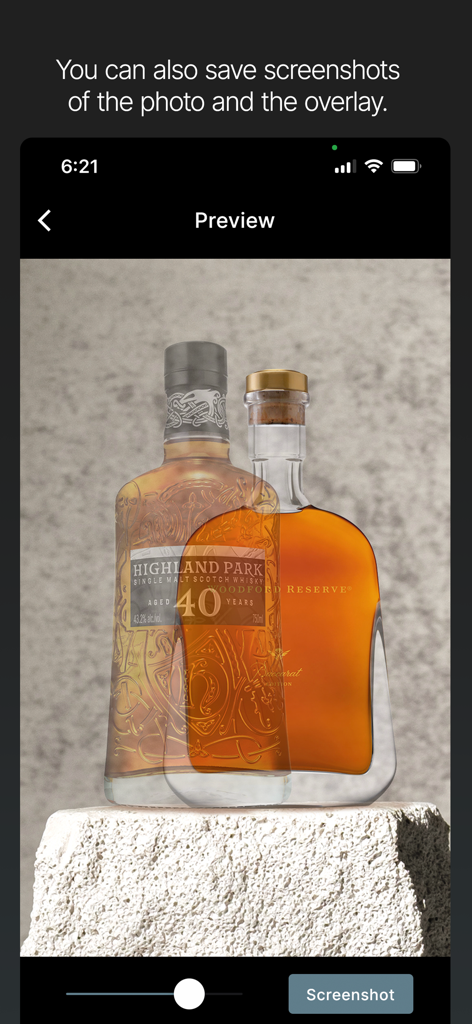
Camera Overlay for Business - App preview showing two whiskey bottles overlaid for photo alignment
App preview showing two whiskey bottles overlaid for photo alignment

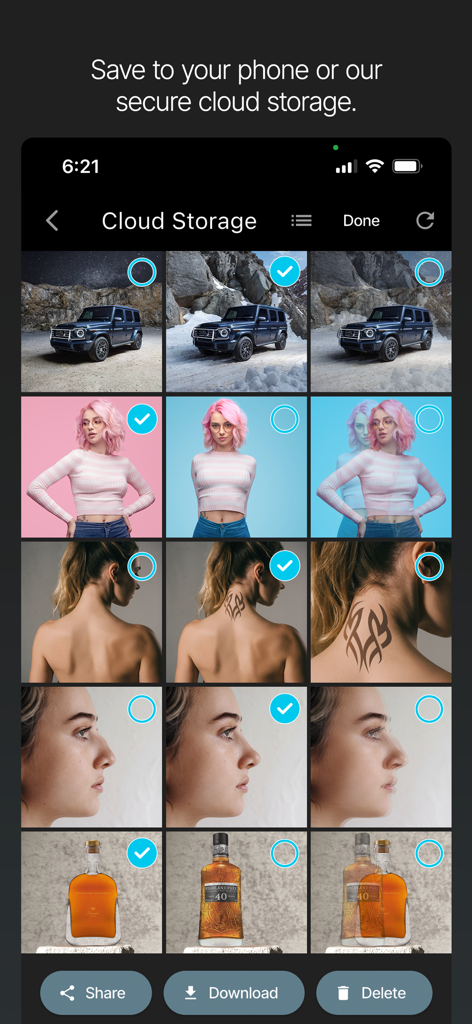
Camera Overlay for Business - A screen showing the secure cloud storage gallery in the Camera Overlay for Business app with organized professional photos

A screen showing the secure cloud storage gallery in the Camera Overlay for Business app with organized professional photos

Description

Overlay any photo as a guide and take consistent photos. 50 images of cloud storage included. Upgrade available for unlimited cloud storage. • New updated version • Camera Overlay is the ultimate app for anyone looking to take consistent and professional photos with their smartphone or tablet. It features an intuitive and easy-to-use interface, allowing users to take the perfect shot every time, without the need for professional photography skills or equipment. –– By providing consistent, high-quality photo results across multiple shots, Camera Overlay empowers its users to increase their sales and revenue through enhanced product listings, reduced returns and exchanges, and improved customer satisfaction. –– The key feature of Camera Overlay is its ghosted image overlay. This feature allows users to align new photos with previous shots, ensuring that every photo is taken using the same angle, zoom and layout. This is particularly useful for e-commerce sellers, Etsy shop owners, car dealerships, product photographers, bloggers and anyone looking to showcase products in a consistent and professional manner. Camera Overlay provides incredibly sharp and detailed images that are perfect for showcasing products on e-commerce websites and social media. This high resolution also allows for greater zoom capabilities, up to 6x, giving users even more control to capture incredible detail and create stunning images to showcase their products. Camera Overlay is also incredibly secure. The app does not collect any data, ensuring that users' information is kept safe and private. Additionally, the app does not feature any ads and its one-time purchase gives you lifetime access to new releases and updates for free. Camera Overlay's before-and-after testing feature is particularly useful for those looking to assess the transformation of a product, space, or design. NEW: Schedule multiple overlays at once when using cloud storage. NEW: The app includes 50 images of cloud storage at no extra cost. NEW: Unlimited storage is available as an optional subscription. An excellent choice for those who want to keep their work photos out of their phone. –– Do not clog your phone with patient or product photos –– Provide your patients with the privacy they deserve –– With unlimited storage you always have space for more hi-res photos Why wait? Download Camera Overlay today and start taking professional-quality product photos with ease. ——— By using this app, you agree to the Privacy Policy and Apple's Standard End User License Agreement: • Privacy Policy: https://www.cameraoverlay.com/privacy-policy • Apple's Standard End User License Agreement: https://www.apple.com/legal/internet-services/itunes/dev/stdeula

Download

Download on App Store

This page is not an official page of the app or its developer, but an independent editorial publication created for informational and commentary purposes. Unless expressly stated otherwise, neither the app nor its developer is affiliated with, endorsed by, sponsored by, authorized by, or otherwise officially connected with MWM, Apple, Google Play, the app publisher, or the app's developer, and nothing on this page implies that the app was developed using MWM's services. Any trademarks, logos, screenshots, and other content remain the property of their respective owners.








