
This page is not an official page of the app or its developer, but an independent editorial publication created for informational and commentary purposes. Unless expressly stated otherwise, neither the app nor its developer is affiliated with, endorsed by, sponsored by, authorized by, or otherwise officially connected with MWM, Apple, Google Play, the app publisher, or the app's developer, and nothing on this page implies that the app was developed using MWM's services. Any trademarks, logos, screenshots, and other content remain the property of their respective owners.


Cengage Read
The ultimate companion for the busy student. Access your Cengage eTextbooks anywhere, highlight key insights, and turn chapters into audiobooks with text-to-speech—even offline.
Downloads
725K+User Rating
Total Ratings
3K+Publisher
Category
EducationLocales
1Latest Version
1.1.1Size
43.6 MBFirst Released
Jan 4, 2023Study Smarter, Not Harder
Take your Cengage library with you and turn any moment into a productive study session with tools designed for the modern, on-the-go student.
Listen While You Move
Turn your textbook into a podcast with Text-to-Speech. Get through your reading list while commuting, at the gym, or between shifts.
Full Offline Access
Download your chapters ahead of time and study anywhere without burning through data or worrying about spotty campus WiFi.
Frequently Asked Questions
Everything you need to know about Cengage Read
What is the Cengage Read app?
The Cengage Read app allows students to read their eTextbooks and study on the go. It provides features for note-taking, highlighting, bookmarking, and text-to-speech, enhancing the digital learning experience.
Can I highlight text in the Cengage Read app?
Yes, the Cengage Read app allows users to highlight text directly within their eTextbooks. This feature is designed for easy studying and reviewing important information.
Can I take notes in the Cengage Read app?
Yes, the Cengage Read app supports note-taking. Users can post and review their notes, aiding in studying and information retention directly within their eTextbooks.
Does the Cengage Read app offer text-to-speech functionality?
Yes, the Cengage Read app includes text-to-speech functionality. This allows users to have the eTextbook text read aloud, supporting different learning styles and on-the-go studying.
How do I log into the Cengage Read app?
To access your eTextbooks, users must log in to the Cengage Read app using their Cengage username and password. This provides secure and personalized access to their digital content.
Can I manage my eTextbooks in Cengage Read?
Yes, the Cengage Read app allows users to manage their eTextbooks within a dedicated library section. Users can view all their eTextbooks and organize them effectively for easy access.
The following screenshots and description are sourced directly from the app's official store listing and are the property of the app developer.
App Store
Screenshots

A smiling college student representing the Cengage Read mobile app for digital textbooks
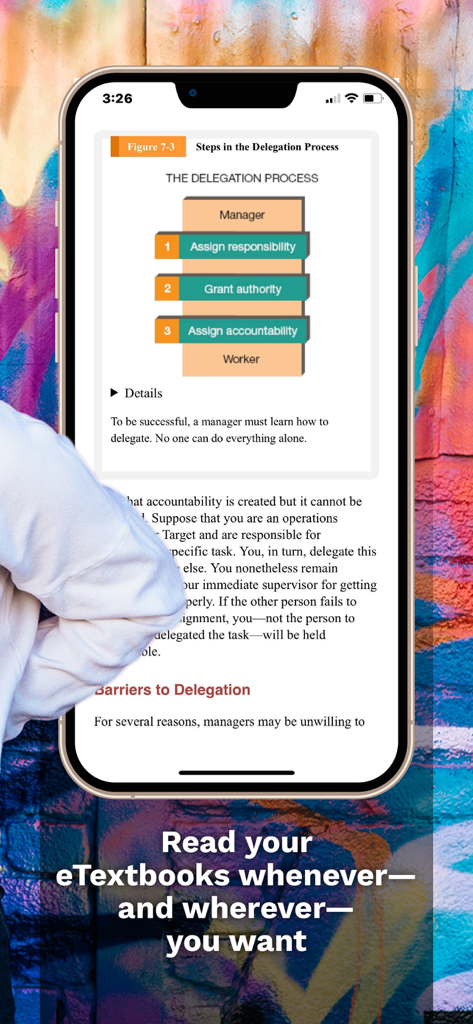
An iPhone displaying an eTextbook page about the delegation process within the Cengage Read mobile app
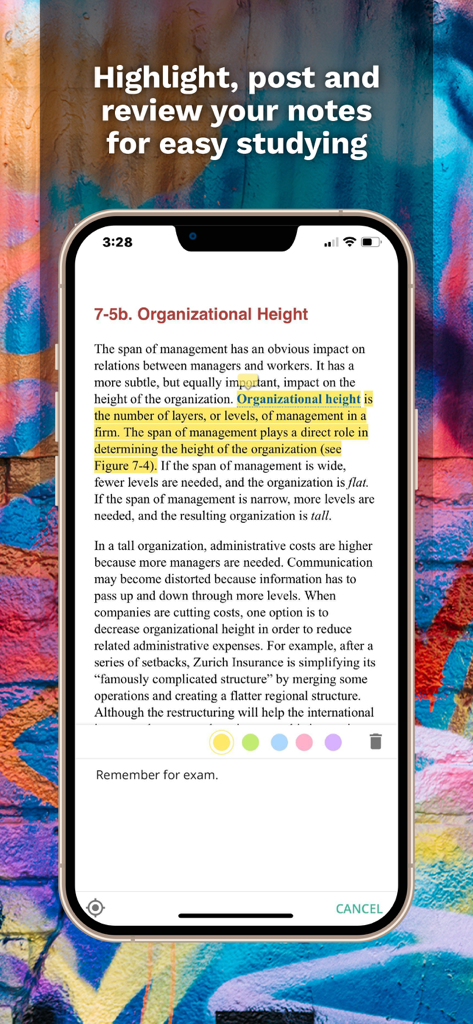
A mobile phone showing the Cengage Read app with highlighted textbook text and a note-taking feature.
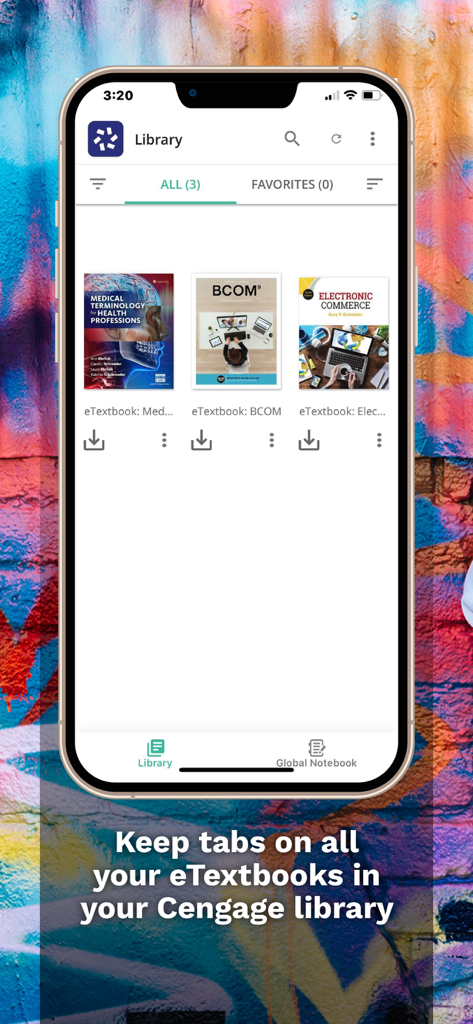
Cengage Read app showing a library of digital textbooks on a smartphone
Description
Download
More Like This
Apps with similar features and user experience

Pearson+ | Study Prep & eTexts
Pearson Education, Inc.

Biblia Reina Valera Santa 1960
Antonio Reis

Bookshelf
VitalSource Technologies LLC
ReadAnywhere
McGraw-Hill Higher Education
Elsevier eBooks on VitalSource
Elsevier Inc.

Perlego: Books & Textbooks
PERLEGO LIMITED

ClinicalKey Student Bookshelf
Elsevier Inc.

Tibetan Dictionary
Tim Lewis

Minha Biblioteca
Minha Biblioteca Ltda.
This page is not an official page of the app or its developer, but an independent editorial publication created for informational and commentary purposes. Unless expressly stated otherwise, neither the app nor its developer is affiliated with, endorsed by, sponsored by, authorized by, or otherwise officially connected with MWM, Apple, Google Play, the app publisher, or the app's developer, and nothing on this page implies that the app was developed using MWM's services. Any trademarks, logos, screenshots, and other content remain the property of their respective owners.