
This page is not an official page of the app or its developer, but an independent editorial publication created for informational and commentary purposes. Unless expressly stated otherwise, neither the app nor its developer is affiliated with, endorsed by, sponsored by, authorized by, or otherwise officially connected with MWM, Apple, Google Play, the app publisher, or the app's developer, and nothing on this page implies that the app was developed using MWM's services. Any trademarks, logos, screenshots, and other content remain the property of their respective owners.


CentMobile
Manage your Indian accounts, transfer funds via UPI, and grow your investments seamlessly from the USA.
Downloads
945K+User Rating
Total Ratings
2K+Publisher
Category
FinanceLocales
11Latest Version
7.25Size
124.5 MBFirst Released
Aug 11, 2023Your Indian Banking Bridge in the USA
Manage your Indian accounts, investments, and family remittances seamlessly from your smartphone, no matter where you are in the States.
Remote Account Management
Open Time Deposits, request cheque books, and submit essential tax forms like 15G/H without needing to visit an Indian branch.
Total Security & Card Control
Protect your assets from abroad by instantly freezing your debit cards, setting transaction limits, and managing your MPIN in real-time.
Frequently Asked Questions
Everything you need to know about CentMobile
How do customers register for the CentMobile banking application?
Customers register for CentMobile by downloading the app, accepting terms, entering CIF or account number, verifying via SMS, and setting up a user ID, MPIN, and TPIN. Mobile data must be active during registration.
What features does the CentMobile app offer before a user logs in?
CentMobile offers pre-login features including interest rates, Forex rates, missed call service, application for new accounts/loans, PAN-Aadhaar linking, ATM/Branch locator, and FAQs.
Can CentMobile users transfer funds to other banks?
Yes, CentMobile enables fund transfers to other banks through NEFT/IMPS. It also supports transfers to accounts within Central Bank of India and Quick Pay options.
How can users manage their Debit Card controls and limits within CentMobile?
CentMobile allows users to control their Debit Card by enabling/disabling it and setting daily limits for ATM withdrawals, POS, E-commerce, and Contactless payments.
Which types of bank accounts can customers access through the CentMobile application?
CentMobile users can access and view Savings Accounts, Current Accounts, and Fixed Deposit Accounts. The app displays available balances for these accounts, enhancing financial overview.
Can users apply for new banking services like loans or accounts directly through CentMobile?
Yes, CentMobile allows users to apply for new Savings Accounts, Retail Loans, Credit Cards, and Government Schemes from its pre-login section. Post-login, users can apply for Loans, Lockers, and new accounts.
Does the CentMobile application support UPI transactions?
Yes, CentMobile supports UPI transactions, including Scan and Pay, Pay to VPA (Virtual Payment Address), and Pay to Account & IFSC. This feature is available post-login for convenient payments.
How do users check their account balance using the CentMobile app?
Yes, users check their account balance on CentMobile post-login. The dashboard prominently displays the available balance for linked accounts, providing an immediate financial overview.
What security requirements must users follow when registering for CentMobile?
During CentMobile registration, only mobile data must be active, with Wi-Fi off. The SIM card registered with the bank must be present in the mobile phone for the verification SMS to proceed.
Is it possible to open or close a Fixed Deposit Account via CentMobile?
Yes, CentMobile users can open or close a Time Deposit Account directly through the application once they are logged in. This feature is part of the comprehensive post-login services offered.
The following screenshots and description are sourced directly from the app's official store listing and are the property of the app developer.
App Store
Screenshots
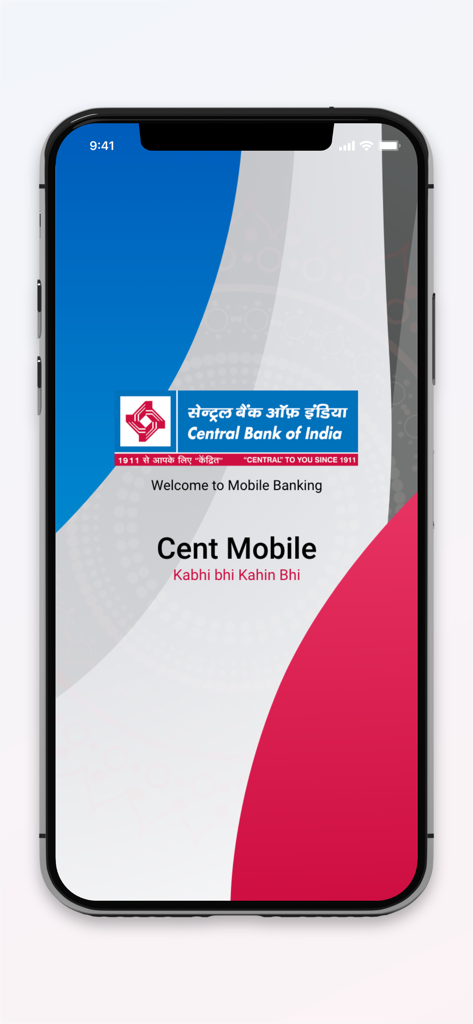
Welcome screen of the CentMobile mobile banking app from Central Bank of India
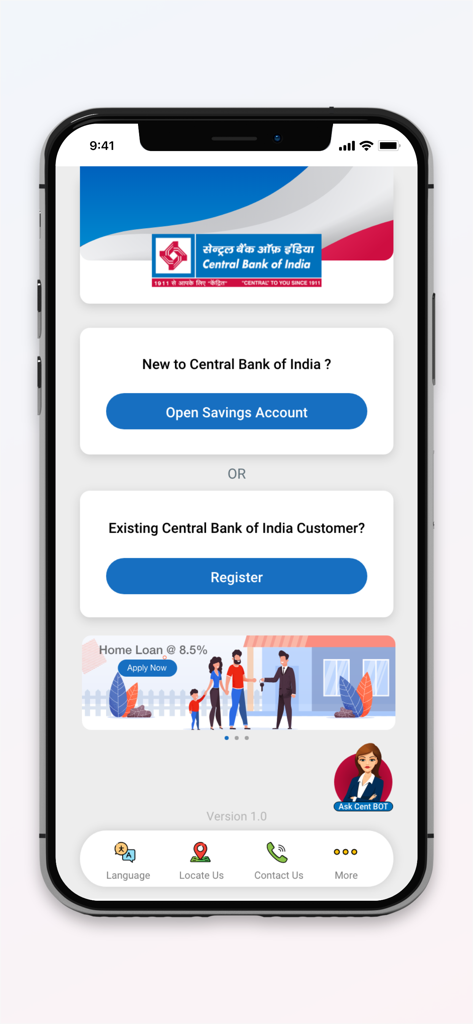
CentMobile app welcome screen with registration and savings account opening options
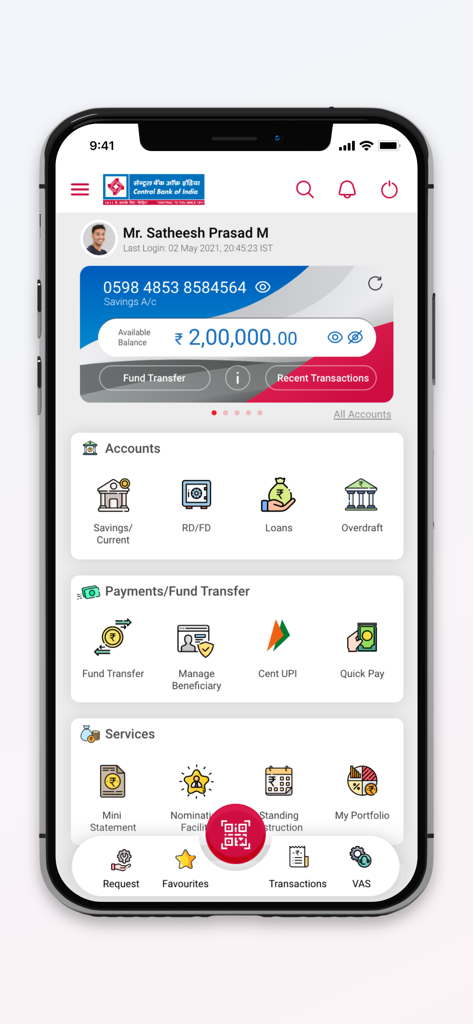
CentMobile banking app dashboard showing account balance and menu options
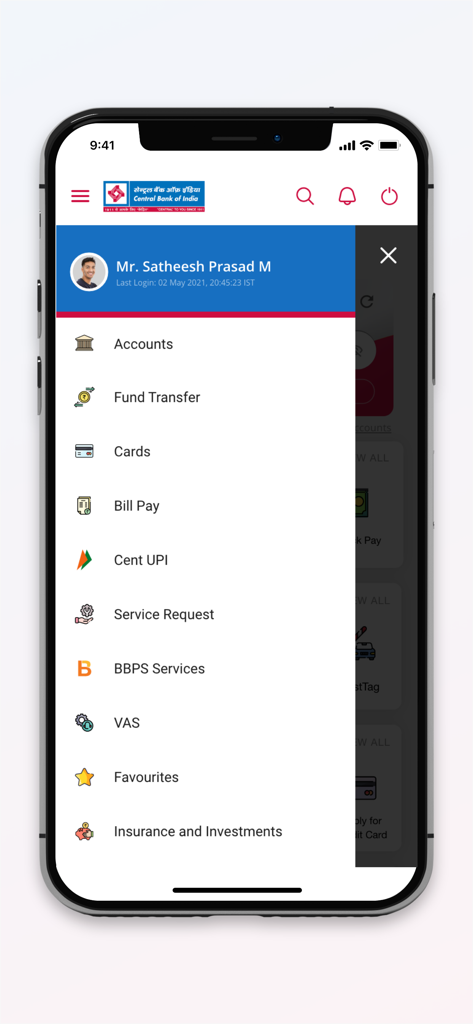
CentMobile app navigation menu displaying banking services like fund transfer and accounts
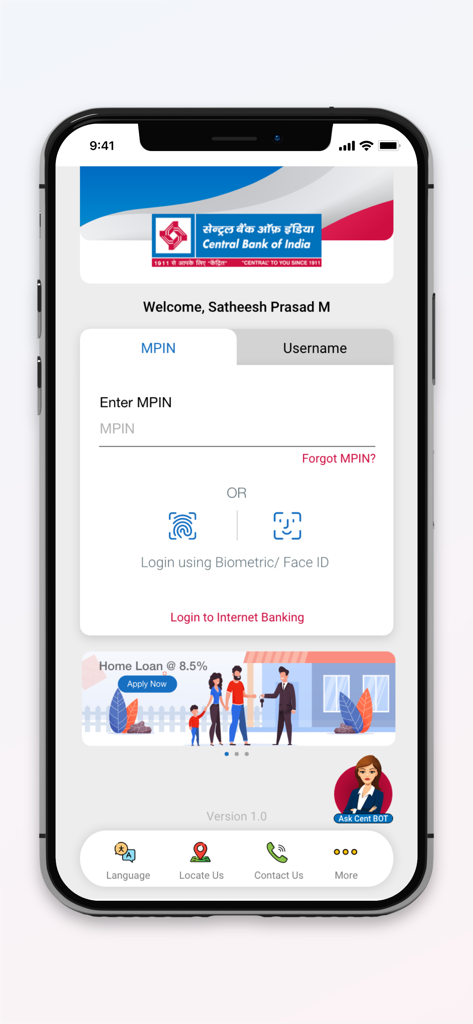
Login screen of CentMobile app with MPIN and biometric authentication options
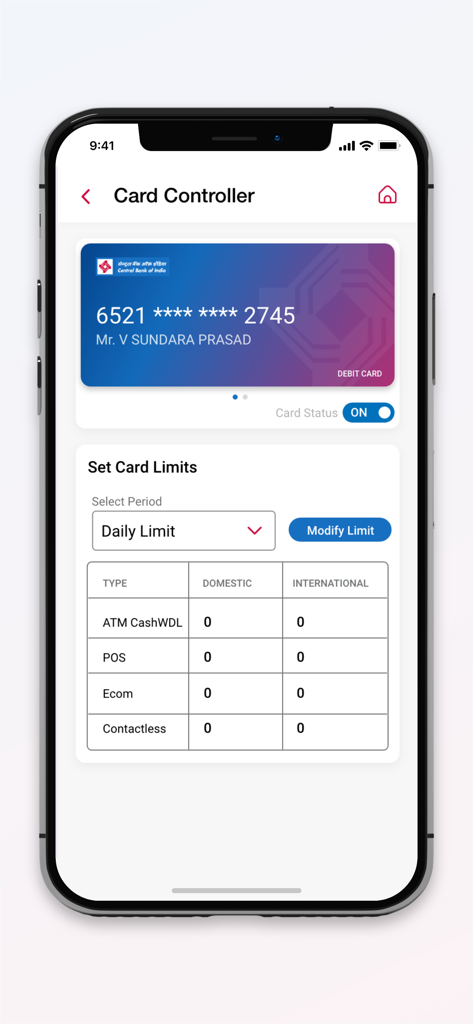
CentMobile app screen showing debit card status toggle and transaction limit settings for ATM and POS
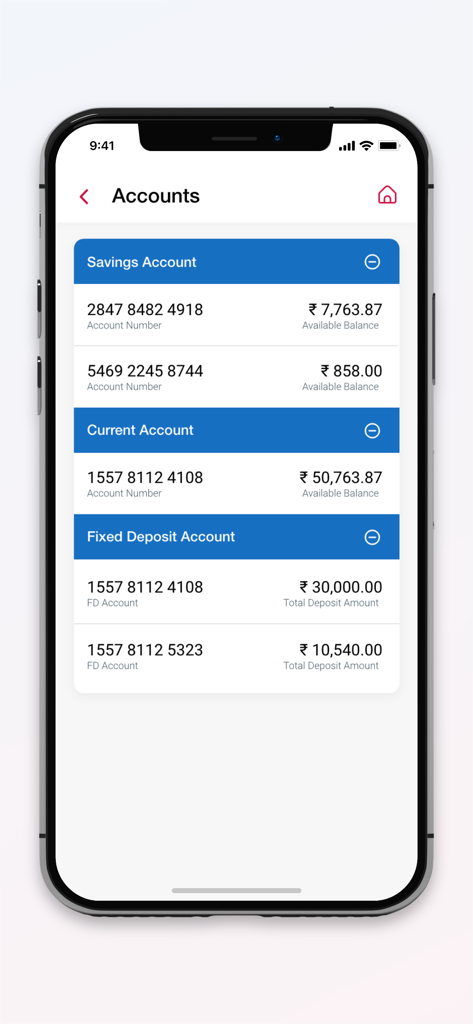
Screenshot of CentMobile app showing multiple bank account types and balances.
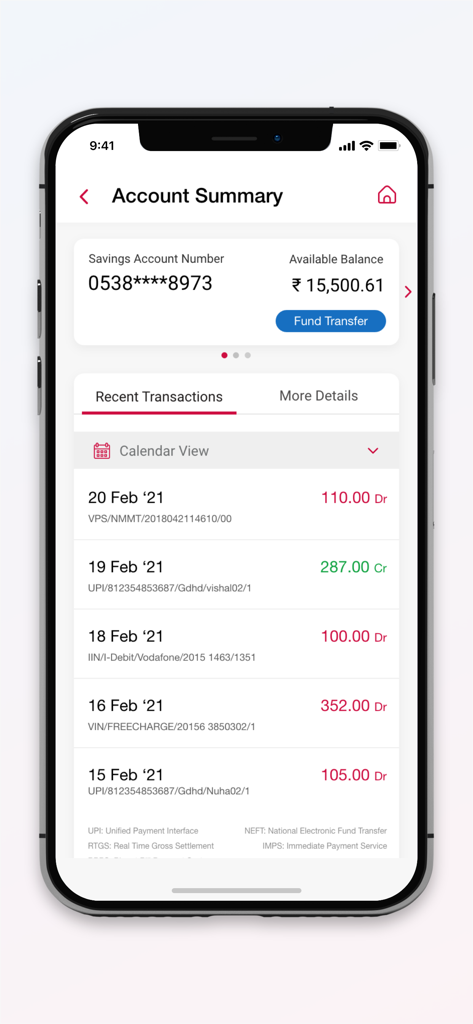
CentMobile app account summary screen showing savings balance and recent transactions list
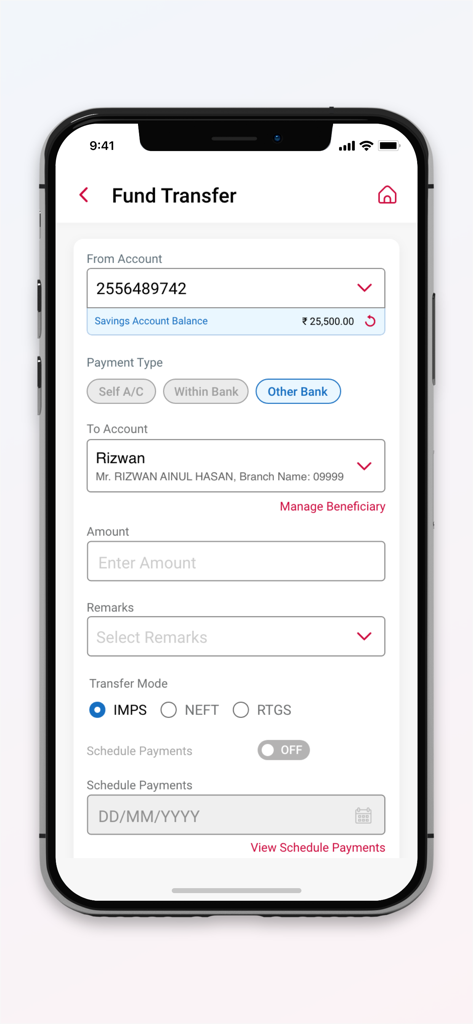
CentMobile app fund transfer interface showing account and payment details
Description
Download
More Like This
Apps with similar features and user experience

Enpara Bank Cep Şube
Enpara Bank Anonim Sirketi

Alinma App - تطبيق الإنماء
Alinma Bank

Huntington Mobile Banking
The Huntington National Bank, Inc

Riyad Bank App
Riyad Bank

國泰世華網路銀行CUBE
Cathay United Bank

中國信託行動銀行
CTBC Bank Co., Ltd.

FNB Banking App
FirstRand Bank Limited

CIMB OCTO MY
CIMB Bank Berhad

Regions Mobile
Regions Financial
This page is not an official page of the app or its developer, but an independent editorial publication created for informational and commentary purposes. Unless expressly stated otherwise, neither the app nor its developer is affiliated with, endorsed by, sponsored by, authorized by, or otherwise officially connected with MWM, Apple, Google Play, the app publisher, or the app's developer, and nothing on this page implies that the app was developed using MWM's services. Any trademarks, logos, screenshots, and other content remain the property of their respective owners.