Chapters

Chapters

Download on App Store
Logo of Chapters

Chapters: Write and Edit Professional eBooks Anywhere

The simple, powerful ePub editor for authors and indie creators. Craft your manuscript, manage metadata, and sync seamlessly across your iPhone, iPad, and Mac.

Download on App Store

Publisher

Two-Byte Software Inc.

Category

Productivity

Downloads

200

User Rating

1.0/5

Total Ratings

0

Locales

1

A Glimpse Inside

Discover the interface used by 200 users.
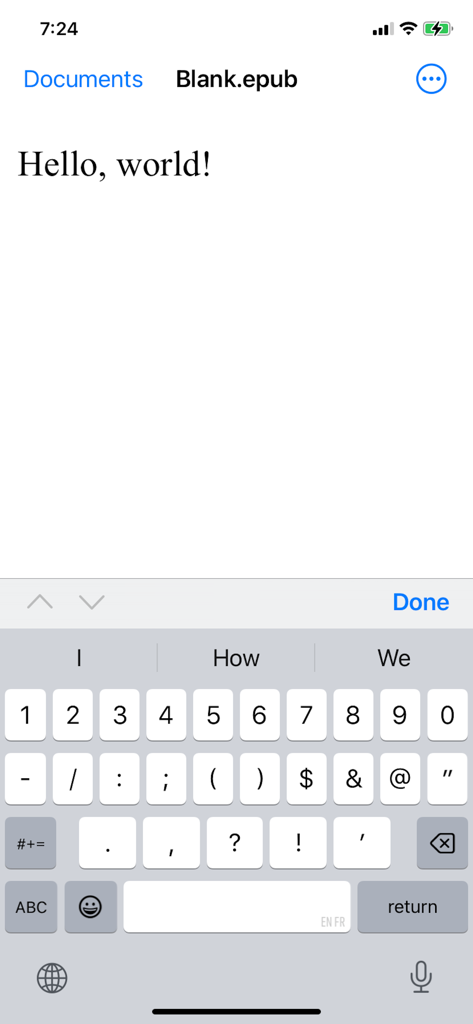
The Chapters app interface on iPhone displaying a text editor for an ePub file

The Chapters app interface on iPhone displaying a text editor for an ePub file

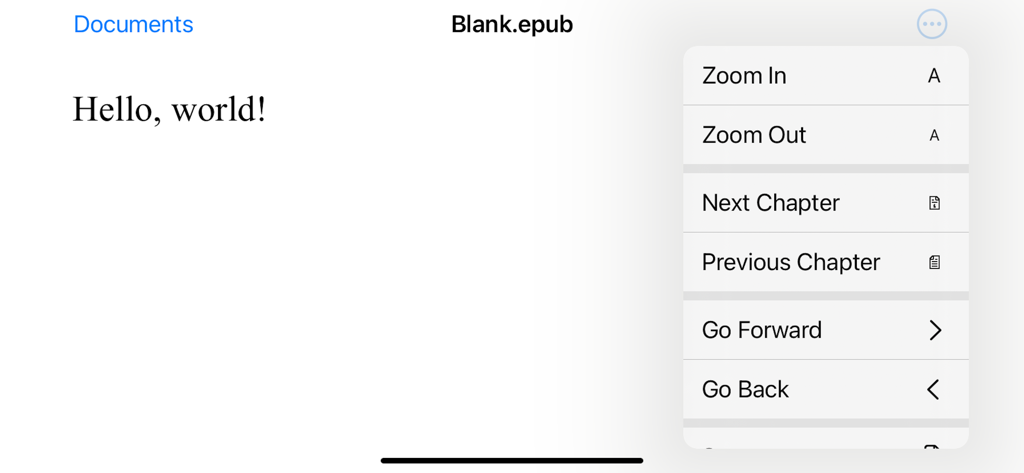
Screenshot of the Chapters app showing a document titled Blank epub with an open navigation menu featuring zoom and chapter controls.

Screenshot of the Chapters app showing a document titled Blank epub with an open navigation menu featuring zoom and chapter controls.

Turn Your Manuscript Into a Professional Ebook

The tools that make this app stand out, trusted by 200 users.

☁️

Sync Your Creative Flow

Edit on your iPhone during your commute and finish on your Mac. iCloud integration ensures your progress is saved automatically across every device.

✍️

Intuitive Visual Editing

Forget complex code or HTML. Format your text, manage Table of Contents, and adjust layouts with a clean interface designed for focused writing.

📖

Publish-Ready Standards

Produce high-quality, reflowable ePubs that look perfect on any screen. Easily add custom cover art and metadata to give your work a professional edge.

About the app

Everything you need to know about Chapters.

Description

Chapters can create new ePub documents and open existing ePub files for editing. ePub is the most widely adopted file format for ebooks. ePub files reflow their content for comfortable reading on screen of any size from smartphones to desktops. Each document's content zipped into a single file for maximum portability. It is an open and vendor-independent file format based on popular web standards, such as HTML and CSS. With Chapters, you can ▪ Open existing files and create new ePub documents ▪ View an entire document in vertical scroll view ▪ Pinch to zoom and smart zoom with double-tap ▪ Edit and format document’s text ▪ Save your changes back to the file ▪ Use Table of Contents to jump ahead (on Mac only at the moment) ▪ Print and export to PDF (on Mac only at the moment) ▪ Add cover image and modify metadata (on Mac only at the moment) Chapters also supports ▪ iCloud Drive for keeping documents in sync on all your devices ▪ Autosaving automatically saves changes in background while you are editing ▪ Unlimited undo and redo as you edit ▪ Browsing previous changes and restoring them ▪ Resume your work right where you left off once app launches ▪ Side by side multitasking with another app in full screen split view on Mac and iPad ▪ Sharing documents with others via Messages, Mail and AirDrop If you encounter a bug or app crashing, please contact app’s support at chapters@shaw.ca Thank you!

Latest Version

1.2

Size

1.1 MB

First Released

Dec 11, 2014

Ready to Publish Your Masterpiece?

Join thousands of indie creators today. Download Chapters and start crafting professional ePub files seamlessly across your iPhone, iPad, and Mac.

Download on App Store

App information, icons, screenshots, and descriptions displayed on this page are sourced from the Apple App Store and are the property of their respective developers. Download estimates and rankings are based on MWM's proprietary models and may not reflect actual figures. This page is provided for informational and analytical purposes only.

Believe this page infringes your intellectual property? File a dispute