
This page is not an official page of the app or its developer, but an independent editorial publication created for informational and commentary purposes. Unless expressly stated otherwise, neither the app nor its developer is affiliated with, endorsed by, sponsored by, authorized by, or otherwise officially connected with MWM, Apple, Google Play, the app publisher, or the app's developer, and nothing on this page implies that the app was developed using MWM's services. Any trademarks, logos, screenshots, and other content remain the property of their respective owners.


Cisco Jabber
Empower your hybrid workforce with secure instant messaging, high-quality video calling, and visual voicemail—seamlessly integrated across iPhone, iPad, and Apple Watch.
Downloads
3M+User Rating
Total Ratings
6K+Publisher
Category
BusinessLocales
21Latest Version
15.2.0Size
153.4 MBFirst Released
Sep 30, 2011Professional Collaboration Anywhere
Bring your entire office communication suite to your iPhone, iPad, and Apple Watch with secure, enterprise-grade tools built for the modern hybrid workforce.
Your Office Phone, Mobile
Maintain professional boundaries by making and receiving calls using your business extension, ensuring your personal mobile number remains private.
Instant Presence & Messaging
View real-time availability of your colleagues and start secure instant messages or group chats to resolve questions in seconds.
Frequently Asked Questions
Everything you need to know about Cisco Jabber
What is Cisco Jabber for iPhone and iPad?
Cisco Jabber for iPhone and iPad is a collaboration application. It offers presence, instant messaging, voice, voice messaging, and video calling capabilities on Apple iPhone, iPad, and Apple Watch devices.
What are the core communication features of Cisco Jabber?
Yes, Cisco Jabber supports integrated voice, high-quality video, instant messaging, presence, and visual voicemail. It also allows one-tap escalation to Cisco WebEx Meetings.
What are the operating system requirements for Cisco Jabber?
Cisco Jabber for iPhone and iPad is supported on iOS 18 and iPadOS 18. Users can check Apple's support guides for compatible iPhone and iPad models.
Does Cisco Jabber support video calling on iPhone and iPad?
Yes, Cisco Jabber facilitates video calling. The application integrates high-quality video capabilities and shows active video calls, as seen in the user interface.
Can I send instant messages with Cisco Jabber?
Yes, Cisco Jabber allows instant messaging. Users can send and receive messages, manage chat conversations, and attach media within the application.
Can I escalate a Jabber call to a WebEx meeting?
Yes, Cisco Jabber enables one-tap escalation of calls into multi-party conferencing with Cisco WebEx Meetings, cross-launching the WebEx Meetings application.
Does Cisco Jabber include a 'Do Not Disturb' feature?
Yes, Cisco Jabber offers a 'Set Do Not Disturb' option. This feature is accessible from the 'Me' profile screen within the application.
Is Cisco Jabber compatible with Apple Watch?
Yes, Cisco Jabber for iPhone and iPad supports Apple Watch. This capability extends its collaboration features to the wearable device.
Can I view and join meetings through the Cisco Jabber app?
Yes, Cisco Jabber shows a list of scheduled meetings. Users can view meeting details and join active meetings directly from the 'Meetings' tab.
What is required for Cisco Jabber to connect to Cisco Unified Communications Manager?
Administrators must enable correct Cisco Jabber for iPhone and iPad configurations when connecting to Cisco Unified Communications Manager to ensure proper connectivity and feature availability.
The following screenshots and description are sourced directly from the app's official store listing and are the property of the app developer.
App Store
Screenshots
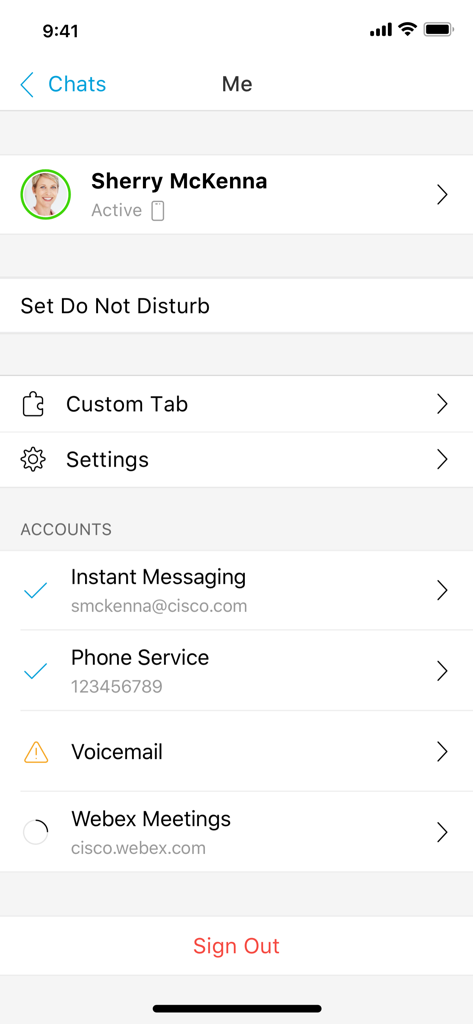
Cisco Jabber app user profile and account connection status screen
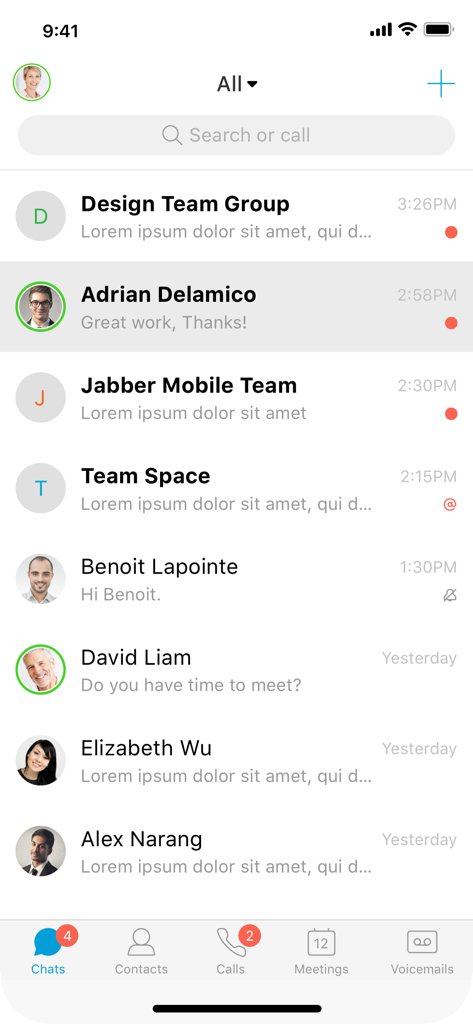
Cisco Jabber mobile app showing a list of chat messages
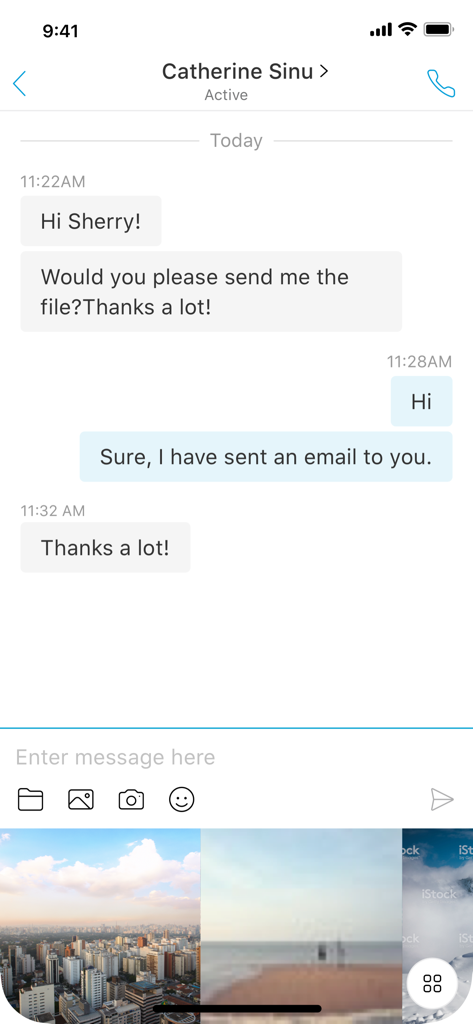
Cisco Jabber mobile app chat screen showing instant messaging and photo sharing gallery
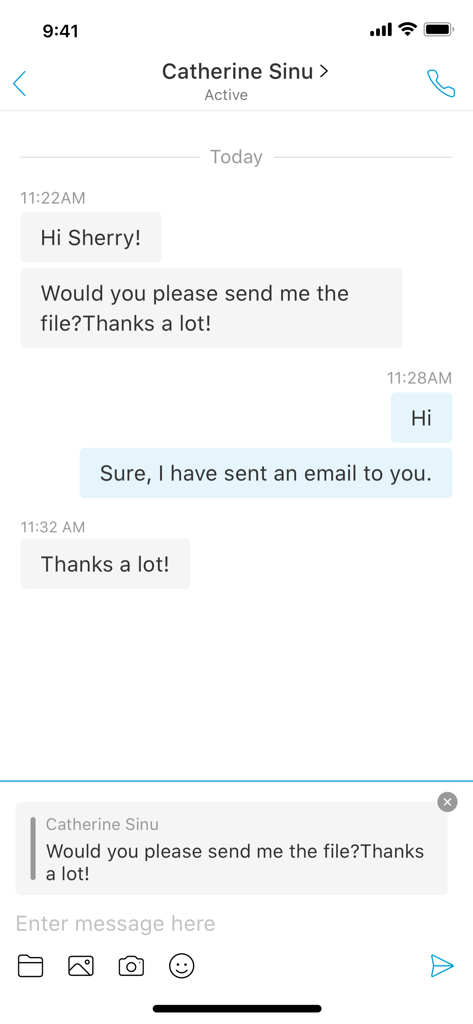
Cisco Jabber mobile app screen showing a professional instant messaging chat on an iPhone
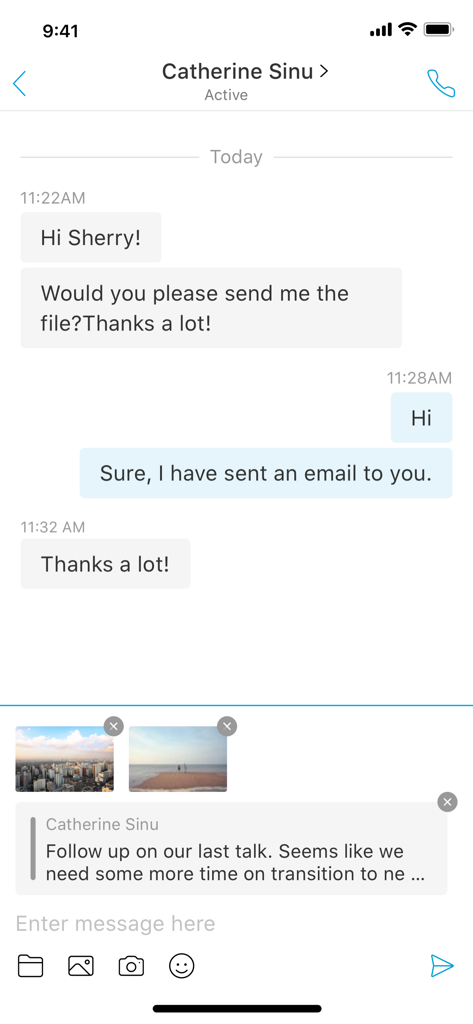
Cisco Jabber interface showing a professional instant messaging conversation with image attachments
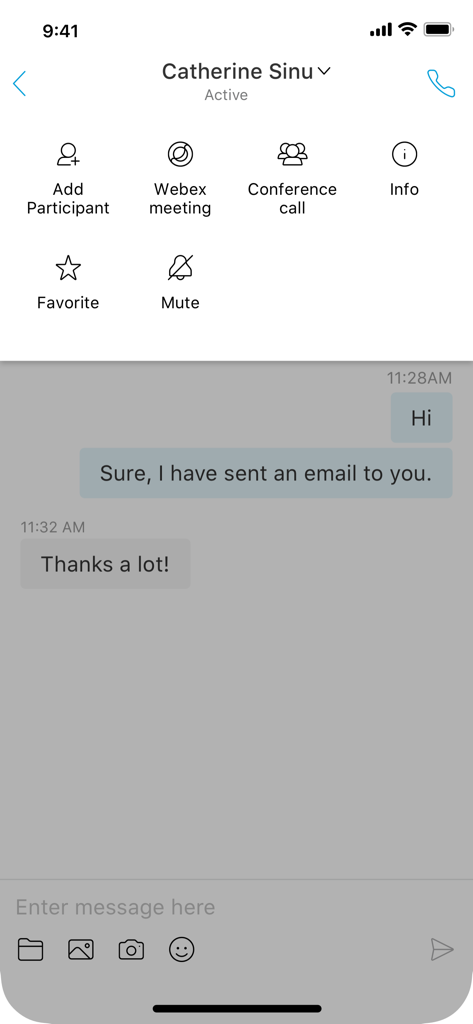
Interface of the Cisco Jabber app showing a professional chat conversation with integrated collaboration tools like Webex and conference calling.
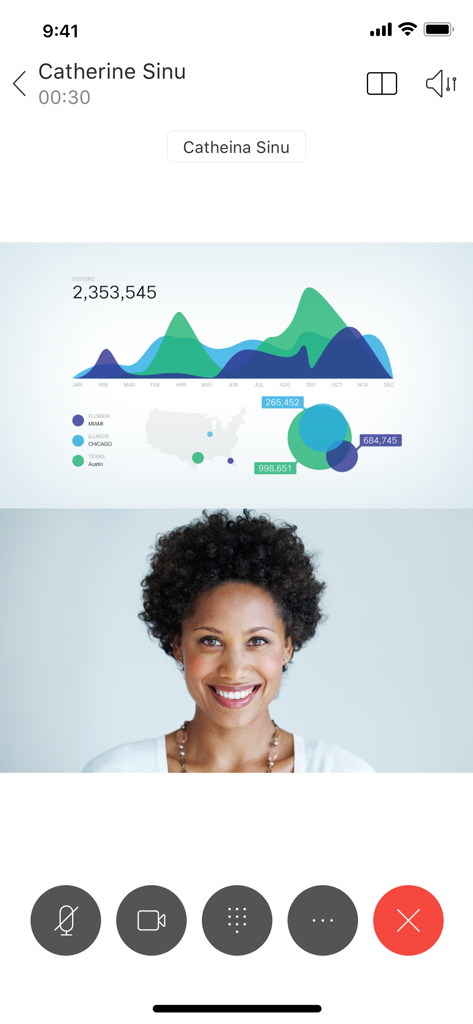
A Cisco Jabber video call screen featuring a professional woman and a shared data presentation
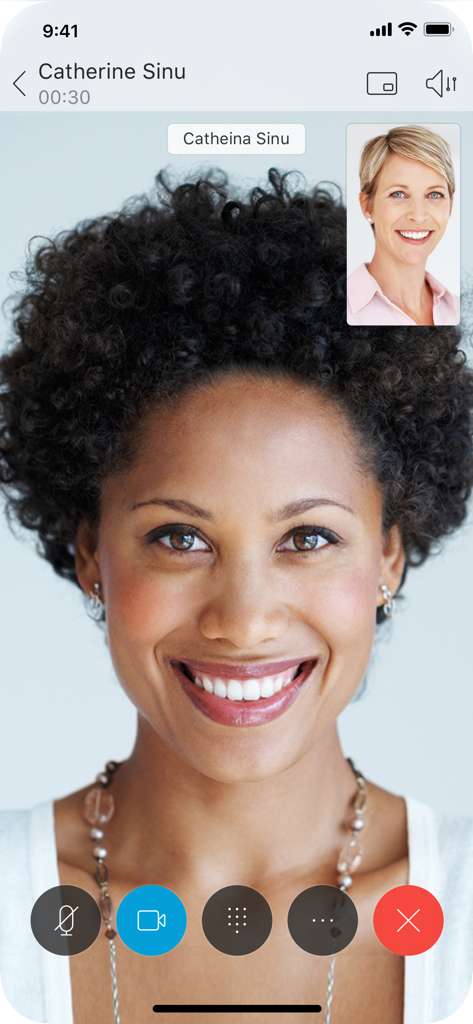
A high quality video call interface on the Cisco Jabber mobile app showing two professional women smiling.
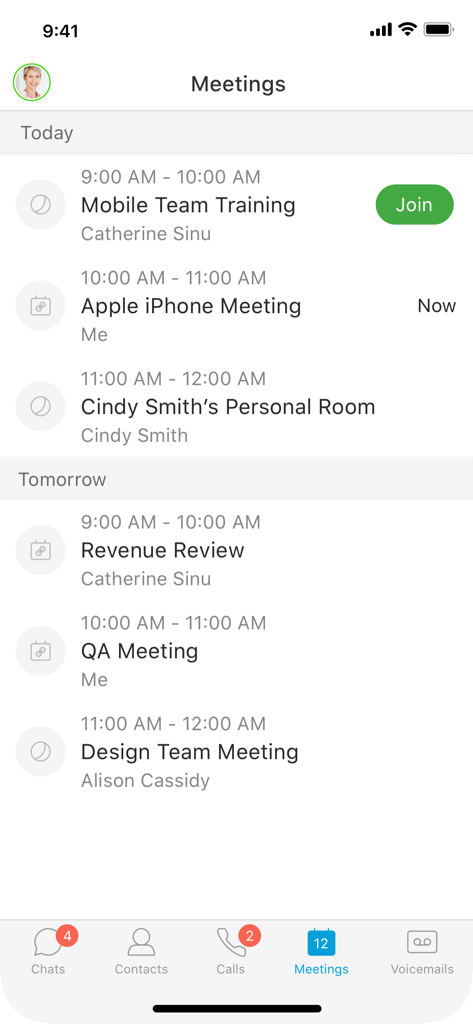
Cisco Jabber meetings screen showing a list of scheduled corporate calls and training sessions
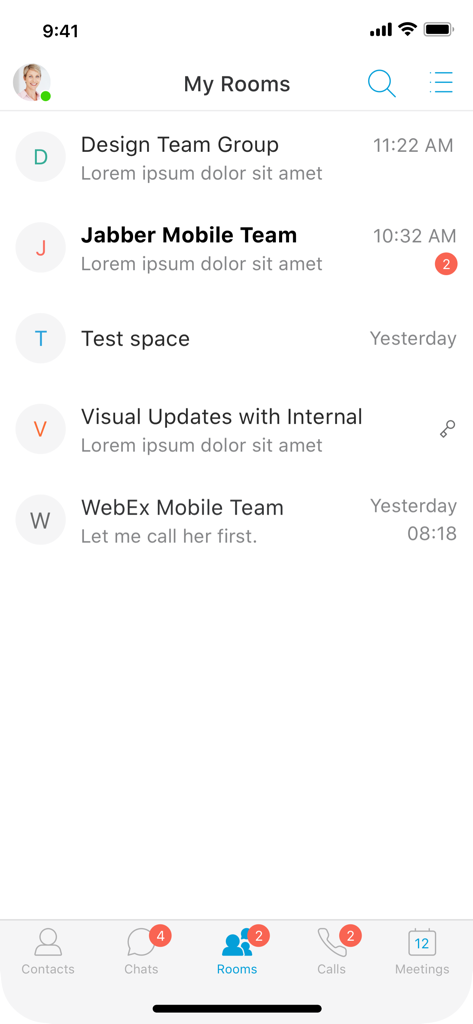
Cisco Jabber mobile app showing the My Rooms chat group list interface
Description
Download
More Like This
Apps with similar features and user experience

Dialpad
Dialpad, Inc.

Bria Enterprise
CounterPath Corporation

Bria Mobile: VoIP Softphone
CounterPath Corporation

Bria - VoIP Softphone
CounterPath Corporation

Groundwire: VoIP SIP Softphone
Acrobits

Mango Talker
MANGO TELEKOM, OOO

3CX
3CX

Zoiper Lite voip soft phone
Securax

Talkyto - Twilio Calls & SMS
WEB rjesenja d.o.o.
This page is not an official page of the app or its developer, but an independent editorial publication created for informational and commentary purposes. Unless expressly stated otherwise, neither the app nor its developer is affiliated with, endorsed by, sponsored by, authorized by, or otherwise officially connected with MWM, Apple, Google Play, the app publisher, or the app's developer, and nothing on this page implies that the app was developed using MWM's services. Any trademarks, logos, screenshots, and other content remain the property of their respective owners.